
In this article, I'll go over the 10 best invoice management solutions in the UAE in 2026, covering their features, pricing, and pros and cons so you can make the right decision based on your use case.
TL;DR
- Pemo offers the best invoice management software in the UAE with its AI-powered invoice capture, end-to-end approval workflows, and direct accounting sync.
- Tools like Zoho Invoice, QuickBooks Online, Xero, and FreshBooks are ideal for SMEs that want billing and full accounting bundled in one cloud platform.
- On the other hand, Wafeq, Tally Prime, BILL, Tipalti, and Spendesk can help you with FTA-compliant e-invoicing, deep UAE bookkeeping, and global accounts payable automation.
What are the best invoice management platforms in the UAE in 2026?
The best invoice management solution on the market in the UAE is Pemo with its AI capture, approval flows, and direct accounting sync.
Here are the 10 best invoice management solutions in the UAE in 2026 from my research on 25+ platforms:
#1: Pemo
Pemo offers the best invoice management software in the UAE with its AI-powered bill capture, automated approval workflows, and live cash flow visibility tied directly to your accounting stack.
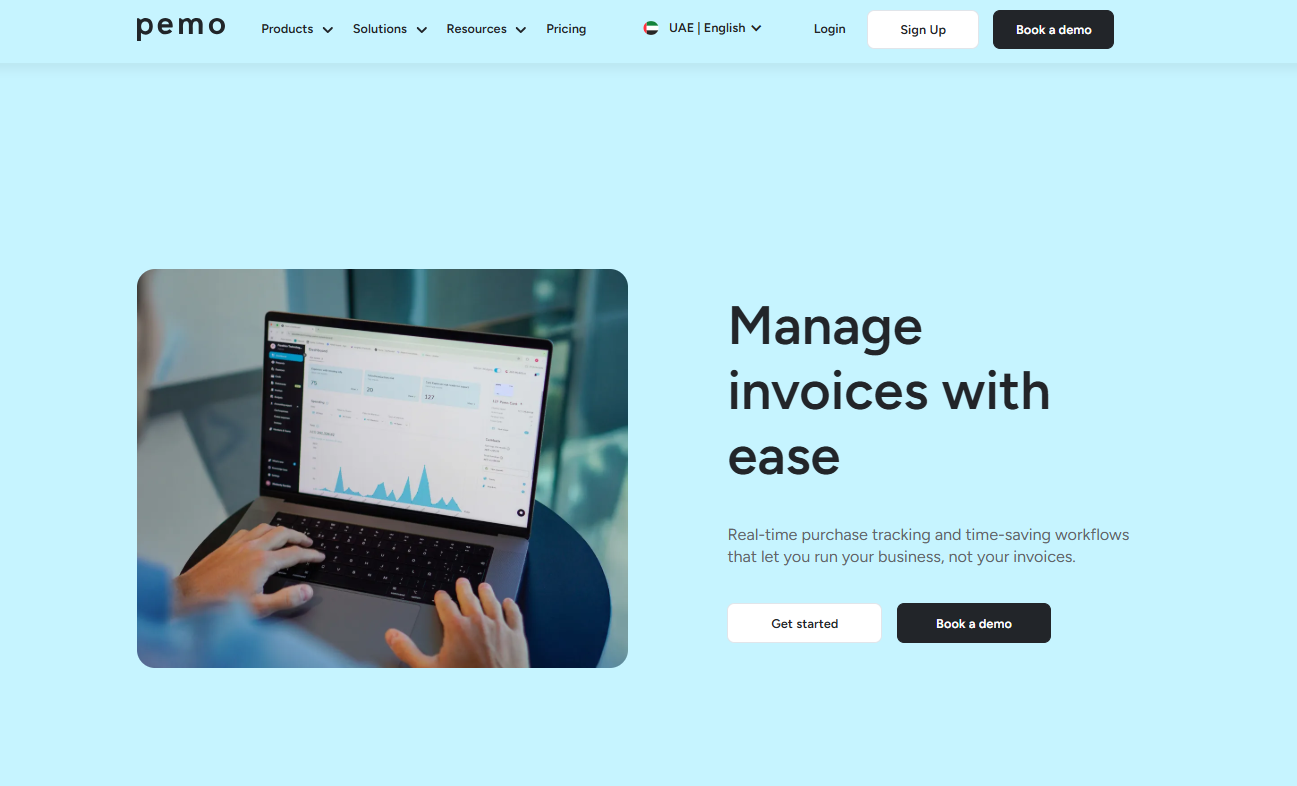
Full disclosure: Even though Pemo is our platform, I'll give you an honest look at why we believe Pemo is the best invoice management software in 2026.
Most invoice management tools in the UAE fall into one of two camps.
You've got traditional accounting software that tacks invoicing onto a bookkeeping system, and you've got dedicated billing tools that handle either receivables or payables, but rarely both well.
However, we took a different route with Pemo for businesses in MENA.
We built around the actual flow finance teams work through every week:
- An invoice arrives.
- Someone captures the data.
- It gets routed for approval and paid.
- Your cash position updates automatically, and the books sync.
Each of those steps lives in one platform, tied to corporate cards, so vendor spend and invoice payments sit together rather than in multiple tools.
Let's go through the features that make Pemo the best invoice management software in the UAE: 👇
Capture Invoices Without Manual Data Entry
Vendor bills land in finance teams from every direction.
Email, WhatsApp, paper copies handed over by employees, and PDFs forwarded from procurement.
Pemo gives you one place to collect them all.
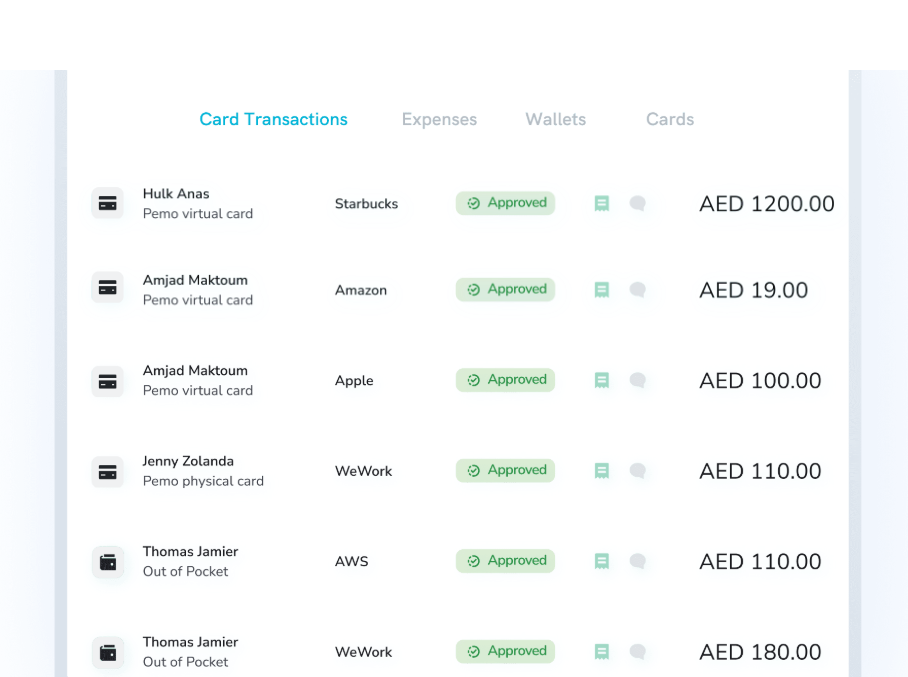
When a vendor sends you a PDF, you forward the email to your dedicated Pemo address, and the invoice is in your dashboard within seconds.
Our AI-powered OCR pulls out vendor name, amount, VAT treatment, and due date automatically.
Build Approval Workflows With Full Audit Trails
Approvals are where invoice processes usually break.
A bill arrives, it gets emailed to a manager, the manager forwards it to someone else, and three weeks later, finance is still chasing a signature.
We’ve seen it: late fees pile up, and vendors get annoyed.
Pemo lets you set up approval workflows that mirror exactly how your business actually approves spend:
- Single-approver flows for routine bills.
- Multi-step flows for invoices over a certain threshold.
- Department-specific routes so the right people see what they need to see, and only what they need to see.

That last bit matters more than people realize.
When approvers only get notified about invoices that genuinely need their attention, we’ve noticed that response times drop, and inbox fatigue stops being the bottleneck.
The whole audit trail then sits in one place: who approved what, when, and any comments they left.
That's particularly useful for FTA reviews, internal audits, and any time someone asks why a particular invoice was paid.
See Cash Flow Live And Plan Ahead
You can manage invoices brilliantly. But if you don't know what's hitting your bank account next Tuesday, you're still flying blind.
Pemo puts your company's financial pulse on the same dashboard where you're approving bills.
You can see exactly what cash is coming in, what's going out, and what's queued up for payment over the coming weeks.
Upcoming payments stop being a surprise. They're visible in advance, so you can plan around them.

Sync Every Invoice Straight To Your Books
Once an invoice is approved and paid, the next chore is recording it in your accounting software.
Pemo handles that for you.
We integrate directly with the accounting platforms UAE teams actually use.
That includes QuickBooks, Xero, and Zoho Books on the cloud side, plus Wafeq, Tally, and Microsoft Dynamics 365 for regional and ERP stacks.
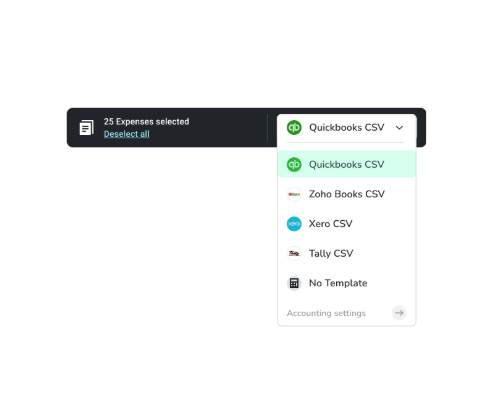
Approved invoices flow straight into your chart of accounts with the right vendor, the right category, and the right VAT treatment.
Pemo Copilot, our AI categorisation engine, learns from your past entries.
That means accuracy climbs as it sees more of your invoices, and most teams retire their manual categorisation process within a few weeks of switching.
What sets Pemo apart from other invoice management solutions?
Three things set Pemo apart from other invoice management solutions on the market:
- Pemo handles invoices and corporate cards on the same platform.
Most invoice tools stop at paying the vendor, and most card platforms don't touch bills at all.
Pemo does both, which means vendor spend and card spend reconcile against the same ledger with no switching between tools.
- Pemo is designed for how UAE finance actually runs: VAT, AED rails, FTA audit trails, and direct Wafeq and Tally integration are baked in from the start rather than adapted from a global platform that happens to support the region.
- Pemo Copilot replaces the rules engines that other platforms ask you to build.
Instead of setting up categorization rules vendor by vendor, our Copilot learns from your existing entries and gets more accurate the longer it runs.
That's the difference between a tool that automates what you tell it to and a tool that automates what you actually do.
Pemo's Pricing
Pemo has a free Kickoff plan for up to 2 card users that includes invoice capture, approval workflows, accounting integrations, and unlimited virtual cards.
To unlock advanced features, you'd move to one of our 2 paid plans:
- Essential: Starts from AED 29/month per card user. Adds custom approval workflows, advanced analytics, cashback on online ad spend, and integration with major accounting platforms.
- Business+: Custom pricing starting from 20 card users. Adds priority support, a dedicated CSM, custom onboarding, and enhanced cashback rates.

Want to see how Pemo handles your current invoice volume?
You can book a demo or sign up for free to see why 10,000+ companies in the MENA region trust us.
Pemo's Pros and Cons
✅ AI-powered invoice capture with email forwarding.
✅ Custom multi-step approval workflows with full audit trails for every transaction.
✅ Live cash flow visibility and upcoming payment forecasting.
✅ Direct sync with QuickBooks, Xero, Zoho Books, Wafeq, and Tally.
✅ Free plan for up to 2 card users.
❌ Wallet top-ups need bank transfers and aren't available on weekends.
#2: Zoho Invoice
Best for: Freelancers and small businesses that need free, professional invoicing.
Similar to: FreshBooks, Wave.
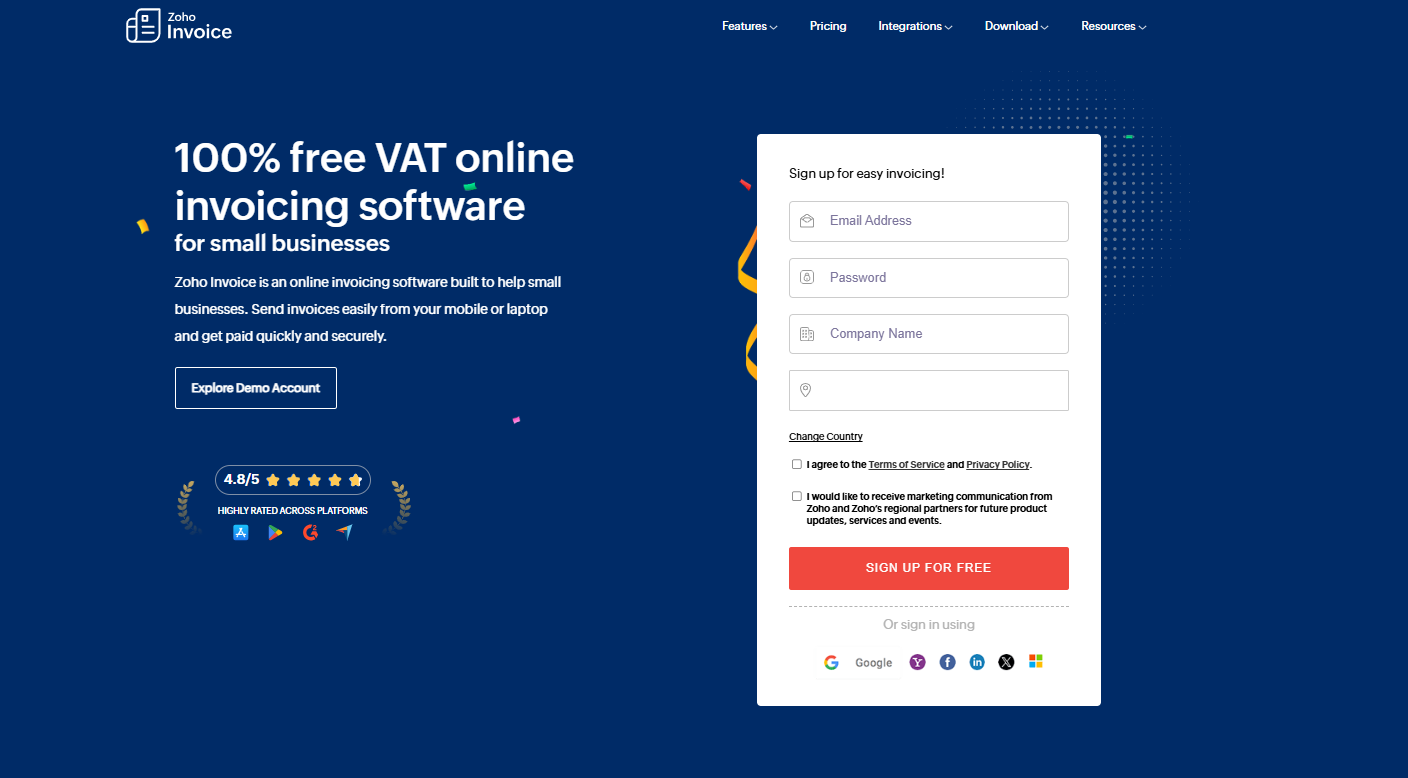
For freelancers and solopreneurs who need nothing more than clean, tax-compliant invoices, Zoho Invoice is hard to beat on price. The tool costs nothing, indefinitely.
It's also part of the broader Zoho ecosystem, so you can plug it into Zoho Books, CRM, or Inventory if you grow into the suite later.
Features
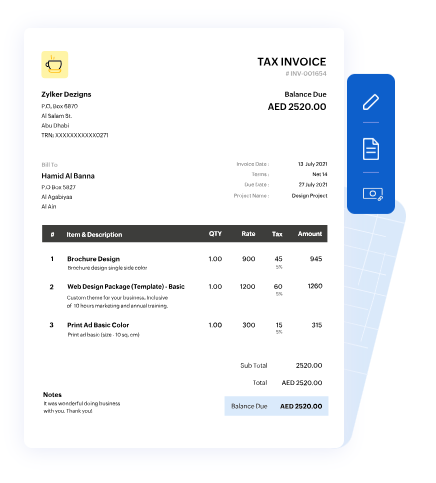
- Custom invoice templates: Pick from professionally designed templates or build your own with logo, brand colours, and layout choices that fit how you want your business to look.
- Automated payment reminders: Set up gentle nudges that go out automatically before and after the due date, which has a real effect on collection times.
- Time and expense tracking: Log billable hours and expenses against projects, then convert them to invoices in a couple of clicks.
- Client portal: Customers can view their invoices, pay online, and download statements without you sending anything manually.
Pricing
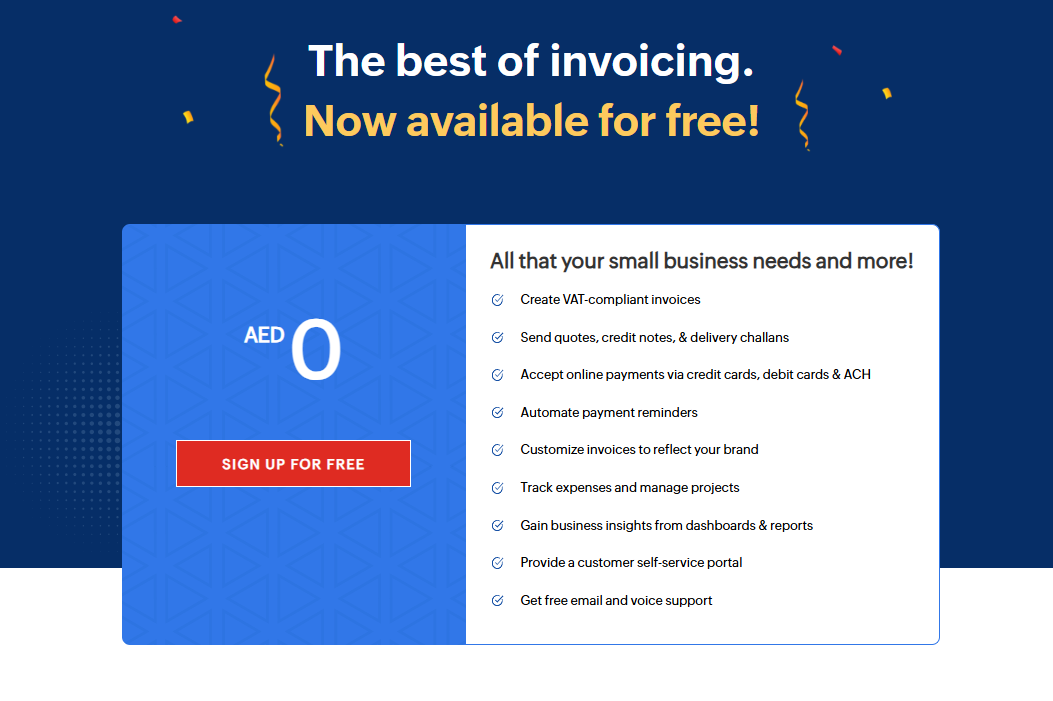
Zoho Invoice is free forever, with no contracts or hidden fees, although there are usage caps that we couldn’t independently confirm.
Pros and Cons
✅ Truly free, no asterisk attached.
✅ Easy to set up. Most users get going within an afternoon.
✅ Solid mobile app for invoicing on the go.
❌ Some people are looking for alternatives to Zoho Invoice due to the cap on how many invoices can be made annually.
#3: Wafeq
Best for: UAE and KSA SMEs that want native e-invoicing approved by the FTA.
Similar to: Zoho Books, QuickBooks Online.
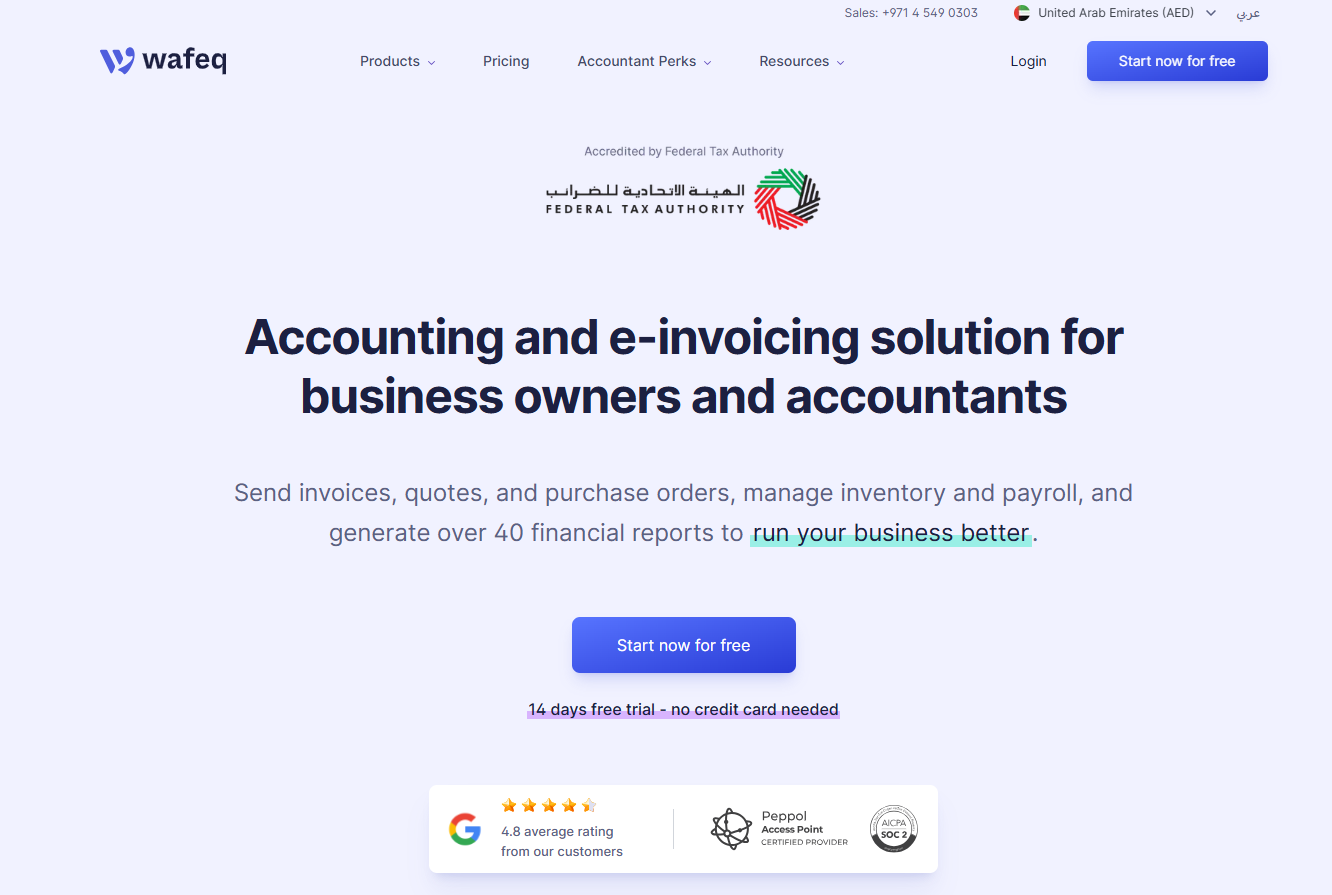
Built in the region for the region, Wafeq handles cloud accounting and e-invoicing with UAE and Saudi tax rules baked in from the first screen.
One system covers invoicing, VAT, purchases, payroll, and expense claims.
Features
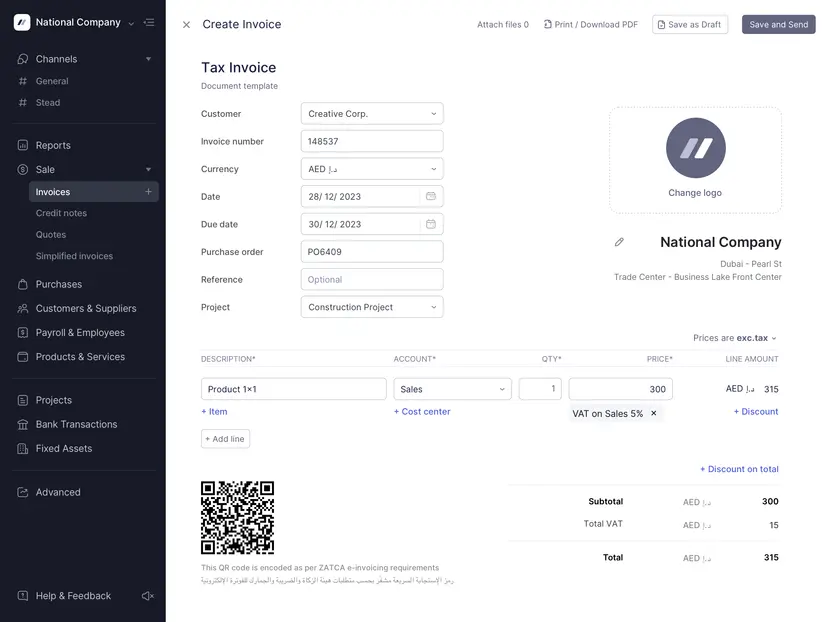
- FTA-approved e-invoicing: Generate invoices that comply with UAE FTA requirements out of the box, including TRN handling and VAT breakdowns.
- Automated VAT returns: The system pulls VAT data from your invoices and prepares returns ready for filing, so tax season stops being a panic.
- Multi-entity consolidation: Generate consolidated income statements across multiple companies in any currency, available on the Premium tier.
- Wio Bank integration: Direct sync with Wio Business accounts pulls bank transactions into Wafeq automatically for live reconciliation.
Pricing
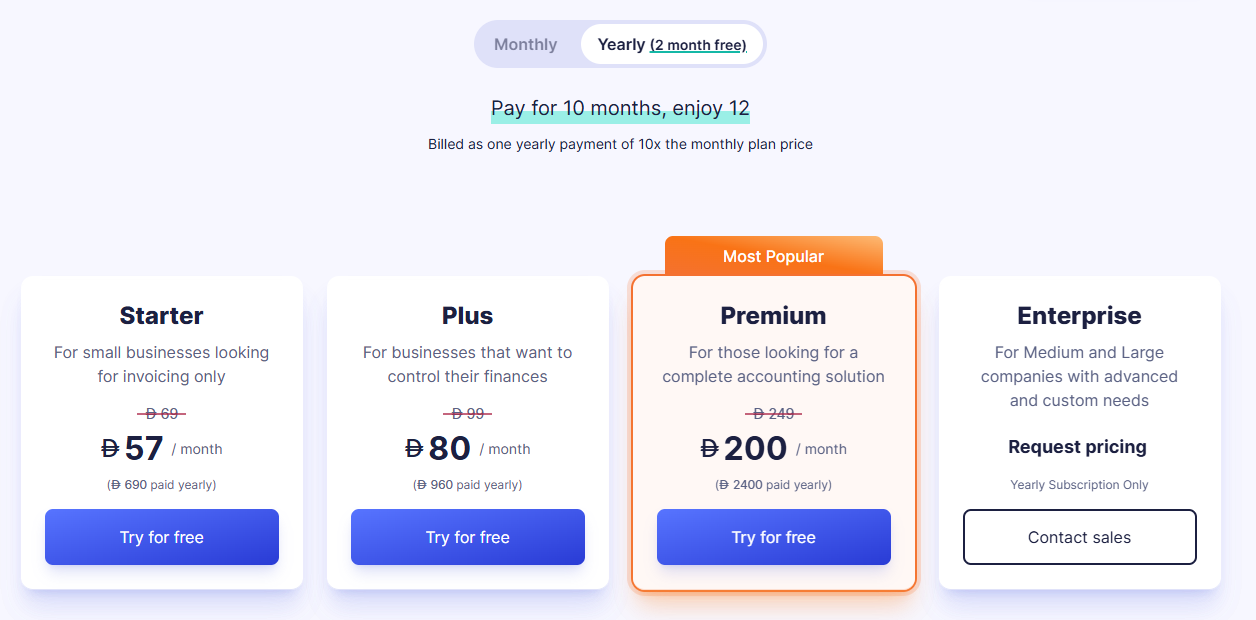
Wafeq has 4 plans, with annual billing offering a discount over monthly pricing:
- Starter: From AED 57/month for invoicing and core bookkeeping.
- Plus: From AED 80/month, which adds recurring invoices, bulk emailing, and branch management.
- Premium: From AED 200/month, adding payroll, employee expense claims, inventory, and consolidated reporting.
- Enterprise: Custom pricing for larger organisations.
Pros and Cons
✅ Built for the UAE and KSA markets from day one, with native VAT and e-invoicing.
✅ Arabic and English user interface.
✅ Affordable entry price compared to most global cloud accounting tools.
❌ Smaller integration ecosystem than some of the other large vendors on the market.
#4: QuickBooks Online
Best for: SMEs that need full cloud accounting alongside invoicing.
Similar to: Xero, Zoho Books.
QuickBooks Online is the global heavyweight in cloud accounting, and it has a deep user base across the UAE.
The platform combines invoicing, expense tracking, bank reconciliation, and reporting in one interface.
Features
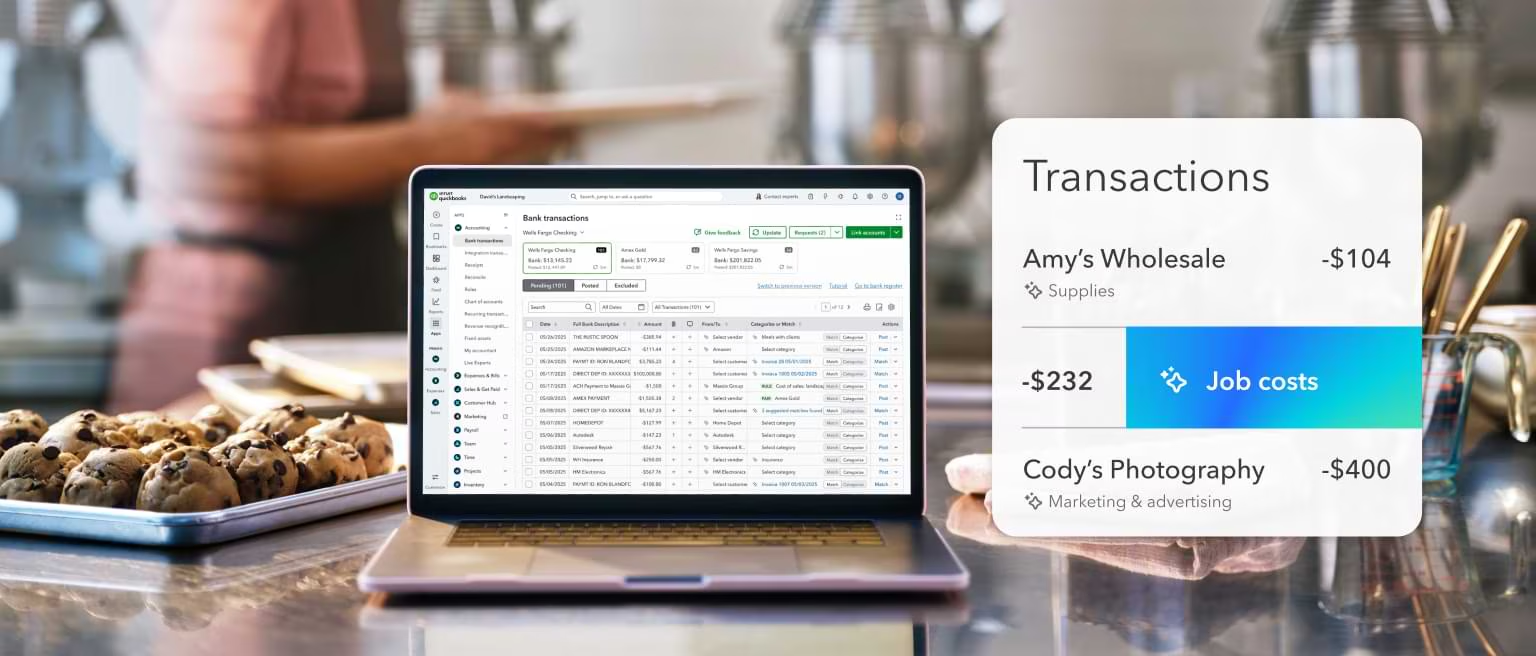
- Intuit Assist (Gen AI): Built-in assistant that lets you ask finance questions in plain language and offloads routine tasks like transaction categorisation and reconciliation.
- Custom invoice creation: Build branded invoices, add Pay Now links, and accept credit card or bank payments directly through the invoice.
- Multi-currency support: Available on Plus and Advanced tiers, which matters if you bill clients in USD, EUR, or GBP from the UAE.
- Wide app marketplace: Hundreds of integrations including PayPal, Square, Shopify, and Dext for pre-accounting capture.
Pricing
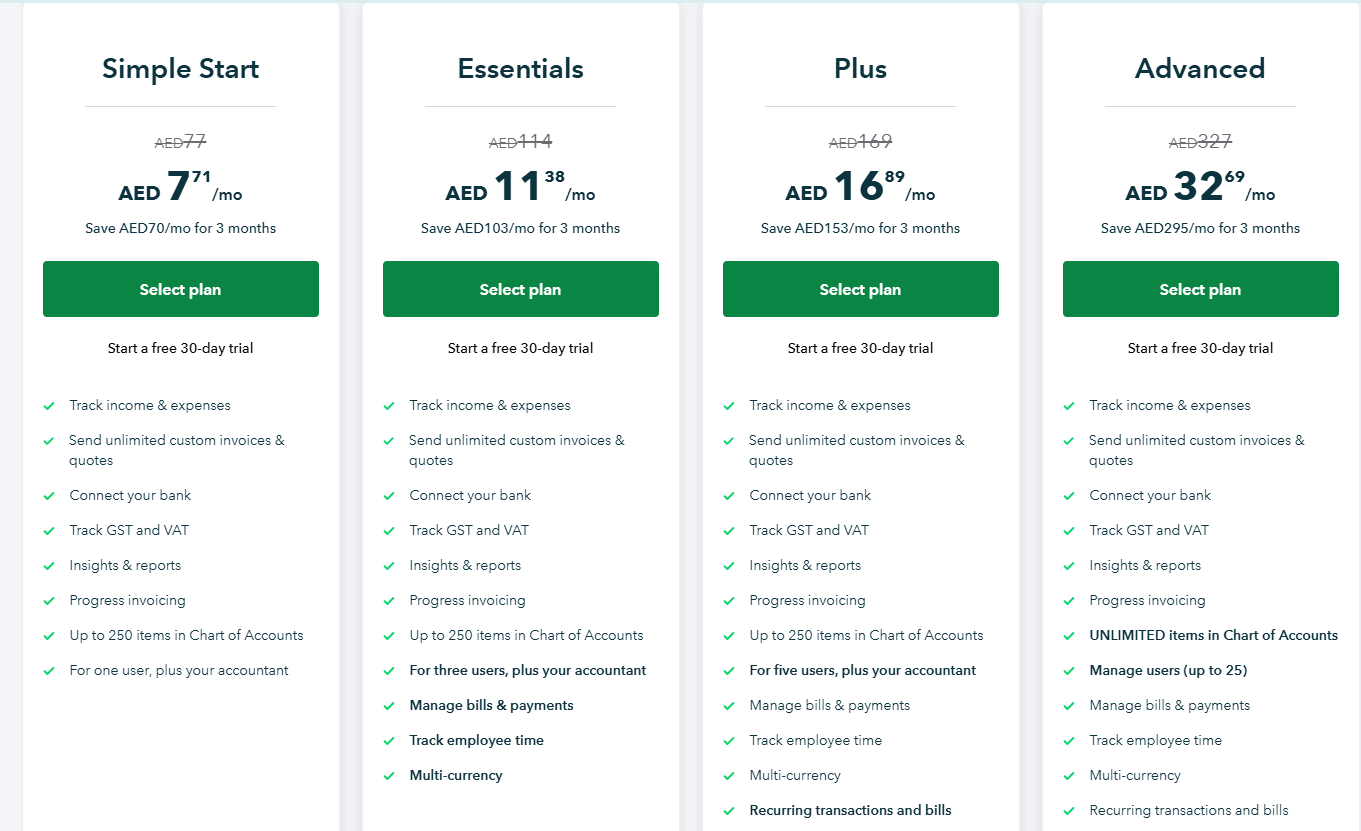
QuickBooks Online has 4 paid plans with UAE regional pricing, though billing is processed in USD:
- Simple Start: AED 77/month, which lets you track income and expenses, send unlimited custom invoices and quotes, and connect your bank.
- Essentials: AED 114/month for up to 3 users, adding employee time tracking and bill and payment management.
- Plus: AED 169/month for up to 5 users, adding recurring transactions and bills, inventory tracking, and budget management.
- Advanced: AED 327/month for up to 25 users, with unlimited chart of accounts items, classes, locations, Excel data sync, and workflow automation.
Pros and Cons
✅ Mature platform with a large network of UAE-based QuickBooks-certified accountants.
✅ Large integration ecosystem with 800+ third-party apps.
✅ Strong AI capabilities through Intuit Assist on higher tiers.
❌ Some advanced features can feel less intuitive and require extra time to navigate, according to one user on G2.
#5: Xero
Best for: Growing teams that want unlimited users and multi-currency billing.
Similar to: QuickBooks Online, FreshBooks.
Xero is a cloud accounting platform that's gained ground in the UAE for one big reason: every plan includes unlimited users.
That makes a real difference for teams where finance, owners, and external accountants all need access to the same data without stacking per-seat fees.
Features
- Unlimited users on all plans: No per-seat fees as your team grows. A 10-person finance org costs the same as a 2-person one.
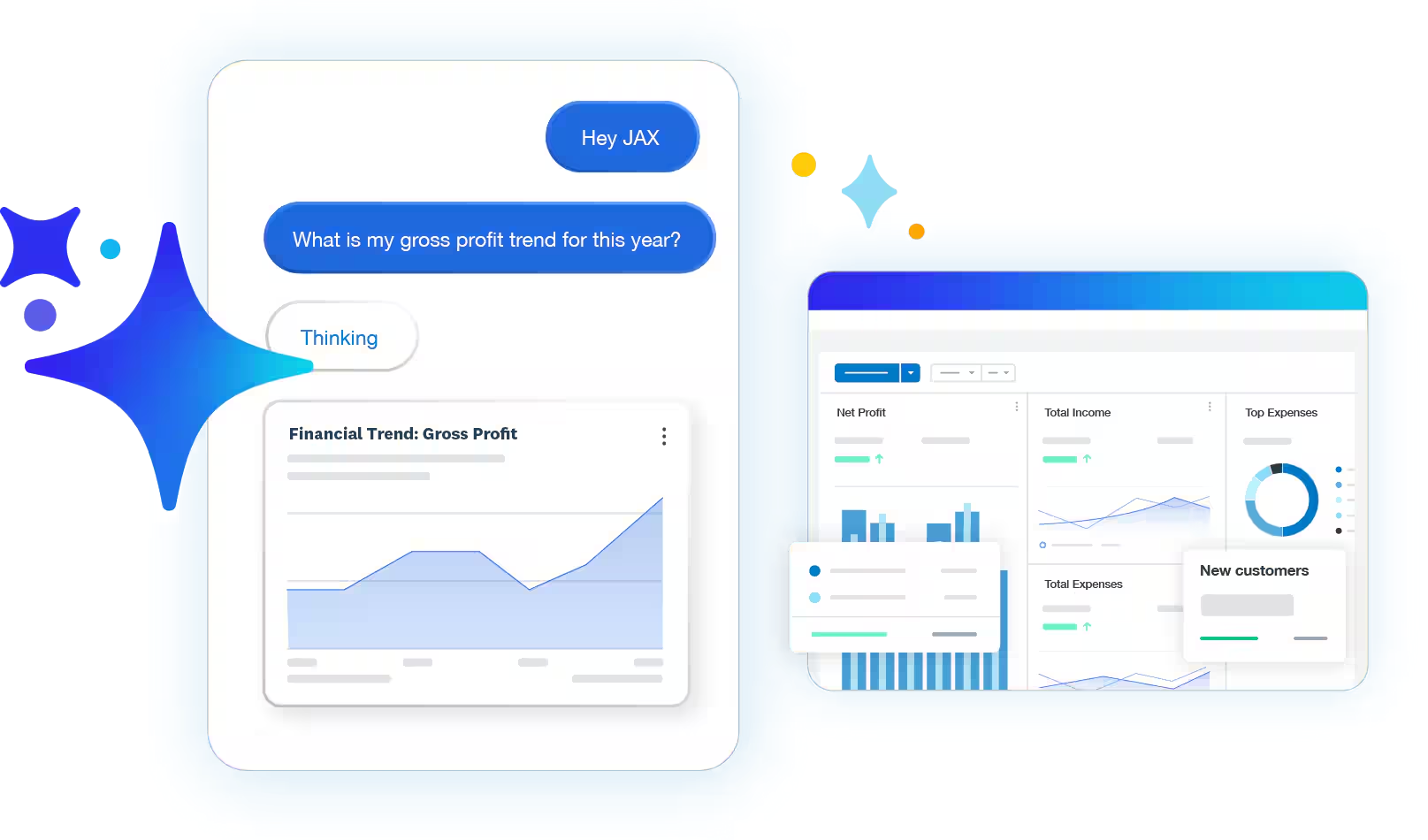
- AI-assisted bank reconciliation: The reconciliation engine matches most transactions on its own and leaves edge cases for the accountant to review.
- Hubdoc receipt and bill capture: Included in every plan, Hubdoc extracts data from photographed receipts and pulls bills from supplier portals.
- 1,000+ app integrations: Including Stripe, Shopify, and most major payroll providers.
Pricing
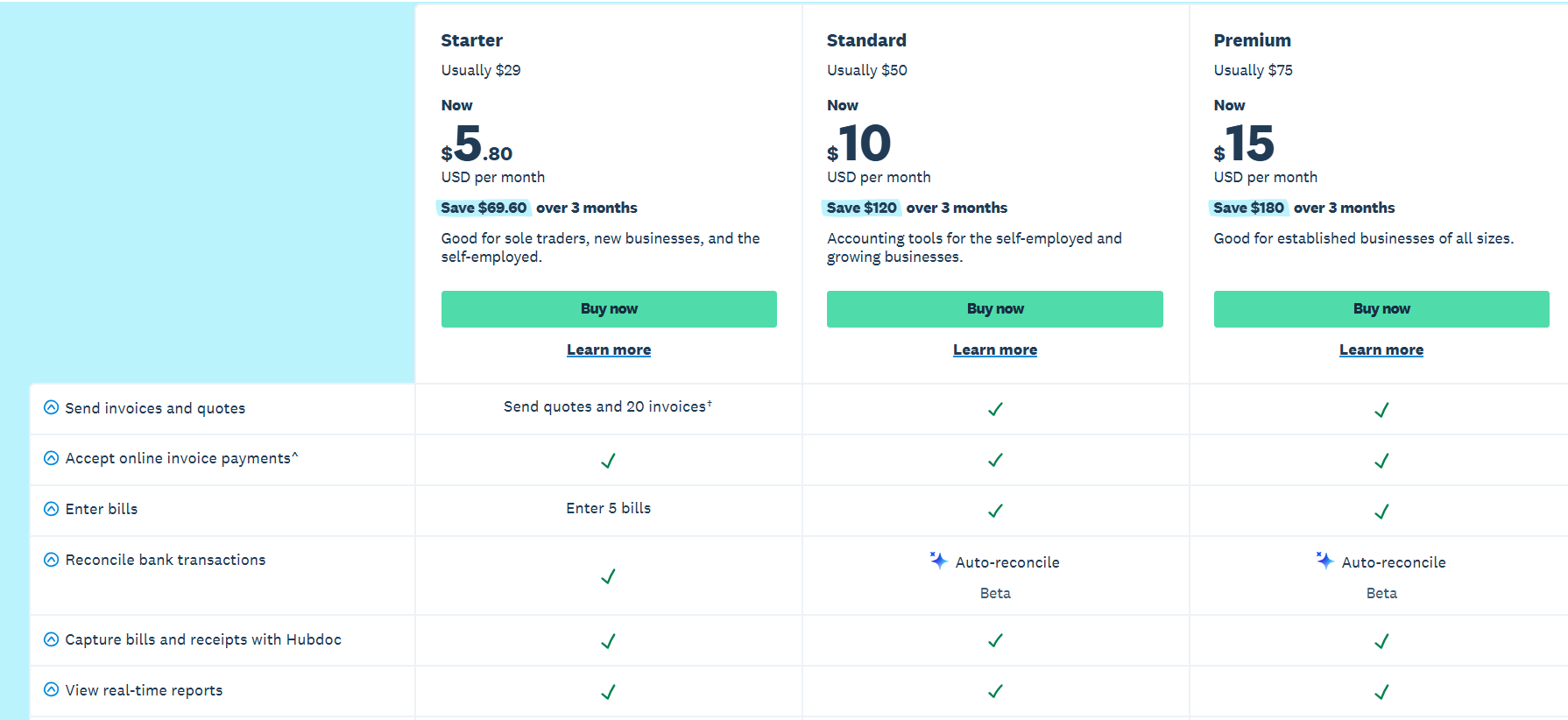
Xero has 4 plans, priced in USD:
- Lite: USD 7/month, which covers 5 invoices and quotes per month, online invoice payments, bank reconciliation, and Hubdoc receipt capture.
- Starter: USD 29/month for 20 invoices and 5 bills per month, plus online payment acceptance.
- Standard: USD 50/month, adding auto-reconciliation, performance dashboards, and financial health scorecards.
- Premium: USD 75/month, adding 180-day cash flow forecasting, KPI analysis, and multi-currency support.
Pros and Cons
✅ Unlimited users on every plan, which is rare in this category.
✅ Hubdoc receipt capture is included across all plans.
✅ Clean, intuitive interface that's friendly to non-accountants.
❌ Payments against expenses could be smoother as a process, according to a G2 review.
#6: Tally Prime
Best for: Trading and retail firms that want traditional UAE bookkeeping with VAT.
Similar to: Sage Accounting, Elate.
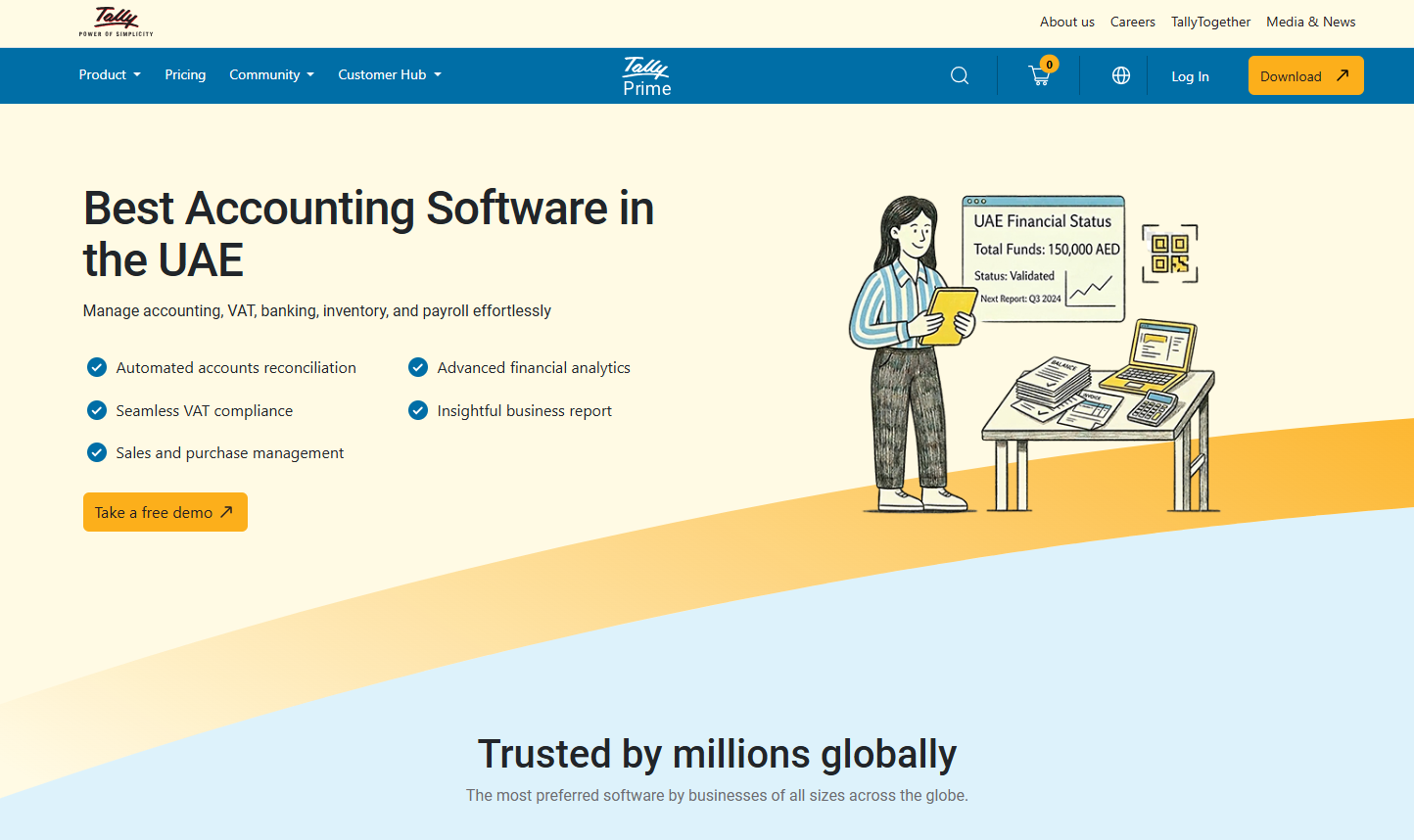
Tally Prime is the long-standing favourite of UAE trading, retail, and wholesale businesses.
It has deep accounting functionality, bilingual invoice support (Arabic and English), and FTA-aligned VAT workflows.
Features

- Bilingual invoice support: Generate invoices in Arabic and English, which matters for compliance with UAE business norms.
- Inventory and stock management: Strong inventory depth, including batch tracking and multi-location stock control.
- Detailed ledgers: The kind of multi-level ledger drill-down that traditional accountants expect from desktop accounting software.
Pricing
Tally Prime sells as a perpetual license with annual Tally Software Services (TSS) for updates and support:
- Silver (single-user): AED 2,340 one-time, with the first year of TSS included.
- Gold (multi-user): AED 7,020 one-time, with the first year of TSS included.

Pros and Cons
✅ Familiar to most UAE-based accountants.
✅ One-time license is appealing for cost-conscious businesses that don't want recurring subscriptions.
✅ Strong VAT and compliance features baked in for the local market.
❌ Certain workflows like advanced analytics, forecasting and collaboration feel limited, according to a G2 review.
#7: BILL
Best for: Businesses that want unified AP and AR automation in one place.
Similar to: Tipalti, Spendesk.
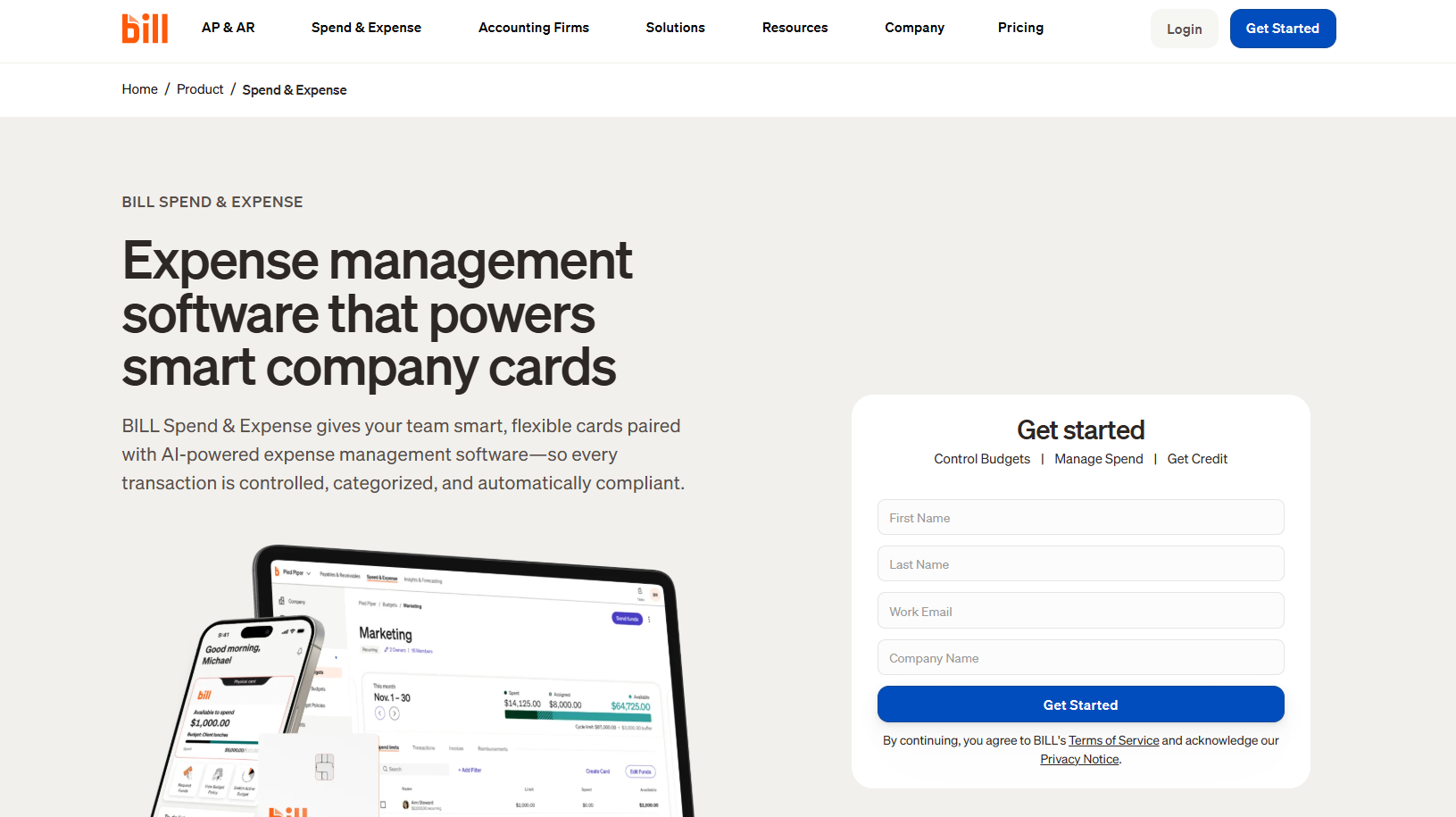
BILL spans Accounts Payable (AP), Accounts Receivable (AR), spend management, and expense tracking under a single login.
The platform integrates with most major accounting systems for two-way sync.
Features
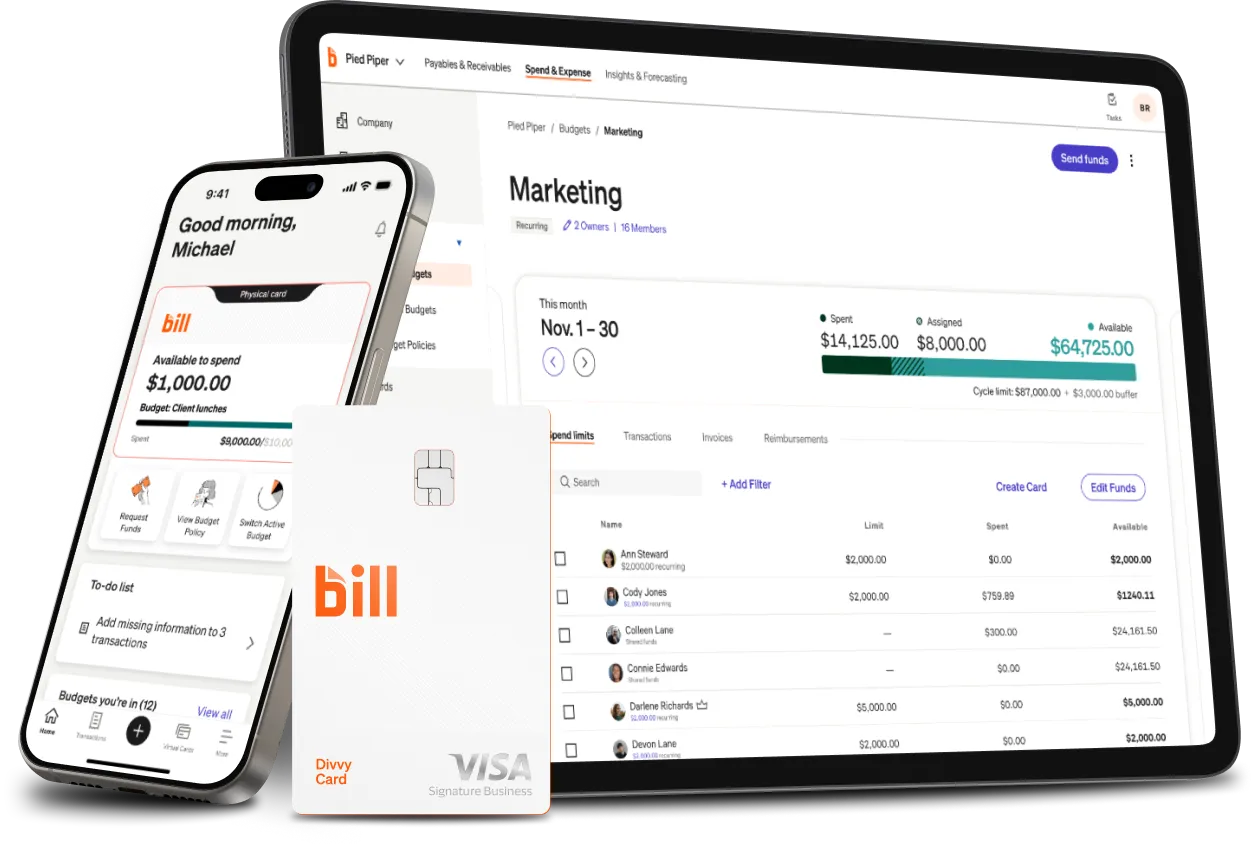
- AP automation: Capture vendor invoices, route them through approval, and pay via ACH, check, or international wire from a single dashboard.
- AR automation: Send branded invoices, accept online payments, and chase overdue accounts automatically.
- Spend & expense management: BILL Spend & Expense adds corporate card spend tracking with credit lines from $1,000 to $5M.
- Accounting integrations: Two-way sync with QuickBooks, Xero, NetSuite, and Sage Intacct.
Pricing
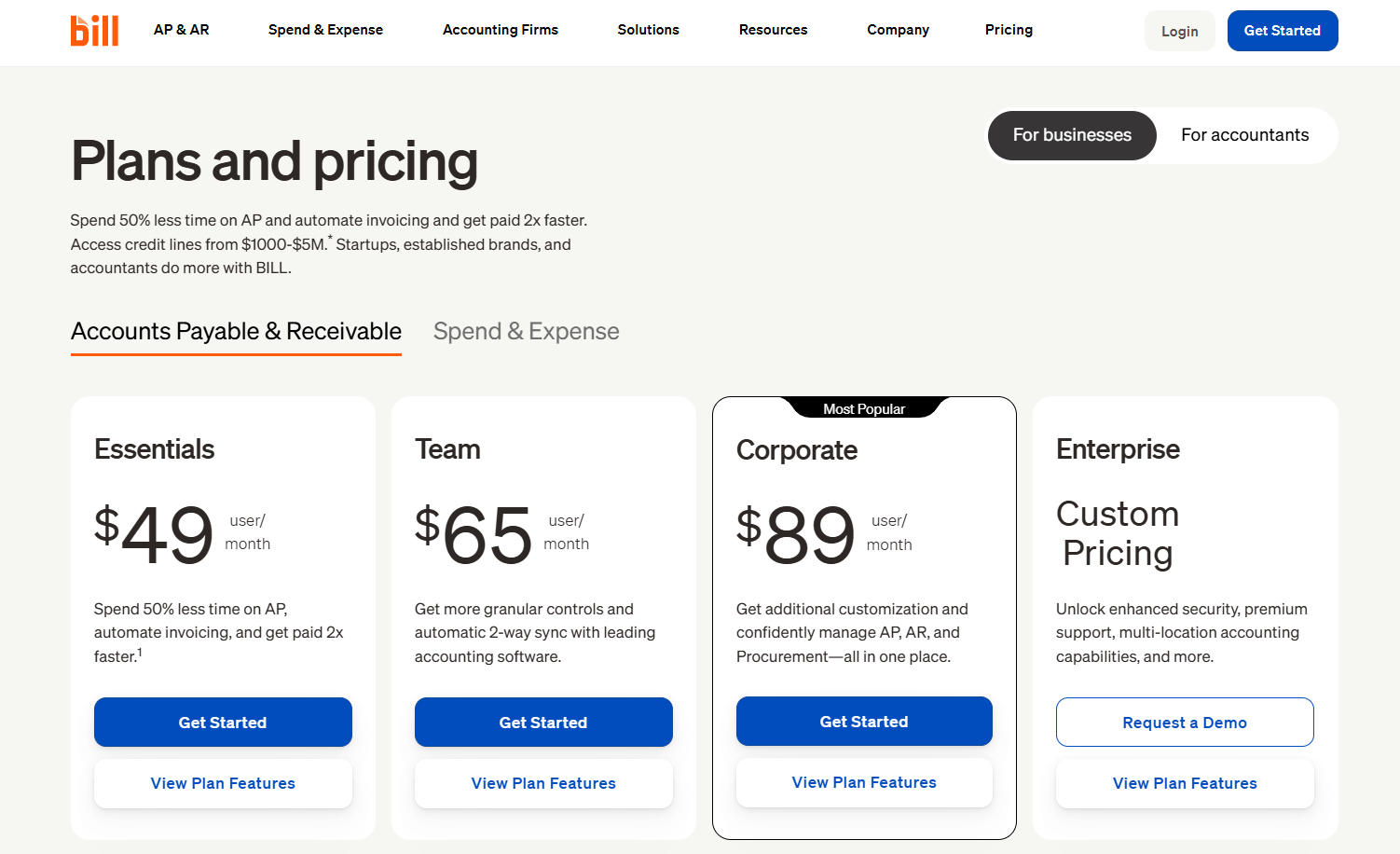
BILL has four pricing tiers:
- Essentials: $49/user/month. Includes basic AP and AR functionality with live chat and phone support.
- Team: $65/user/month. Adds automatic two-way accounting sync and custom user roles.
- Corporate: $89/user/month. Adds combined AP and AR management with custom approval policies.
- Enterprise: Custom pricing. Adds multi-location accounting and premium support.
Pros and Cons
✅ Genuine end-to-end financial operations under one roof.
✅ AP automation holds up at high invoice volumes without breaking.
✅ Trusted by mid-market and enterprise finance teams globally.
❌ Premium customer support is on the Enterprise plan.
#8: FreshBooks
Best for: Freelancers and service businesses billing hourly clients.
Similar to: Zoho Invoice, QuickBooks Online.
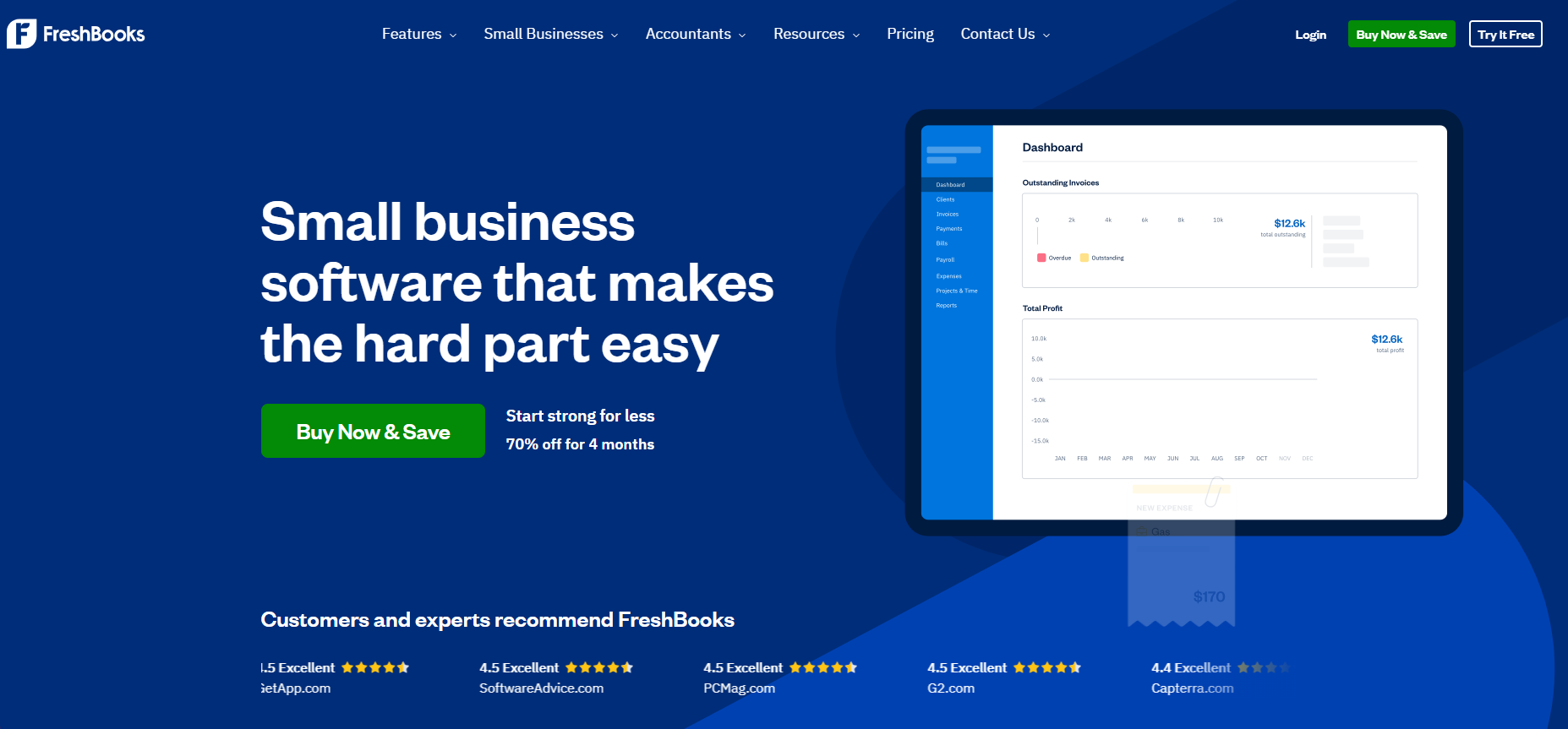
FreshBooks is built for service-based businesses. Think consultants, agencies, lawyers, designers, and anyone who bills time rather than products.
It pairs invoicing with built-in time tracking and project management, which competitors usually charge extra for.
Features
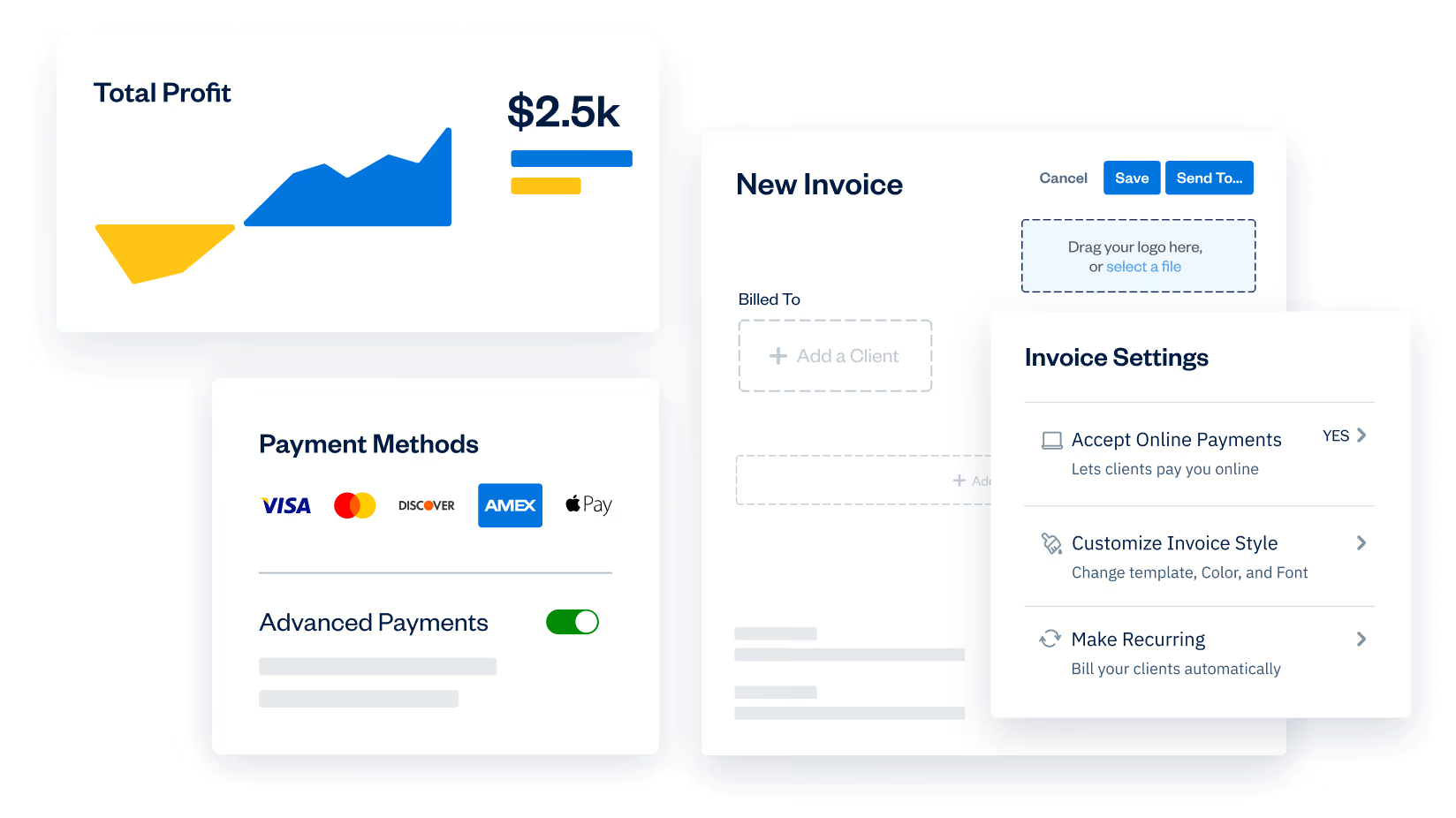
- Time tracking: Built-in timer logs billable hours, then converts them to invoices automatically.
- Project profitability: See which projects make money and which don't, with cost and revenue tracking per project.
- Recurring invoices: Set up automatic billing for retainer clients, with payment reminders that go out without your involvement.
- Client portal: Customers can view invoices, pay online, and message you back through the same interface.
Pricing
FreshBooks has 4 plans, with annual billing offering a 10% discount:
- Lite: USD 6.90/month for 5 billable clients for the first 4 months, with unlimited invoices and basic accounting.
- Plus: USD 12.90/month for 50 clients for the first 4 months, adding recurring invoices, proposals, and double-entry accounting.
- Premium: USD 21/month for unlimited clients for the first 4 months, with project profitability and custom email templates.
- Select: Custom pricing for larger teams, with dedicated account management.
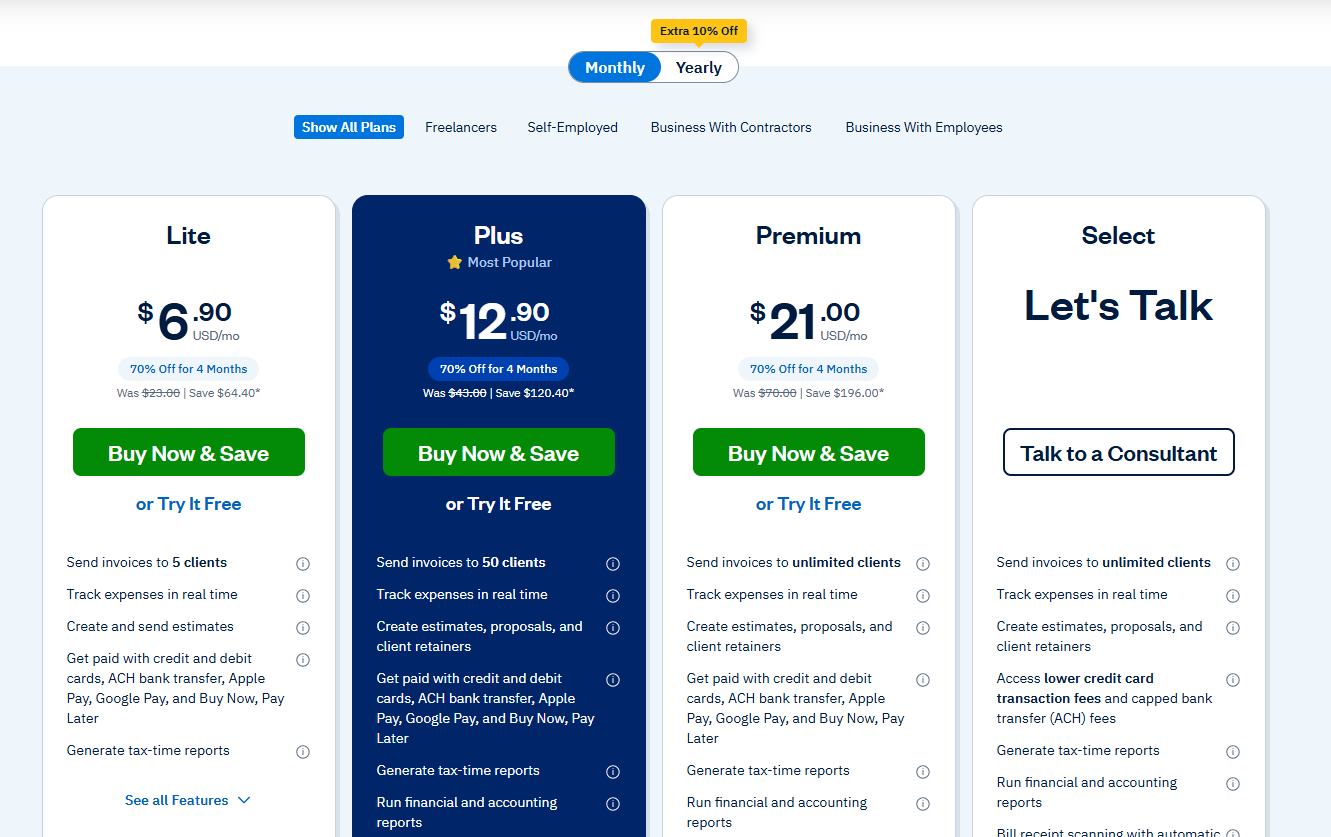
Extra team members cost USD 11/month/seat, and FreshBooks Payroll is an add-on at USD 40/month plus USD 6/month per user.
Pros and Cons
✅ Best-in-class time tracking for hourly work.
✅ Genuinely intuitive for non-accountants.
✅ Mobile app handles invoicing from anywhere without feeling like a cut-down version.
❌ Adding team members costs an extra USD 11/user/month on top of the plan price, which might stack up fast for larger teams.
#9: Tipalti
Best for: Global teams paying suppliers across many countries.
Similar to: BILL, Spendesk.
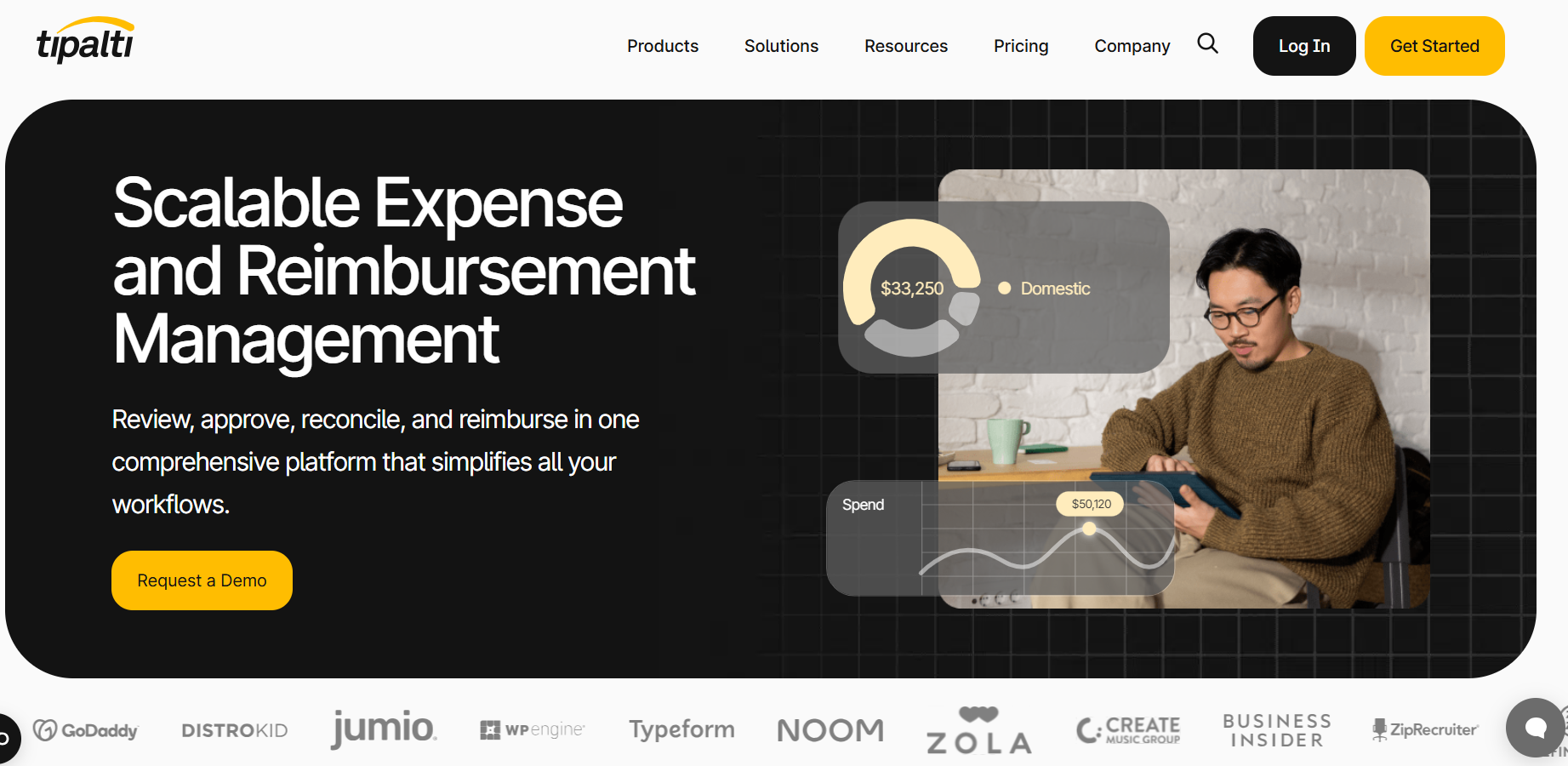
Pay suppliers across 196 countries in 120+ currencies, and Tipalti is the category heavyweight.
The platform covers supplier onboarding, tax compliance, invoice processing, and cross-border payments at enterprise scale.
If your AP function spans continents, this is the kind of system you grow into.
Features
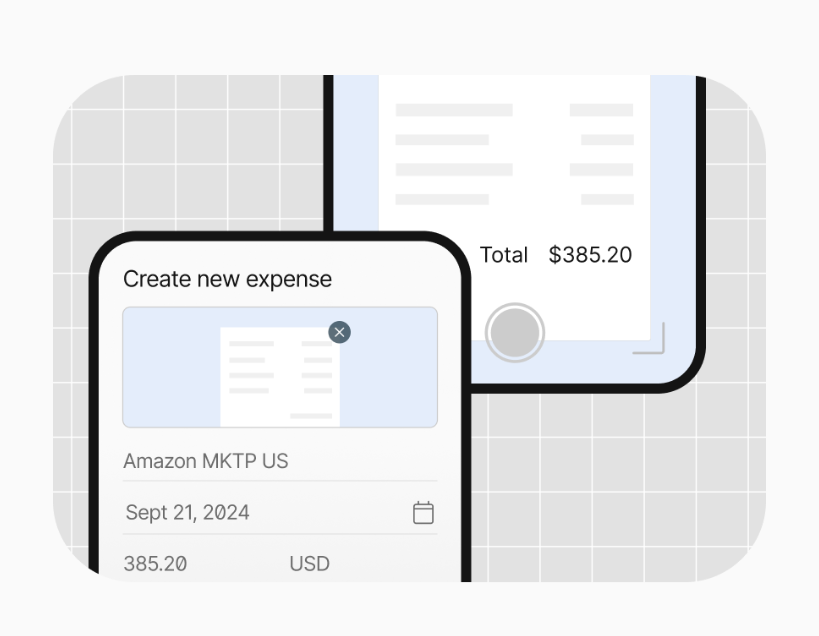
- Supplier portal: Vendors self-onboard, submit tax forms, and track invoice status without emailing your AP team for updates.
- AI Smart Scan: Pulls invoice data automatically, applies your approval rules, and routes to the right approver.
- Global payments: Pay suppliers in 200+ countries via 50+ payment methods, with built-in currency conversion.
- ERP integrations: Native sync with NetSuite, Sage Intacct, QuickBooks, and Xero.
Pricing
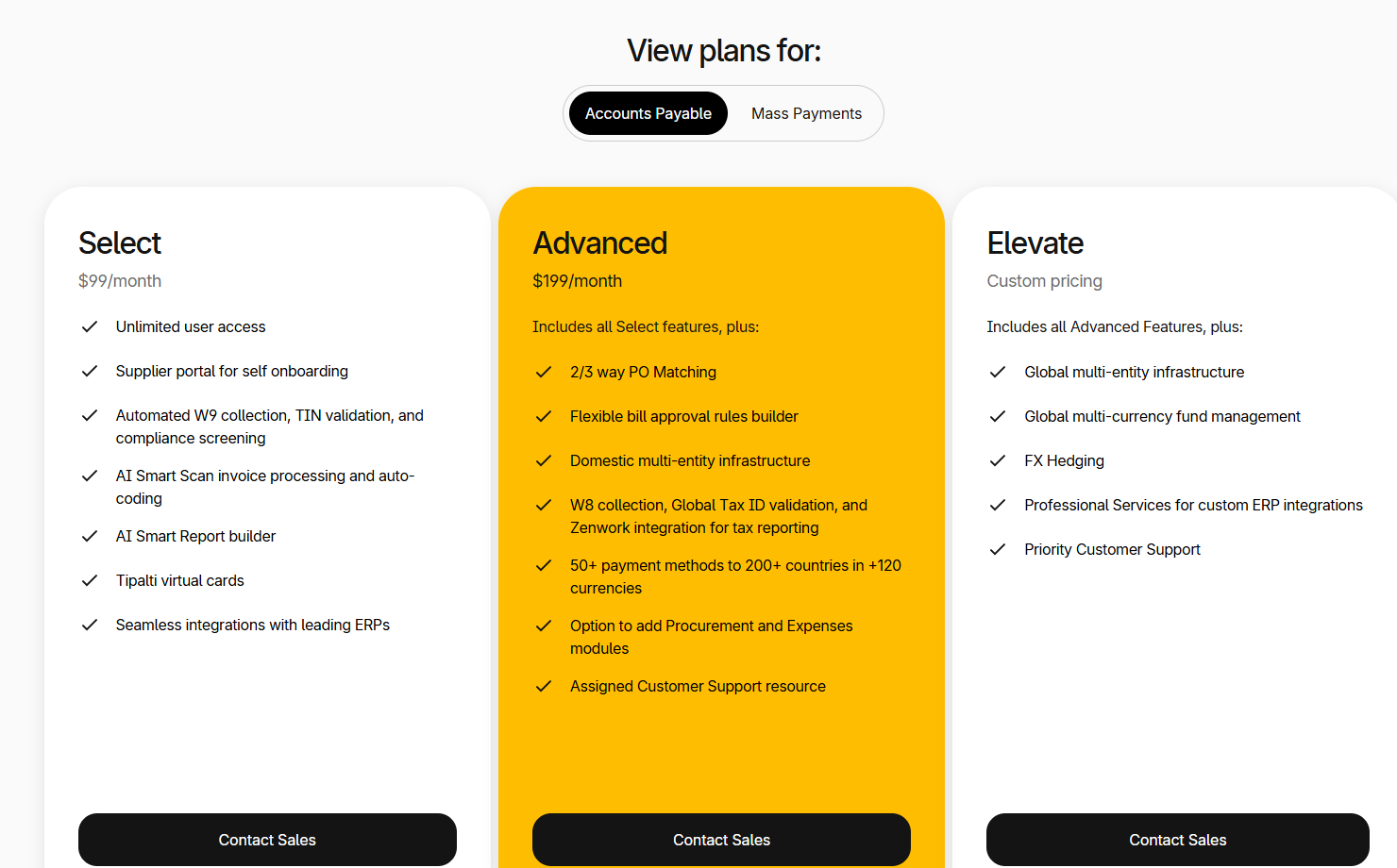
Tipalti has 3 pricing tiers:
- Select: $99/month, includes supplier portal, AI Smart Scan, and ERP integrations.
- Advanced: $199/month, adds multi-entity infrastructure and 2-way and 3-way PO matching.
- Elevate: Custom pricing for fully customisable procurement and budget management.
Pros and Cons
✅ Genuine global coverage that few competitors match.
✅ Supplier portal cuts the AP team's email volume dramatically.
✅ Built for businesses scaling cross-border payments.
❌ Some customers on Trustpilot are not happy with its customer support.
#10: Spendesk
Best for: Finance teams that want spend approvals and invoice processing combined.
Similar to: Pemo, BILL.
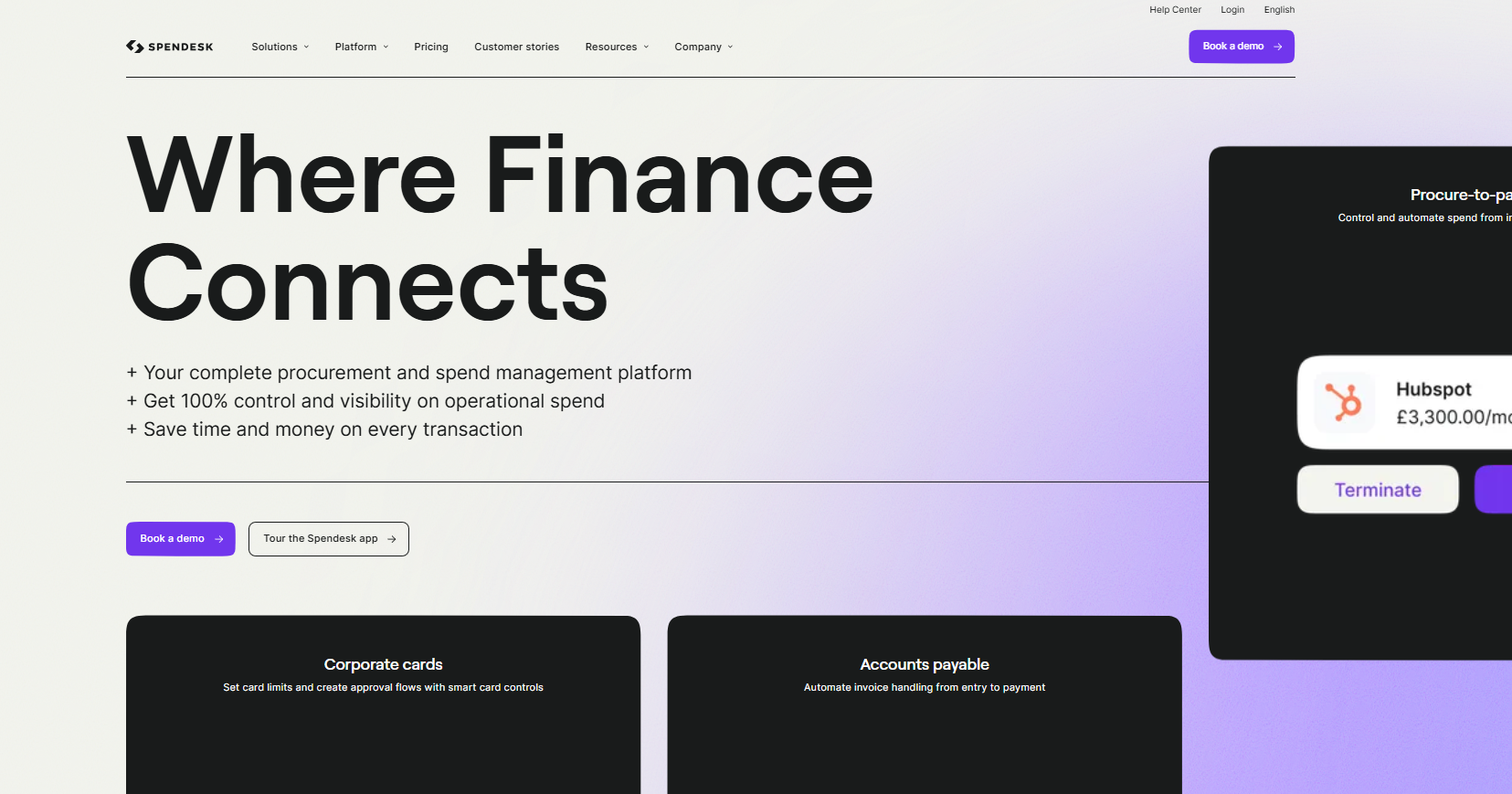
For finance teams already considering a spend management tool, Spendesk folds invoice handling into the same system that issues virtual cards and captures employee expenses.
For teams tired of switching between three different tools, the all-in-one angle is the draw.
Features
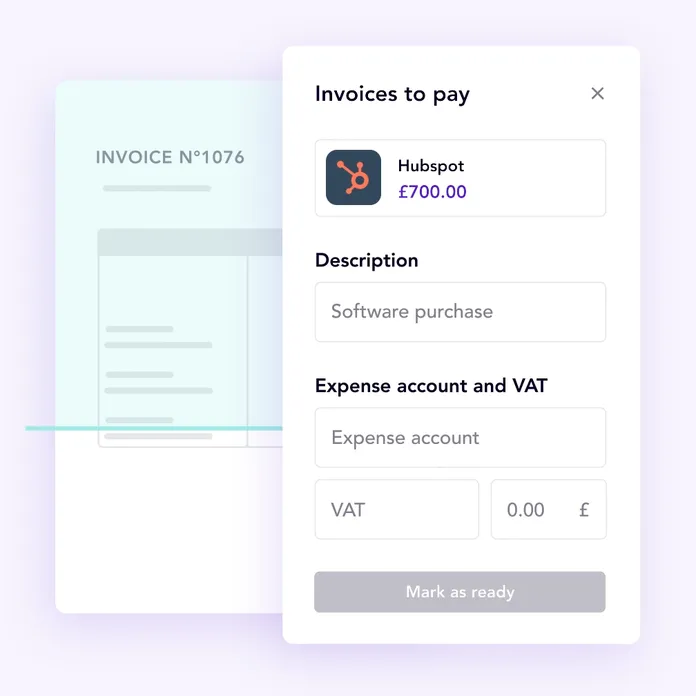
- OCR capture for receipts and bills: Upload an image or forward a PDF, and Spendesk parses the key fields for review.
- Duplicate detection: The system flags potential duplicate invoices before payment, which prevents the most common AP error.
- Live spend monitoring: Finance sees every transaction as it happens, not at month-end.
- Approval workflows: Configure multi-level approvals based on amount thresholds and department.
Pricing
Spendesk uses custom pricing, so you'd need to contact their team for a quote tailored to your team size and feature needs.
Pros and Cons
✅ Covers the full invoice loop from capture to reconciliation, with accounting sync available at the entry tier.
✅ Duplicate invoice detection saves real money over time.
✅ One platform for cards, expenses, and invoices.
❌ Some interfaces could be working better and sometimes there are too many page refreshes, according to a G2 review.
Next steps: sign up for Pemo for free
Pemo offers an all-in-one invoice management platform for SMEs and growing businesses across the UAE, featuring AI-powered bill capture, custom approval workflows, and one-click vendor payments.
Our platform helps your finance team move from chasing PDFs and signatures to running a clean, audit-ready invoice process that closes books up to five times faster.
If you're looking for invoice management software with the kind of automation and accounting integration that actually saves your team hours every week, offering:
- AI-powered invoice data extraction with email forwarding.
- Custom multi-step approval workflows that mirror your org chart.
- Direct sync with QuickBooks, Xero, Zoho Books, Wafeq, and Tally.
- VAT-compliant reporting built around UAE rules.
Then you can sign up for Pemo's free plan or book a demo to see why 10,000+ businesses in the MENA region have chosen us.
⚠️ Disclaimer: This article was last updated on 30/04/2026 and if there's any misinterpretation of the information, please contact us and we will fact check it.


