
Accounts payable automation software moves a supplier invoice from the inbox it arrives in to a paid, coded entry in your books.
In most setups, approval is the main step left for a person.
In a UAE finance team, that same cycle often has to handle supplier invoices in dirhams and dollars side by side.
This list covers 10 accounts payable automation tools a UAE business can sign up for in 2026, grouped by the size of the finance team each one suits.
TL;DR
- Pemo is the best accounts payable automation software for UAE SMEs in 2026, taking supplier invoices from email to approval and wallet payment, then into your books coded and ready for review.
- Zoho Books, Wafeq, Mamo, Tipalti, and Odoo suit small and growing teams, whether payables start in the ledger or at the payment.
- Basware, Coupa, SpendConsole, and SAP Concur serve enterprise AP departments that process invoices across several entities and ERPs.
What are the best accounts payable automation software in the UAE in 2026?
Pemo offers the best accounts payable automation software for UAE SMEs in 2026, with Zoho Books and Wafeq next for teams wanting PO matching in the ledger or bill payments through Wio.
The table below lists all ten, each open to UAE-registered companies, with entry prices where published:
Our vendor payment automation guide covers the payment step in more depth.
#1: Pemo
Pemo takes the #1 spot for UAE SMEs because a single dashboard carries each supplier invoice from capture to a coded ledger entry.
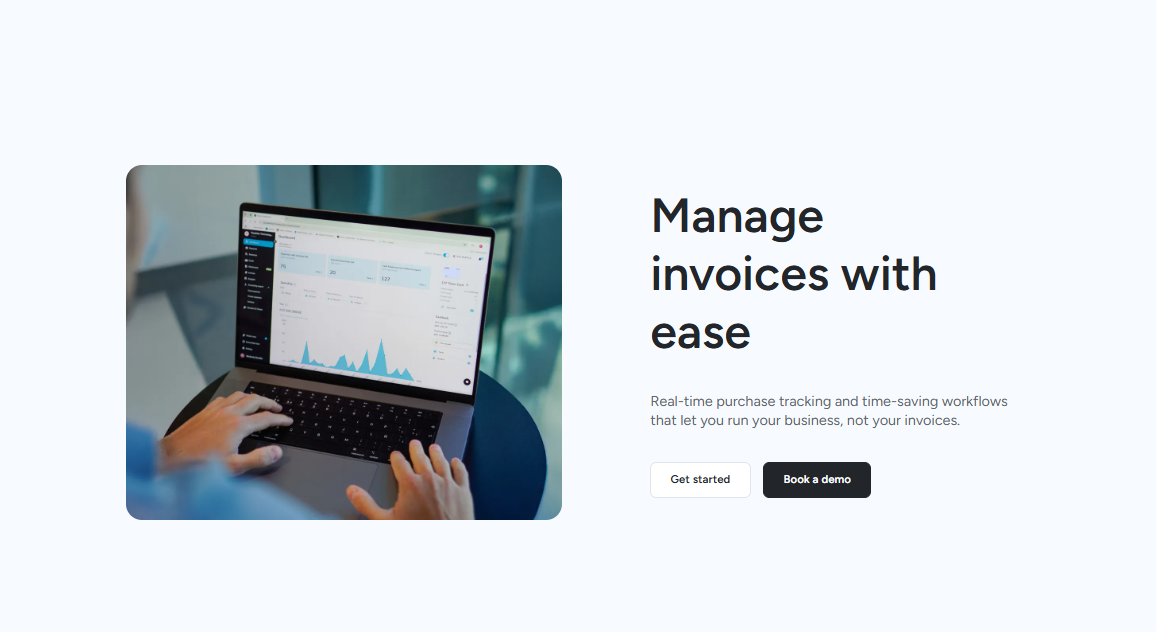
Disclaimer: Pemo is our product. Plan names appear wherever our pricing page ties a feature to one.
In a small company, accounts payable is usually shared between several people.
Four roles tend to touch every invoice: the admin who receives it, the manager who approves it, the owner watching the cash, and the accountant who books it.
The next four sections take those roles in turn: 👇
Invoices reach finance with the key fields filled in
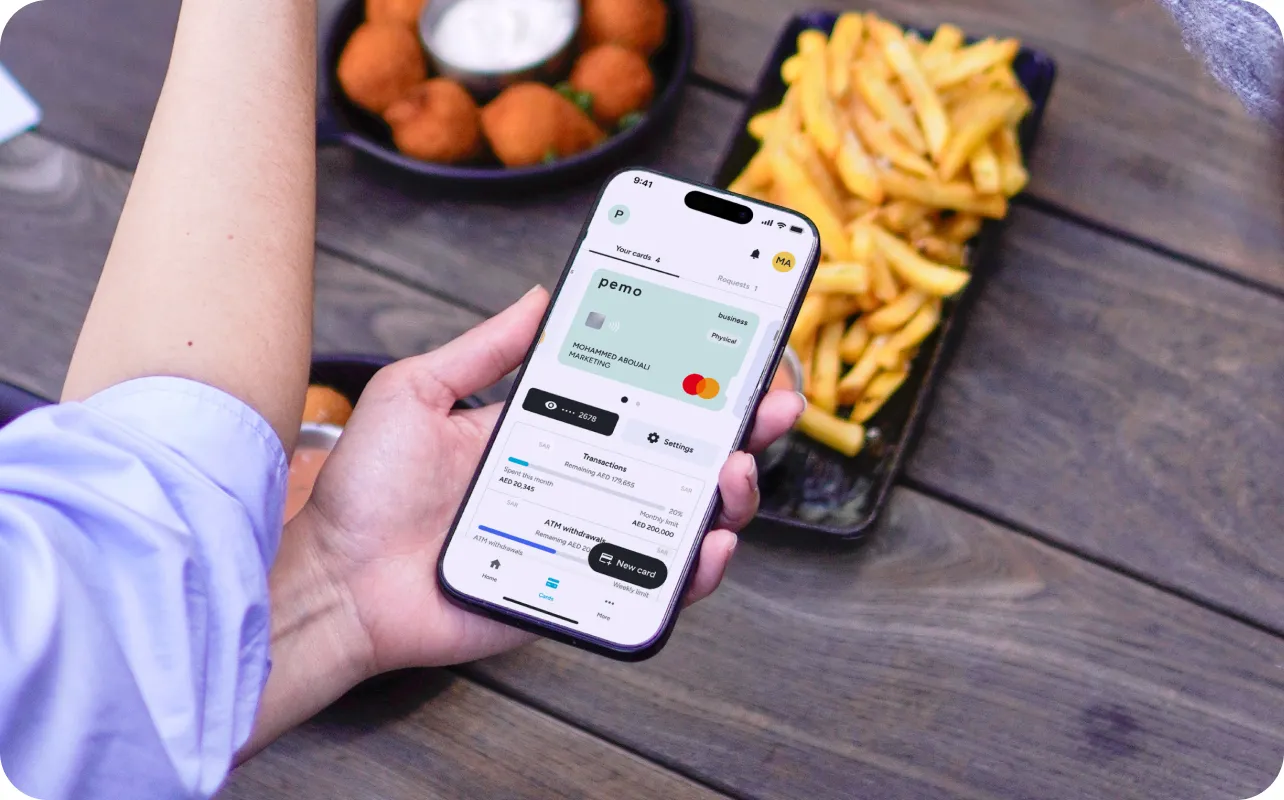
An admin's AP work starts when an invoice turns up, often in someone else's inbox.
- Inbox forwarding: whoever receives the invoice forwards it to Pemo from their own email account.
- Automated data extraction: Pemo pulls the invoice data from the file without manual entry.
- Live status tracking: finance can see which stage any invoice has reached, which saves a round of follow-up messages.
- A searchable archive: older invoices are easy to find again when a supplier questions a payment.
Each approver gets a short, relevant queue
Approvals stall when a manager has to dig through invoices meant for someone else.
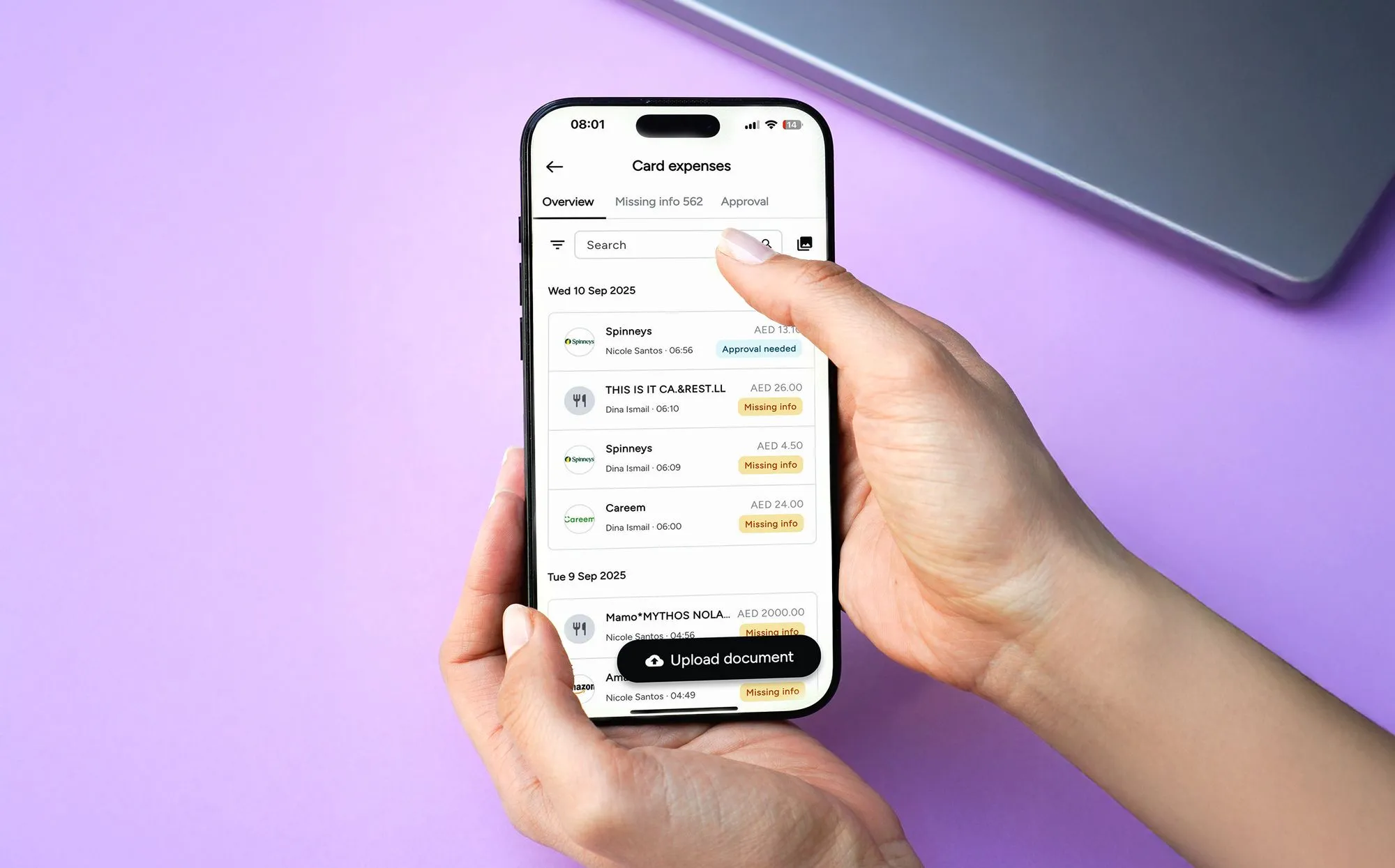
Pemo's routing is set up to prevent that:
- Paths that follow your org chart: approvals track the structure your company uses.
- Filtered queues: each approver's list holds only the invoices assigned to them.
- Mobile sign-off: a manager away from the office can approve from a phone.
- Multi-layer workflows on Premium: an invoice can pass through more than one approver before release. Starter includes default submission and approval policies.
- Audit trail per transaction: who approved what, and when, stays attached to the record.
Owners can check committed cash before a payment run
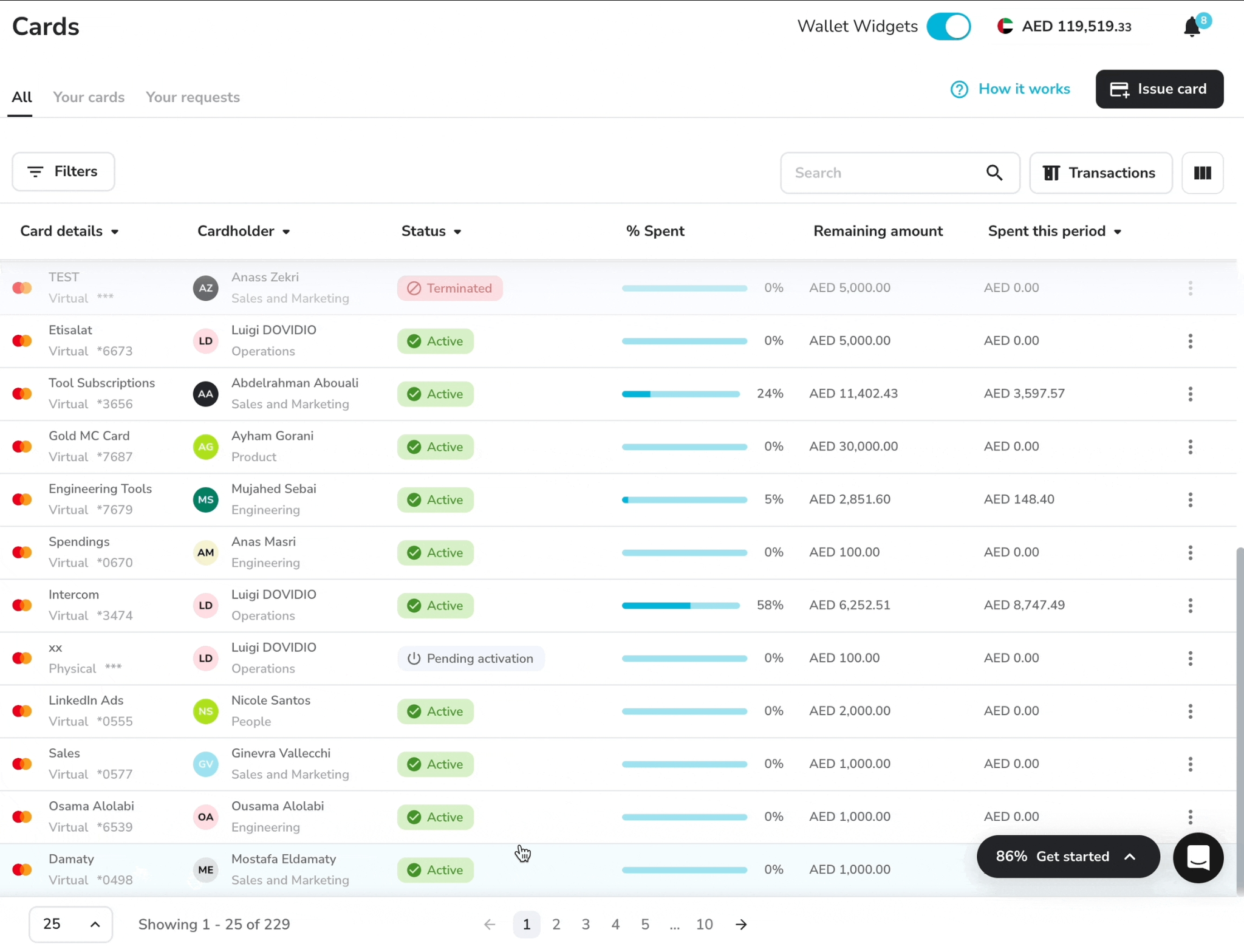
Before any payment run, an owner wants to know how much of the balance is spoken for.
Pemo answers that from the wallet the payments come out of.
- Wallet-funded settlement: approved supplier invoices go out from the balance you've loaded into Pemo.
- Due-date scheduling: releases can be timed ahead to avoid late fees.
- Wallet forecast: upcoming outflows show against the current balance, on all three plans.
- A dedicated IBAN: the Pemo wallet has its own bank details on every plan, used for top-ups from your business account.
- Real-time cash view: inflows and outflows show as they happen, which helps when planning the week's supplier payments.
➡️ Our help centre includes that top-ups from most major UAE banks land within 2 hours when sent Monday to Saturday before 12 PM.
Transfers sent after hours or at the weekend arrive the next business day, and other banks can take longer, so it's worth funding the wallet a day or two before any large payment run.
Coded entries go to the ledger for the accountant
An accountant judges AP automation by what reaches the ledger at month-end.
Most of the coding happens before an entry syncs:
- Pemo Copilot: suggests the category and vendor for each entry, getting more accurate with use. Your accountant can edit any suggestion before it syncs.
- Auto vendor creation: a new supplier gets a record without anyone setting it up.
- Custom fields: financial dimensions can be recorded on each entry.
- Accounting integrations: Xero and QuickBooks sync directly on every plan, as do Wafeq, Zoho Books, Mazeed, and Odoo. NetSuite and Dynamics 365 Business Central join on Premium as standard ERP connections.
- Sync timing: your team chooses when transactions move across.
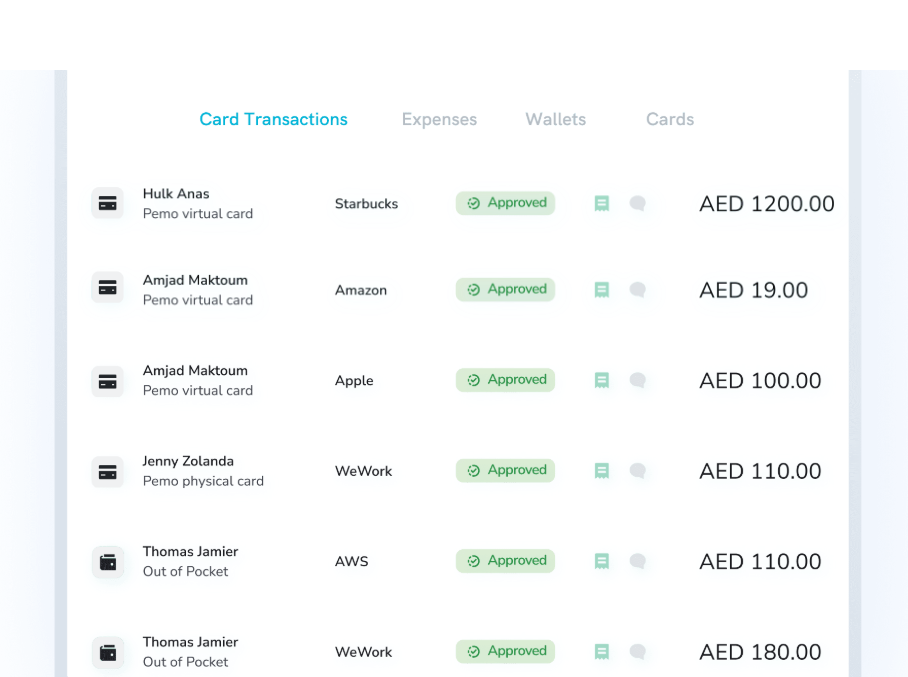
Pemo MCP: you can ask the spend platform questions
Our spend management software now connects Claude, ChatGPT, Gemini, Copilot or any client that supports remote MCP servers to your live Pemo data.
You can ask for today's declined transactions, last month's software spend, a month-end summary, cards with no recent activity, or reimbursements submitted this week.
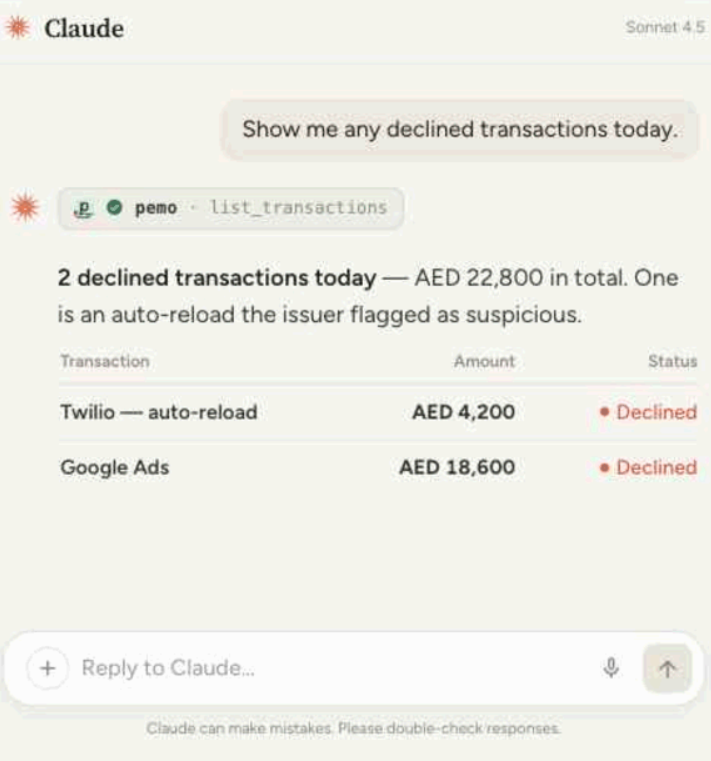
The connection is read-only, so you can't approve or change anything from a chat window.
Cards show their last four digits only. Each person's Pemo role limits what their assistant can see.
Pemo's pricing
Pemo prices each plan per company, including unlimited users and unlimited physical and virtual cards on all three.
- Starter: AED 0 and nothing to commit to. Default approval policies, Pemo Copilot coding, and the wallet forecast come with it, along with the six standard accounting integrations.
- Premium: AED 399/month per company, unlocking multi-layer approval workflows and advanced submission policies. Standard ERP integrations and a dedicated customer success manager are part of it too.
- Enterprise: from AED 1,500/month, built for multi-entity organisations. Brings custom ERP integration and custom-built exports, plus developer API access and an implementation manager assigned to your rollout.
Pemo's help centre also lists a 3.68% international transaction fee, VAT included, on card payments made in a foreign currency or processed by a merchant outside the UAE.
Signing up for Starter costs nothing.
If you'd rather walk through your own invoice flow first, book a demo.
Pemo's pros and cons
✅ Invoices forwarded from any inbox and read on arrival.
✅ Each approver's queue holds only their invoices.
✅ Unlimited users, even on the free plan.
✅ Six direct accounting integrations, Wafeq and Mazeed included.
❌ A large payment run needs the prepaid wallet funded first.
❌ Purchase order and goods-receipt matching aren't part of Pemo's published invoice workflow.
#2: Zoho Books
Best for: Zoho Books users who want two-way and three-way matching without leaving their ledger.
Similar to: Wafeq, Odoo.
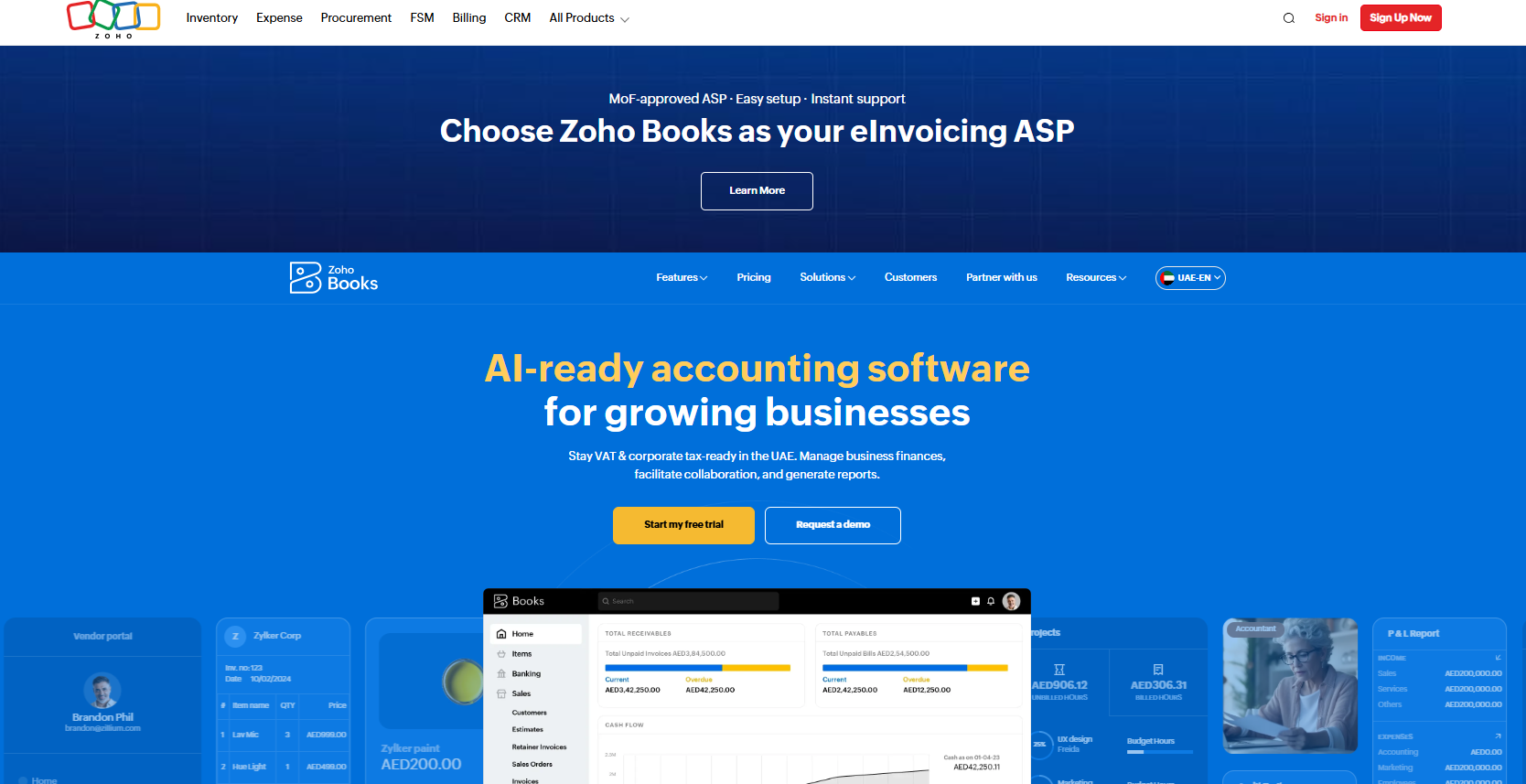
Zoho Books sells its UAE edition in dirhams, priced per organisation.
BillPay, a paid add-on, brings PO matching and batch payments into the bills module.
Features
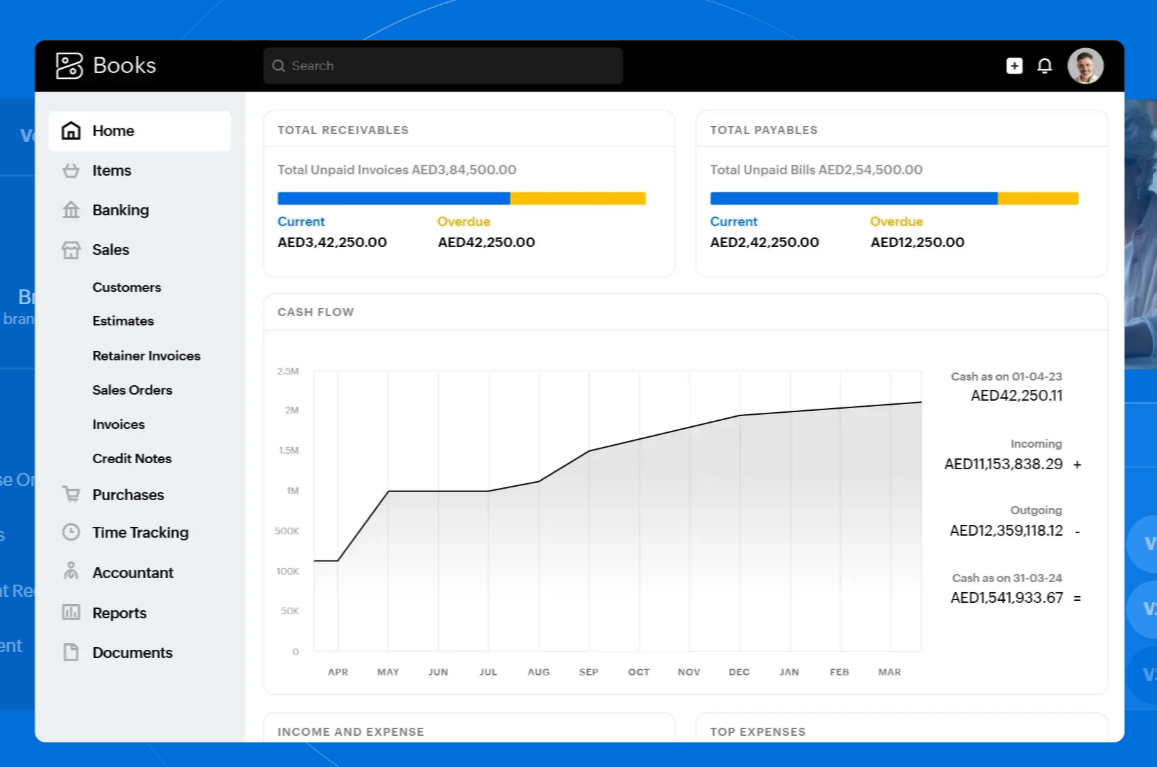
- Document autoscans: BillPay reads uploaded bills so nobody retypes them.
- Two-way and three-way matching: each bill is compared with its purchase order, and optionally with the receipt too.
- Vendor onboarding and approval: new suppliers register through the portal, then go through a vendor approval step.
- PO advances: a deposit can be paid against a purchase order.
- Batch runs: several supplier bills can be grouped into a single payment run.
Pricing
The free plan covers businesses with annual revenue up to AED 200,000.
Paid plans are priced per organisation:
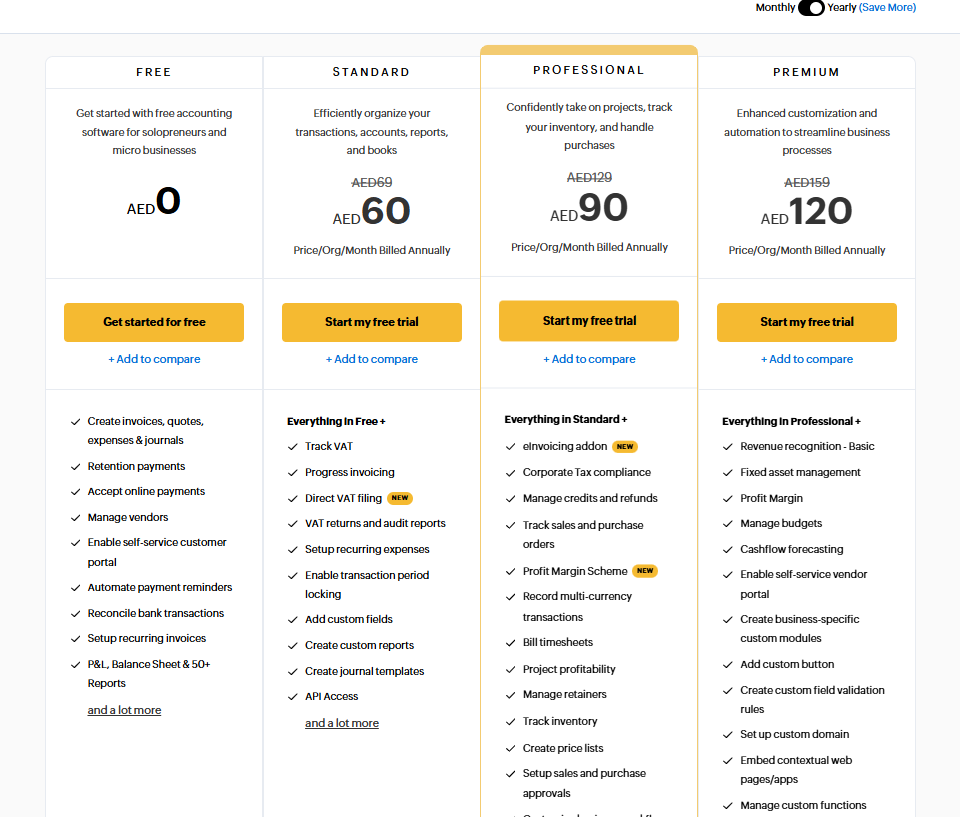
- Standard: AED 60/month billed annually, or AED 69 month to month, for 3 users.
- Professional: AED 90/month billed annually (AED 129 monthly) for 5 users, adding purchase orders and purchase approvals.
- Premium: AED 120/month billed annually (AED 159 monthly) for 10 users, with the self-service vendor portal.
- Elite and Ultimate: AED 280 and AED 660/month billed annually, for advanced inventory and advanced analytics respectively.
- BillPay add-on: AED 120/month billed annually (AED 159 monthly), sold on paid plans only.
Pros and cons
✅ Matching and batch runs without switching tools.
✅ An Arabic-language edition for the UAE.
❌ BillPay is a separate monthly charge.
❌ The free plan is capped at one user plus an accountant.
#3: Wafeq
Best for: SMEs where the accountant prepares supplier payments and the owner releases them through Wio.
Similar to: Zoho Books, Mamo.
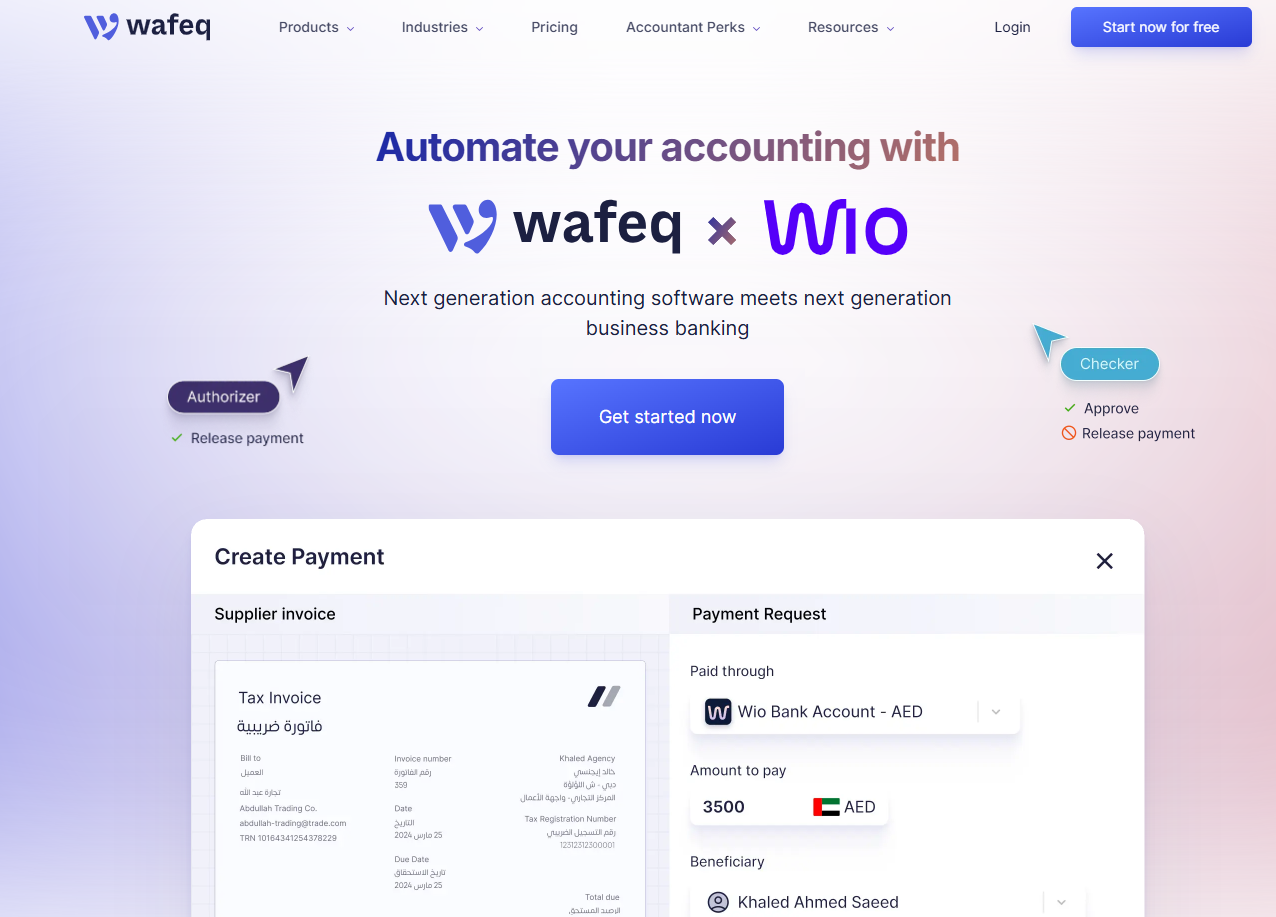
Wafeq pairs its accounting software with a direct Wio Business integration for paying suppliers.
Supplier bills reach Wafeq by email or upload before settling through Wio once the right people sign off.
Features
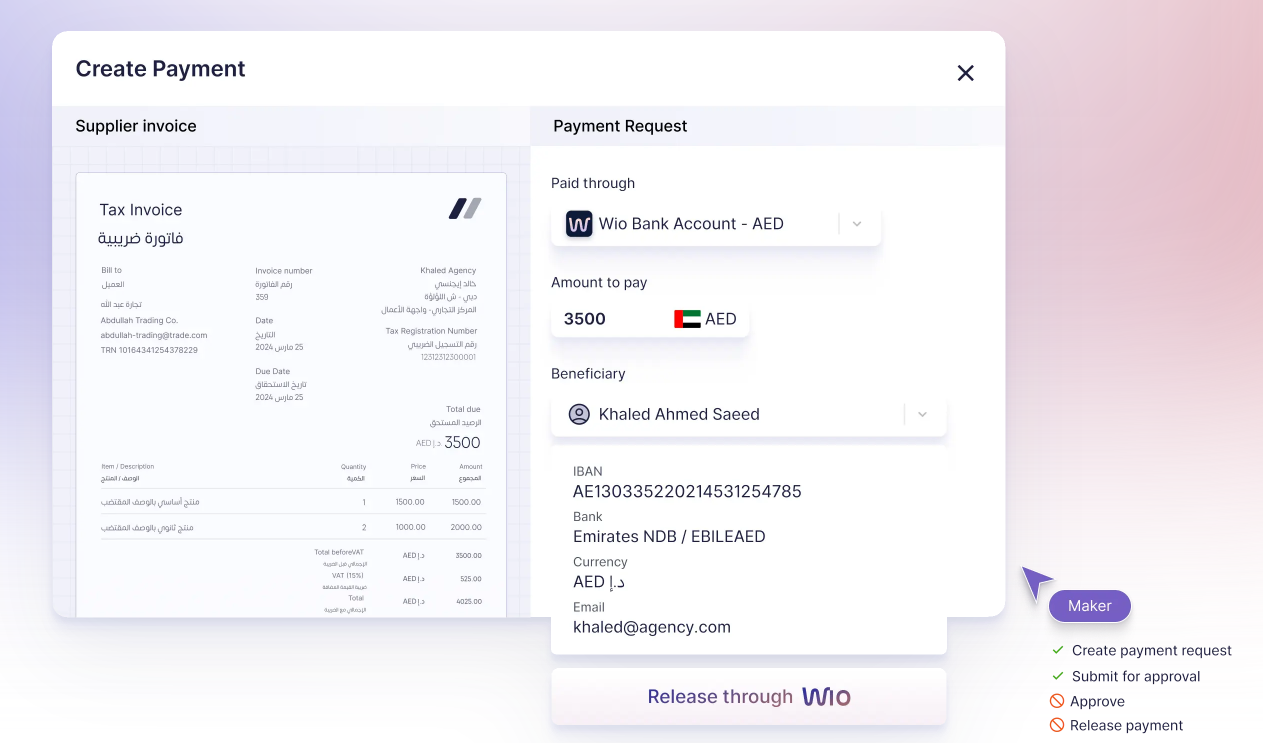
- Accountant drafts, owner releases: payment requests can be prepared on the bookkeeping side, then approved and released by you.
- Delegated sign-off: a request can be handed to the designated payment approver, who receives an automatic confirmation email.
- Live Wio balance inside Wafeq: you can see what's in the connected account before releasing anything.
- Context preserved: forwarded invoices keep the original email thread for reference.
Pricing
Wafeq's UAE plans are priced in dirhams:
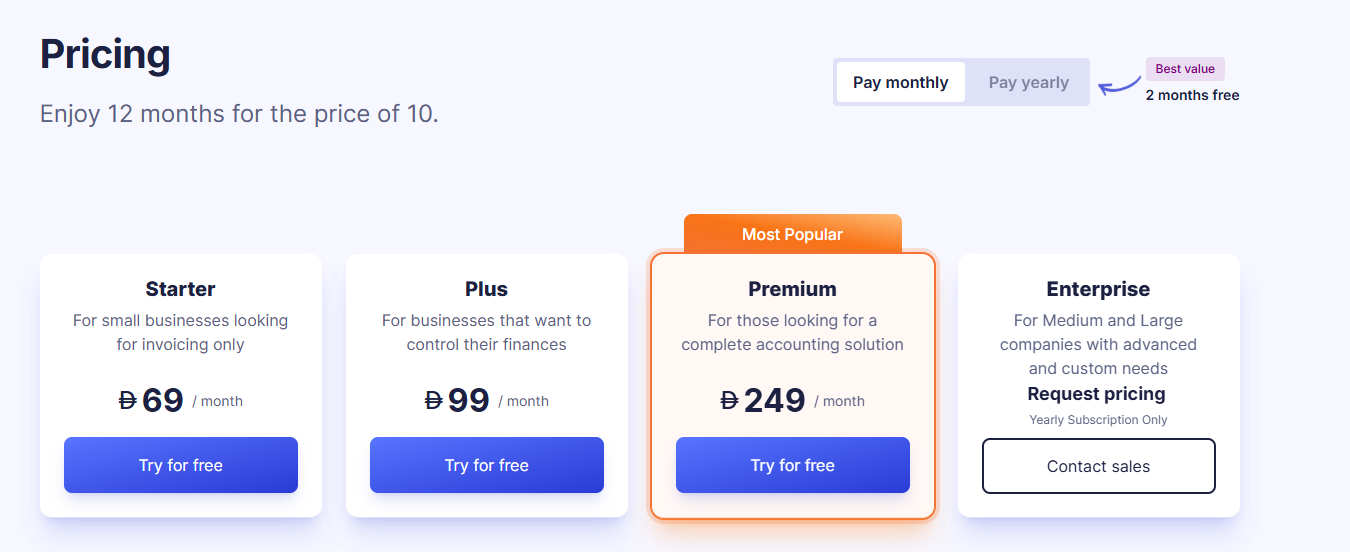
- Starter: AED 69 monthly, or AED 57/month on annual billing, for 2 users. Bank integration and reconciliation are included.
- Plus: AED 99 monthly, or AED 80/month on annual billing, for up to 5 users. Adds purchase orders, debit notes, recurring invoices, and bulk invoice sending.
- Premium: AED 249 monthly, or AED 200/month on annual billing. Opens up unlimited users, payroll, multi-warehouse inventory, and fixed asset management.
- Enterprise: custom pricing, adding consolidated reports across multiple entities.
Pros and cons
✅ Payments reconcile against the bill once Wio processes them.
✅ Serves businesses in the UAE and six other regional markets.
❌ In-app bill payments currently cover AED bills only.
❌ Paying from inside Wafeq needs a Wio Business account.
#4: Mamo
Best for: UAE businesses that pay suppliers by transfer and want corporate cards on the same platform.
Similar to: Pemo, Wafeq.
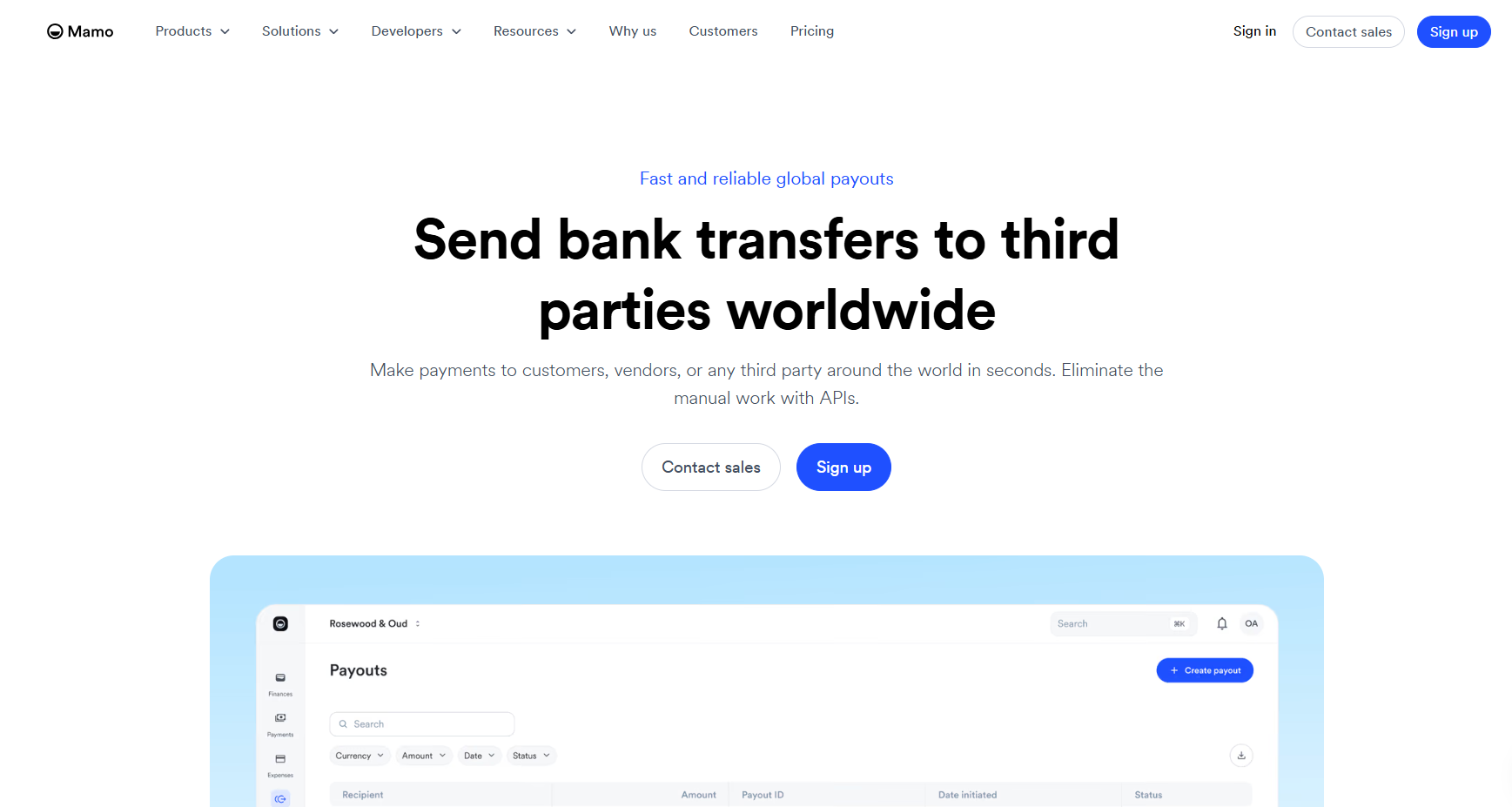
Mamo's Payouts product sends bank transfers to suppliers in the UAE and abroad, on the same platform as Mamo's corporate cards.
Features
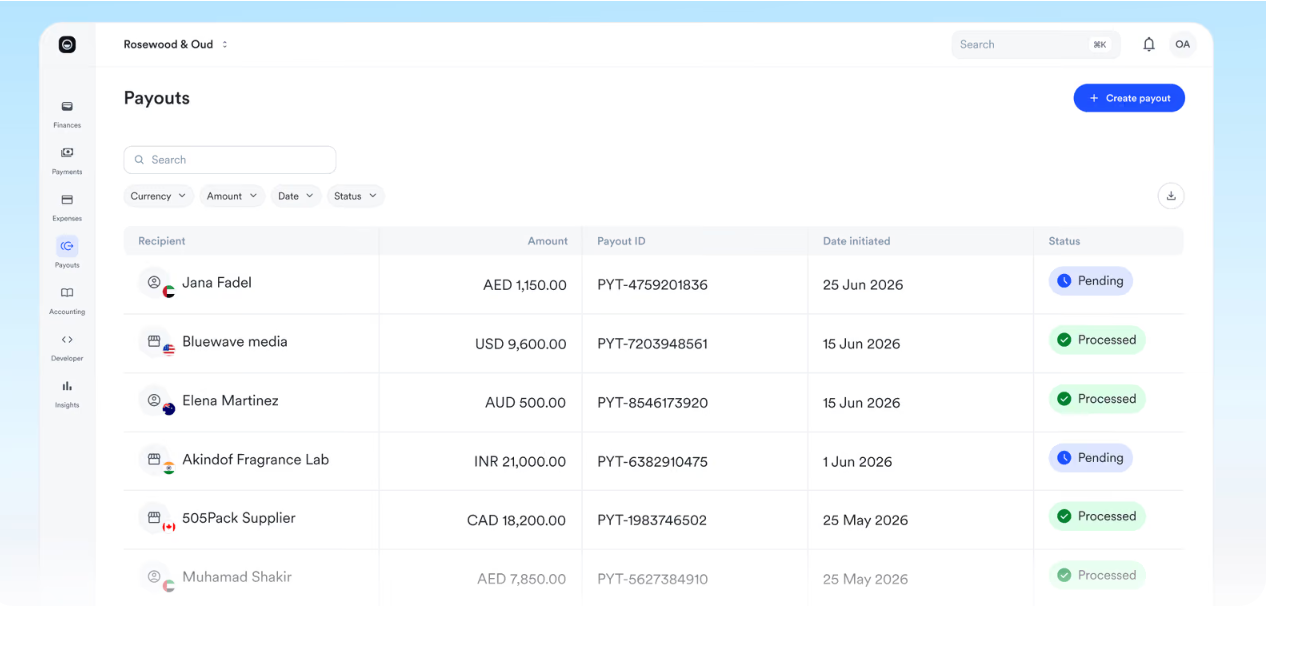
- Local transfers: pay UAE suppliers and other third parties straight from the Mamo dashboard.
- Cross-border payouts: money can reach individuals and businesses worldwide.
- Payouts API: events in your own platform can trigger a transfer, including scheduled recurring ones.
Pricing
Mamo's costs depend on the plan and on where each transfer goes:
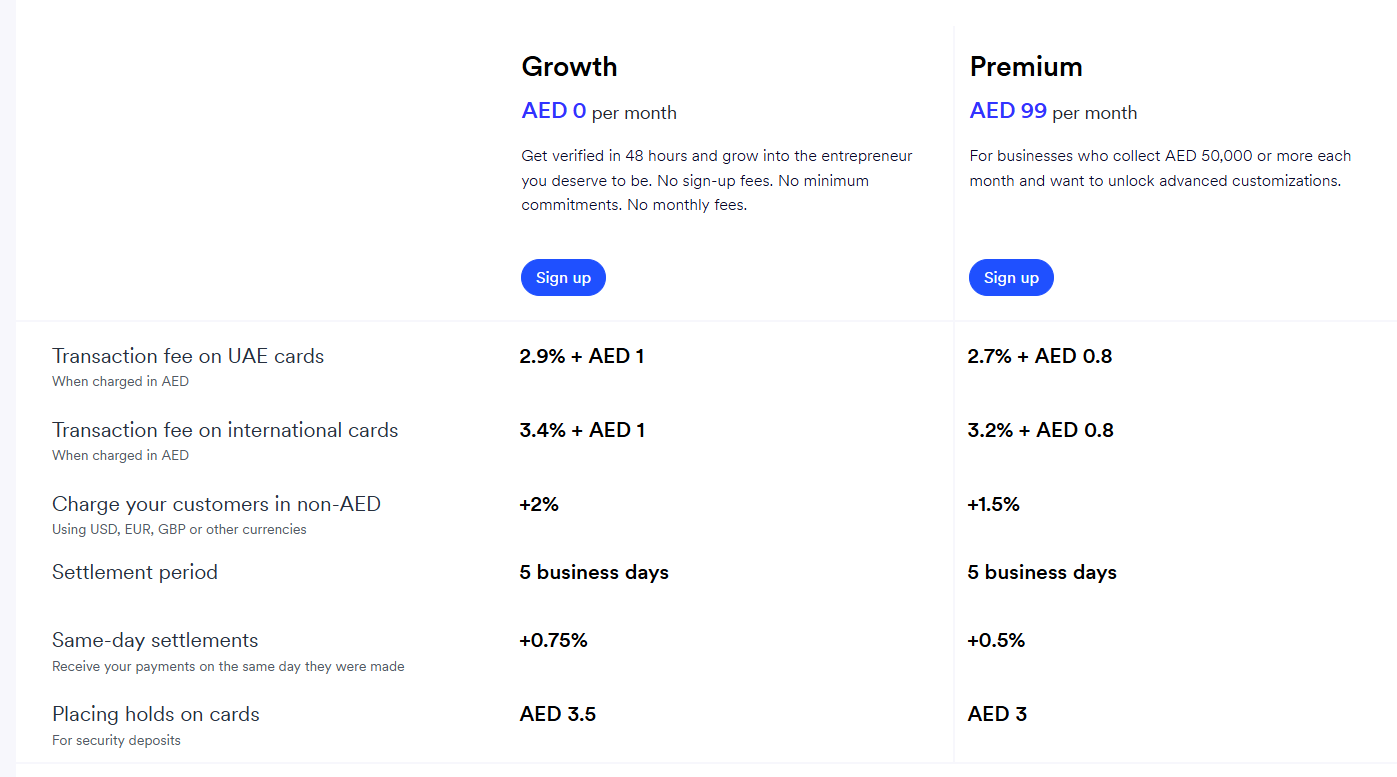
- Growth plan: no monthly fee.
- Premium plan: AED 99/month, pitched at businesses collecting at least AED 50,000 a month. Accounting software integrations are included here.
- UAE payouts: AED 5 each on either plan.
- International payouts: 0.6% of the amount on Growth, or 0.5% on Premium.
- Enterprise: a custom quote above AED 500,000 of monthly volume.
Pros and cons
✅ A fixed AED 5 per local payout.
✅ International payout fees fall to 0.5% on Premium.
❌ Accounting software integrations need Premium.
#5: Tipalti
Best for: Groups with several legal entities that pay suppliers in many countries.
Similar to: Coupa, Mamo.
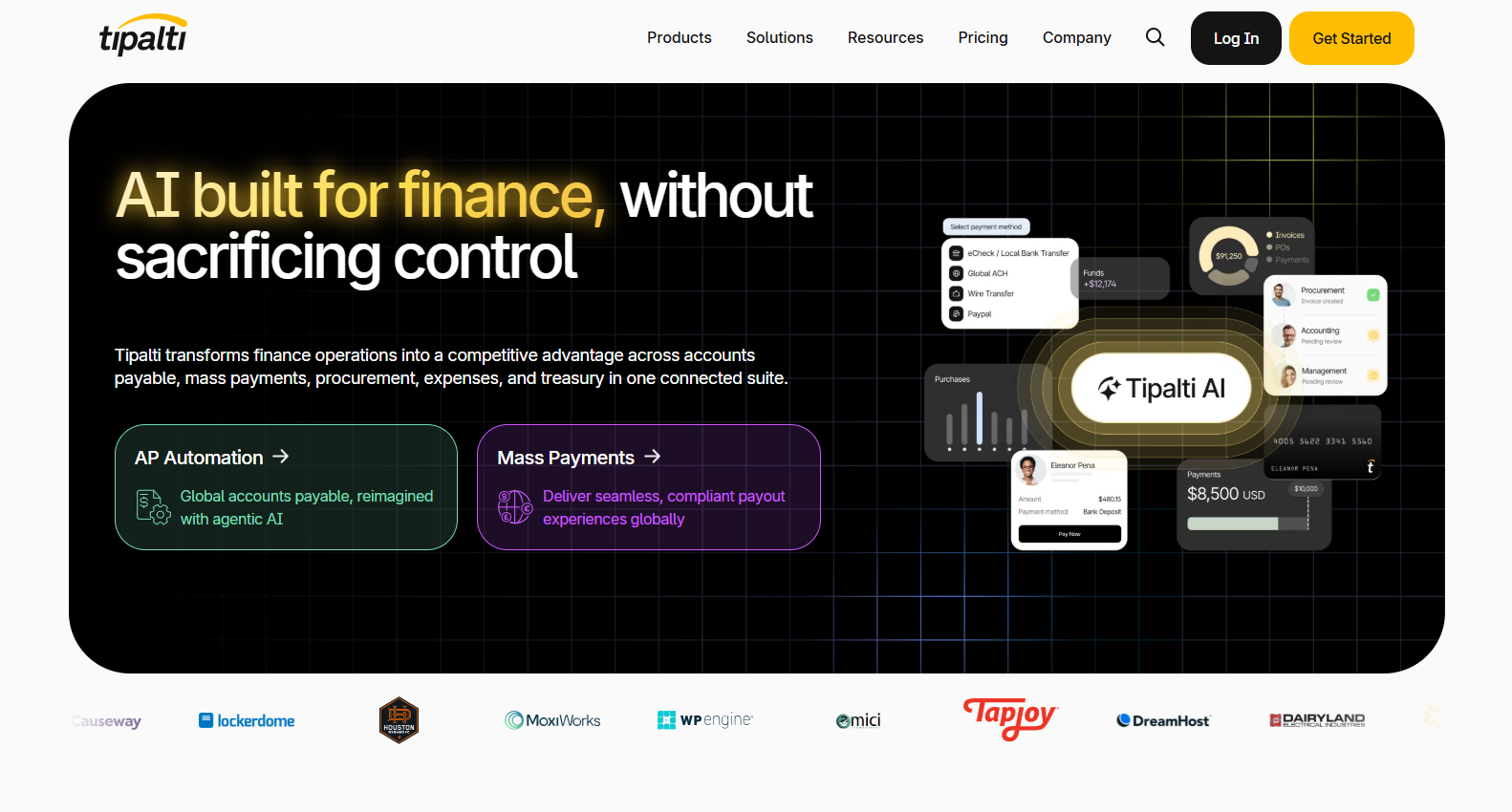
Headquartered in the US, Tipalti covers the full AP run, from onboarding suppliers and processing invoices to PO matching and global payments.
UAE companies can sign up as payers, funding their payouts from currency accounts such as USD or EUR.
Features
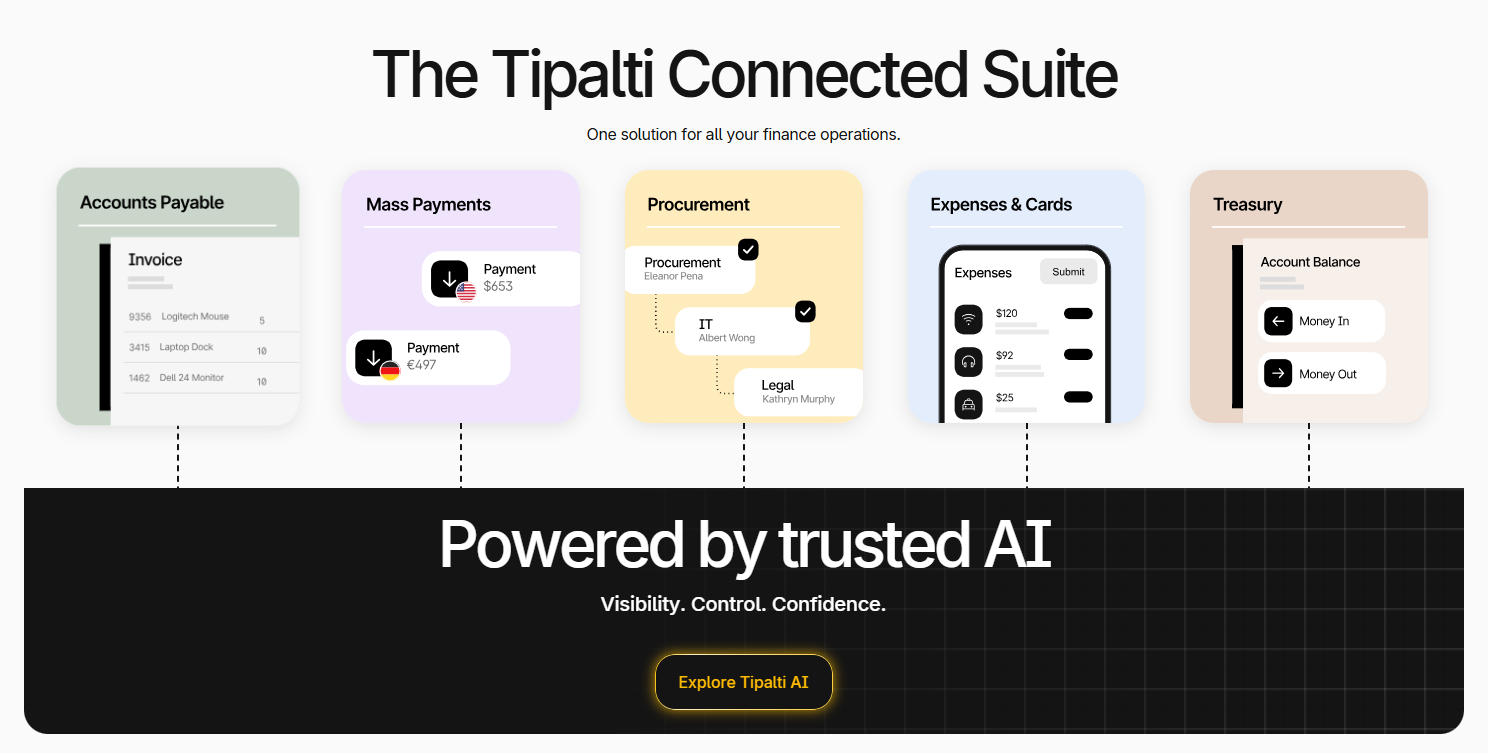
- Tipalti AI agents: handle bill approvals, invoice scanning, PO matching, and ERP sync.
- Multi-entity support: each company in a group gets its own rules and regional controls, plus its own ERP connection.
- Tipalti Card: suppliers can be paid by card, with cashback on those bills.
- ERP reconciliation: payment records flow back to the connected ERP automatically.
Pricing
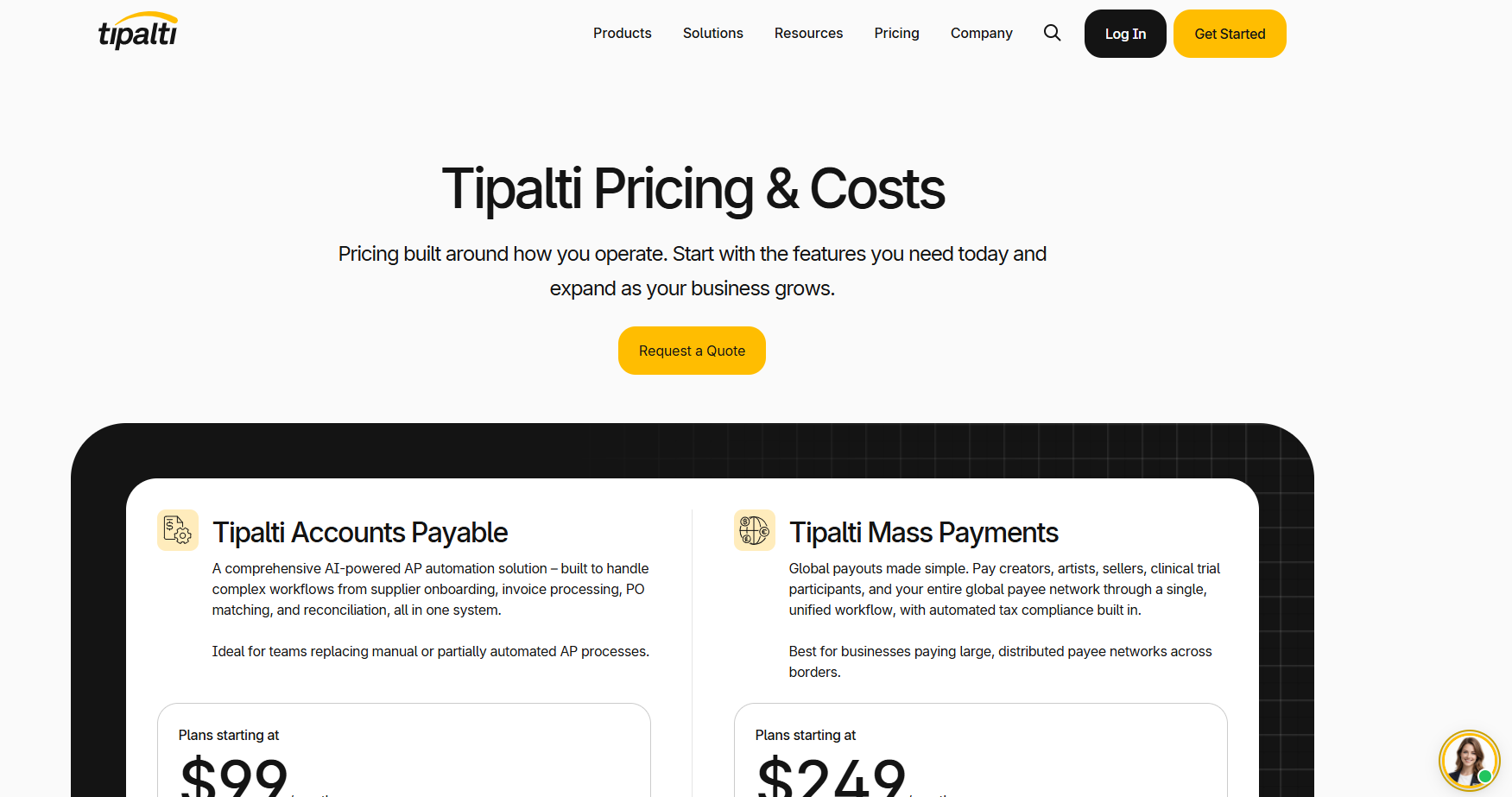
Tipalti's AP plans start at $99/month, which covers unlimited users.
Transaction fees for each invoice and each payment come on top, set by a quote that depends on:
- Volume: how many payments you send.
- Legal entities: the number of companies in the setup.
- Modules: add-ons such as Procurement or Treasury.
- Rails and currencies: how, and in which money, suppliers get paid.
Pros and cons
✅ No per-user or per-approver fees.
✅ Standard implementation is included in the price.
✅ Rules can differ by entity.
❌ Transaction rates only arrive with a quote.
❌ No AED funding account for UAE payers.
#6: Odoo
Best for: Businesses already running purchasing or stock in Odoo that want vendor bills handled in the same database.
Similar to: Zoho Books, Wafeq.
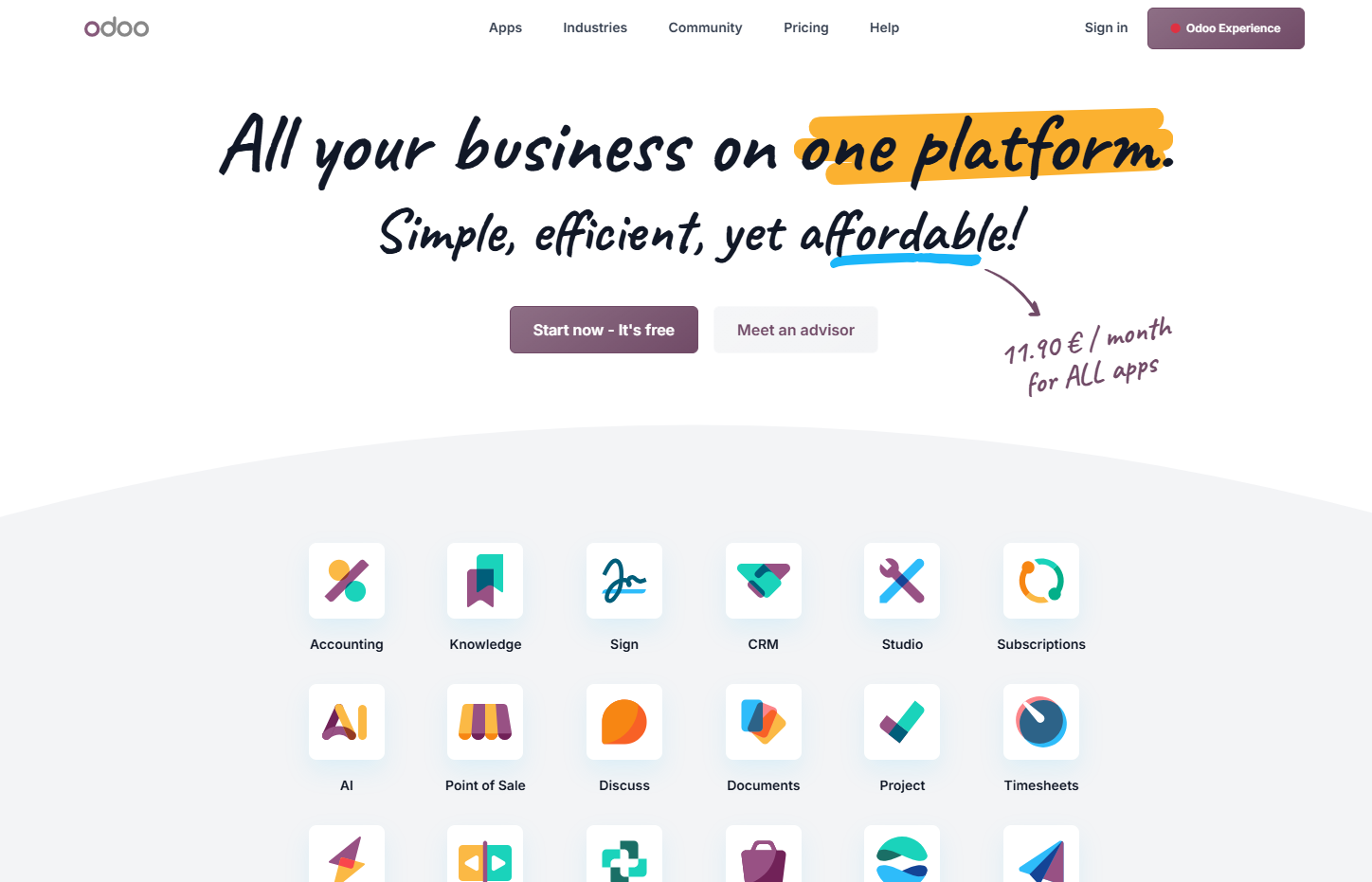
Odoo's Accounting app takes supplier bills by email alias and can match them against purchase orders from the Purchase app.
The platform works with local implementation partners in the UAE.
Features
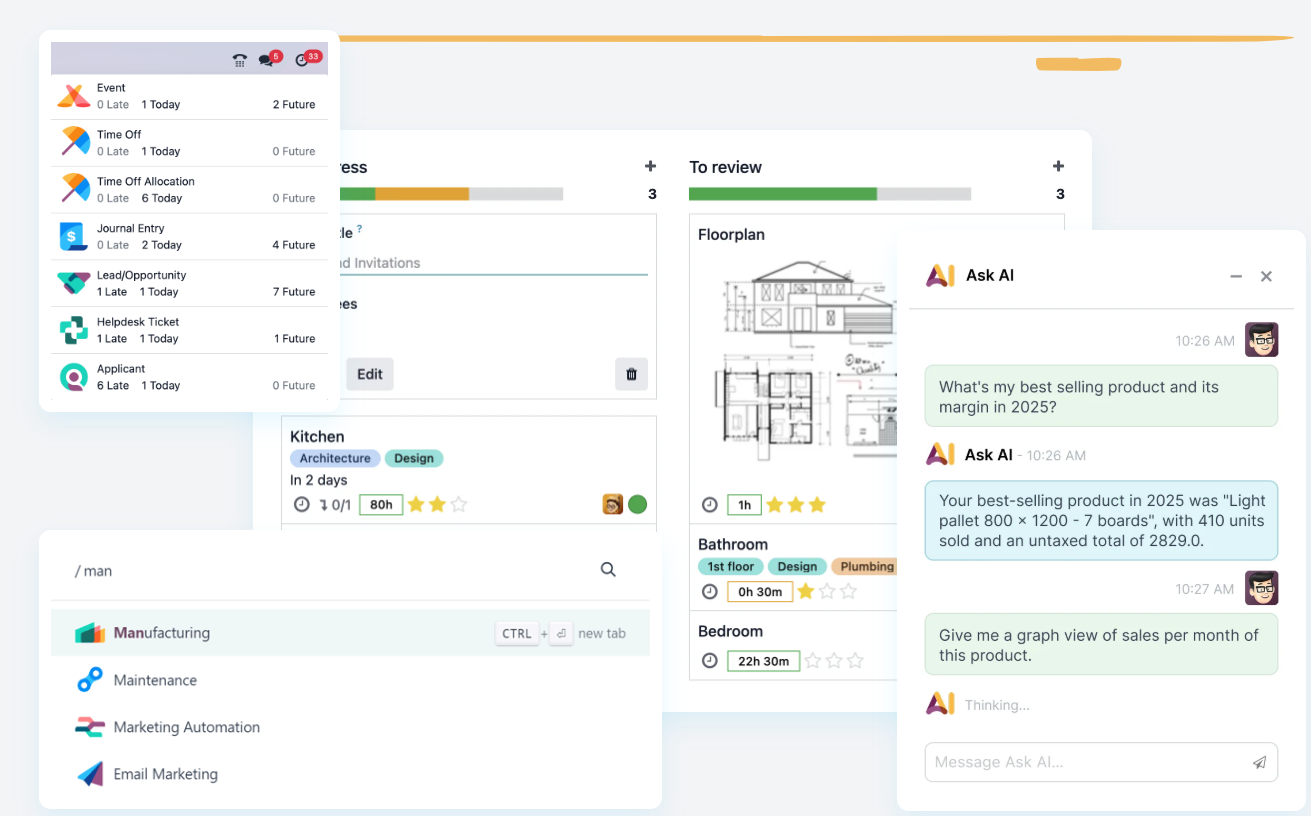
- Email alias per purchase journal: every PDF attached to a message sent there turns into a draft vendor bill.
- Auto-post for chosen vendors: bills from suppliers you trust can skip manual review once digitised.
- PO auto-complete: bill lines fill in from the matching purchase order, with no OCR involved.
- Aged payable report: open supplier balances sorted by how long they've been outstanding.
Pricing
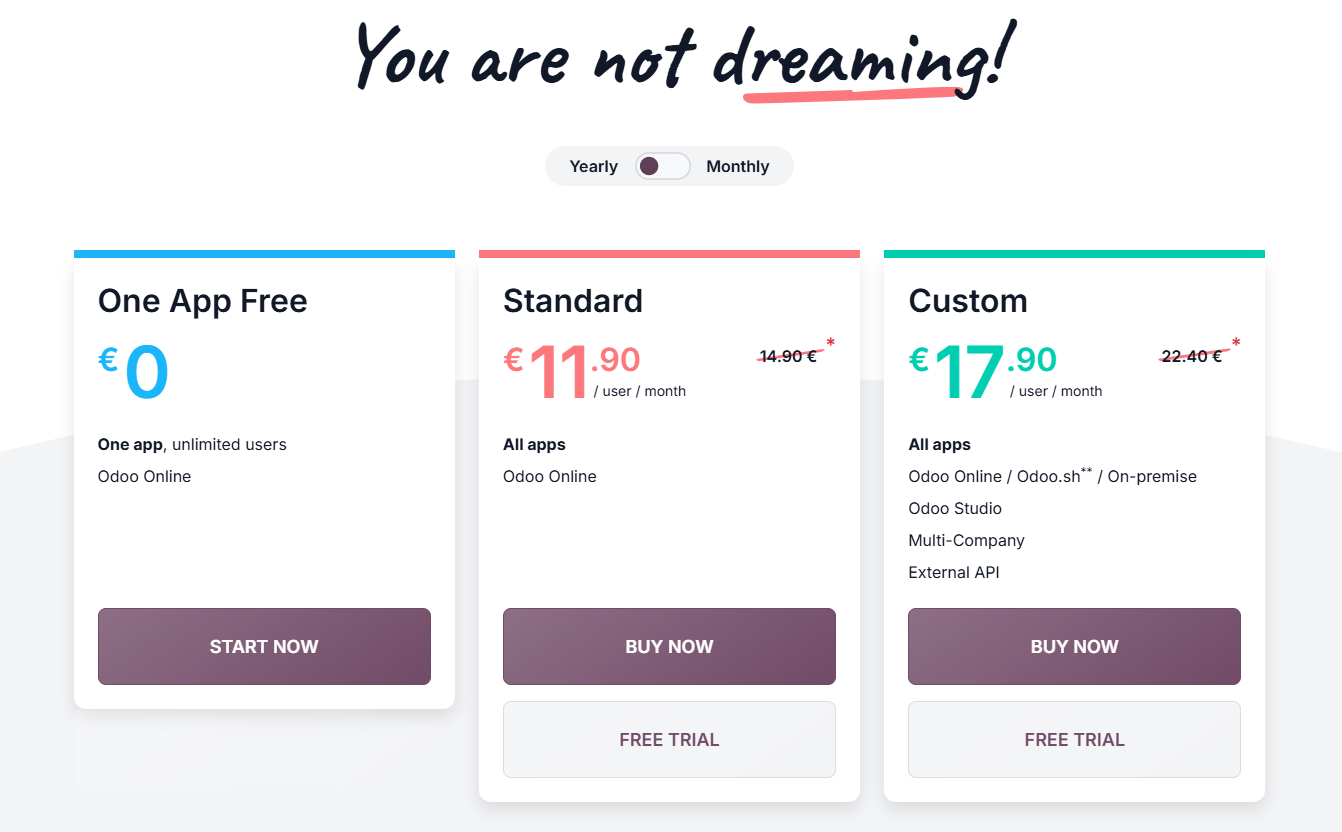
Odoo charges per user on its paid plans.
Odoo's own pricing page varies by region and is the place to confirm the UAE rate:
- One App Free: no charge for a single app, whatever the number of users.
- Standard: $13.50/user/month billed yearly at the current first-year rate, or $16.90 at list price.
- Custom: $20.40/user/month at the first-year rate, or $25.50 at list price. Adds Odoo Studio and multi-company, plus external API access and on-premise or Odoo.sh hosting.
- Document digitisation: bought separately as prepaid credits, one per file.
Pros and cons
✅ Bills from trusted suppliers can post on their own.
✅ PO data fills the bill without spending an OCR credit.
❌ Digitising bills uses prepaid credits.
❌ Partner implementation is a separate cost.
#7: Basware
Best for: Global or multi-ERP organisations with high invoice volumes.
Similar to: Coupa, SpendConsole.
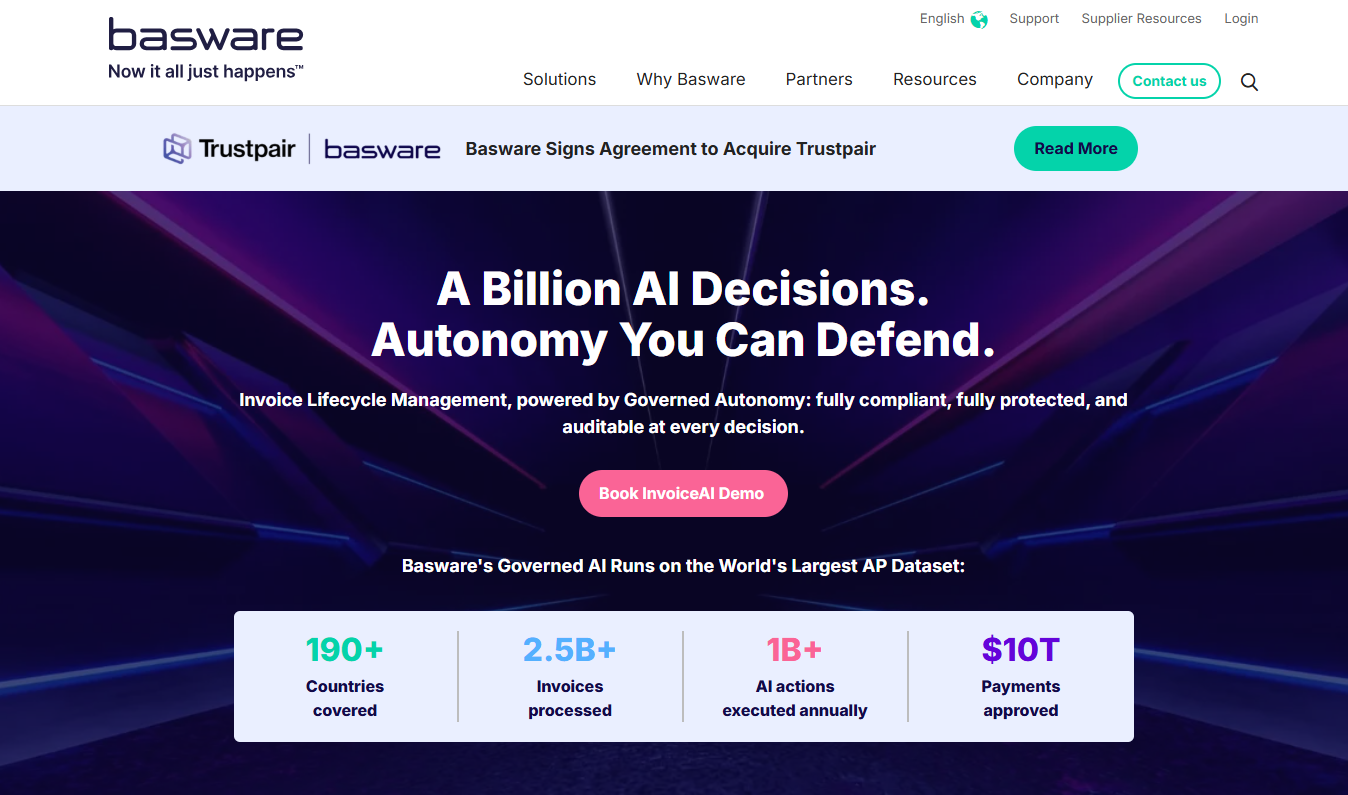
Basware has more than 40 years in the market and calls its current platform Invoice Lifecycle Management.
Basware reports being named a Leader in Gartner's 2026 Magic Quadrant for Accounts Payable Applications.
Features
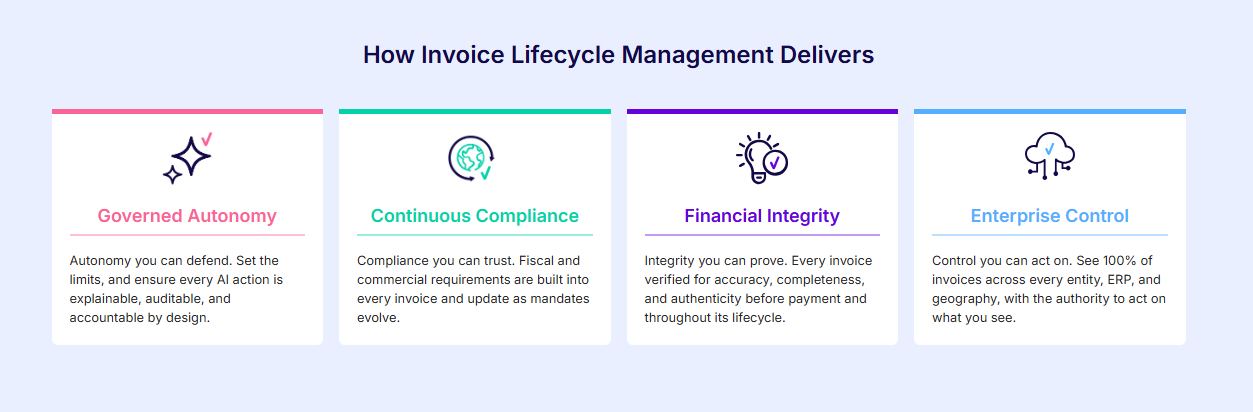
- SmartPDF: pulls invoice data out of supplier PDFs.
- SmartCoding: proposes account codes for invoices without a PO, based on how similar invoices were booked before.
- Invoice Matching: compares each PO-backed bill with its POs and goods receipts, down to line level.
- Recurring non-PO automation: recognises rent and utility bills, then processes them against a schedule or budget.
- Smart routing: sends leftover exceptions to the right approval workflow.
Pricing
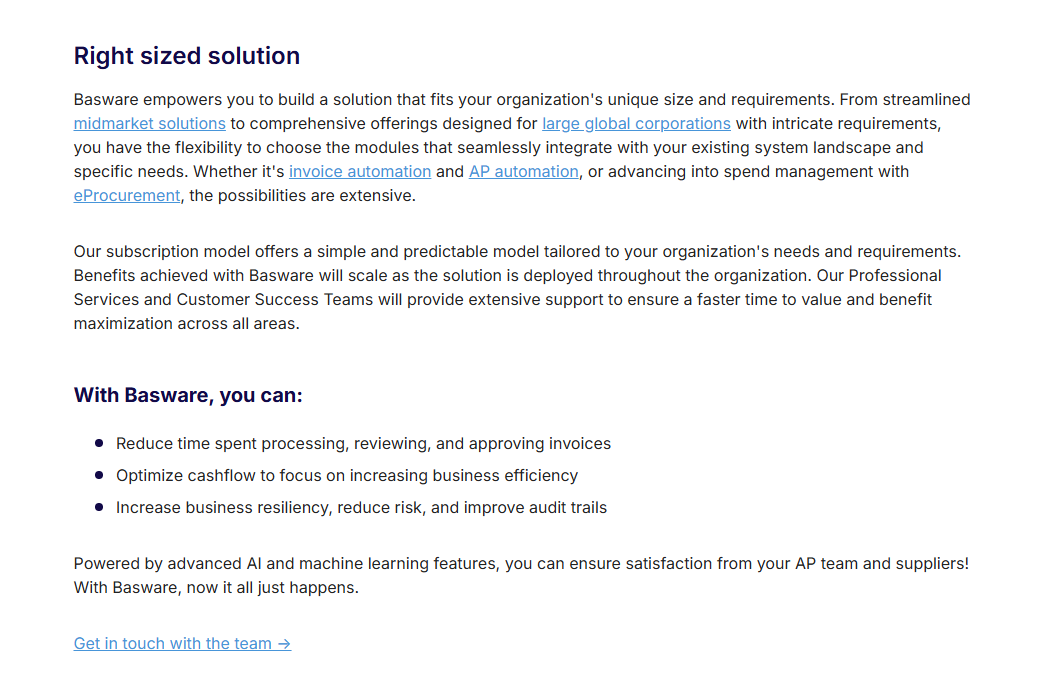
Basware builds each subscription from the modules you choose, sized anywhere from mid-market to large global corporations.
Its site has a Business Case Calculator for estimating the benefits.
The subscription price itself comes from Basware's team.
Pros and cons
✅ More than 250 ERP integrations.
✅ Non-PO invoices get automated coding too.
✅ An e-invoicing network of more than 220 partners.
✅ Listed by Basware as a Leader in The Forrester Wave for AP invoice automation software, Q2 2026.
❌ Pricing is custom.
#8: Coupa
Best for: Large organisations running procurement and AP together.
Similar to: Basware, SAP Concur.
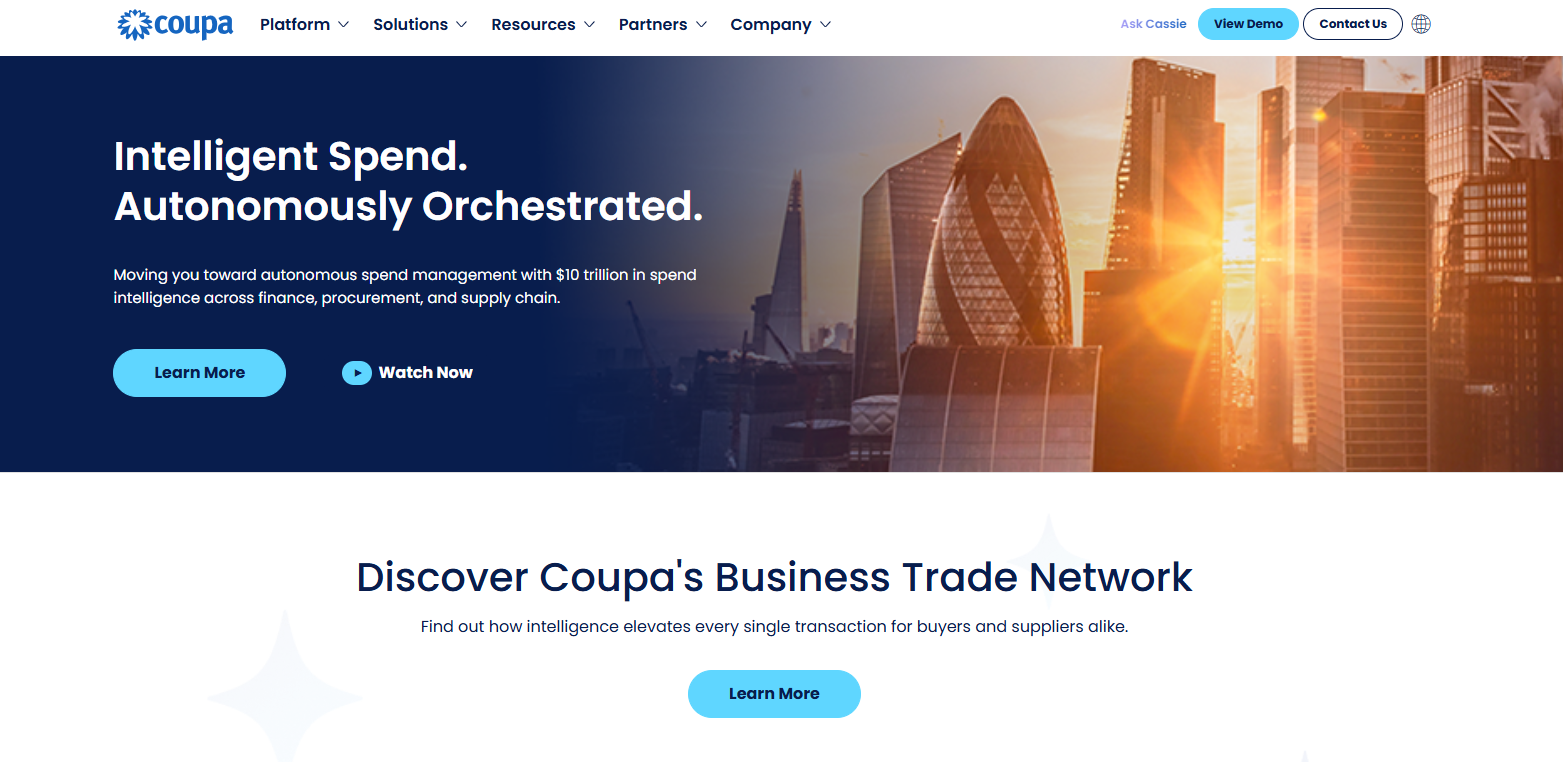
By its own count, Coupa works with 55% of the Fortune 500.
Its AP automation runs on document intelligence from Rossum, a company Coupa has acquired.
Features
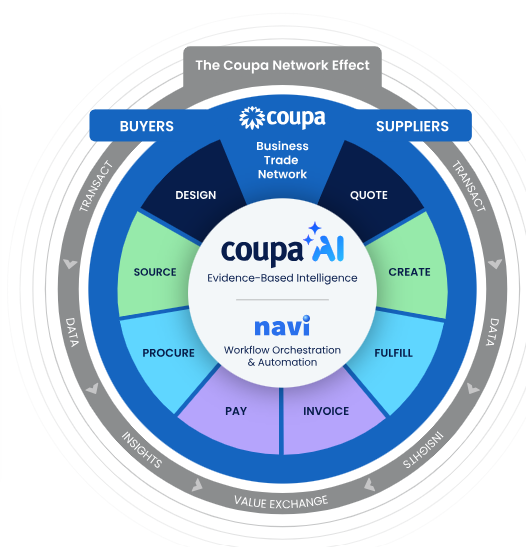
- Template-free ingestion: invoices in any format or language enter a single pipeline through Rossum's transactional large language model (T-LLM).
- Two-way and three-way matching: invoices clear against POs automatically for touchless processing.
- Coupa Pay: payments across every rail managed in one place, with reconciliation automated.
- Coupa Card: virtual cards with credit approval and tap-to-pay built in.
- AI fraud detection: Coupa says it reduces dependence on auditing services and may even replace them.
Pricing
Coupa doesn't publish a price list that I could find, so you’ll need to reach out to them.
Pros and cons
✅ Procurement and AP managed together.
✅ Invoices read without templates.
✅ A Dubai office for regional customers.
❌ Quotes only, with no published rates.
#9: SpendConsole
Best for: UAE enterprise and government finance teams with payables spread across several ERPs.
Similar to: Basware, Coupa.
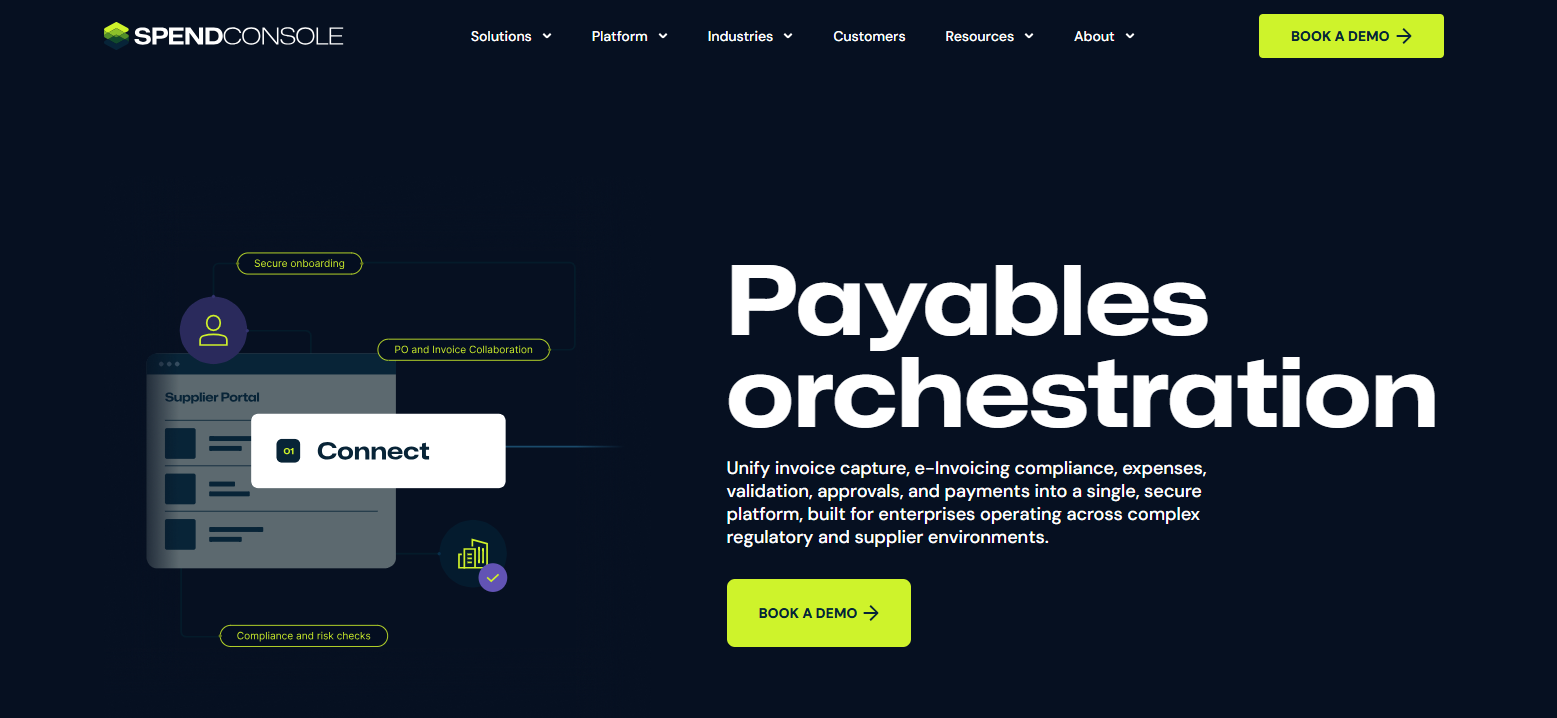
An Australian AP automation company, SpendConsole also runs an office in Dubai.
Its UAE product pairs e-invoicing connectivity with AP modules that run from invoice capture to payment settlement.
Features
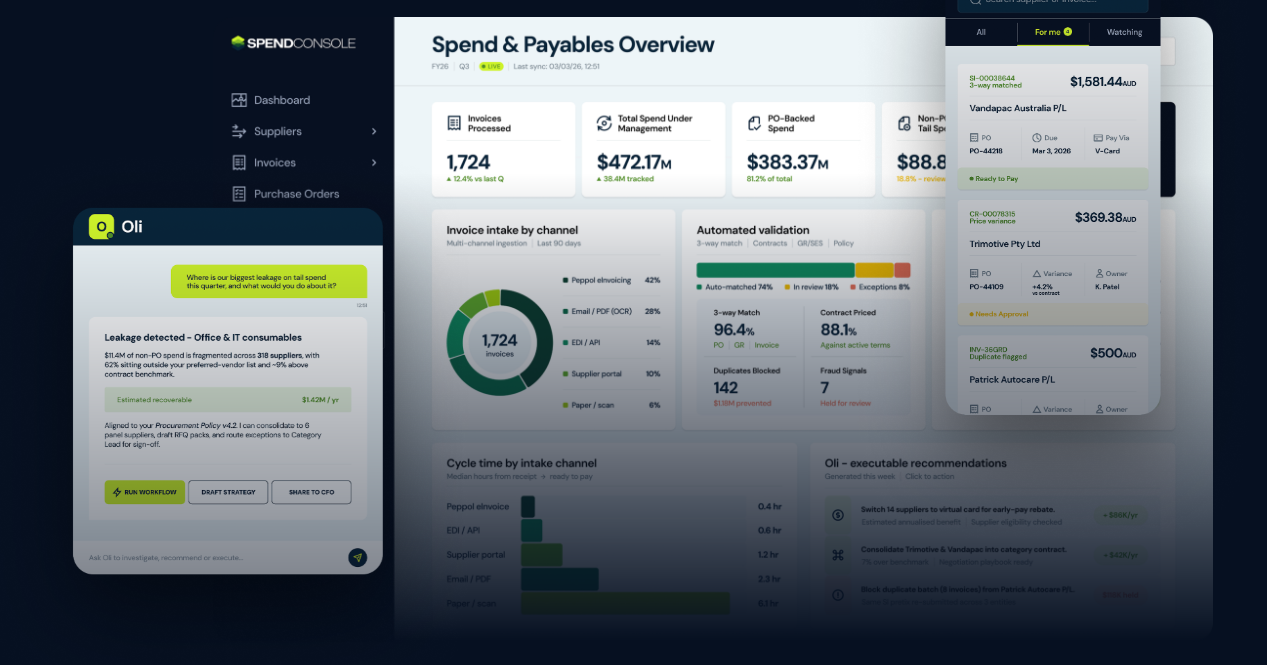
- Mixed-format capture: takes structured e-invoices alongside PDFs and scans, with AI invoice OCR for international suppliers.
- Exception handling: catches missing or incorrect fields early and lets finance clarify details with the supplier inside the platform.
- Approval-gated settlement: releases payment only against invoices that have passed validation and approval.
- Multi-ERP connections: works across SAP and non-SAP environments.
- Oli: an AI intelligence layer inside the Insights modules, next to SpendImpact.
Pricing
SpendConsole prices each deployment on request.
Before any implementation, it offers a complimentary e-invoicing readiness assessment.
Pros and cons
✅ A Dubai office and a published UAE banking case study.
✅ Structured e-invoices and PDFs handled in the same capture flow.
❌ Pricing is custom.
#10: SAP Concur
Best for: AP teams that want machine capture backed by human verification, inside SAP's spend suite.
Similar to: Coupa, Basware.
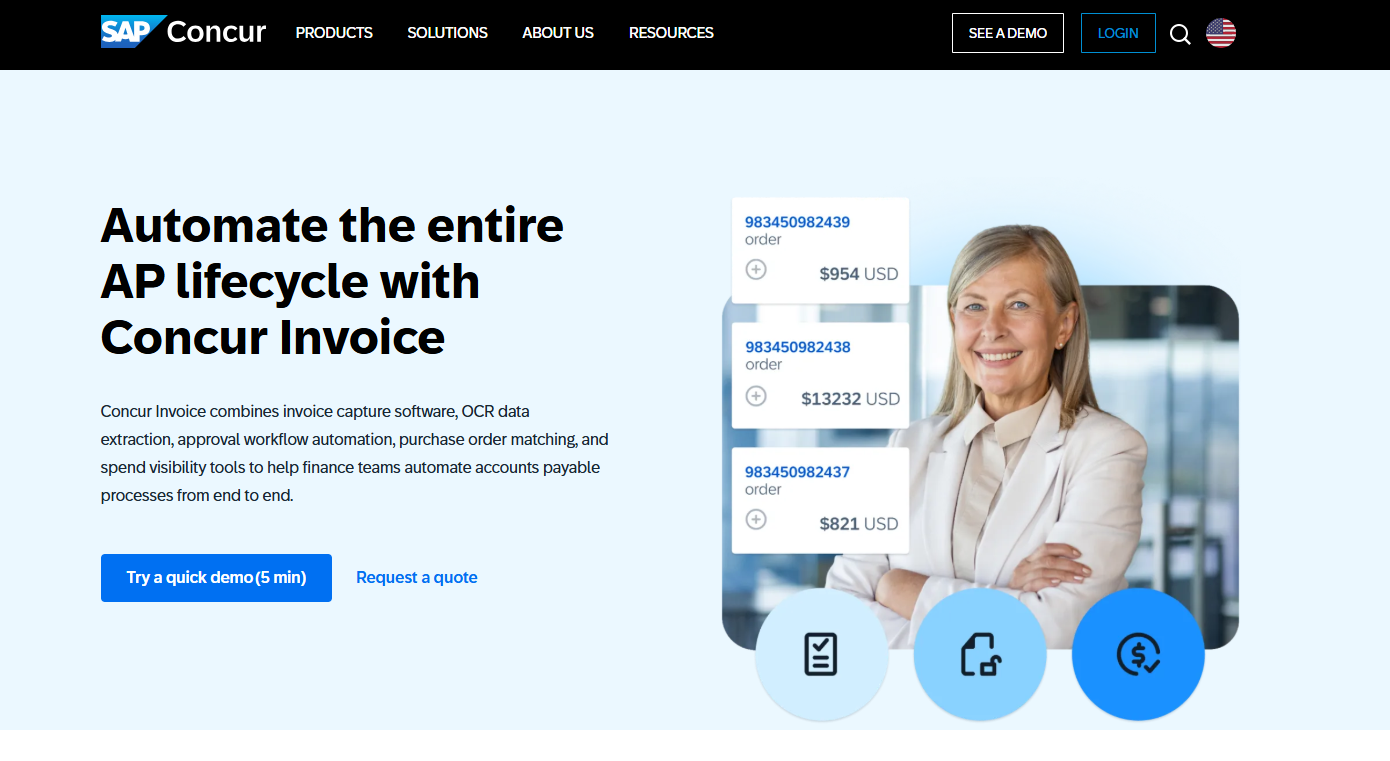
Concur Invoice is the AP product within SAP Concur, SAP's spend management suite.
Because it shares a system with Concur Expense and Concur Travel, invoice spend and employee spend can be reported together.
Features
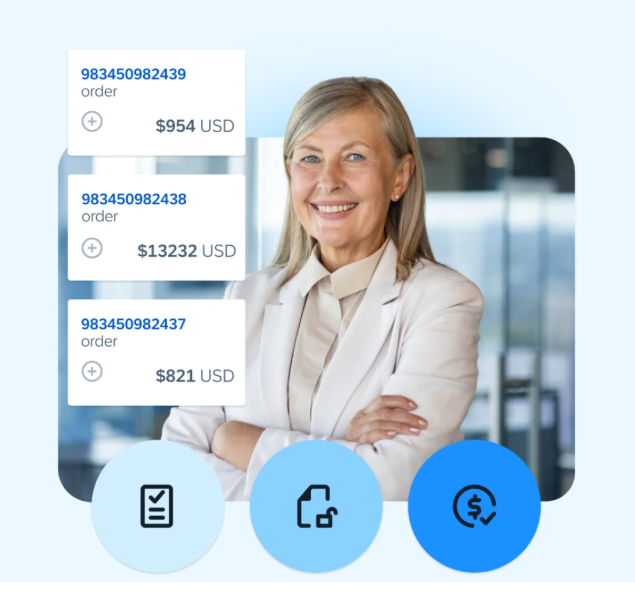
- Multi-channel capture: accepts invoices by email, PDF, EDI, or paper, then centralises them.
- AI capture with human review: OCR and machine learning read each invoice, backed by AP specialists when a check is needed.
- PO checks: flags any gap between an invoice and its purchase order or receipt.
- Mobile approvals: invoice and PO sign-off from the SAP Concur app.
Pricing
Concur Invoice is sold on a quote basis, so you’ll need to reach out to them to request a demo.
Pros and cons
✅ Invoices reported alongside travel and expense data.
✅ Human AP specialists behind the OCR.
✅ Approvals from the same mobile app employees use for expenses.
❌ Pricing arrives only after a sales conversation.
Is Pemo the right AP automation software for your team?
The strongest case for Pemo is a UAE SME whose payables run mostly on supplier invoices without purchase orders.
It also suits teams that want supplier invoices and card spend in the same dashboard.
You'll get the most from Pemo if:
- Your approvals follow reporting lines: each invoice goes to the right person before it's paid from your wallet.
- Card spend and invoices should share a dashboard: Pemo Copilot codes both before they sync.
- Your ledger is one of Pemo's six direct integrations: from Xero and QuickBooks to Wafeq and Mazeed.
- You'd rather not pay to try it: Starter has no SaaS fee.
Sign up for a free Starter account whenever you're ready. For a guided walkthrough, you can also book a demo with our team.
⚠️ Disclaimer: This article is general information only and isn't legal, tax, or accounting advice. Features and pricing change over time. Confirm current details with each vendor before you commit. If any detail here looks out of date, please contact us for a correction. Last updated on the 24th of September, 2026.
Frequently asked questions about AP automation software
What's the best AP automation software for a small UAE finance team?
The best option for a small UAE finance team is Pemo, which is built for SMEs.
Choosing between the others in this group usually depends on your current accounting software.
A team already on Zoho Books or Wafeq can keep payables inside the ledger it knows.
Pemo connects to both of them, as it does to Xero and QuickBooks.
On the other hand, Mamo fits businesses whose AP work is mostly sending transfers.
Is AP automation software the same as the bills module in accounting software?
No, although the two overlap.
A bills module records what you owe and stops there.
AP automation software goes on to route each bill for approval and release the payment.
Some accounting platforms add that layer separately: Zoho Books through its BillPay add-on, and Wafeq through a connected Wio Business account.
Can suppliers submit invoices directly into AP automation software?
Yes, through an email address in most cases, sometimes backed by a supplier portal.
Pemo, Wafeq, Odoo, and SAP Concur all take invoices by email.
Tipalti and Zoho Books go further with supplier portals, where vendors register and manage their own records.
How does a group with mainland and free-zone entities run AP in one tool?
The group needs a tool with multi-entity support, a feature often kept for higher tiers.
On Pemo, that means the Enterprise plan, which is built for multi-entity organisations.
Tipalti includes entity-specific rules in its AP product.
What's the difference between paying suppliers by card and by bank transfer?
A card payment clears at checkout against a card limit.
A bank transfer settles an approved invoice by moving money into the supplier's account.
Cards work for suppliers that accept them, such as software vendors.
Tipalti, for one, pays cashback on bills settled with the Tipalti Card.
Pemo's pre-funded cards suit supplier payments.
Its single-use virtual cards expire after one transaction, which helps with one-off purchases.


