
Are you trying to work out which receipt scanners deserve a place in your UAE finance stack in 2026?
In this guide, I'll go over the 10 best receipt scanners for the UAE market that can help you capture receipts, match them to expenses, and keep your books audit-ready.
TL;DR
- Pemo is the best receipt scanner in the UAE, pairing AI capture-and-match with a verification step most rivals skip.
- Veryfi and Dext suit teams that want dedicated OCR to pull receipt data and push it into the books.
- Expensify, Rydoo, Zoho Expense, and Happay cover the employee side, from expense reports to travel and reimbursements with scanning built in.
What are the best receipt scanners in the UAE in 2026?
The best receipt scanner in the UAE is Pemo, as it reads a photographed receipt, matches it to the transaction, then verifies it before the entry reaches your books.
A finance stack rarely runs on one tool, though.
So I've split the 10 best receipt scanners in the UAE into four groups: spend platforms that capture receipts, dedicated OCR tools, expense apps with scanning, and accounting software with capture built in.
The table below lines all 10 up:
What are the best receipt scanners for spend management and corporate cards in the UAE?
These platforms give your team a card to pay with, then capture and match the receipt behind the transaction:
#1: Pemo
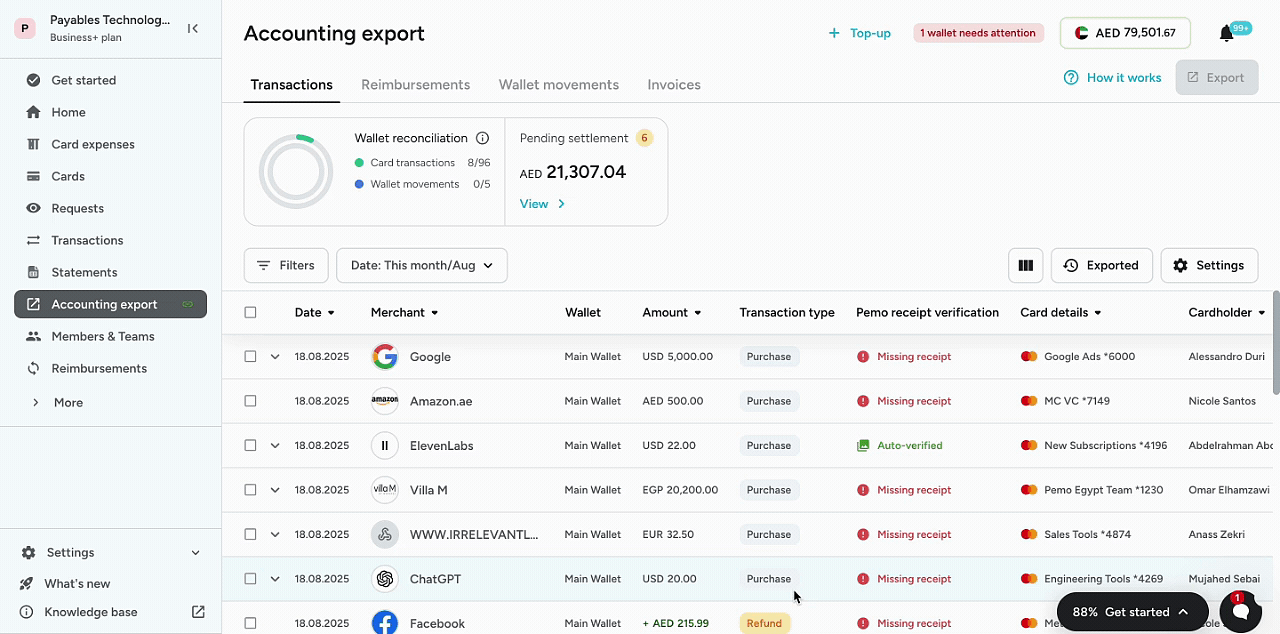
Pemo offers the best receipt scanner on the market with its AI capture and built-in verification, both wired into the corporate card that made the purchase.
The verification step is our platform’s standout capability, since it confirms each receipt is accurate before you rely on it, which is something many receipt tools leave out.
Disclosure: I should be upfront that Pemo is our own platform. However, I’ll still provide an overview of what makes Pemo the best receipt scanner on the market in the UAE in 2026.
The receipt workflow has four parts: 👇
Capture happens the moment someone pays
The capture step is where receipt tools usually win or lose people, and Pemo keeps it to a single tap.
A team member can photograph the receipt at the till, and the AI reads it and attaches it to the matching transaction on its own.
Collection is unlimited on every plan, the free one included, so nobody watches a scan counter.

You can also forward receipts by email or upload a stack at once when paper has built up.
- On mobile: a photo at the point of sale, read and filed in seconds.
- By email: forward a receipt to your Pemo inbox and it attaches itself.
- Matched for you: each receipt links to its transaction with no typing.
Every receipt gets checked, not just stored
Storing a receipt is the easy bit, and most apps manage it.
Confirming the receipt is correct is the harder bit, and Pemo handles that check automatically.
As soon as a receipt lands, Pemo AI compares it against the expense and runs three verifications:
- Amount and currency are matched to the expense value.
- The date is checked against the transaction date.
- Tax-invoice validity is flagged for VAT.
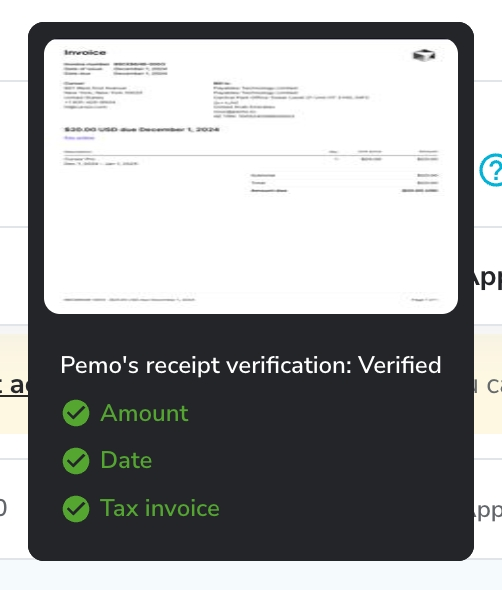
Each expense then shows whether its receipt is cleared or still needs attention, with anything missing flagged on its own.
➡️ A cleared receipt needs no follow-up, which is most of the month-end time saving on its own.
The receipt and the transaction arrive together
Receipt chasing usually exists because spending and paperwork get recorded in two separate systems.
Pemo closes that gap by issuing the card that makes the payment, so the expense is created the instant the card is tapped.
- Virtual and single-use cards for each vendor or campaign, so receipts stay sorted by source.
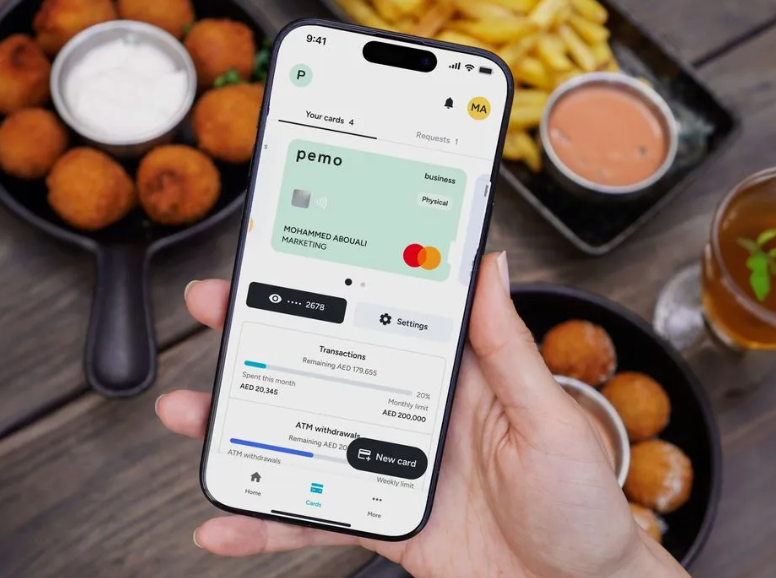
- Physical Mastercard cards for in-person spend, with Apple Pay and Google Pay.
- Controls that cap spend by card, transaction, category, or location.
- Instant freeze and fraud protection from the app.
A transaction shows up in the dashboard right away and waits for its receipt.
Reconciliation that's mostly done before month-end
The capture and the checking only pay off if the data reaches accounting clean.
Pemo pushes each transaction and its receipt into your books already categorised and matched, so closing stops being a rebuild.
The sync reaches QuickBooks, Xero, Zoho Books, and Wafeq, among others, and leaves a clean audit trail for the FTA.
💡 Our customers say this is what lets them close up to 5 times faster.
Pricing
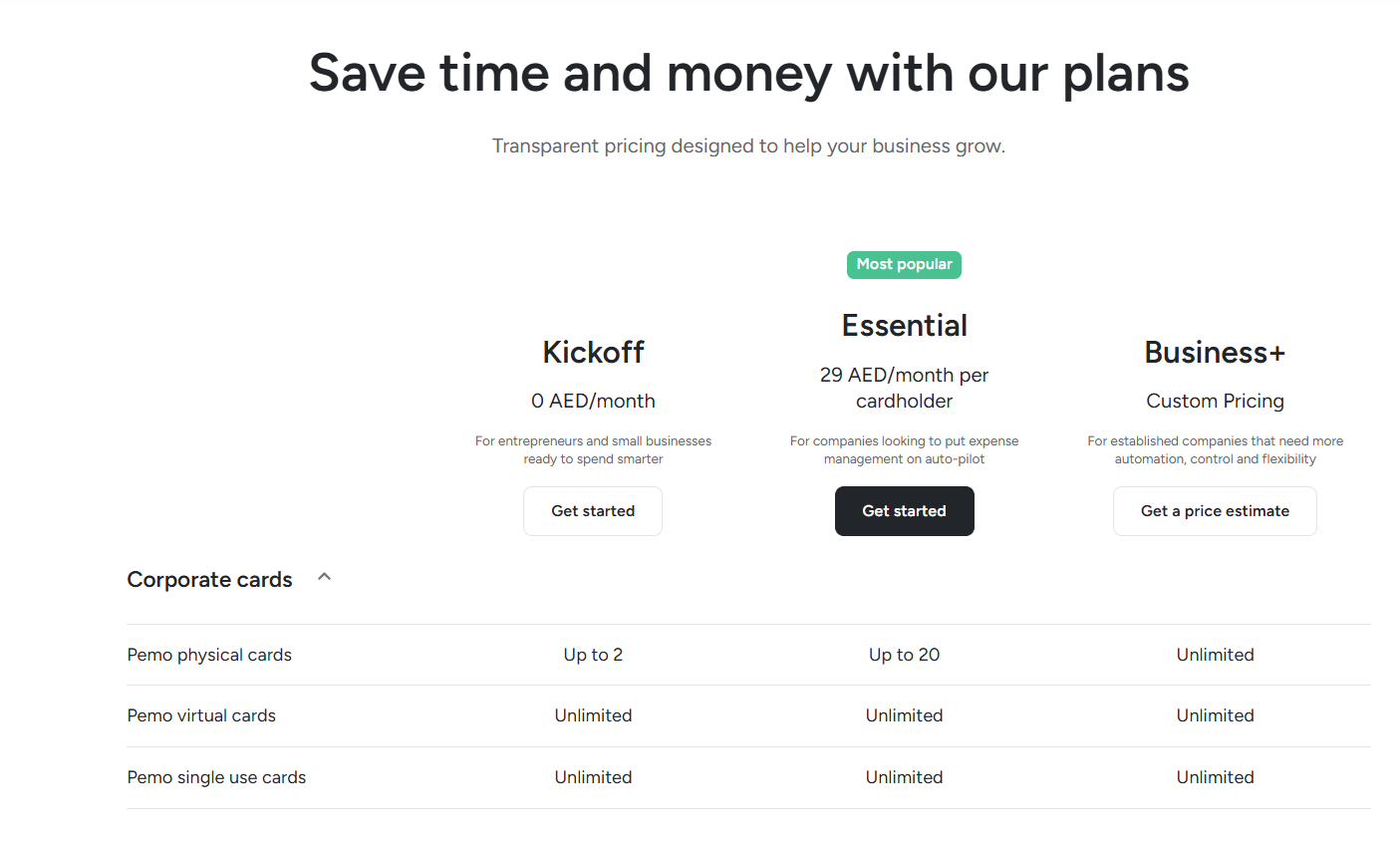
Pemo runs a free plan plus two paid tiers:
- Kickoff (AED 0/month): up to 2 physical cards, unlimited virtual and single-use cards, 0.5% cashback on ads, and unlimited AI receipt collection.
- Essential (AED 29/month per cardholder): up to 20 physical cards and up to 2% cashback, with advanced card controls switched on.
- Business+ (custom): unlimited physical cards, with more automation and hands-on support for larger teams.
You can start on the free plan or book a demo to watch the verification step run.
Pros and Cons
✅ Unlimited AI receipt capture and verification, free plan included.
✅ Capture and checking handled in one place, not stitched across separate apps.
✅ AED pricing and integrations built for UAE and Saudi books.
✅ Receipts attach to the card transaction, which cuts the chasing.
✅ Spend controls down to the card and merchant category.
❌ Cards use a prepaid wallet, so funds load ahead of spending.
#2: Xpence
Best for: Freelancers and small UAE teams that want prepaid cards with receipts captured automatically.
Similar to: Pemo, Zoho Expense.
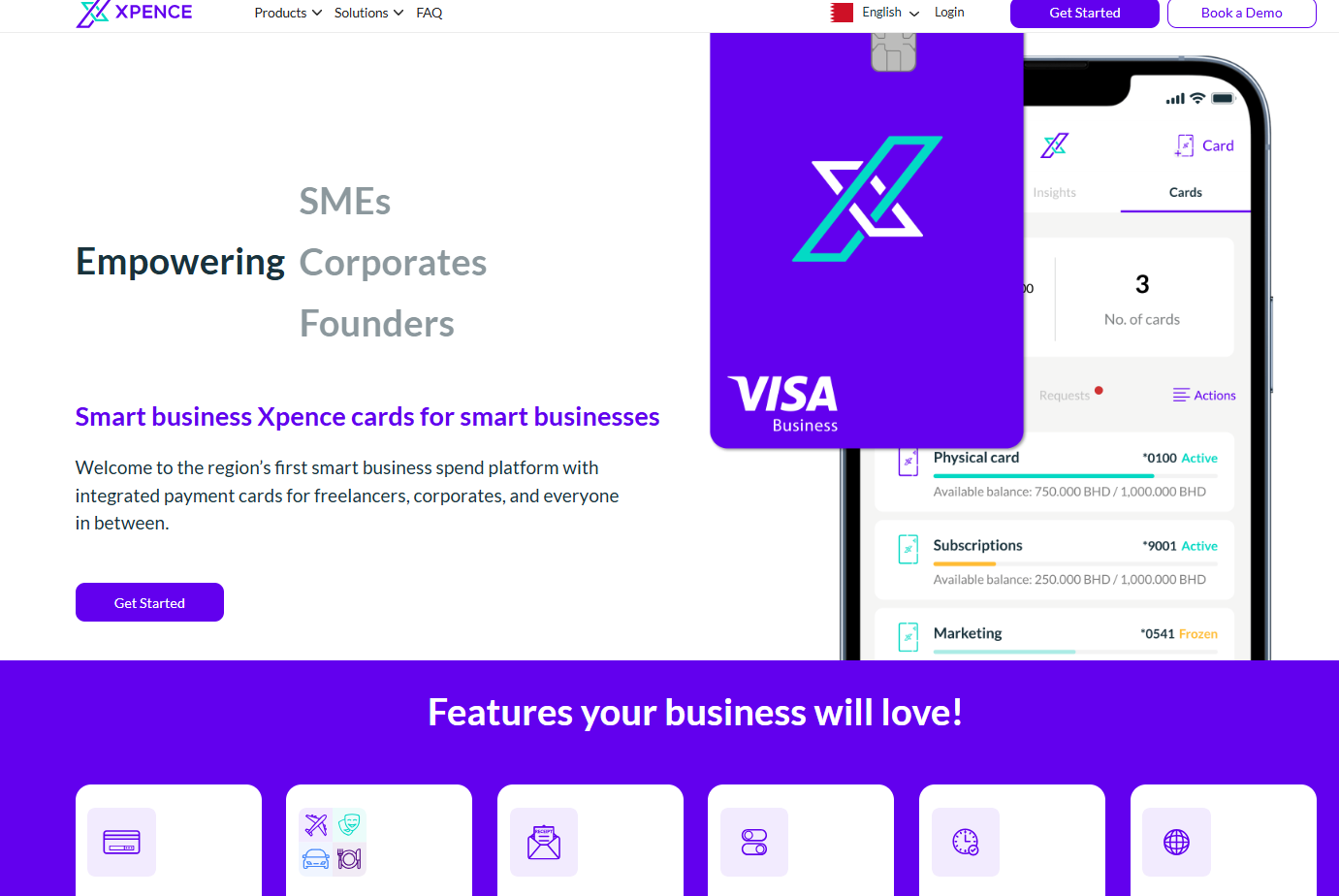
Xpence is built for smaller UAE outfits, from solo freelancers up to lean teams.
Each cardholder gets a prepaid card, and the app reads and files the receipt as the transaction happens.
Features
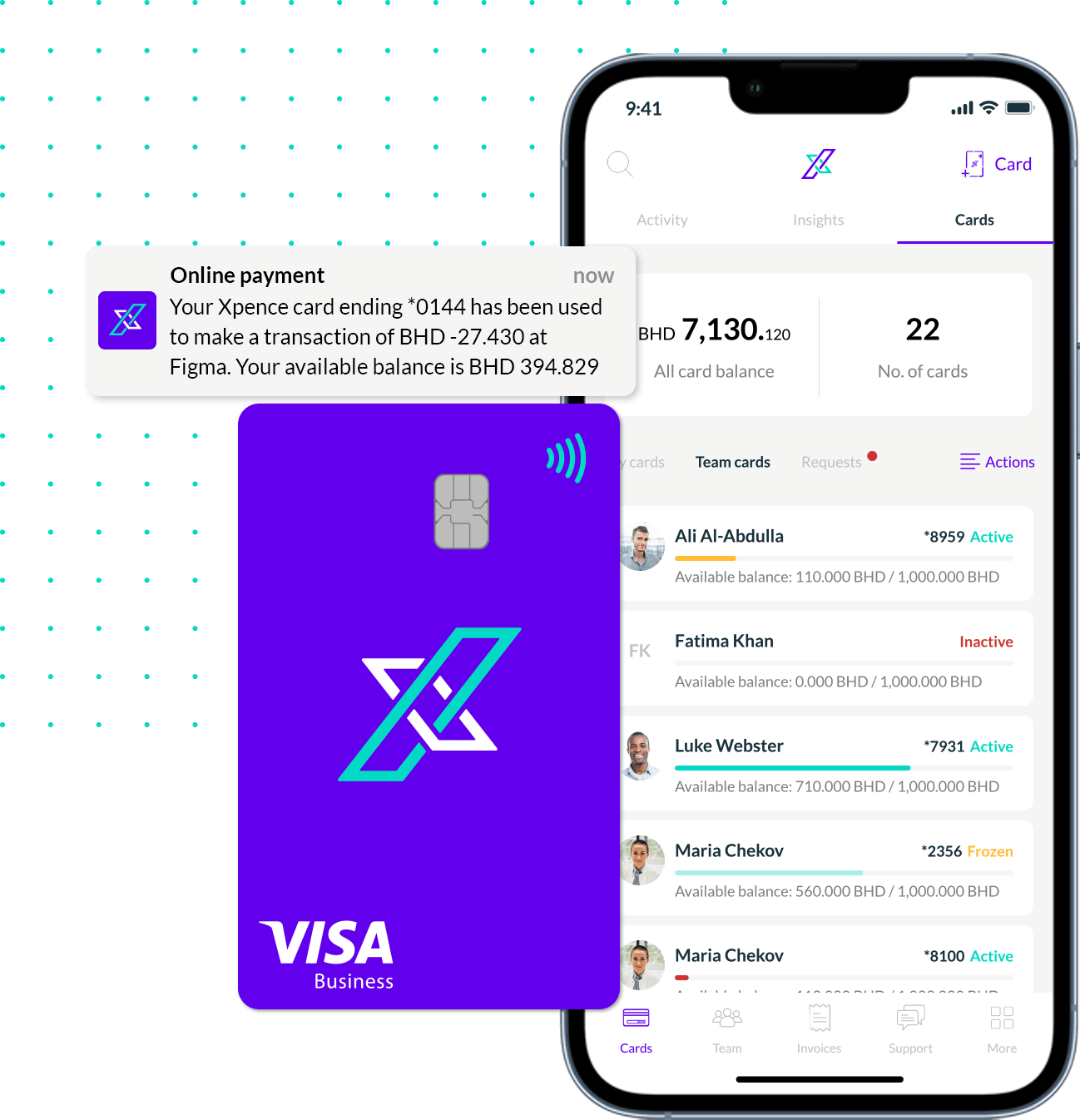
- Receipt capture that attaches to a transaction the moment it posts.
- Automatic categorisation of business spend, with no manual sorting.
- In-app approvals raised by staff and signed off on the spot.
- Spend analytics broken down by team or project.
Pricing
Xpence keeps its pricing off its site, so a quote means a quick call with their team.
Pros and Cons
✅ Receipts and notes attach to every transaction.
✅ Works for a single freelancer as well as a full team.
✅ UAE-based, with a local focus.
❌ No public pricing, unlike many Xpence alternatives.
What are the best dedicated receipt scanners and OCR tools in the UAE?
This pair does one job to a high standard: read a receipt and return clean data your other tools can use.
#1: Veryfi
Best for: Developer-grade receipt OCR and data extraction at scale.
Similar to: Dext, Expensify.
Veryfi is OCR-first, pulling receipt data through both a ready-made app and a developer API.
It reads receipts in 91 currencies and a wide spread of languages, which fits teams that want capture wired into their own software.
Features
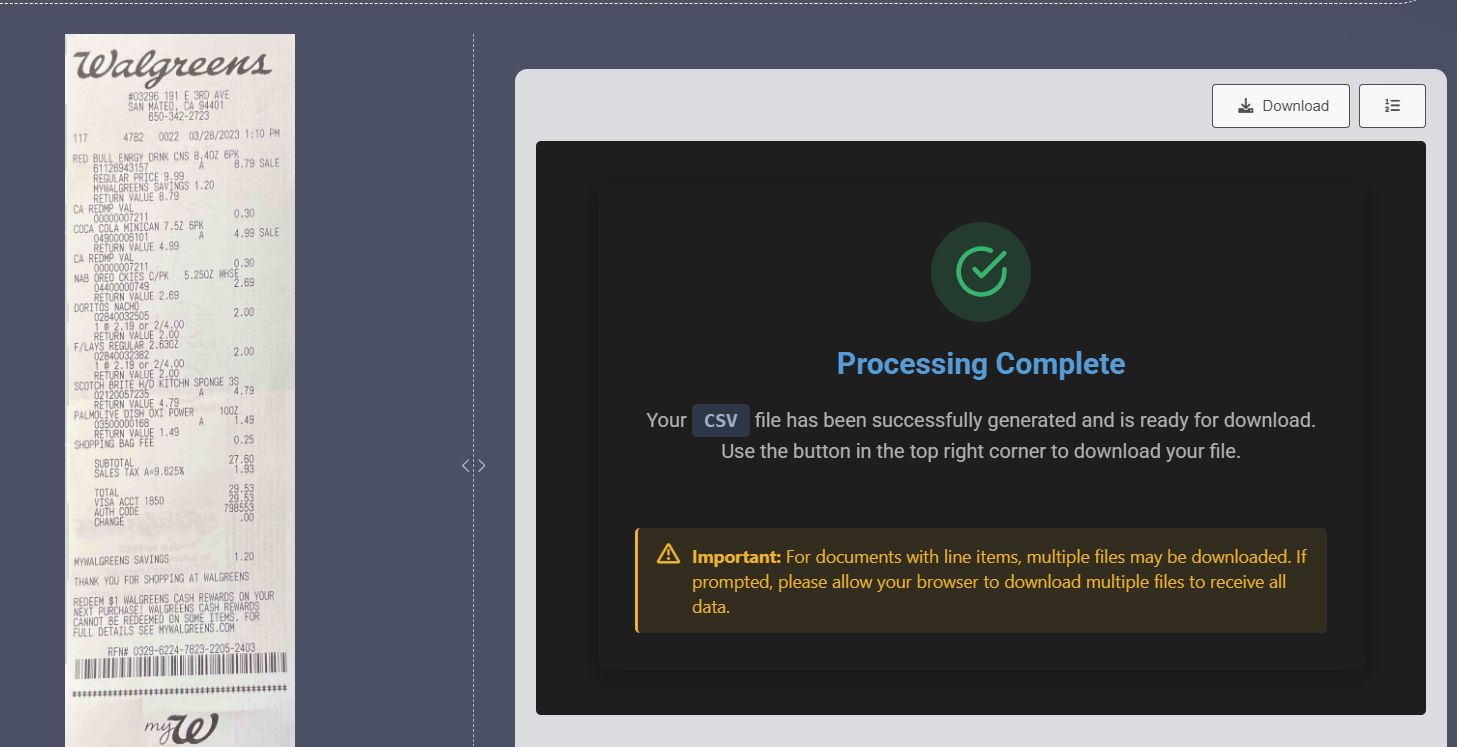
- Fast OCR that returns structured data in a few seconds.
- Line-item extraction down to individual products and the tax on them.
- Multi-currency reading with conversion handled for overseas spend.
- API and SDKs in languages such as Python, Node.js, Java, and Swift.
Pricing
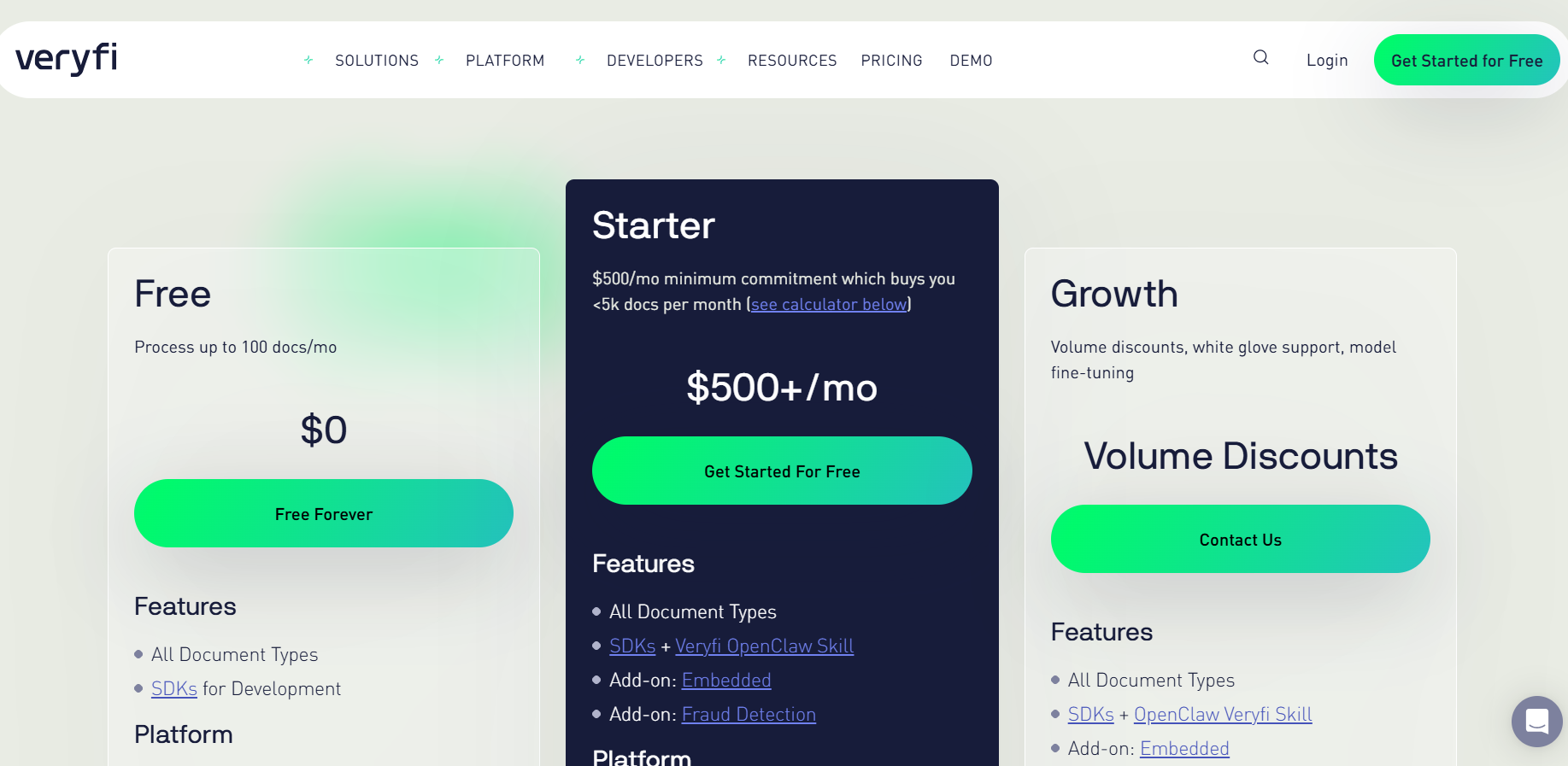
Veryfi’s pricing has 3 tiers that you can choose from:
- Free, which lets you process up to 100 docs/month.
- Starter, which costs $500+/month, and buys you <5k docs per month.
- Growth: custom pricing for a custom number of docs per month.
Pros and Cons
✅ Very fast, accurate extraction.
✅ Wide currency and language coverage.
✅ A flexible API for building your own flow.
❌ US-based, although they operate in the UAE.
#2: Dext
Best for: Accountants and bookkeepers automating receipt and invoice capture.
Similar to: Veryfi, Zoho Expense.
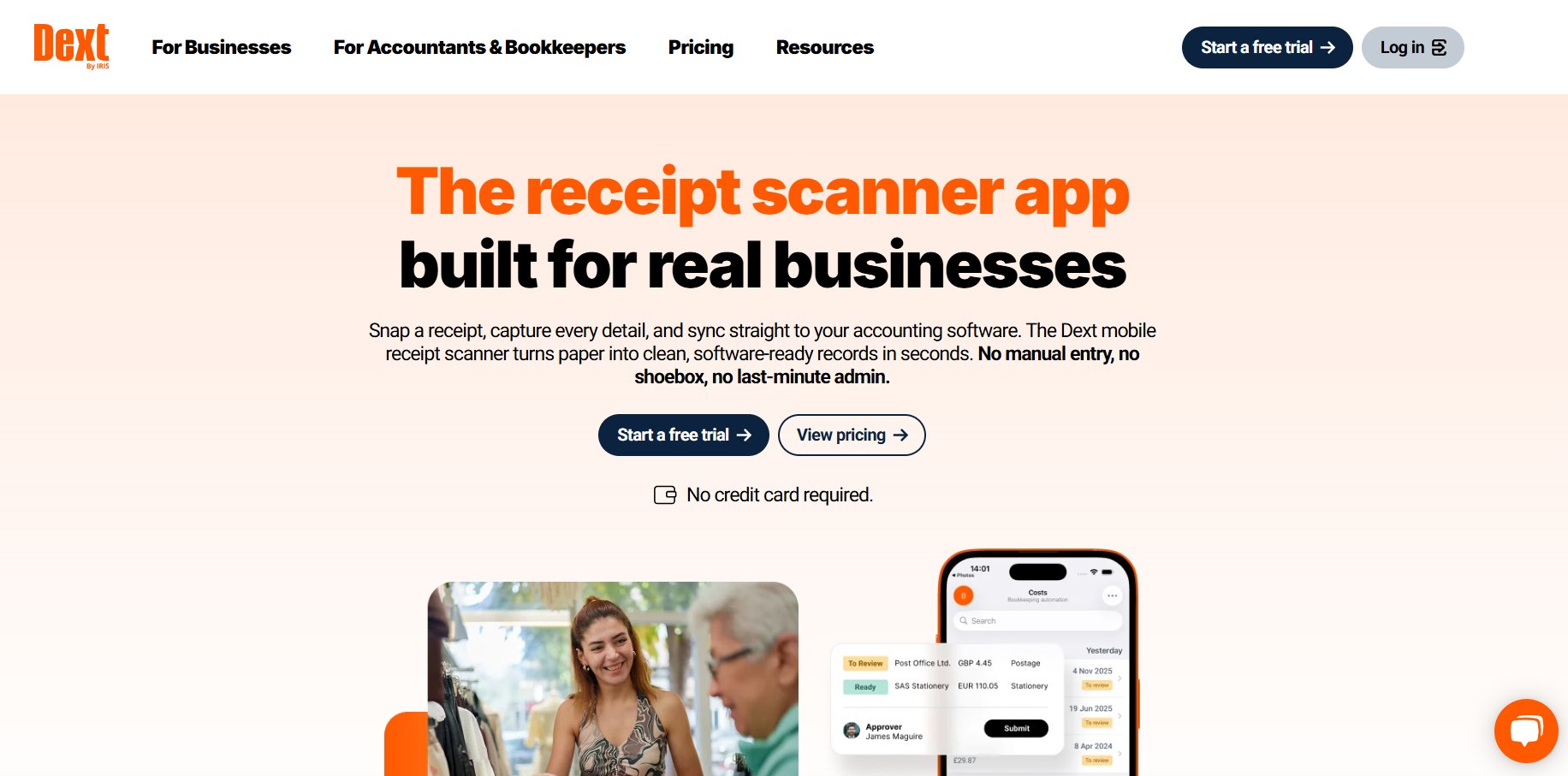
Dext is bookkeeping automation centred on document capture.
It opened up in the UAE in 2025 through a Scope Solutions partnership and links to Zoho Books, which puts it within reach of local accountants.
Features
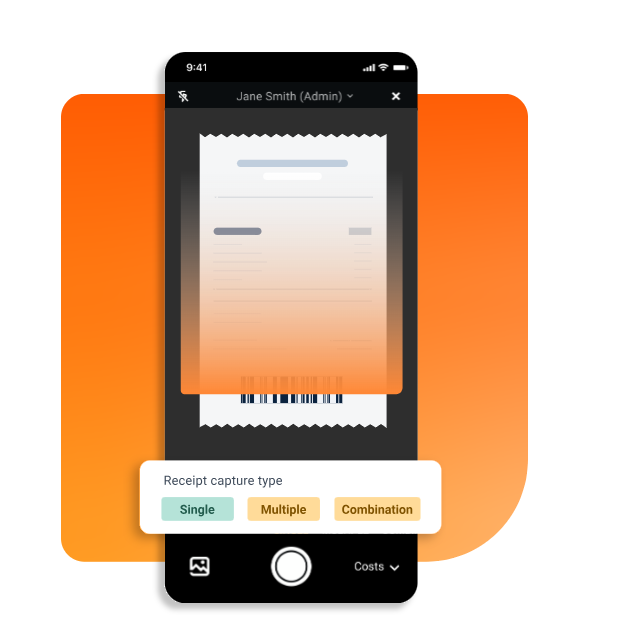
- Multi-channel capture by mobile app, email, WhatsApp, or drag-and-drop.
- High-accuracy OCR; the company rates up to 99.9% on key fields.
- Supplier rules that auto-code recurring receipts and catch duplicates.
- Accounting sync to Xero, QuickBooks, Sage, Zoho, and 30-plus platforms.
Pricing
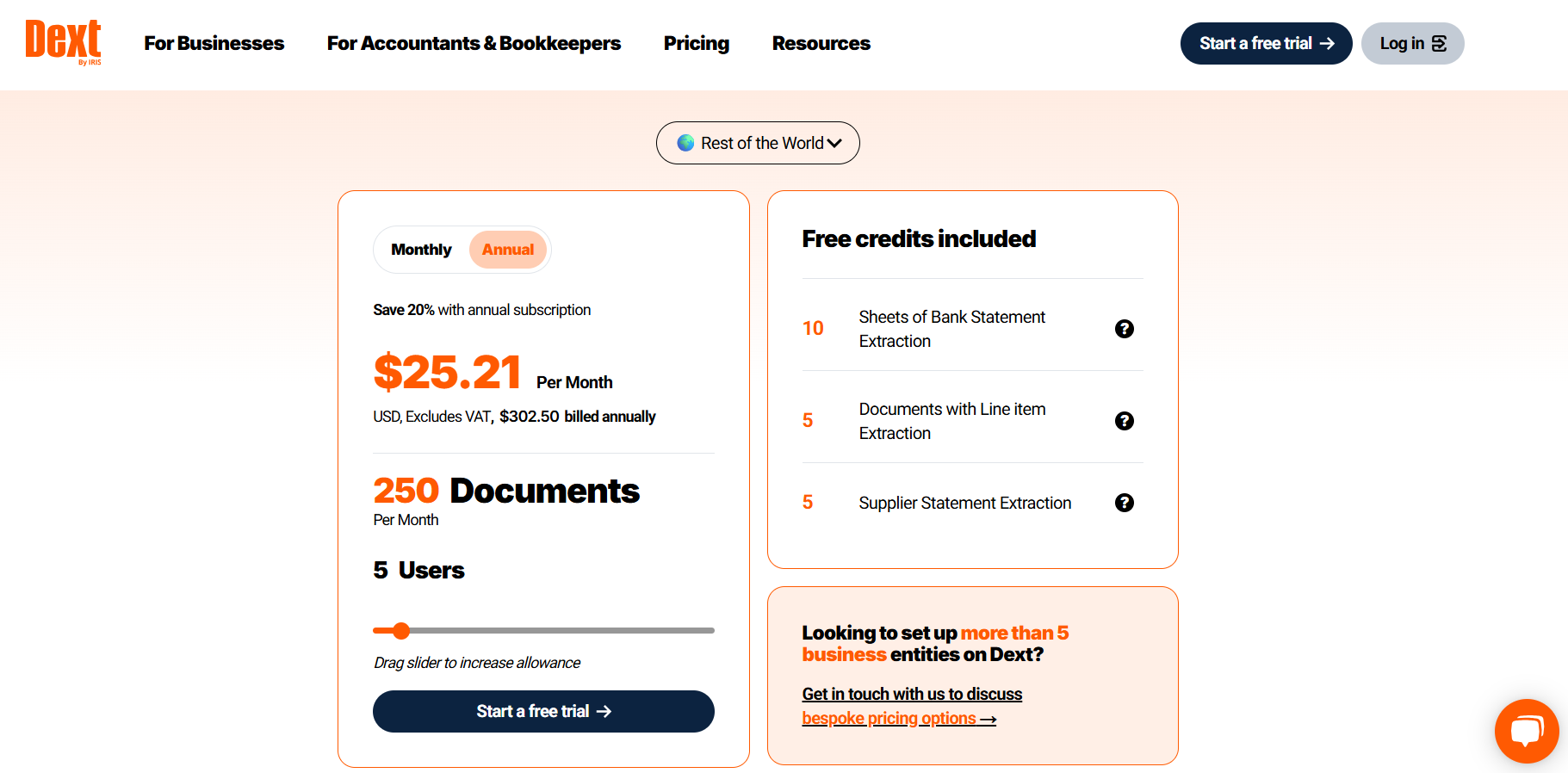
Dext gives you a 14-day trial, with no permanent free plan, and then its plan for businesses starts from from $31.50/month, or $25.21/month billed annually, for 5 users and 250 documents.
Pros and Cons
✅ Very high capture accuracy, handwritten receipts included.
✅ Several submission channels for documents.
✅ A strong multi-client dashboard for accountants.
❌ No UAE-denominated pricing.
What are the best expense apps with receipt scanning in the UAE?
This group handles the employee side: reports, reimbursements, travel, and the receipts behind them.
#1: Expensify
Best for: Fast receipt scanning and expense reports for teams of any size.
Similar to: Rydoo, Zoho Expense.
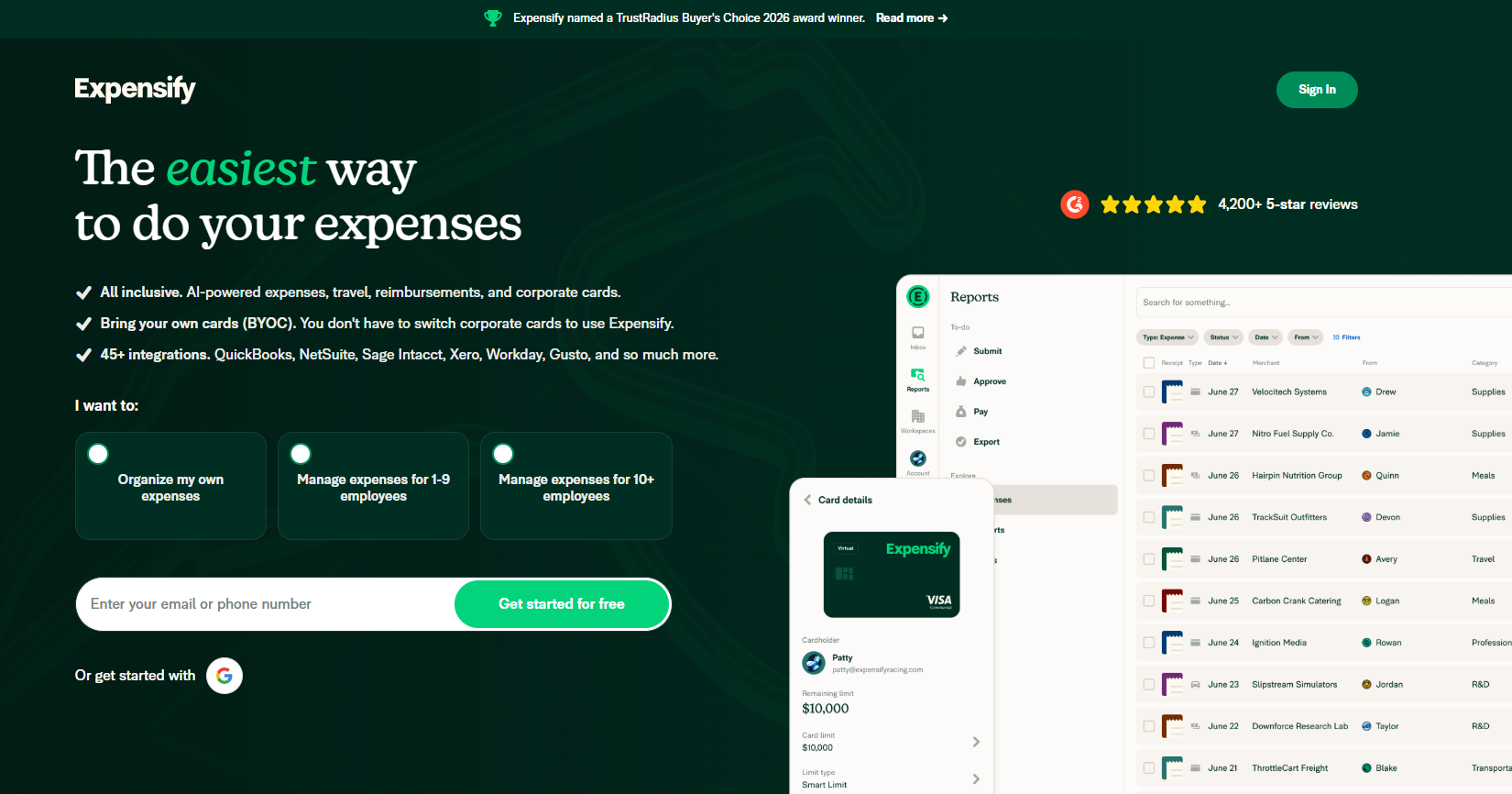
Expensify has been scanning receipts longer than almost anyone, and the whole product is tuned for speed of capture, getting a photographed receipt logged in as few steps as it can manage.
It plugs into the corporate cards you already hold, so there's no card switch to make.
Features
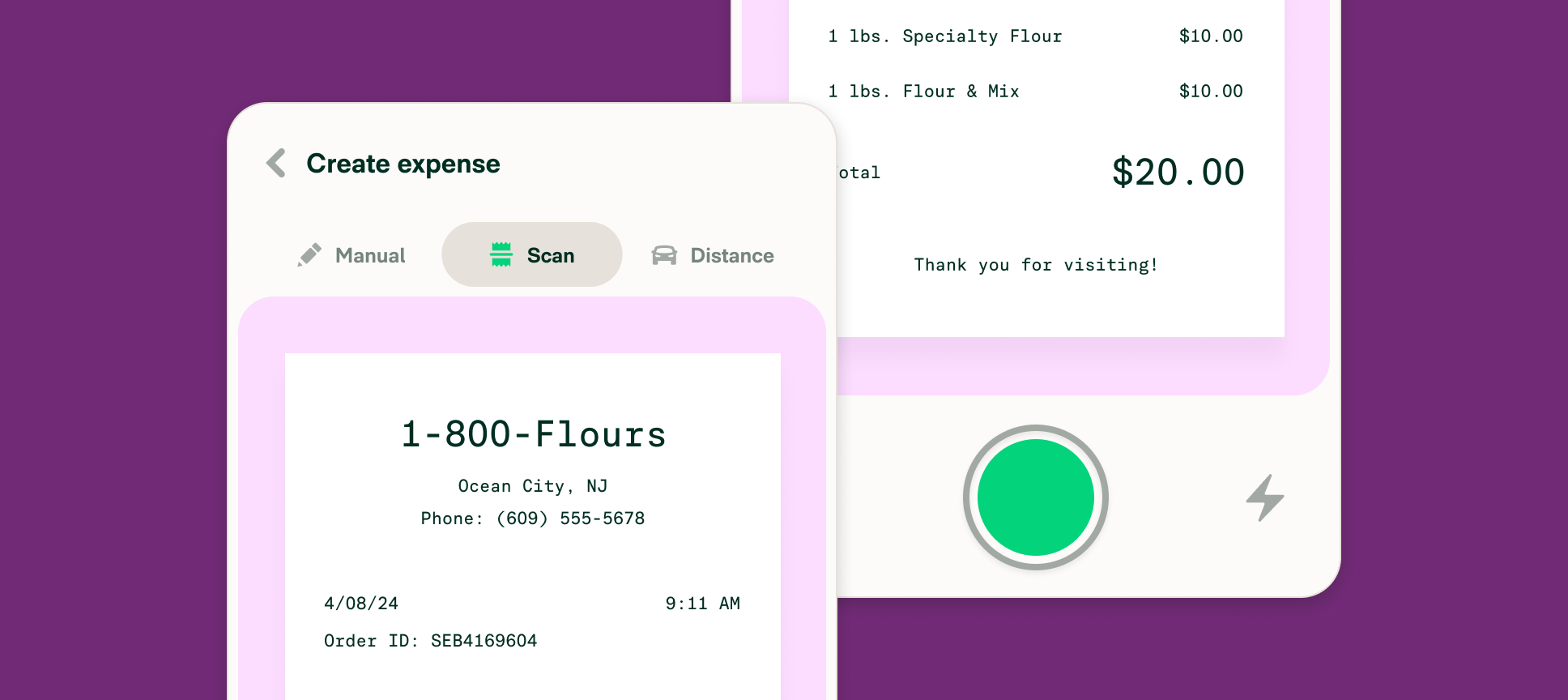
- SmartScan that reads a receipt you photograph, email, or text in.
- Concierge AI that sorts expenses and files reports, flagging policy breaks as it goes.
- Existing-card linking across 10,000-plus banks for auto-reconciliation.
- Cross-border reimbursements paid out in local currency.
Pricing
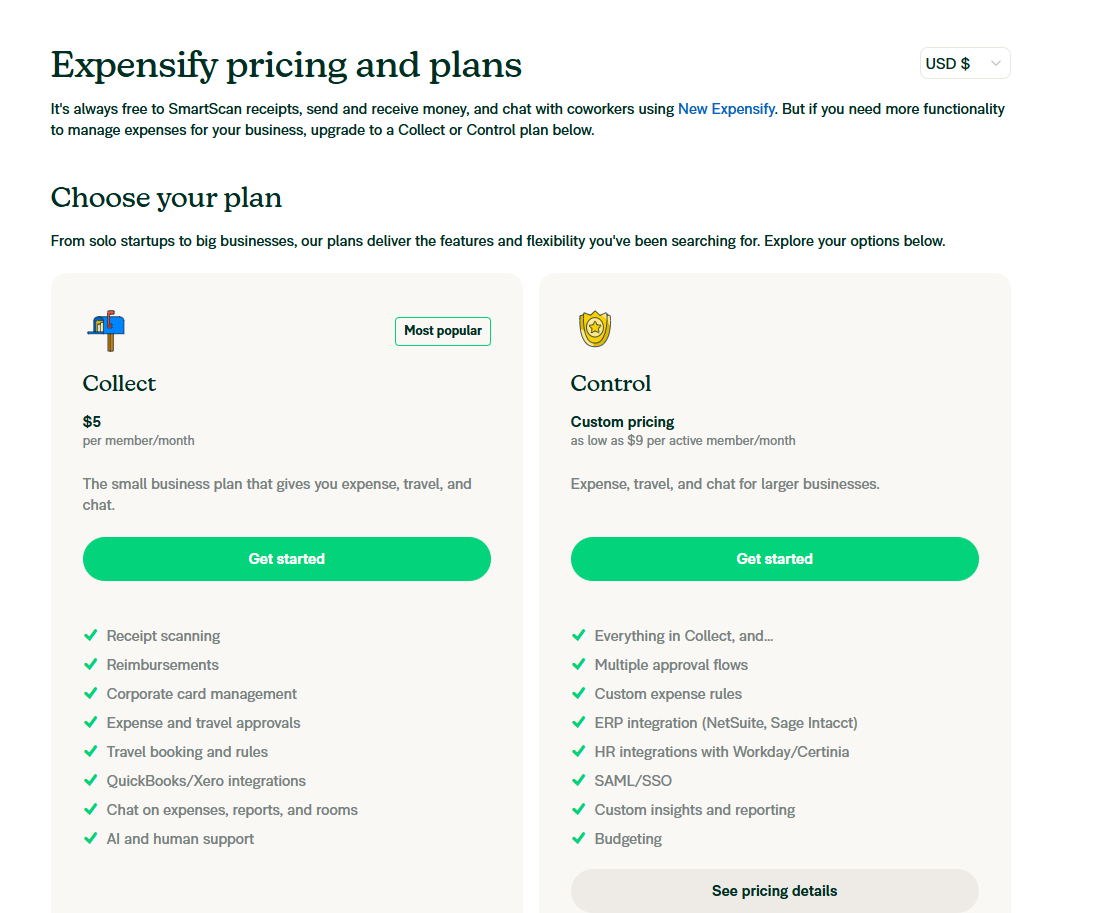
Expensify has 2 paid plans that you can choose from:
- Collect: $5/month/user, which offers receipt scanning, reimbursements, corporate card management, expense and travel approvals, and travel booking & rules.
- Control: Custom pricing, which can be as low as $9/month/active member, and adds multiple approval flows, custom expense rules, ERP integration, and budgeting.
The platform also has a free version that lets you SmartScan receipts, send and receive money, and chat with coworkers using their New Expensify solution.
Pros and Cons
✅ Very fast, mobile-first capture.
✅ Works with the cards your business already uses.
✅ 45-plus integrations, QuickBooks, Xero, NetSuite, and Workday among them.
❌ Expensify did a big update in January 2026 that's still difficult to get used to for interfacing as an admin, according to one G2 review.
#2: Rydoo
Best for: Multinational finance teams that need compliant expense capture across countries.
Similar to: Expensify, Happay.
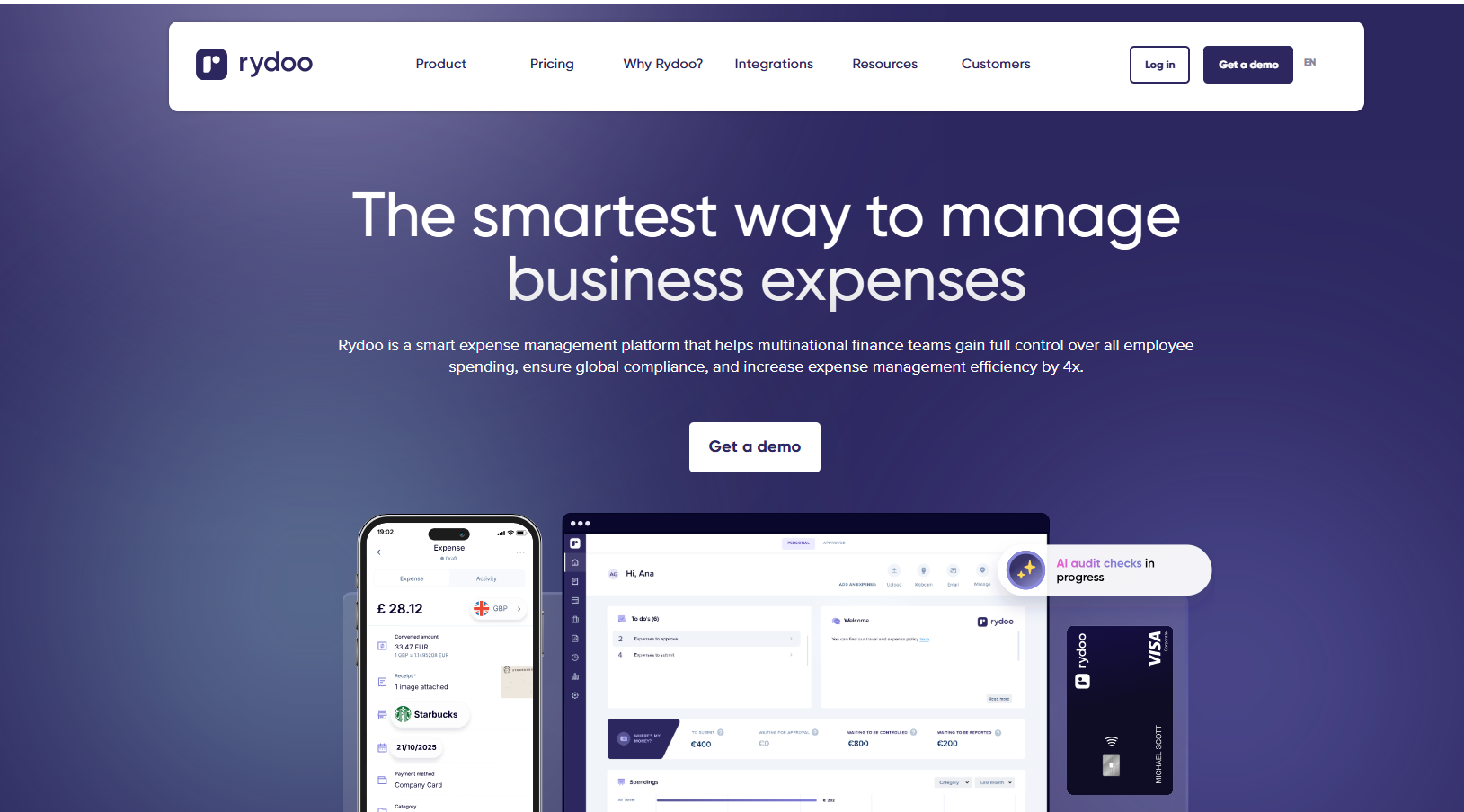
Rydoo is aimed at finance teams working across borders, with customers in well over 100 countries.
Its angle is letting AI vet every claim so reviewers only touch the ones that fail a check.
Features

- Quick scan that fills vendor, amount, date, and tax from a photo, at accuracy the company puts above 95%.
- Smart Audit that screens claims for policy breaks before approval.
- Allowance and mileage rules drawn from official rates across 80-plus countries.
- Integrations with 35-plus finance and ERP systems, NetSuite and Microsoft Dynamics included.
Pricing
Rydoo doesn't have a free plan. Paid plans start at:
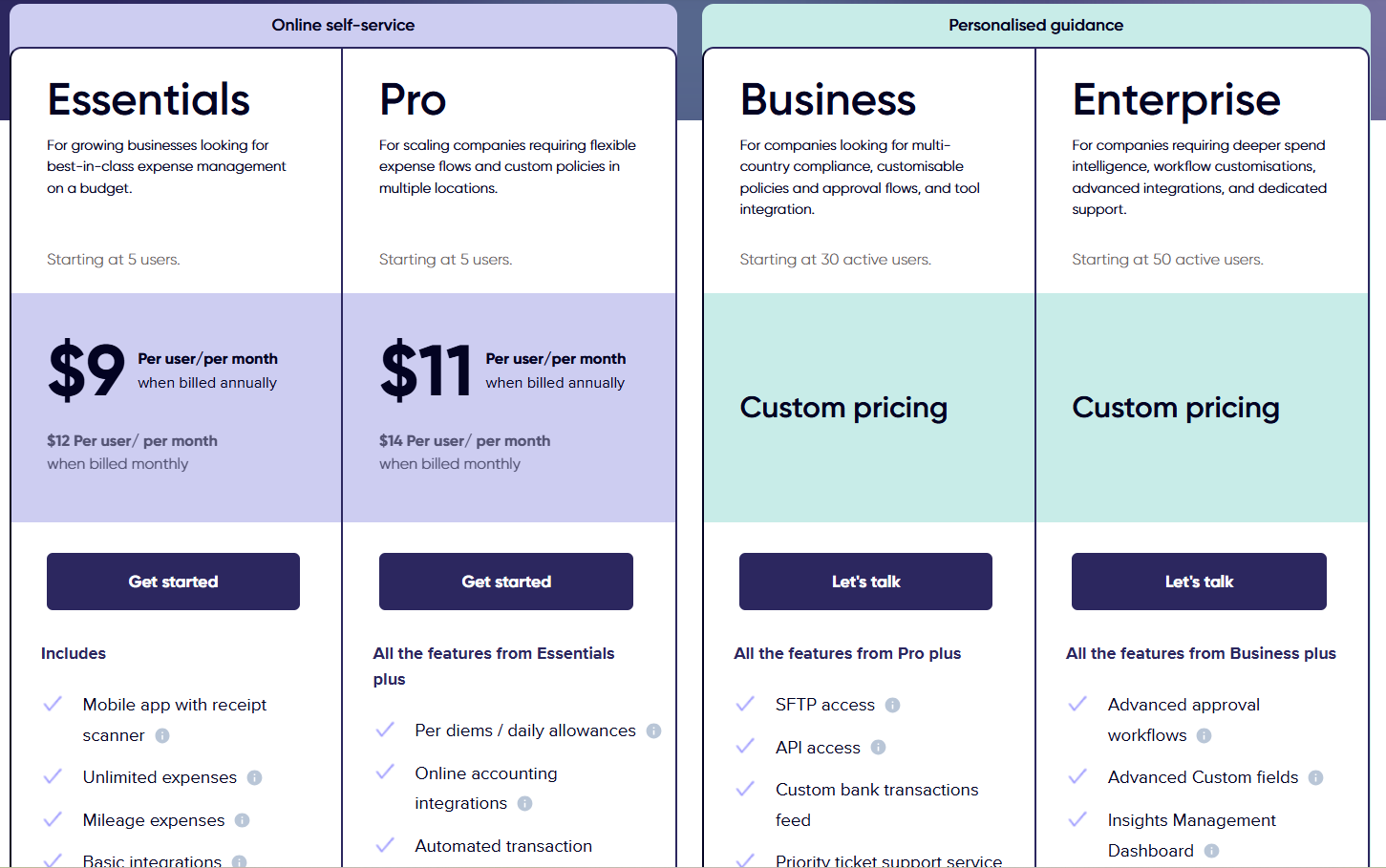
- Essentials: $9/user/month annually for the receipt scanner, unlimited expenses, and basic integrations.
- Pro: $11/user/month for per diems, customisable policies, and multi-country compliance.
- Business and Enterprise: Custom pricing for SFTP, API access, and SSO.
Pros and Cons
✅ AI auditing that trims manual claim reviews.
✅ Deep integrations for multi-system finance stacks.
✅ Active-user billing higher up, so dormant seats cost nothing.
❌ Business and Enterprise plans do not have public pricing.
#3: Zoho Expense
Best for: Autoscan receipt capture inside a dedicated UAE expense edition.
Similar to: Expensify, Rydoo.
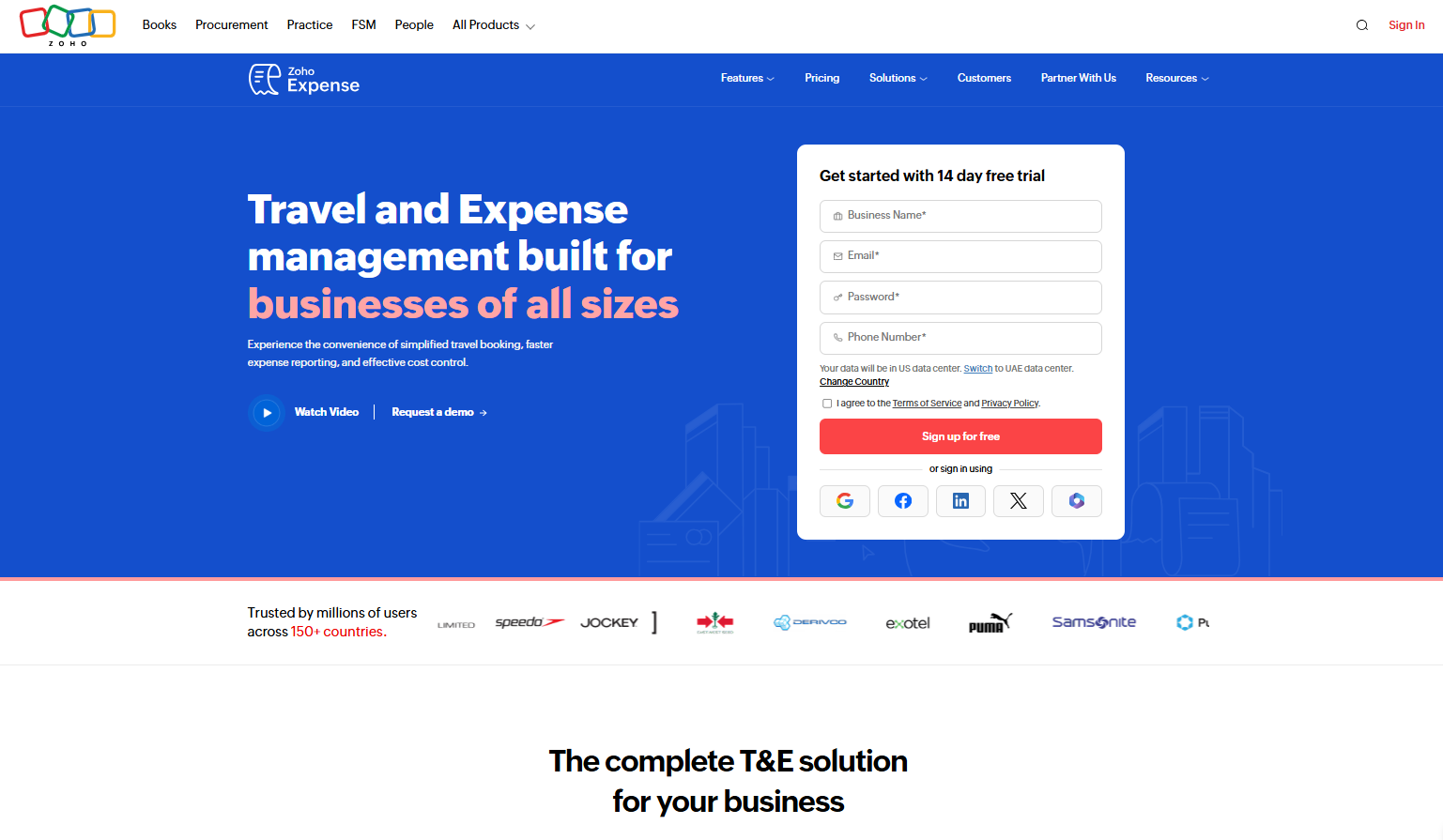
Zoho Expense brings autoscan capture to a UAE-specific edition of the product.
Because it's part of the Zoho family, scanned receipts move into Zoho Books for VAT and corporate tax with no export step.
Features
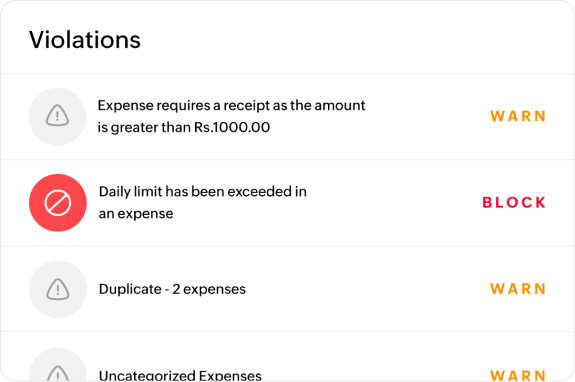
- Autoscan that reads the key fields: vendor, date, amount, and line items.
- Receipt forwarding to a personal address that builds the expense for you.
- Duplicate detection that catches the same receipt by its amount and date.
- UAE edition tuned to local compliance, feeding straight into Zoho Books.
Pricing
Zoho Expense offers a free plan for up to 3 users with expense reports, expense tracking via personal cards, and accounting integrations.
The platform has 3 paid tiers:
- Standard: AED 11/user/month (billed annually) with 5 minimum users, which adds corporate card management, multiple expense policies, mileage expenses via GPS, and custom user roles.
- Premium: AED 22/user/month, which adds an online travel booking tool, an in-built travel desk management tool, and automated per diem management.
- Zoho Spend: Custom pricing, which includes modules for corporate travel, expense management, cards, procurement, AP support, and payroll.

Pros and Cons
✅ Reliable autoscan.
✅ A generous free tier for very small teams.
✅ A tight link to Zoho Books for UAE VAT.
❌ Some of the workflows can feel a bit rigid at times, according to one G2 reviewer.
#4: Happay
Best for: Enterprises that want travel and expense management with receipt capture in one place.
Similar to: Rydoo, Expensify.

Happay is a travel-and-expense platform with a large base in India, where it ranks among the bigger players.
Its coverage runs the full trip, from the flight booking to the reconciliation afterwards.
Features
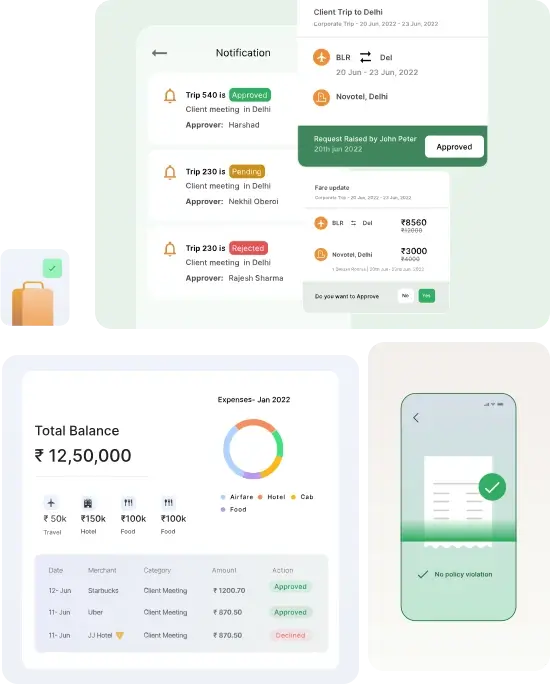
- AI OCR capture that pulls the merchant and amount, among other fields, in under a minute.
- SmartAudit that flags duplicate bills and out-of-policy claims before approval.
- Trip-based reporting that ties receipts to bookings made in Happay Travel.
- Prepaid corporate cards with instant top-ups and in-app approvals.
Pricing
Happay keeps pricing private, so a quote means contacting their team.
Pros and Cons
✅ Travel and expense handling with receipt capture in one platform.
✅ Strong fraud and policy compliance automation.
✅ Automated, trip-based expense reporting.
❌ Happay is quite limited as it's not able to handle transactions in foreign currency, according to one G2 review.
What are the best accounting software with receipt capture in the UAE?
Cards and expense apps feed the ledger, and these two build receipt capture into the ledger itself, where the FTA looks.
#1: QuickBooks
Best for: Snapping receipts straight into your bookkeeping.
Similar to: Wafeq, Zoho Expense.
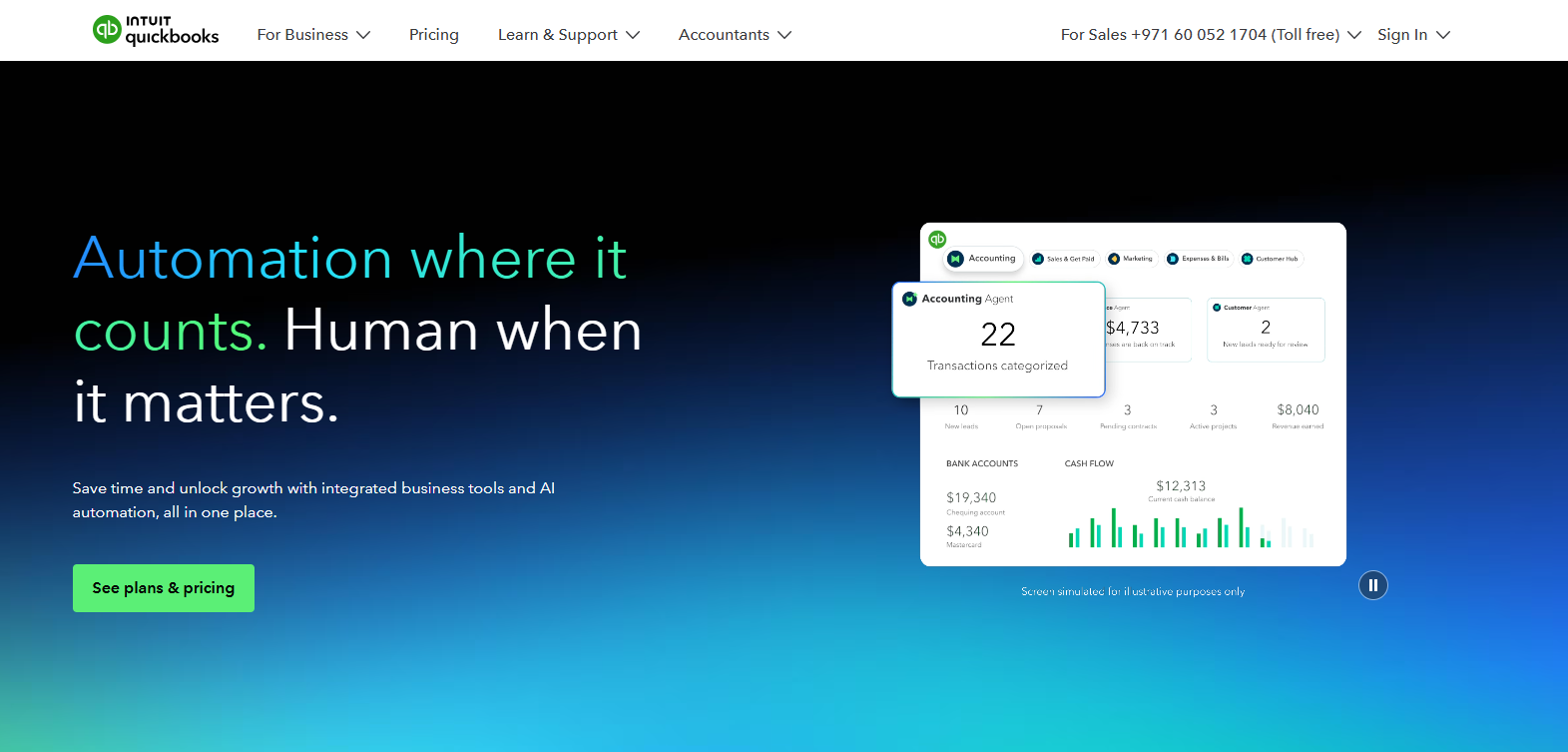
QuickBooks is a mainstream accounting platform with receipt capture built into its mobile app.
Features
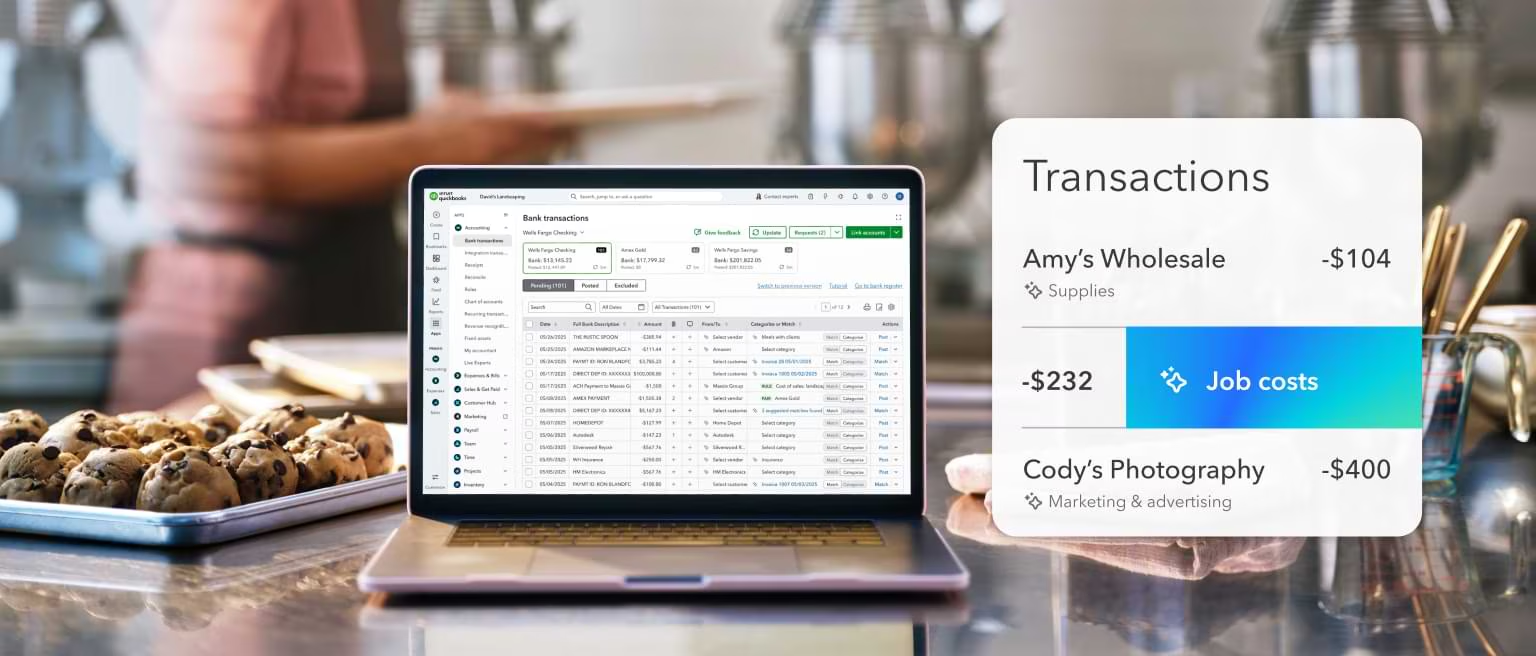
- Receipt capture that pins a photographed receipt to a transaction.
- Bank-feed matching that pairs captured receipts with imported transactions.
- VAT tracking on sales and purchases for FTA returns.
- AI categorisation that learns your coding over time.
Pricing
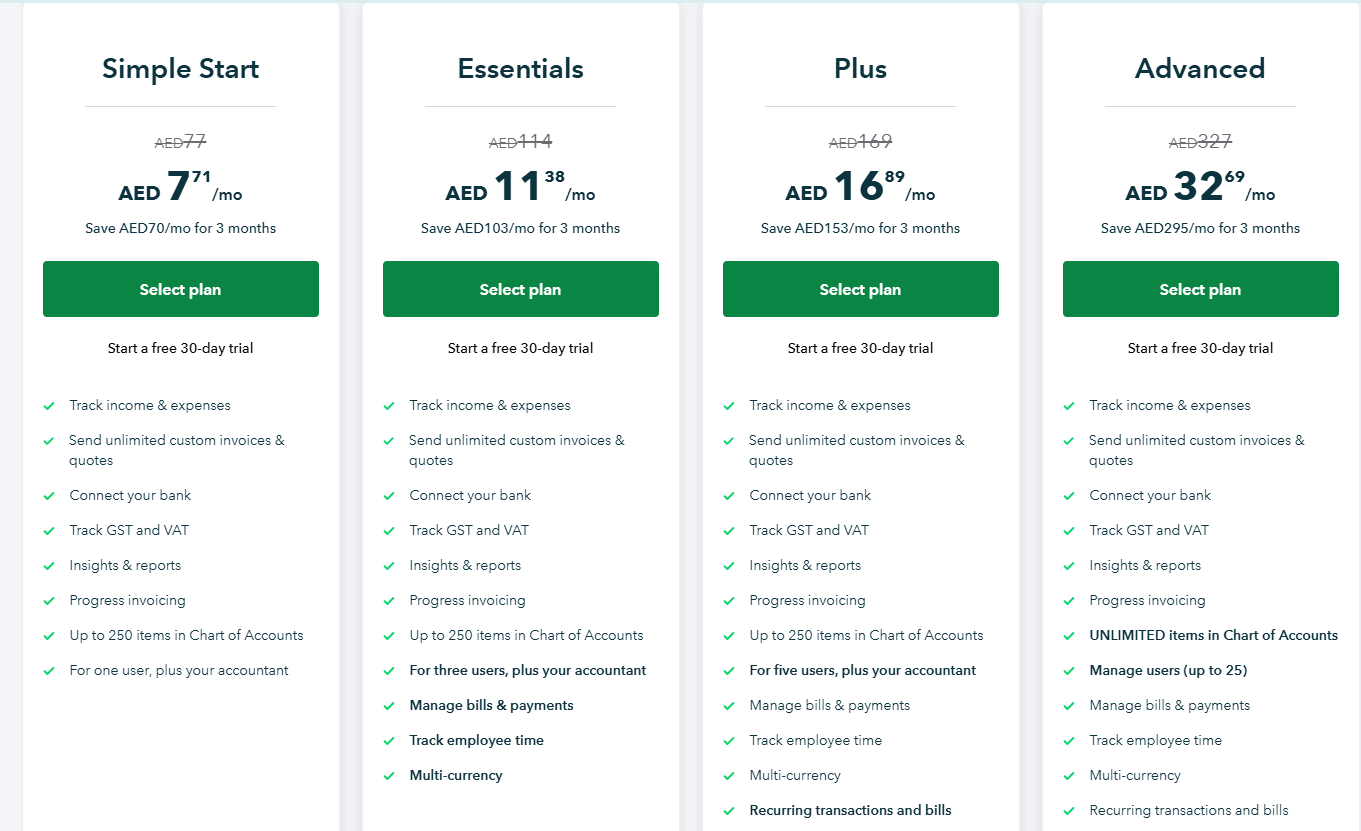
QuickBooks Online runs regional pricing in the UAE, with reduced pricing in the first 3 months:
- Simple Start: AED 77/month, which lets you track income and expenses, send unlimited custom invoices & quotes, and connect your bank.
- Essentials: AED 114/month for up to 3 users, which adds the ability to track employee time, and manage bills & payments.
- Plus: AED 169/month for up to 5 users, which adds recurring transactions and bills, the ability to track your inventory, and manage budgets.
- Advanced: AED 327/month for up to 25 users, with unlimited items in Chart of Accounts, unlimited classes and locations, data sync with Excel, and the ability to automate workflows.
Note: Even though the prices are displayed in AED, billing will be processed in USD.
Pros and Cons
✅ Receipts post straight into accounting.
✅ Globally trusted and familiar to accountants.
✅ Strong bank-feed matching.
❌ The things people don't like about Intuit QuickBooks are that it takes a lot of time to learn, according to a G2 review.
#2: Wafeq
Best for: UAE and Saudi accounting with built-in AI invoice and receipt scanning.
Similar to: QuickBooks, Zoho Expense.
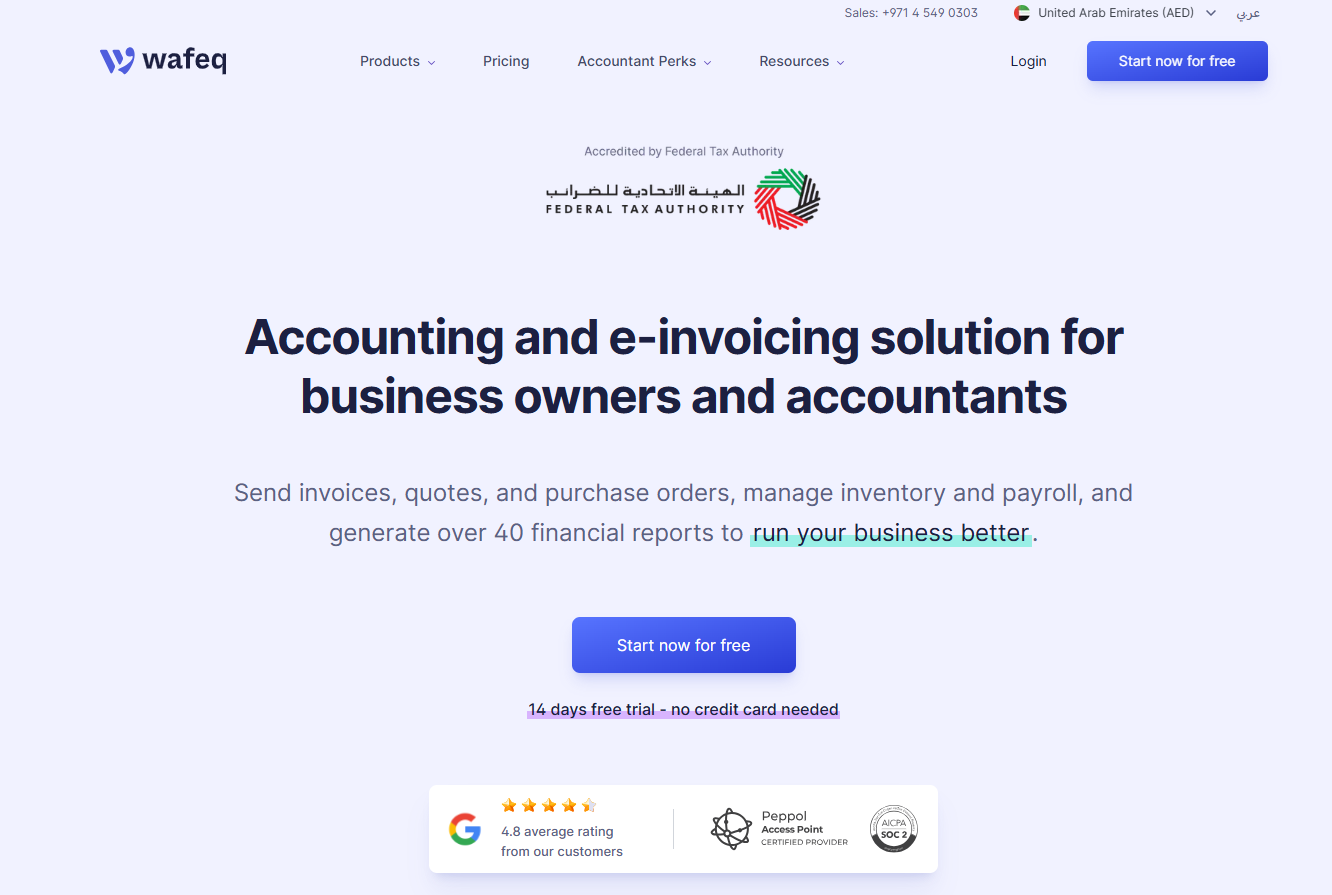
Wafeq was built for the UAE and Saudi markets from day one, with FTA-compliant invoicing and AI document scanning included.
Receipts and bills feed into the books directly, which keeps VAT and corporate tax returns close to automatic.
Features
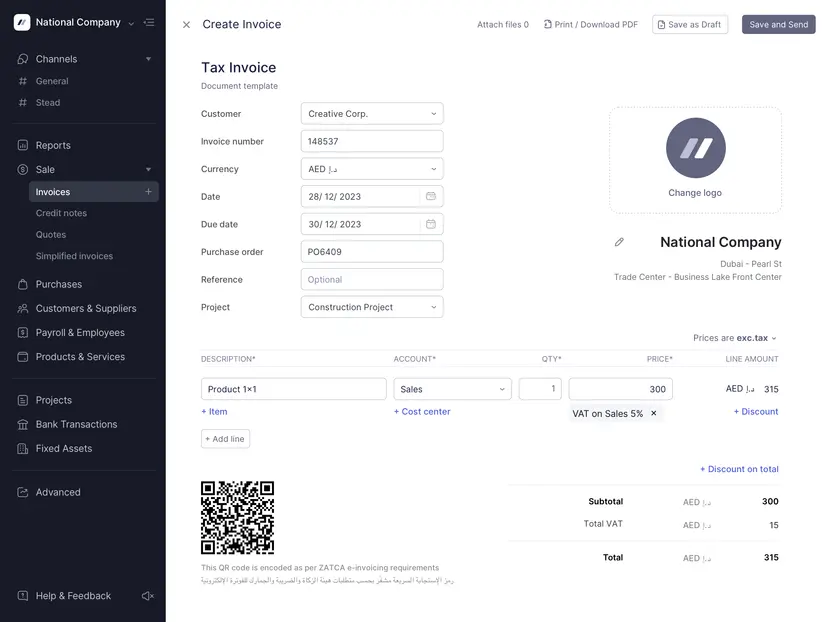
- AI invoice scanning: upload bills singly, in bulk, or by WhatsApp, and Wafeq reads them.
- Bilingual invoicing in Arabic and English, in FTA-compliant formats.
- VAT and corporate tax returns built automatically from your records.
- Expense and bill tracking that pins documents to the right accounts.
Pricing
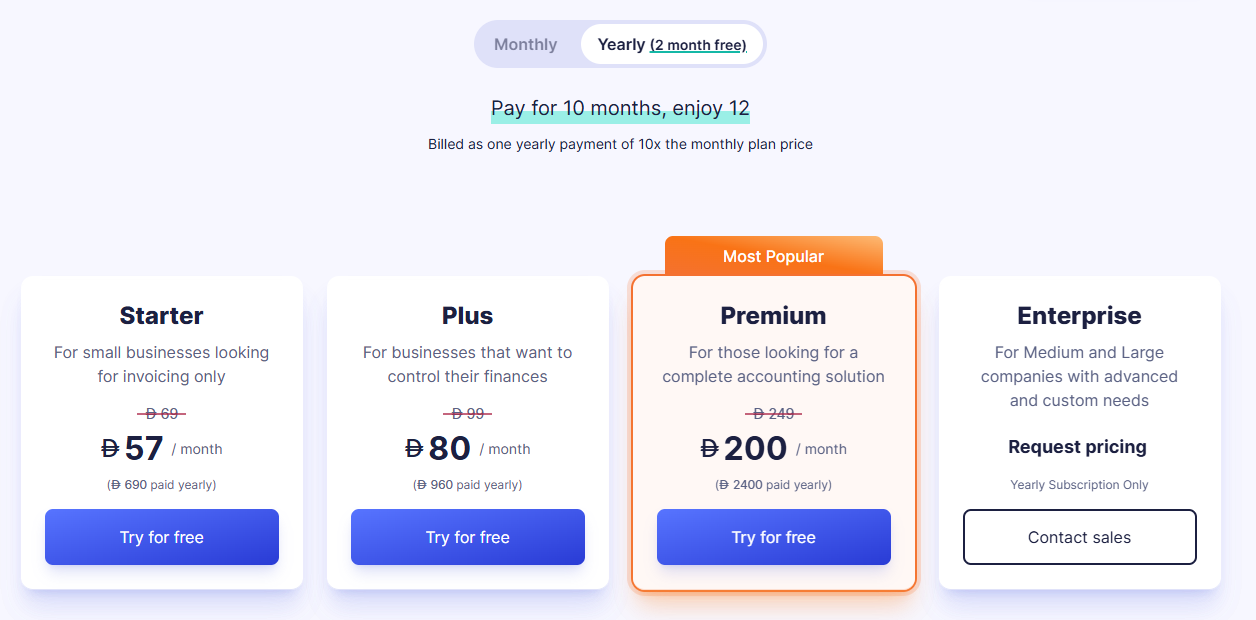
Wafeq has 4 plans, with annual billing offering a discount over monthly:
- Starter: From AED 57/month for invoicing and core bookkeeping.
- Plus: From AED 80/month, which adds recurring invoices, bulk emailing, and branch management.
- Premium: From AED 200/month, adding payroll, employee expense claims, inventory, and consolidated reporting.
- Enterprise: Custom pricing for larger organizations.
Pros and Cons
✅ Built for UAE and Saudi tax from the start.
✅ Affordable, transparent AED pricing.
✅ Arabic and English invoicing.
❌ Accounting-first, so receipt scanning is one feature inside it.
Next steps: try Pemo for free
If receipts are what's eating your team's time, Pemo runs the whole path: a phone snap, an automatic check against the expense, and a matched line in your accounting system.
The receipt and its transaction never drift apart, and that's what takes the scramble out of month-end.
For a UAE finance team, Pemo gives you:
- AI capture that matches each receipt to its transaction without reminders.
- Verification that checks the amount and date, and whether it's a valid tax invoice.
- Receipts pinned to the card that paid, on cards you control by category and location.
- Direct sync into QuickBooks, Xero, Zoho Books, and Wafeq.
- Unlimited scanning on the free plan.
You can sign up for Pemo's free plan or book a demo to see why 10,000+ businesses in the MENA region have chosen us.
⚠️ Disclaimer: This article was last updated on the 2nd of July, 2026, and if there's any misinterpretation of the information, please contact us, and we will fact-check it.


