
Do your receipts go missing before anyone files a claim, or after?
Your answer narrows the 10 receipt management tools below considerably, so I've grouped them by the stage of the problem each one handles, with the capture method, the plan allowance, and the price for every entry.
TL;DR
- Pemo is the best receipt management tool in 2026, because the card that made the payment creates the expense, then AI matches the receipt to it and checks the two agree.
- Expensify, Sage Expense Management, Zoho Expense, and Rydoo collect receipts from employees after they've spent, through apps, email, and messaging.
- Payhawk suits multi-entity groups that need receipts handled inside a single portal with an ERP sync behind it.
- Dext, Xero, QuickBooks Online, and FreshBooks put capture inside the ledger, which is where your accountant works.
- Receipt allowances vary more than pricing does: Zoho Expense meters autoscans at 20 per user each month on its free plan, Dext bundles 250 documents into its Business plan, and Pemo publishes no cap on any tier.
What are the best receipt management tools in 2026?
The best receipt management tool in 2026 is Pemo, whose corporate card creates the expense at the moment of payment so the receipt has something waiting to attach to.
Here are the 10 best receipt management tools in 2026 from my research:
What are the best receipt management tools built on corporate cards?
Both platforms below issue the card, which means the expense record exists before the receipt arrives:
#1: Pemo
Pemo runs the whole receipt path on one platform, from AI capture through to a verification check, with all of it tied to the corporate card that paid.
Verification is the part we would point to first.
Most receipt tools stop once a document is stored, whereas Pemo goes on to confirm the document and the expense agree.
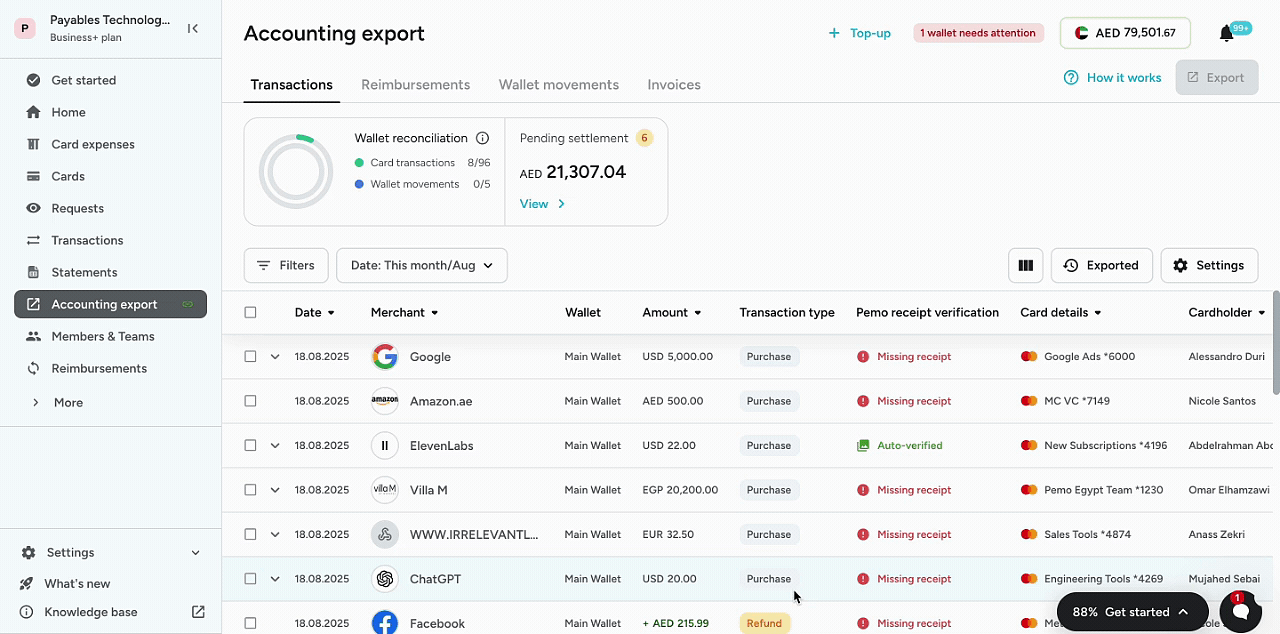
Disclosure: I should be upfront that Pemo is our own platform. However, I'll still provide an overview of what makes Pemo the best receipt management tool in 2026.
The receipt workflow has four parts: 👇
Capture runs on whichever channel suits the moment
Whether a receipt tool gets used at all is usually decided at the capture step.

We hold it to one action on every plan, the free Starter tier included.
- Mobile capture: a photo taken at the counter is read by the AI, then pinned to the transaction it belongs to.
- Email capture: forward a supplier receipt to your Pemo address and it files itself against the right expense.
- Bulk upload: clear a backlog in one pass when somebody returns from a trip with a wallet full of slips.
- Non-card expenses: track out-of-pocket spending alongside card spending on Premium and Enterprise, keeping everything inside one system.
Pemo AI Copilot checks every receipt against the expense
Filing a receipt is easy enough that most software manages it.
Confirming the receipt is the right one is the harder job, and Pemo AI Copilot runs that check the moment a document lands.
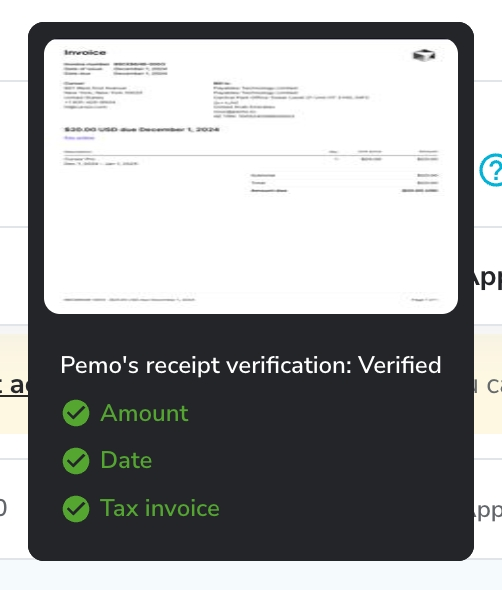
- Amount and currency are compared to the value of the expense.
- Date on the document is compared with the date the card cleared.
- VAT detail becomes visible on Premium and Enterprise, turning tax-invoice validity into something you can see on screen.
- Duplicate detection and receipt reminders run on Premium and Enterprise, which catches the same slip submitted twice.
Every expense carries a status showing whether its paperwork has cleared or is waiting on someone.
➡️ Nobody has to revisit an expense that has already cleared, which accounts for most of the month-end saving.
The card and the receipt stay joined from the start
Teams end up chasing receipts because the payment lands in one system and the document lands in another.
Pemo removes that split by doing both jobs.
- Virtual and single-use cards can be issued per vendor or per campaign, which keeps receipts sorted by source before anyone files them.
- Physical Mastercard cards handle spending in person, with Google Pay and Apple Pay covering the wallet side.
- Spend controls cap by card and by transaction, with merchant category restrictions available on Premium and Enterprise.
- Unlimited cards and cardholders ship on all three plans, free tier included, leaving nothing to ration.
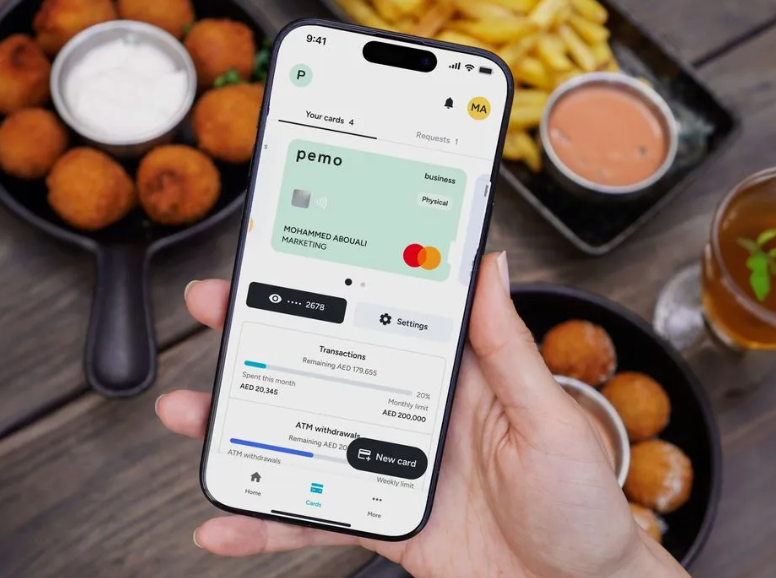
A transaction appears in the dashboard the moment it clears, then waits for its receipt.
Clean data reaches your accounting software on its own
None of the capture or checking pays off if the ledger still needs cleaning up afterwards.
Each transaction lands in your books with its matched receipt attached and the coding already applied.
- Direct accounting sync covering Xero, QuickBooks, Zoho Books, Odoo, Wafeq, and Mazeed on every plan.
- AI Copilot auto-coding handles chart of accounts mapping, vendor mapping, and VAT coding.
- Custom fields let you carry your own financial dimensions through to the ledger.
- Standard ERP integrations including NetSuite open up on Premium, with custom ERP work available on Enterprise.
💡 Our customers say this is what lets them close up to 5 times faster.
Pricing
Pemo prices by plan and by company.
Adding people does not change the bill.
- Starter: free, with no SaaS fees and no commitment. Includes unlimited cards and cardholders, instant issuance, a dedicated IBAN, mobile and email receipts, OCR matching, AI Copilot receipt verification, bulk approvals, standard accounting integrations, and 0.5% cashback on international spend.
- Premium: AED 399/month per company. Adds ATM withdrawals on request, merchant category restrictions, reimbursements, employee cash balances, VAT visibility, split expenses, receipt reminders, duplicate detection, multi-layer approval workflows, three sub wallets, a spend analytics dashboard, standard ERP integrations, and up to 2% uncapped cashback on international spend.
- Enterprise: from AED 1,500/month. Adds international cards for employees based outside the UAE, unlimited sub wallets, budgets, custom-built exports, custom ERP integration, developer API access, custom cashback rates, and a dedicated implementation manager.
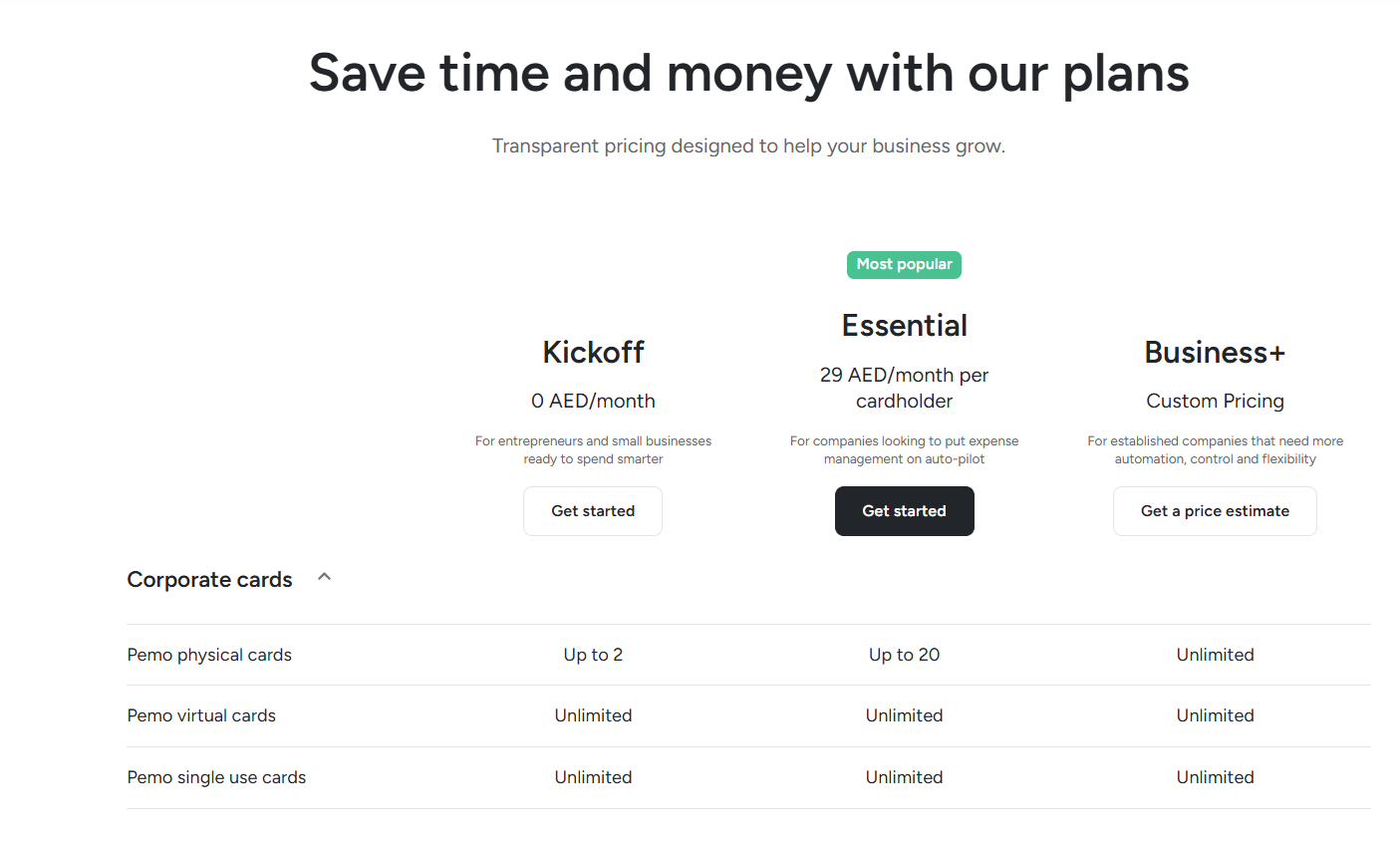
The free Starter plan needs no card. A demo is the faster route if you want the verification step run against your own receipts first.
Pros and Cons
✅ Receipt capture and verification happen inside one subscription.
✅ No published cap on receipt capture, on any tier.
✅ Unlimited cards and cardholders on the free plan.
✅ Priced per company on Premium, which keeps the cost flat as the team grows.
✅ Billed in AED, with accounting connections set up for UAE and Saudi ledgers.
❌ Cards run on a prepaid wallet that you top up ahead of spending.
❌ Built for the MENA region.
#2: Payhawk
Best for: Multi-entity groups running NetSuite, SAP, or Dynamics who need consolidated receipt handling.
Similar to: Pemo, Expensify.
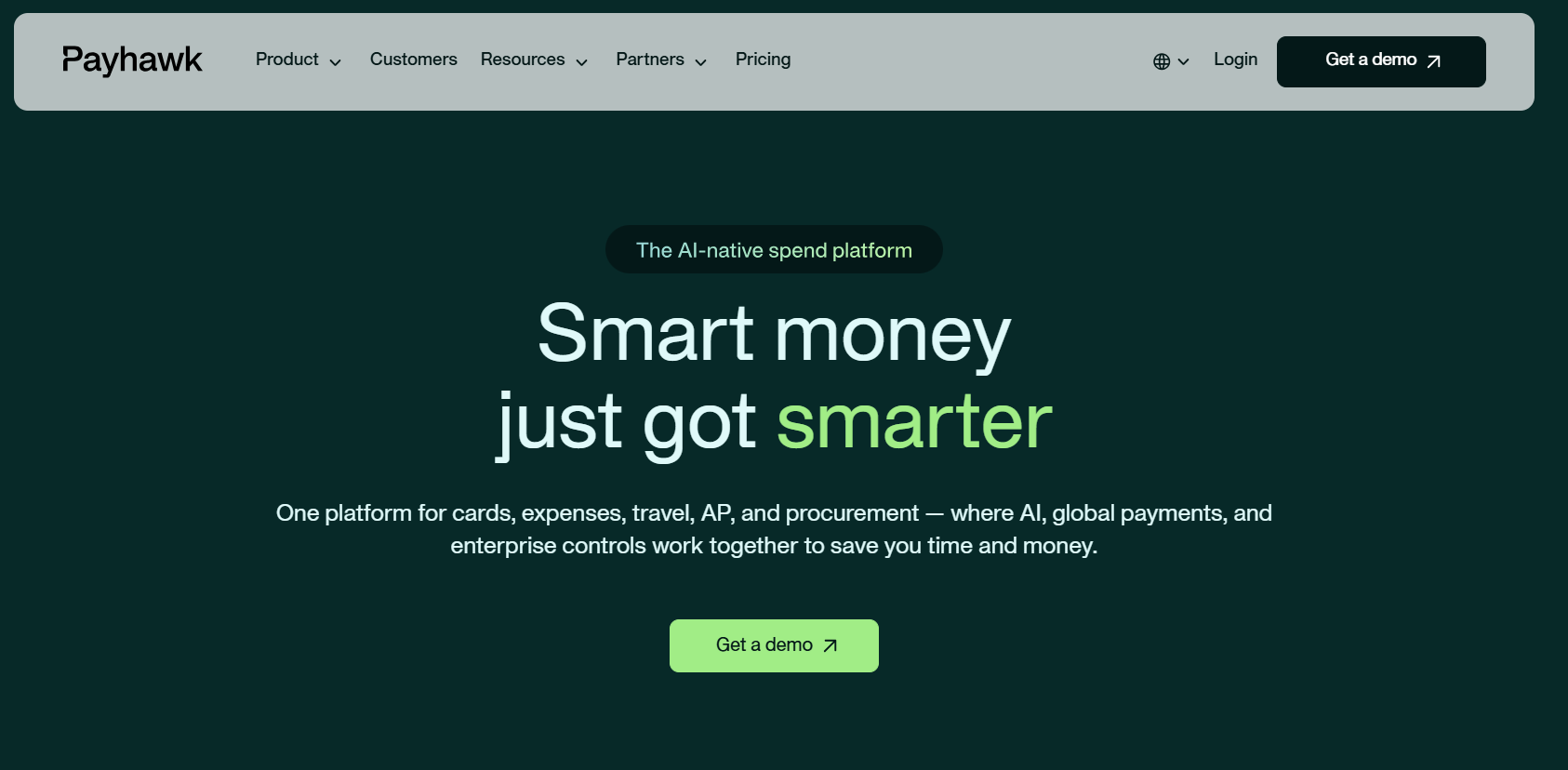
Payhawk handles receipts through a web portal and a dedicated mailbox, backed by a two-way ERP sync.
Its receipt administration is unusually granular, which is what multi-entity finance teams tend to need.
Features
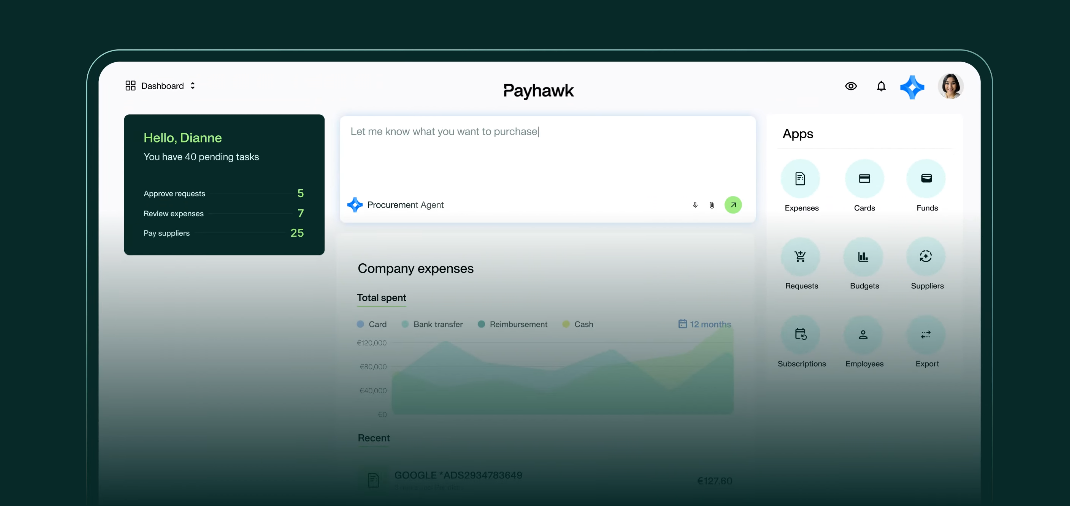
- Payhawk Mailbox: invoices emailed in are matched to expenses automatically, with manual mapping available when no match is found.
- Multi-document expenses: one expense can hold several receipts, with OCR reading each and offering the values as click-to-fill text boxes.
- Document repair tools: rotate, zoom, move a misfiled receipt to the correct expense, or replace it outright.
- Deleted document recovery: receipts deleted after 7 October 2025 can be pulled back from the expense activity log.
Pricing
Payhawk does not publish a standard rate card.
All tiers are quoted by the Payhawk sales team based on entity count, user count, and modules.
Pros and Cons
✅ Genuinely detailed receipt administration inside the portal.
✅ Deleted receipts stay recoverable from the activity log.
✅ Accounts available across 33 countries, with balances held in seven currencies.
❌ Pricing is quoted on request, with no public rate card.
What are the best expense apps with receipt management?
This group works backwards from the person who spent the money, gathering receipts through whatever they already have open:
#1: Expensify
Best for: Small teams that want receipt scanning working on day one without a rollout.
Similar to: Sage Expense Management, Zoho Expense.
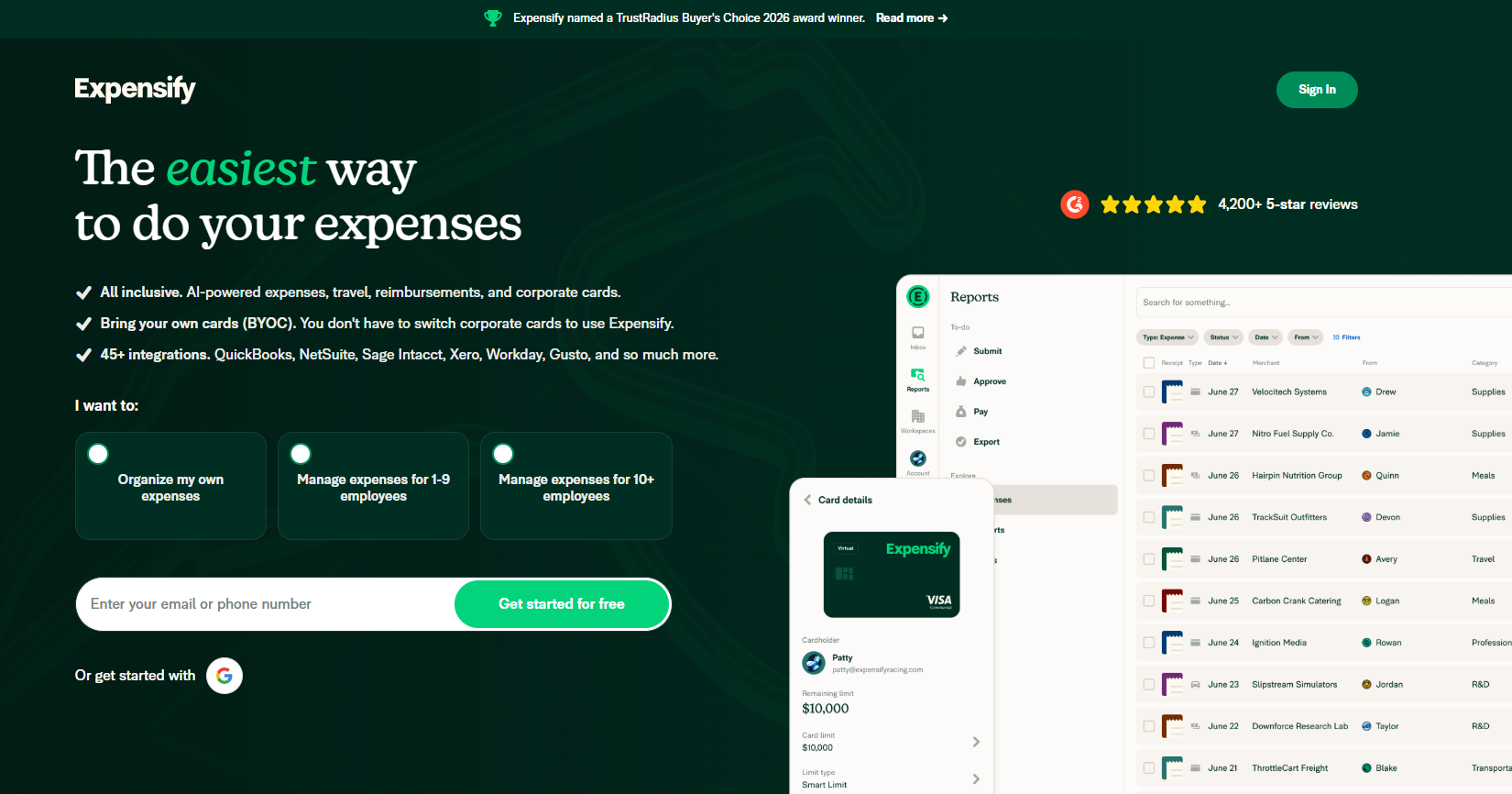
Expensify built its reputation on SmartScan, the OCR engine that reads a photographed receipt and turns it into an expense line.
Features
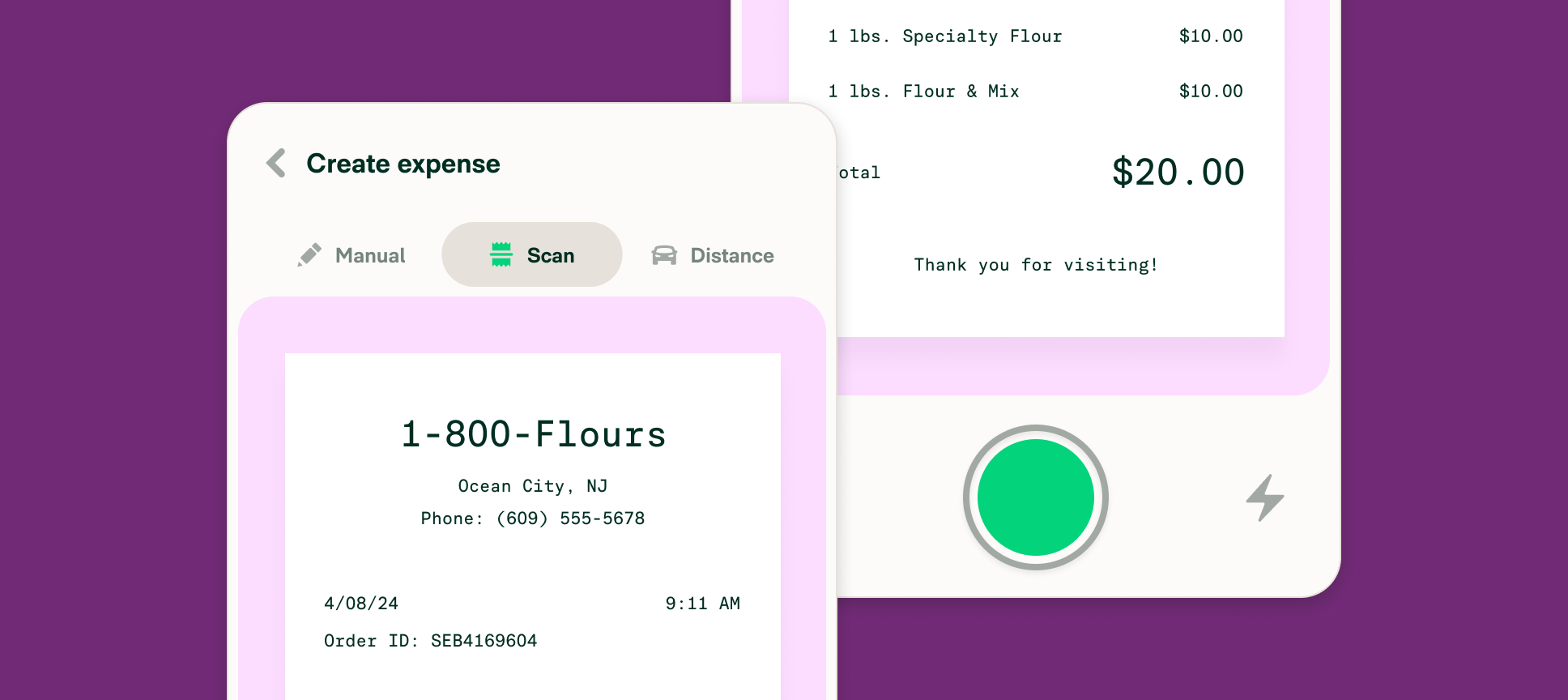
- SmartScan: reads receipts you photograph in the app, email in, or text in.
- Concierge: an AI assistant that files reports and raises policy breaks as they appear.
- Card feeds: third-party card connections that reconcile transactions against captured receipts.
- Global reimbursement: next-day ACH in the United States, with payouts available in other currencies.
Pricing
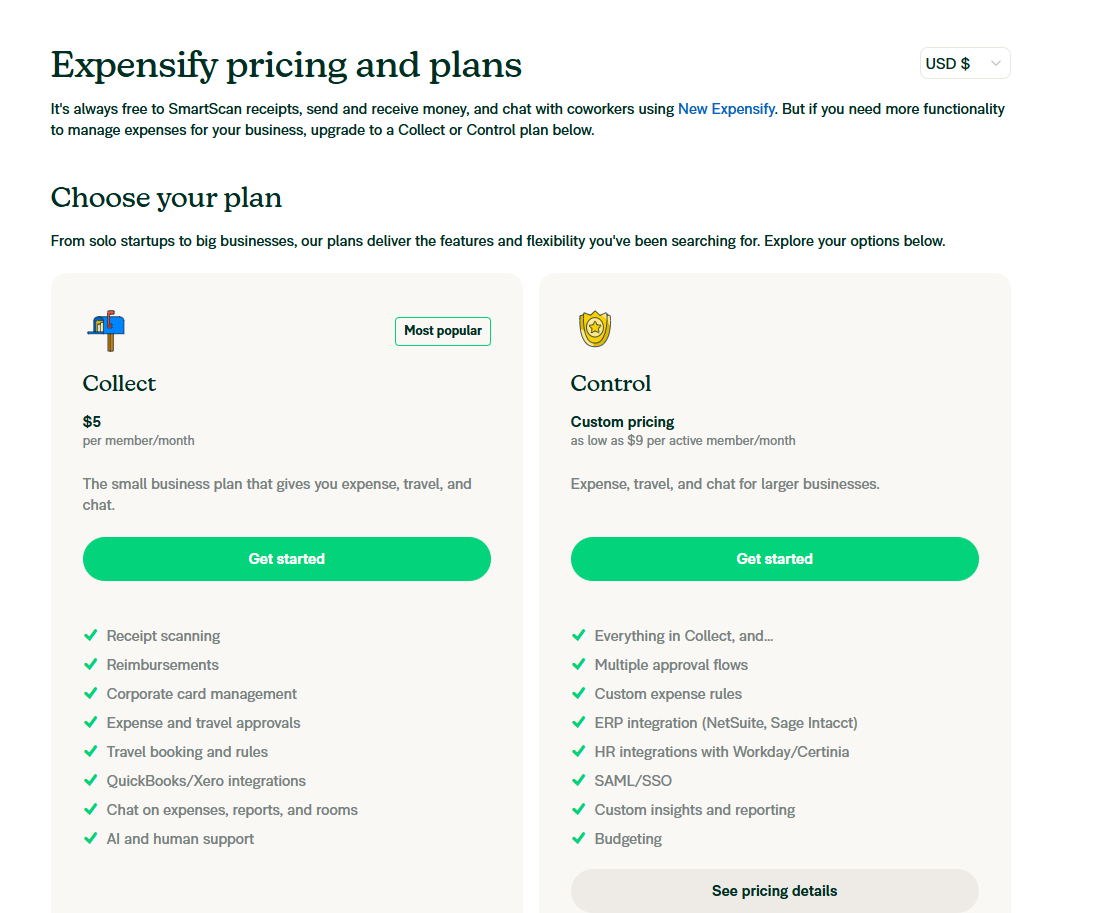
Expensify runs a free individual tier alongside two workspace plans:
- Free: for individuals, covering SmartScan, unlimited manual entry, and CSV export, with no categories, approvals, or accounting integrations. Expensify's published scan allowance on this tier has moved more than once, so treat it as unconfirmed.
- Collect: $5/member/month flat with no annual commitment. Adds unlimited SmartScans, Expensify Cards with Smart Limits, expense approvals, bill pay and invoicing, and QuickBooks Online and Xero sync.
- Control: from $9/active member/month on an annual subscription where the Expensify Card covers at least half of US spend. Rises to $18/member/month annually without the card, or $36/member/month on pay-per-use. Adds multi-level approvals, NetSuite and Sage Intacct, SSO, and custom rules.
Pros and Cons
✅ Unlimited SmartScans on both workspace plans.
✅ Runs on your existing corporate cards with no migration.
✅ A free tier that individuals can run indefinitely.
✅ Long-established OCR with a wide integration list.
❌ Expensify did a big update in January 2026 that's still difficult to get used to for interfacing as an admin, according to one G2 review.
#2: Sage Expense Management (formerly Fyle)
Best for: Field teams and construction crews who will reply to a text but will not log into software.
Similar to: Expensify, Rydoo.
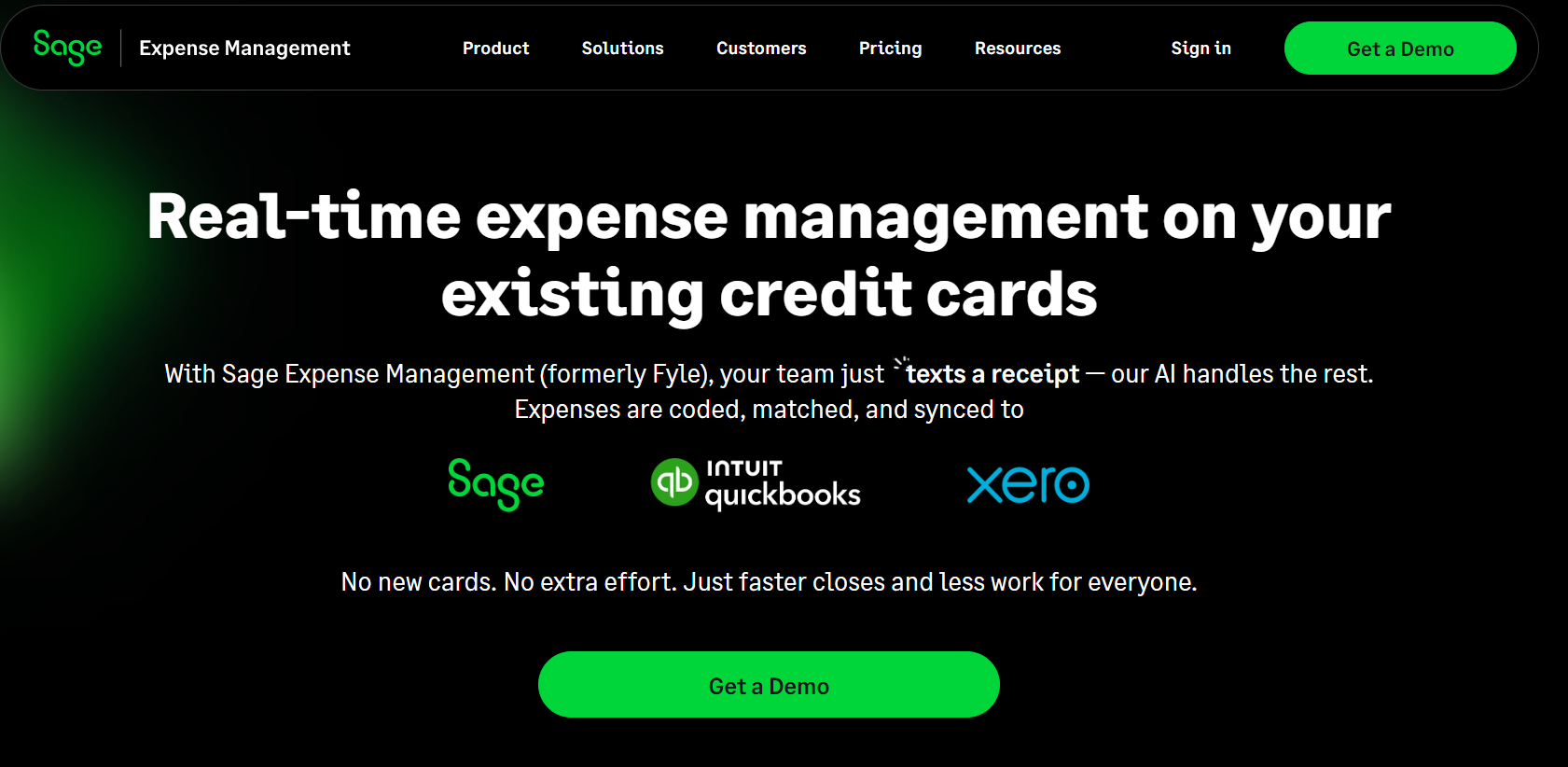
Sage Expense Management collects receipts by text message, by email, and from inside Slack or Microsoft Teams, without asking anyone to open a separate app.
When a card is swiped, the cardholder gets a text and replies with a photo. The expense then reconciles itself.
Note: Sage announced its acquisition of Fyle in July 2025.
Features
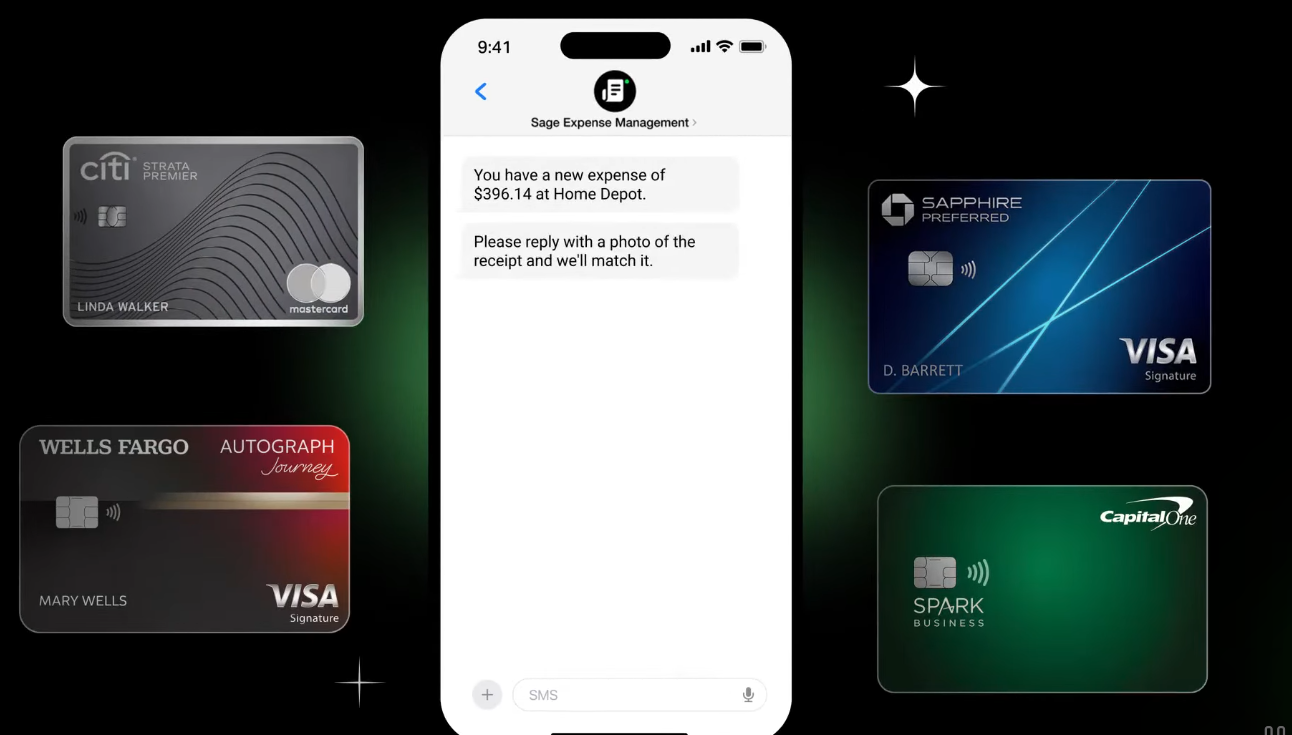
- Text message collection: cardholders receive a real-time alert on card spend and reply with the receipt photo.
- Everyday app capture: receipts logged in one click from Outlook, Gmail, Microsoft Teams, or Slack.
- Real-time card feeds: direct Visa and Mastercard feeds, with American Express virtual cards supported.
- Two-way accounting sync: QuickBooks Online and Xero from the Growth tier, with Sage 50 in beta. NetSuite, Sage Intacct, and Sage 300 CRE need the Business tier.
Pricing
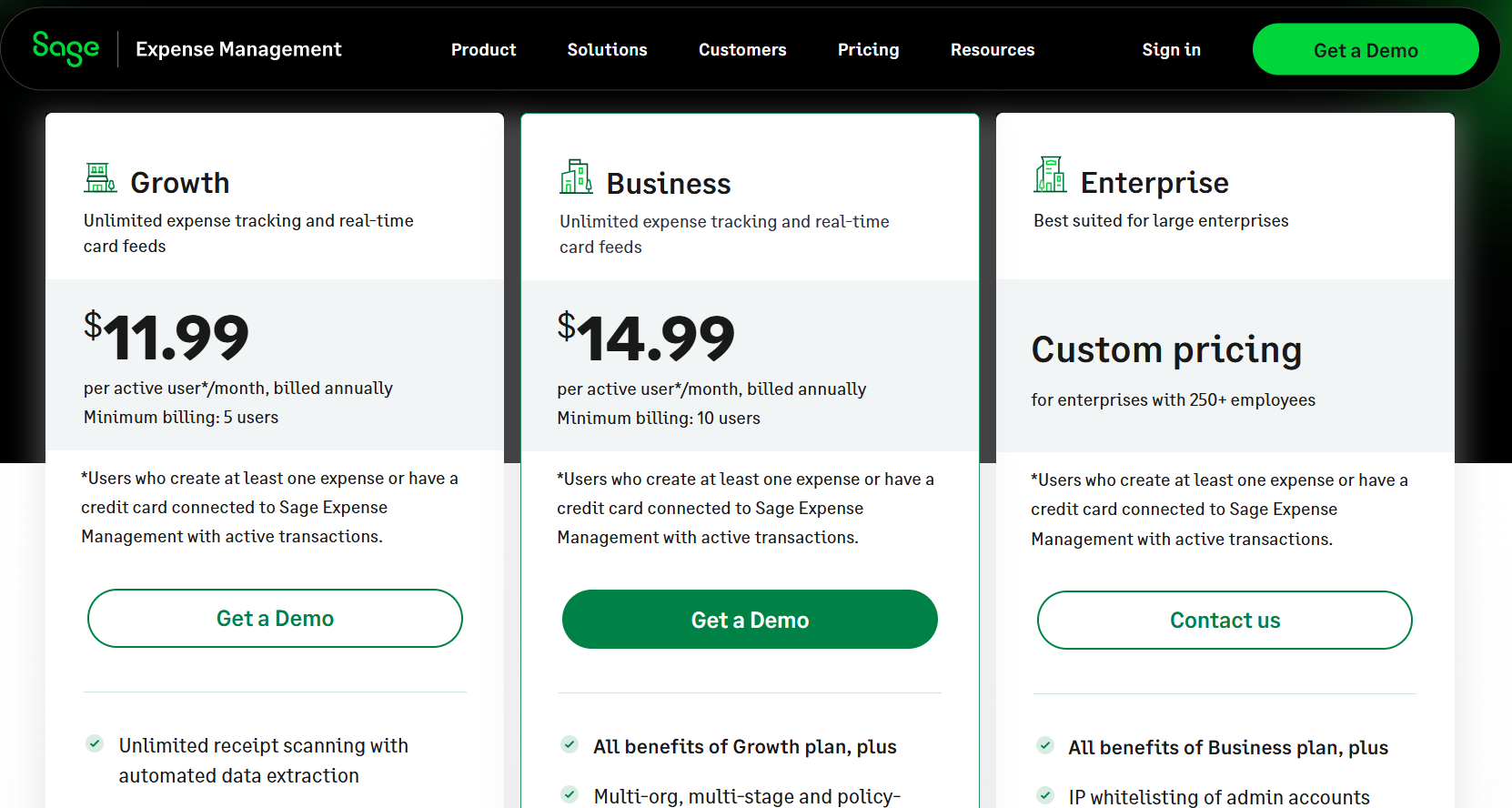
Sage Expense Management bills only for active users, meaning people who create an expense or hold a connected card with a transaction that month:
- Growth: $11.99/active user/month billed annually, with a 5-user minimum. Includes uncapped receipt scanning with the data pulled off each document automatically, text-message collection, per diem and mileage claims, single-stage approvals, and two-way sync with QuickBooks Online and Xero.
- Business: $14.99/active user/month billed annually, with a 10-user minimum. Adds multi-org and multi-stage approvals, ACH reimbursements in the United States, project expense tracking, multi-currency and multi-entity setup, and NetSuite and Sage Intacct integrations.
- Enterprise: custom pricing for organisations above 250 employees. Adds SSO, IP whitelisting, branded emails, and a dedicated account manager.
Pros and Cons
✅ No scanning cap on either published paid plan.
✅ Active-user billing means dormant seats cost nothing.
✅ Text-message capture removes the app-adoption problem entirely.
✅ Two-way sync across the Sage and Intuit ecosystems, with NetSuite on the higher tier.
❌ Plan minimums of 5 and 10 users set a floor on the monthly bill.
#3: Zoho Expense
Best for: Existing Zoho customers who would rather keep capture inside the suite they already pay for.
Similar to: Rydoo, Sage Expense Management.
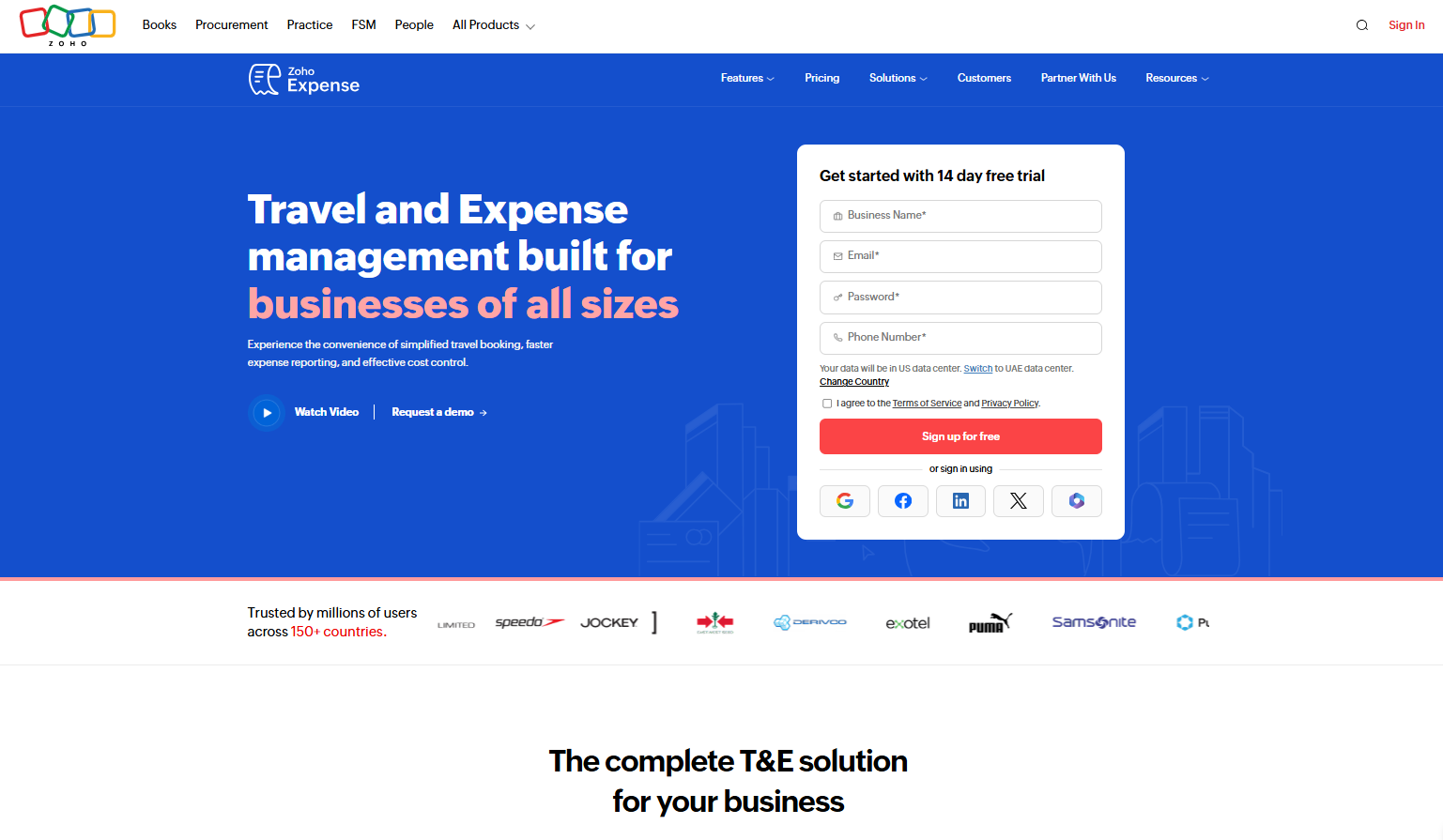
Zoho Expense runs Autoscan, an OCR engine that reads receipts and moves them into Zoho Books with no export step in between.
The main benefit here is that Zoho Expense comes as part of the wider Zoho finance family. Zoho also publishes region-specific editions, including one for the UAE.
Features
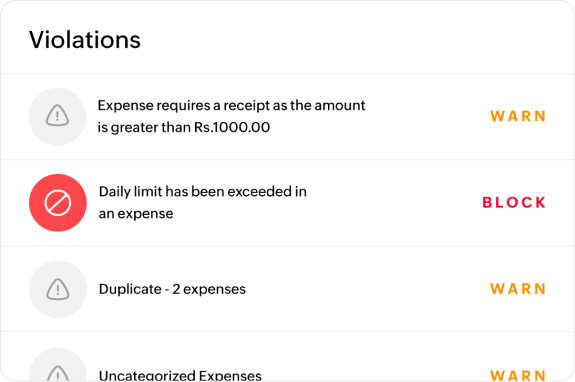
- Autoscan: AI-powered OCR that lifts the vendor, the date, the total, and individual line items from a photographed receipt.
- Receipt forwarding: a personal address employees can email receipts to, which builds the expense automatically.
- Corporate card management: real-time card feeds and reconciliation on paid plans.
- Multi-entity handling: expense management across countries and entities on the Premium tier.
Pricing
Zoho Expense has a free plan for up to 3 seats with expense reports, expense tracking via personal cards, and accounting integrations.
The platform has 3 paid tiers:
- Standard: AED 11/user/month (billed annually) with 5 minimum users, which adds corporate card management, multiple expense policies, mileage expenses via GPS, and custom user roles.
- Premium: AED 22/user/month, which adds an online travel booking tool, an in-built travel desk management tool, and automated per diem management.
- Zoho Spend: Custom pricing, which includes modules for corporate travel, expense management, cards, procurement, AP support, and payroll.

Pros and Cons
✅ A free plan that covers three users properly.
✅ Itemised line-item extraction from the Standard tier upward.
✅ Direct path into Zoho Books for teams already in the suite.
✅ Region-specific editions, including the UAE.
❌ Some of the workflows can feel a bit rigid at times, according to one G2 reviewer.
#4: Rydoo
Best for: Multinational finance teams handling per diems and mileage under different national rules.
Similar to: Expensify, Zoho Expense.
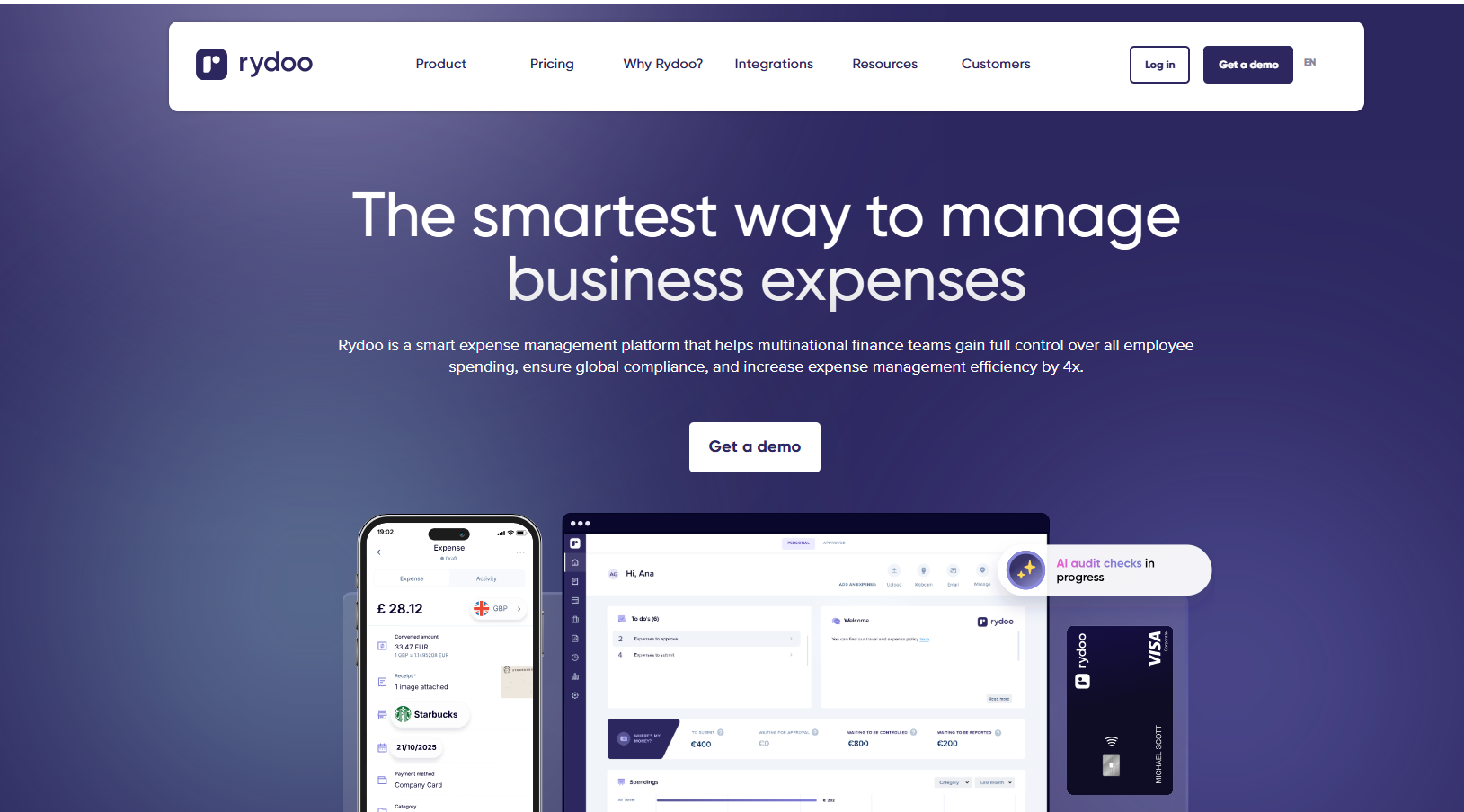
Rydoo targets finance teams processing employee claims across several countries at once.
The expense management platform’s pitch is that AI should sift every claim first, leaving a reviewer to open only the ones it flags.
That matters more when your people are claiming in six currencies under six sets of allowance rules.
Features

- Quick scan: pulls the merchant, the total, the date, and the tax line from a photographed receipt.
- Smart Audit: screens submitted claims against policy before they reach an approver.
- Per diem and mileage rules: official allowance rates that Rydoo maintains across more than 80 countries.
- ERP and HR integrations: QuickBooks, Xero, Sage, NetSuite, SAP, Dynamics, plus Workday and ADP.
Pricing
Rydoo doesn't have a free plan. Paid plans start at:
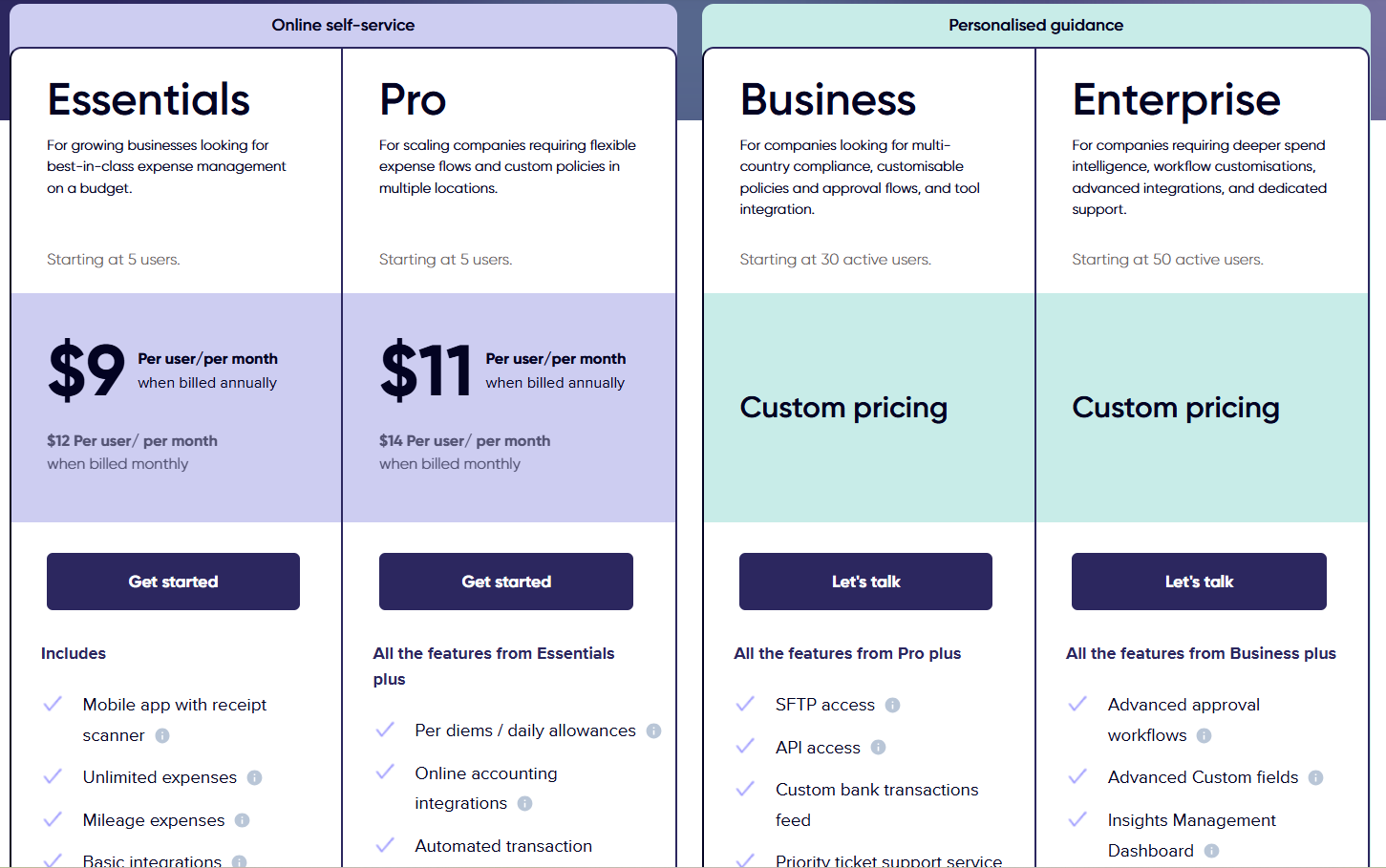
- Essentials: $9/user/month annually for the receipt scanner, unlimited expenses, and basic integrations.
- Pro: $11/user/month for per diems, customisable policies, and multi-country compliance.
- Business and Enterprise: Custom pricing for SFTP, API access, and SSO.
Pros and Cons
✅ Per diem rates maintained for more than 80 countries.
✅ Policy screening that cuts the number of claims a human opens.
✅ HR and payroll connections alongside the accounting ones.
✅ No published cap on receipt scanning.
❌ A 5-user minimum applies from the entry plan.
What are the best receipt management tools that publish into your books?
Cards and expense apps feed the ledger from outside. These four put document capture closer to it, which removes a handover:
#1: Dext
Best for: Bookkeepers and accountants processing document volume across a client book.
Similar to: Xero, Zoho Expense.
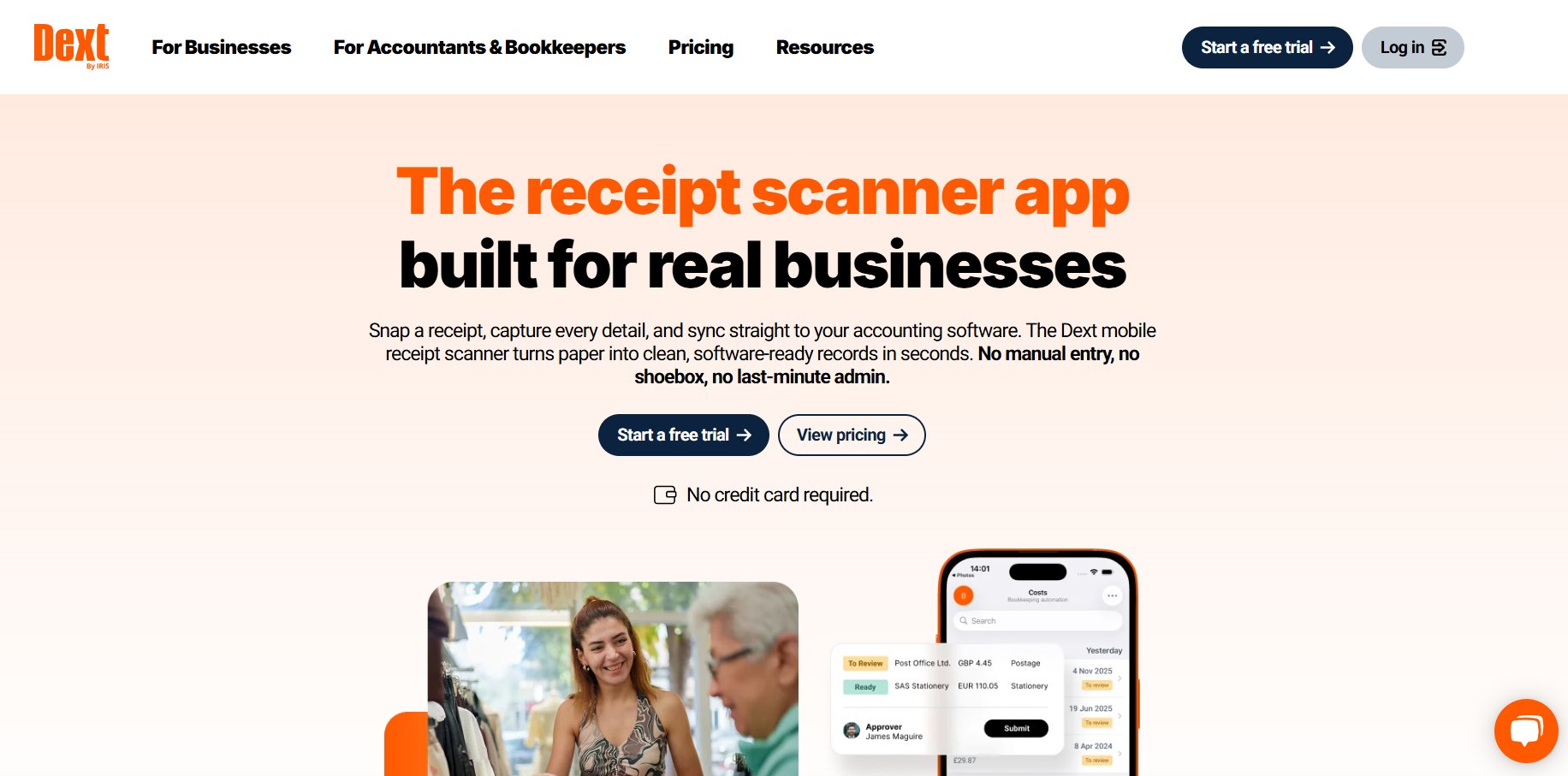
Dext is an accounting automation platform built around document capture, covering receipts and invoices as well as bank statements, then publishing the extracted data into accounting software.
Dext serves the bookkeeper's side of the desk.
A Scope Solutions partnership brought Dext to the UAE market during 2025, and a Zoho Books connection makes it a realistic option for accountants across the region.
Features
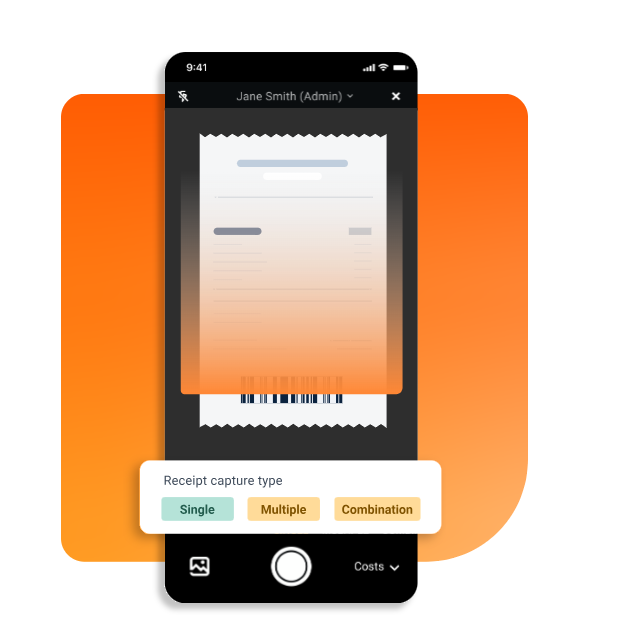
- Multi-channel submission: drag and drop, email, WhatsApp, the mobile app, Dropbox, and automated supplier feeds.
- Extraction accuracy: Dext puts key-field accuracy at up to 99.9%, handwritten receipts included.
- Supplier rules: recurring receipts get coded automatically, with duplicates flagged before they reach the ledger.
- Bank feed comparison: connect a bank account and compare submitted documents against the live transaction feed.
Pricing
Dext offers a 14-day trial with no permanent free tier:
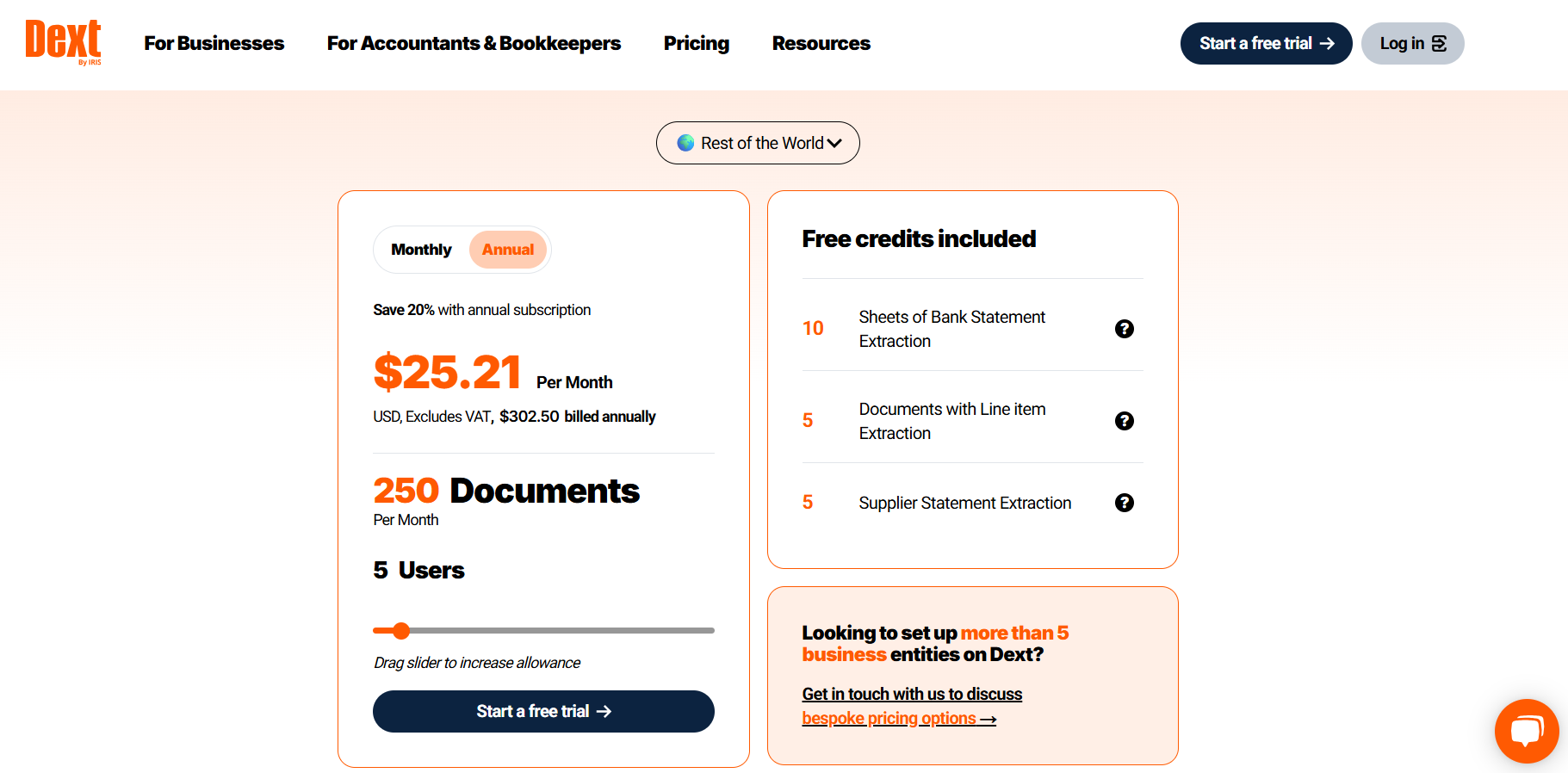
- Business: $31.50/month billed monthly, or $25.21/month billed annually. Covers 5 users and 250 documents a month, with each extra user adding 50 documents.
- Multi-entity and bespoke: custom pricing for businesses running more than 5 entities or needing higher volume.
- Practice Essentials: from about $17.70 per client each month, with a 10-client minimum, for capture and processing across a client book.
- Practice Advanced: from about $19.20 per client each month, adding automation, insights, and practice controls.
Pros and Cons
✅ The strongest published extraction accuracy in this guide.
✅ WhatsApp submission alongside the usual channels.
✅ Connects to Xero, QuickBooks, Sage, and Zoho Books among others.
✅ Practice dashboard built for managing many clients at once.
❌ Documents are metered at 250 a month on the Business plan.
#2: Xero
Best for: Businesses on a tight software budget who need capture bundled into the accounting subscription.
Similar to: QuickBooks Online, Dext.
Xero bundles receipt and bill capture into every accounting subscription, using the tool it branded as Hubdoc for years.
The expense tracking software says Hubdoc remains part of its offering, sold standalone at $12 a month, while Smart Document Capture is native to Xero and free on every paid plan. Xero also publishes a dedicated UAE page.
Features
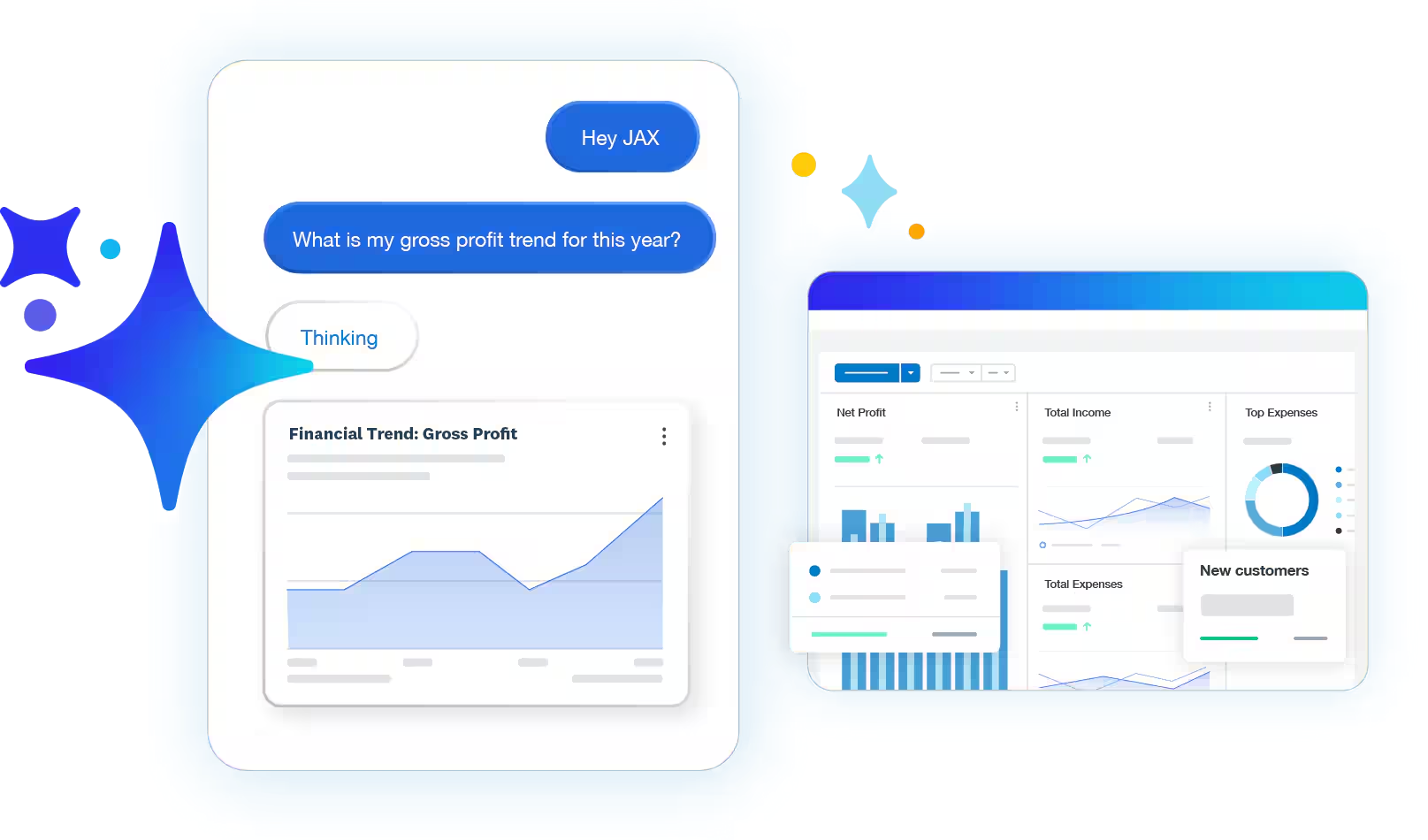
- Multi-route capture: photograph a receipt in the app, email it in, or upload the file directly.
- Transaction matching: a captured document is queued for review already marked against the transaction Xero thinks it belongs to.
- Draft transaction creation: extracts supplier, amount, invoice number, and due date, then creates a draft in Xero with the original attached.
- Searchable cloud storage: captured documents stay filed and searchable for audit.
Pricing
Xero has 4 main plans, all displayed in USD:
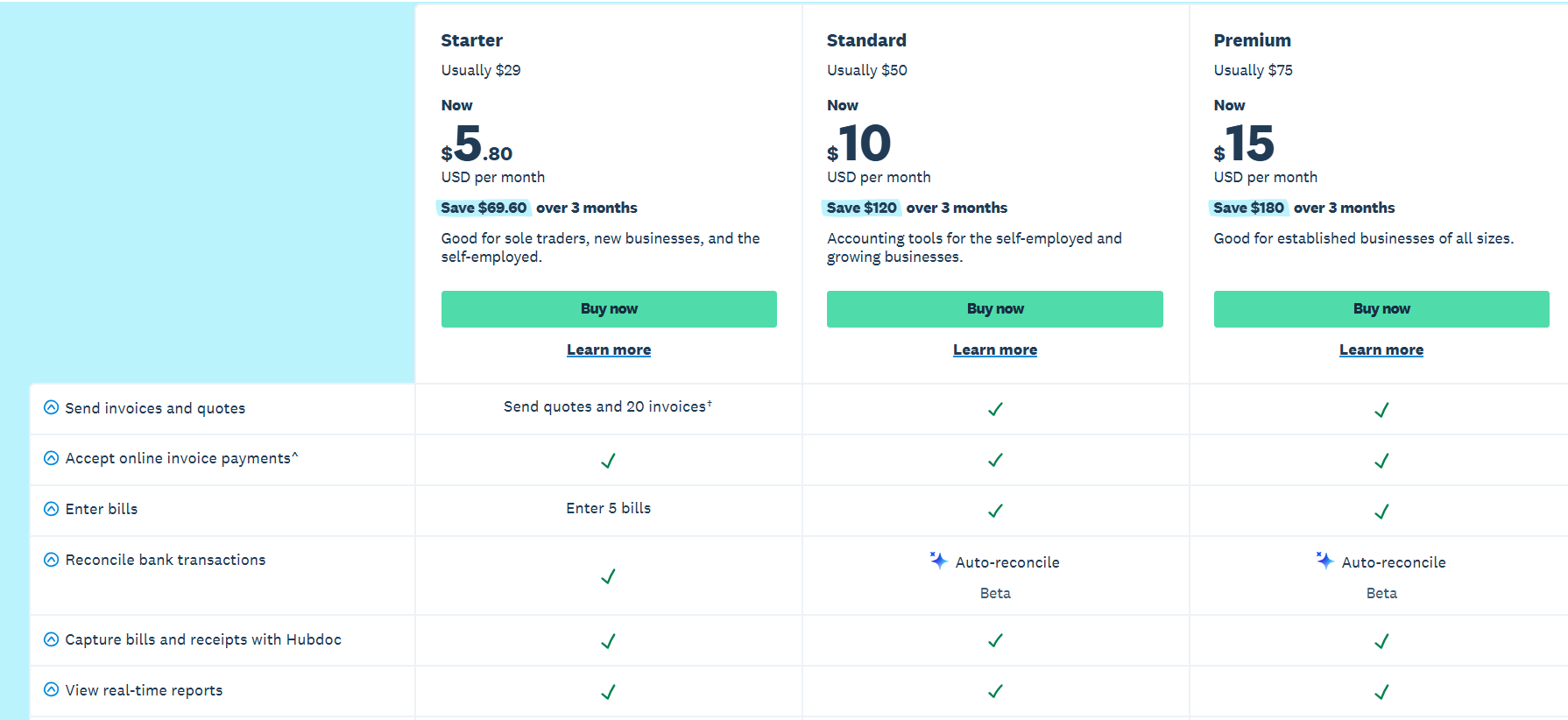
- Lite: USD 7/month, which lets you send 5 invoices and quotes per month, accept online invoice payments, reconcile bank transactions, and capture bills and receipts with Hubdoc.
- Starter: USD 29/month, which lets you send quotes and 20 invoices, accept online invoice payments, and enter 5 bills.
- Standard: USD 50/month, which adds its auto-reconcile capability for bank transactions, personalized financial health scorecards, and the ability to customize performance dashboards.
- Premium: USD 75/month, which adds a 180-day forecast cash flow, the ability to analyze KPIs and ratios, and you can also use multiple currencies.
And for employee expense and mileage claims, you’ll have to pay a separate optional fee from $4/month.

Pros and Cons
✅ Native document capture included free on every paid plan.
✅ Unlimited users at every tier.
✅ FTA-accredited for UAE tax accounting.
✅ Bank feed connections to Wio Bank and Alaan in the UAE.
❌ The Early plan caps you at 20 invoices and 5 bills a month.
#3: QuickBooks Online
Best for: Teams whose accountant already works in QuickBooks and wants receipts landing in the same place.
Similar to: Xero, FreshBooks.
QuickBooks Online is accounting software whose mobile app captures receipts and pairs them with transactions the bank feed has already pulled in.
A very large share of accounting and audit firms treat QuickBooks Online as their default.
Features
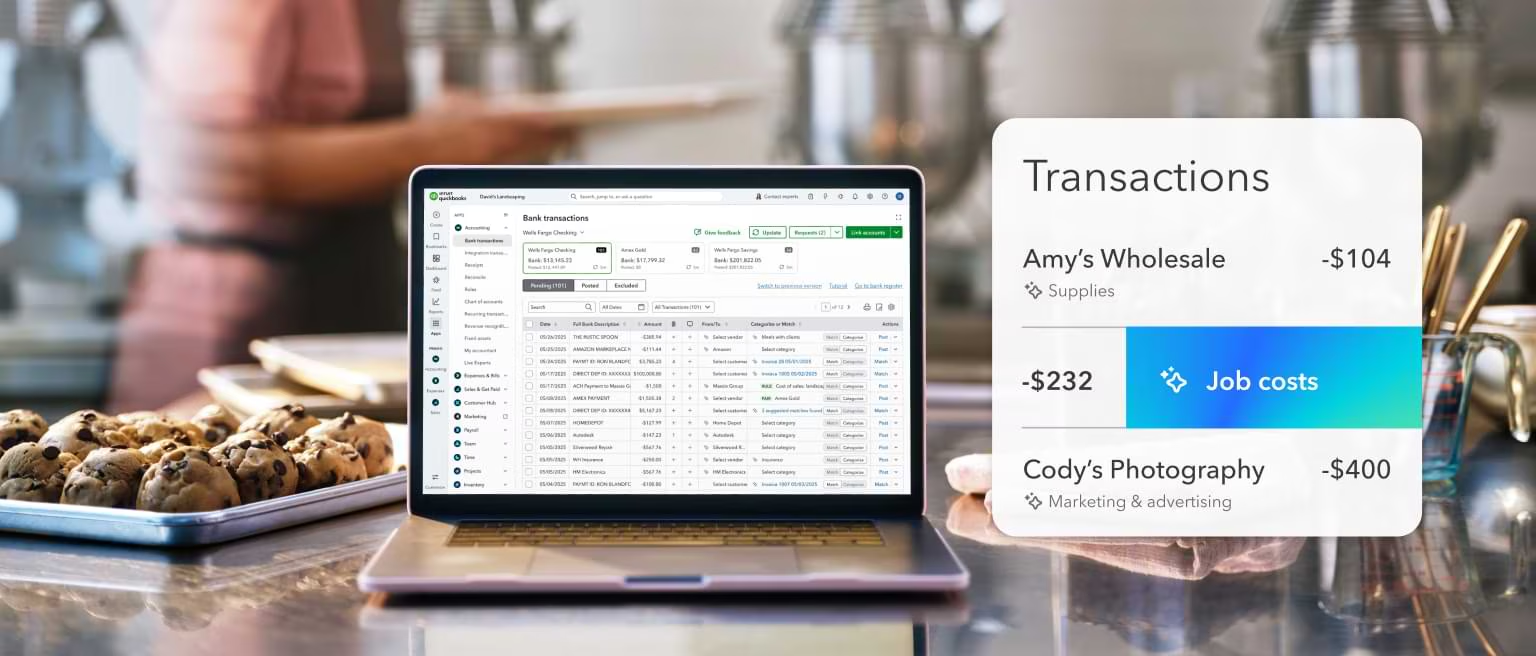
- Mobile receipt capture: QuickBooks reads the total off a receipt photographed in the app, then offers up the transaction it thinks matches.
- Bank feed matching: lines a captured receipt up against the imported transaction, leaving nothing unreconciled.
- Cost centre mapping: code spending to a project, a department, or a subsidiary entity.
- Automated categorisation: transaction coding that learns from how you have coded before.
Pricing
QuickBooks Online has regional pricing in the UAE, with reduced pricing in the first 3 months:
- Simple Start: AED 77/month, which lets you track income and expenses, send unlimited custom invoices & quotes, and connect your bank.
- Essentials: AED 114/month for up to 3 users, which adds the ability to track employee time, and manage bills & payments.
- Plus: AED 169/month for up to 5 users, which adds recurring transactions and bills, the ability to track your inventory, and manage budgets.
- Advanced: AED 327/month for up to 25 users, with unlimited items in Chart of Accounts, unlimited classes and locations, data sync with Excel, and the ability to automate workflows.
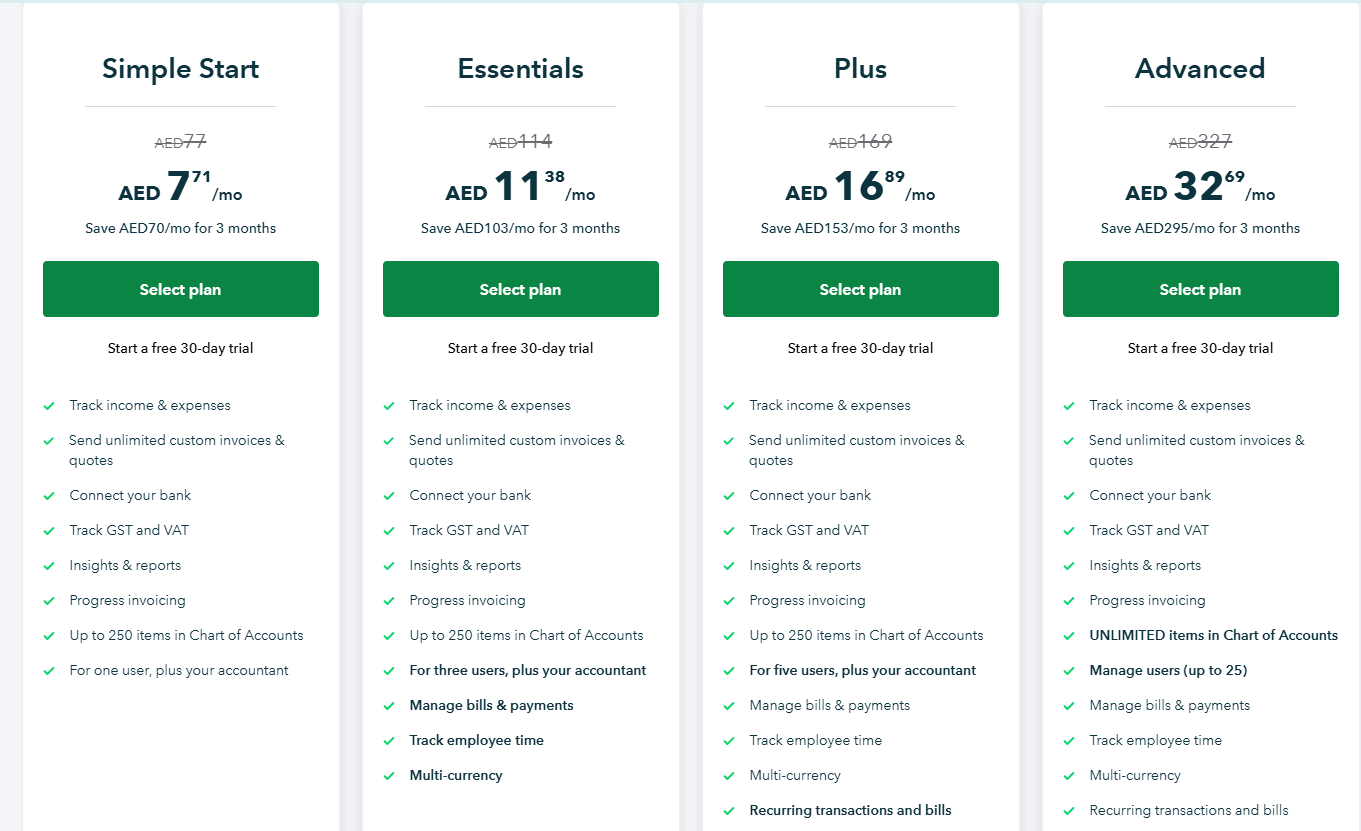
Note: Even though the prices are displayed in AED, billing will be processed in USD.
Pros and Cons
✅ Receipts land directly in the ledger with no second system.
✅ The widest accountant familiarity of any tool here.
✅ Strong bank feed matching.
✅ A large add-on and integration marketplace.
❌ Prices display in dirhams while billing is processed in US dollars.
#4: FreshBooks
Best for: Agencies, consultants, studios, and anyone rebilling client costs alongside billable hours.
Similar to: QuickBooks Online, Xero.
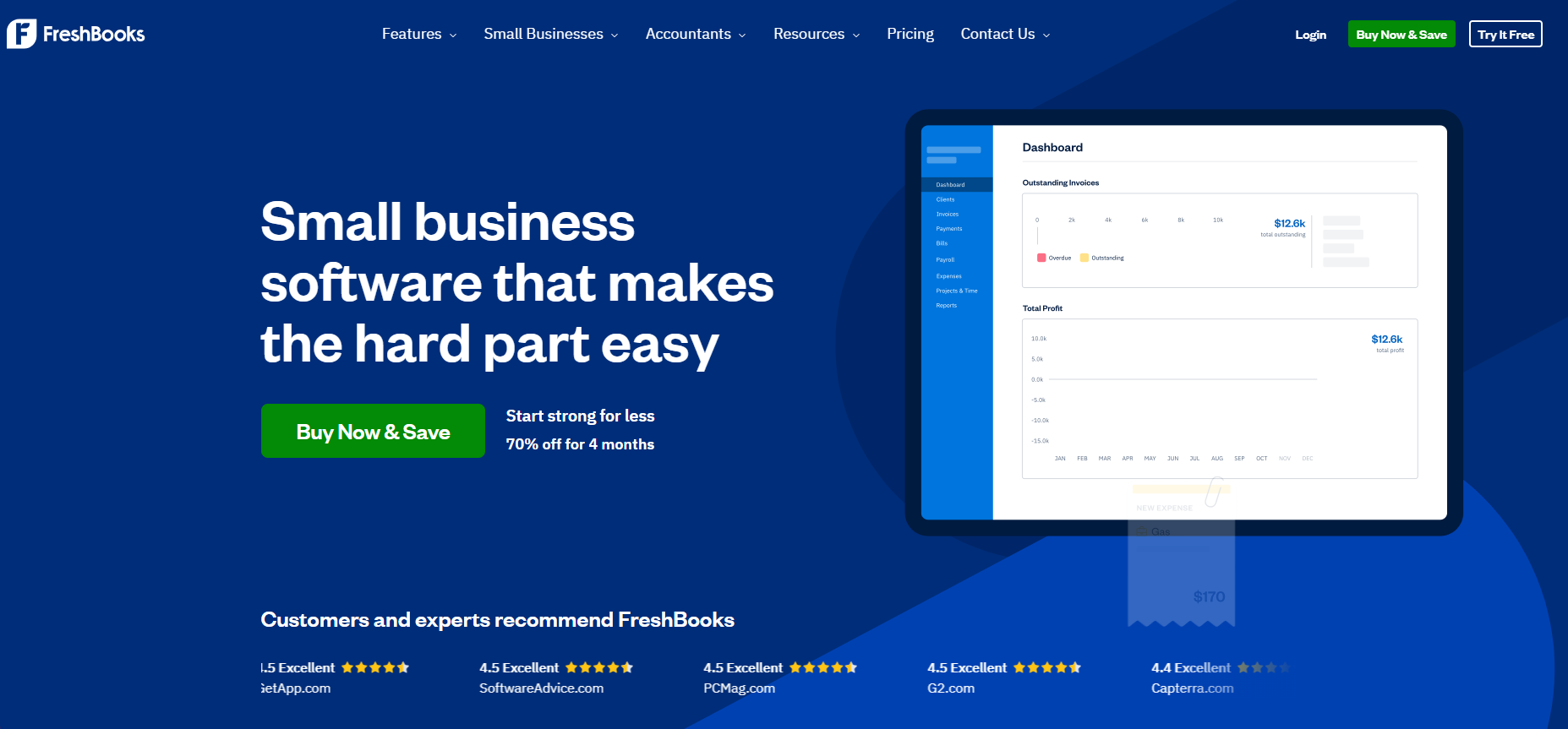
FreshBooks attaches a captured receipt to the client or project that should carry it, which is the part service businesses care about.
Features
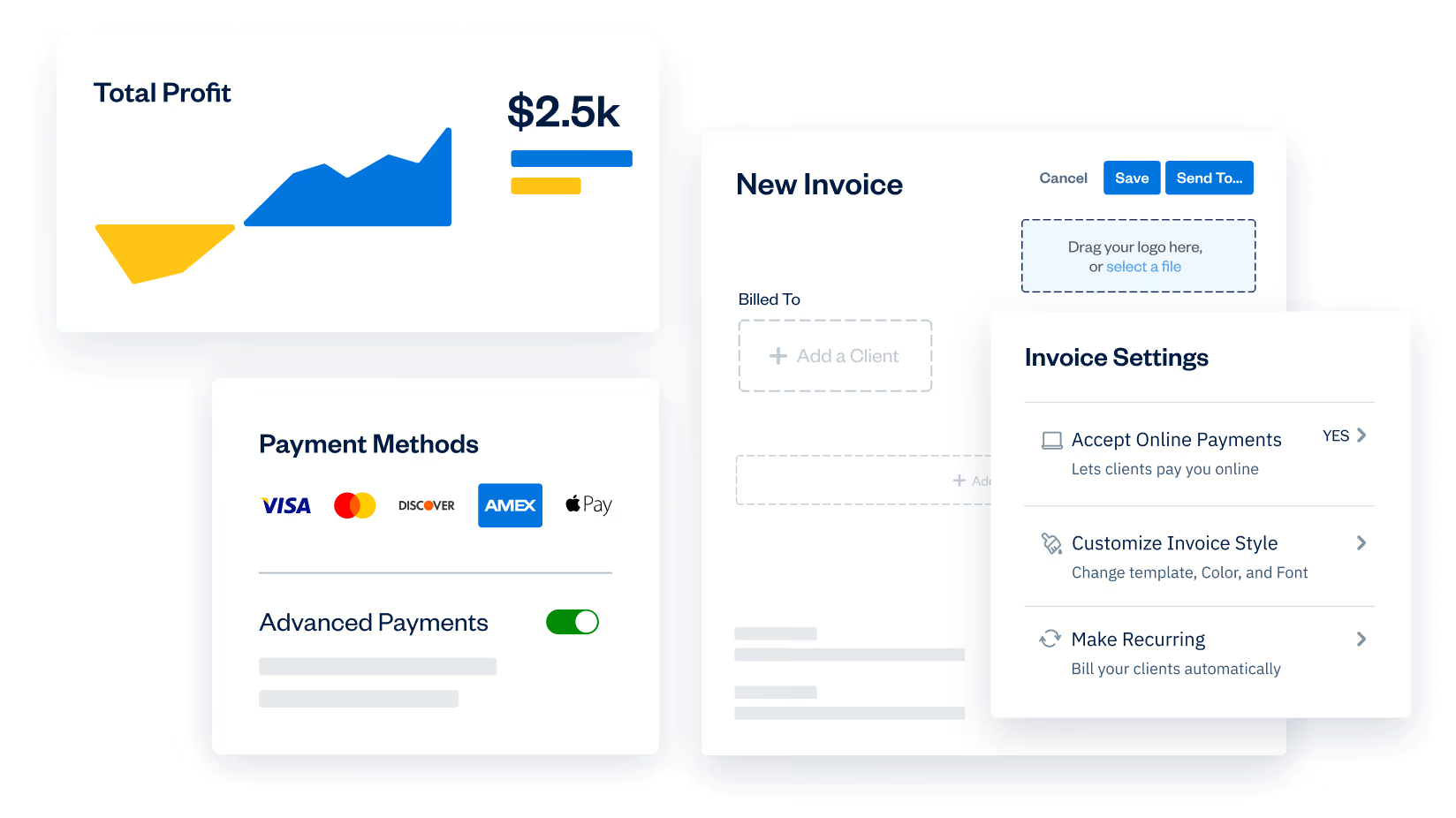
- Mobile receipt capture: on Plus and above, receipts photographed on a phone get filed against the client or project that will carry them.
- Project expense mapping: attach costs to specific engagements so profitability stays visible.
- Time tracking: roll tracked hours and logged expenses into one client invoice.
- Bank reconciliation: double-entry reporting and reconciliation tools from the Plus tier upward.
Pricing
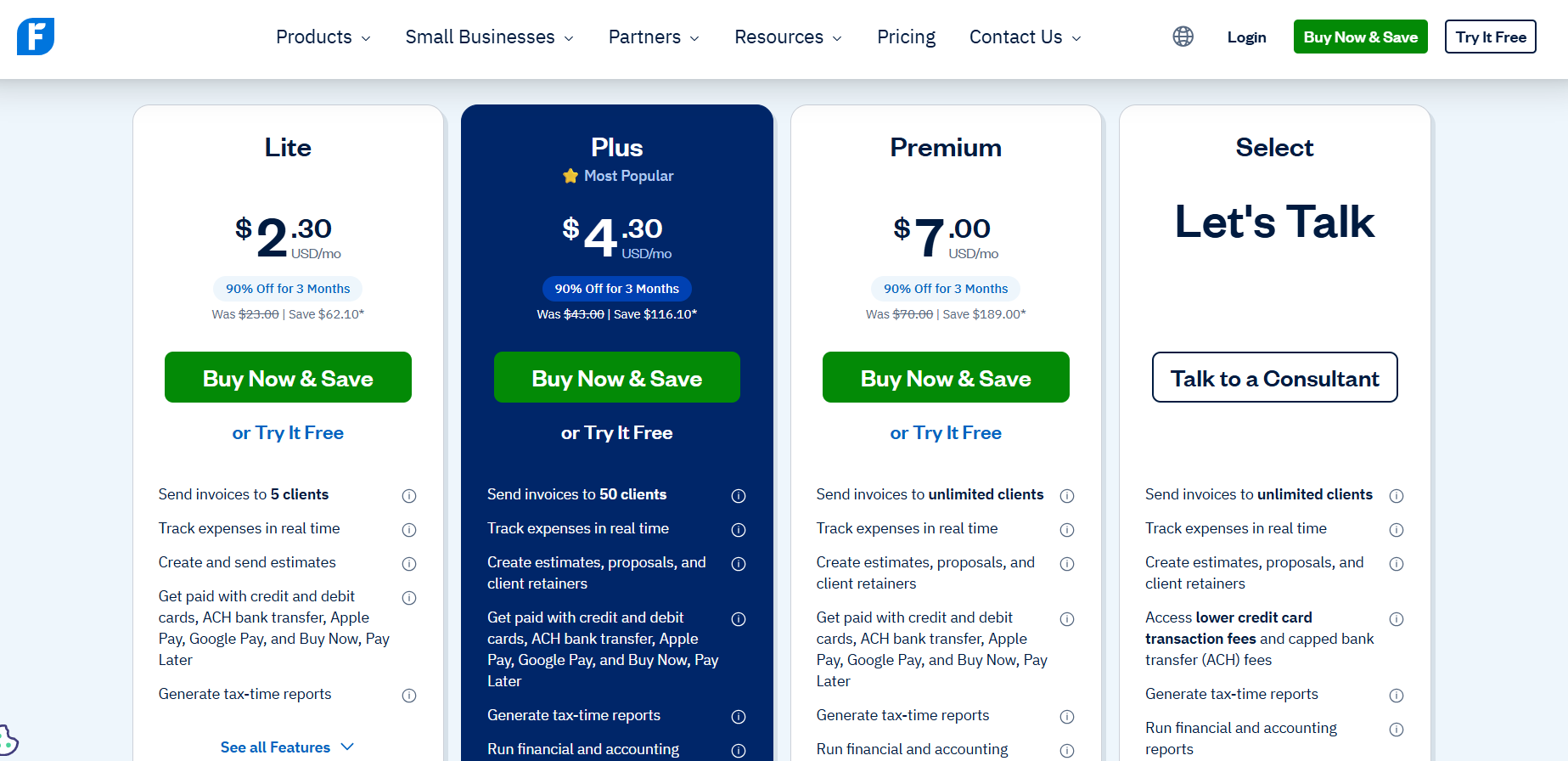
FreshBooks runs four paid tiers with a 30-day trial and no permanent free plan:
- Lite: $23/month. Covers 5 billable clients, unlimited invoicing, and expense tracking, with no receipt scanning.
- Plus: $43/month. Covers 50 billable clients and adds recurring invoices, proposals, double-entry accounting reports, bank reconciliation, and mobile receipt capture.
- Premium: $70/month. Covers unlimited billable clients and adds project profitability tracking, accounts payable, and advanced reports.
- Select: custom pricing, sold through a consultant. Adds dedicated phone support, migration help, lower card fees, and 2 included team seats.
Every plan is single-user by default, with extra team members at $11/month each.
Pros and Cons
✅ Receipts map cleanly to billable client work.
✅ Straightforward interface built for service firms.
✅ A 30-day trial with no card required.
❌ Receipt scanning starts on Plus, leaving the Lite tier as invoicing only.
Next steps: start with Pemo for free
Most tools on this list solve a slightly different part of the same problem.
Some catch the receipt as the money leaves.
Others chase it down afterwards from the person who spent it.
A third group files it where your books already live.
If receipt chasing is what eats your team's month-end, Pemo removes the chase altogether.
The card creates the expense, the AI matches the receipt to it, then checks the amount, the currency, and the date agree before anything reaches your books.
For a UAE finance team, Pemo gives you:
- AI capture that matches each receipt to its transaction without reminders.
- Verification that checks the amount and date, and whether it's a valid tax invoice.
- Receipts pinned to the card that paid, on cards you control by category and location.
- Direct sync into QuickBooks, Xero, Zoho Books, and Wafeq.
- Unlimited scanning on the free plan.
You can sign up for Pemo's free plan or book a demo to see why 10,000+ businesses in the MENA region have chosen us.
⚠️ Disclaimer: This article was last updated on the 27th of August, 2026, and if there's any misinterpretation of the information, please contact us, and we will fact-check it.


