
Receipt capture automation software collects a receipt from wherever it lands, reads it, pairs it with the payment and sends it to the ledger with as few human steps as possible.
In this guide, I'll show you the 7 best receipt capture automation software in the UAE in 2026, ranked by how well each one handles a UAE finance team's receipts from capture through to the ledger.
TL;DR
- Pemo offers the best receipt capture automation software in the UAE, matching each receipt to its card payment and checking it before export, whether it came in by email or over WhatsApp.
- Dext and Hubdoc read supplier bills and receipts, with supplier rules handling the coding before documents reach the ledger.
- Zoho Expense and Expensify suit employee expenses, where Autoscan and SmartScan turn a photo into a claim.
- SAP Concur pre-fills expenses from card and travel data for larger organisations.
- Rydoo checks receipts against policy at the moment they're submitted.
What should UAE finance teams look for in receipt capture automation software?
A UAE finance team should judge four things: the capture channels, the matching, the checks after capture and the hand-off to the ledger.
Based on my experience, a week of real receipts tells you more than any demo.
These are the areas I'd watch during that week: 👇
Capture channels that need no upload
I usually count the steps between a purchase and a captured receipt, because every extra step is a receipt someone forgets:
- Mobile photo: the receipt read straight from the phone camera.
- Email forwarding: a dedicated address for supplier receipts and online orders.
- Messaging apps: receipts sent over WhatsApp or a similar app, without opening the expense tool.
- Supplier and card data: e-receipts and bills that arrive without anyone sending them.
➡️ It's ideal to start with recurring SaaS and ad invoices, since they arrive by email every month and can be automated end to end.
Matching to the transaction
Capture only saves time when the receipt finds its transaction on its own.
I'd test matching on the messy cases first:
- Card-linked matching: receipts paired with the card payment by amount and date.
- Bank-feed matching: documents matched to bank lines inside the ledger.
- Multi-currency handling: a USD receipt matched to the AED card charge behind it.
- Unmatched queues: one list of receipts without a transaction, and another of transactions without a receipt.
Verification before the books
UAE input VAT recovery generally relies on a valid tax invoice. You'll want the software to flag weak documents before a receipt reaches the ledger:
- Tax invoice details: the supplier's TRN and the VAT amount read and checked.
- Duplicate detection: the same receipt blocked from being claimed twice.
- Mismatch flags: totals or currencies that disagree with the payment surfaced before approval.
- Policy checks: receipts outside policy sent for review.
Coding and the hand-off to the ledger
In my experience, most leftover typing happens at this last step.
I'd look closely at:
- Suggested coding: account and VAT rate proposed from past entries.
- Supplier rules: repeat suppliers coded the same way automatically.
- Native connectors: receipts attached to the entry in Xero, QuickBooks, Zoho Books or the ERP.
- Review step: someone approves the coding before it posts.
➡️ For extraction accuracy alone, our receipt scanners guide compares the reading side.
What are the best receipt capture automation software in the UAE in 2026?
The best receipt capture automation software in the UAE in 2026 is Pemo, which matches and verifies card receipts before they reach the ledger.
I'd put Dext and Hubdoc next for supplier bills that go straight into the books.
Here's how all 7 compare on capture channels and starting price:
Each tool here had to pass four tests:
- Hands-off capture: at least one channel besides a manual upload, such as email forwarding, a messaging app or e-receipts.
- Automatic extraction: OCR or AI reads the receipt, leaving no fields to type.
- Automatic linking: the receipt ends up attached to a card payment, expense or ledger entry without a manual search.
- Sold in the UAE: UAE businesses can sign up directly or through a partner, in most cases through the vendor's global self-serve site.
➡️ A note on scope: I left out standalone OCR APIs and e-invoicing platforms, along with card apps that store receipts without reading them.
#1: Pemo
Pemo (that's us) offers the best receipt capture automation software in the UAE, pairing each receipt with the card payment it belongs to and checking it before it reaches your ledger.
Full disclosure: Even though Pemo is our own platform, I'll flag the workflows where another tool on this list fits better.
As the card payment creates the expense first, a receipt only has to find a record that's already waiting.
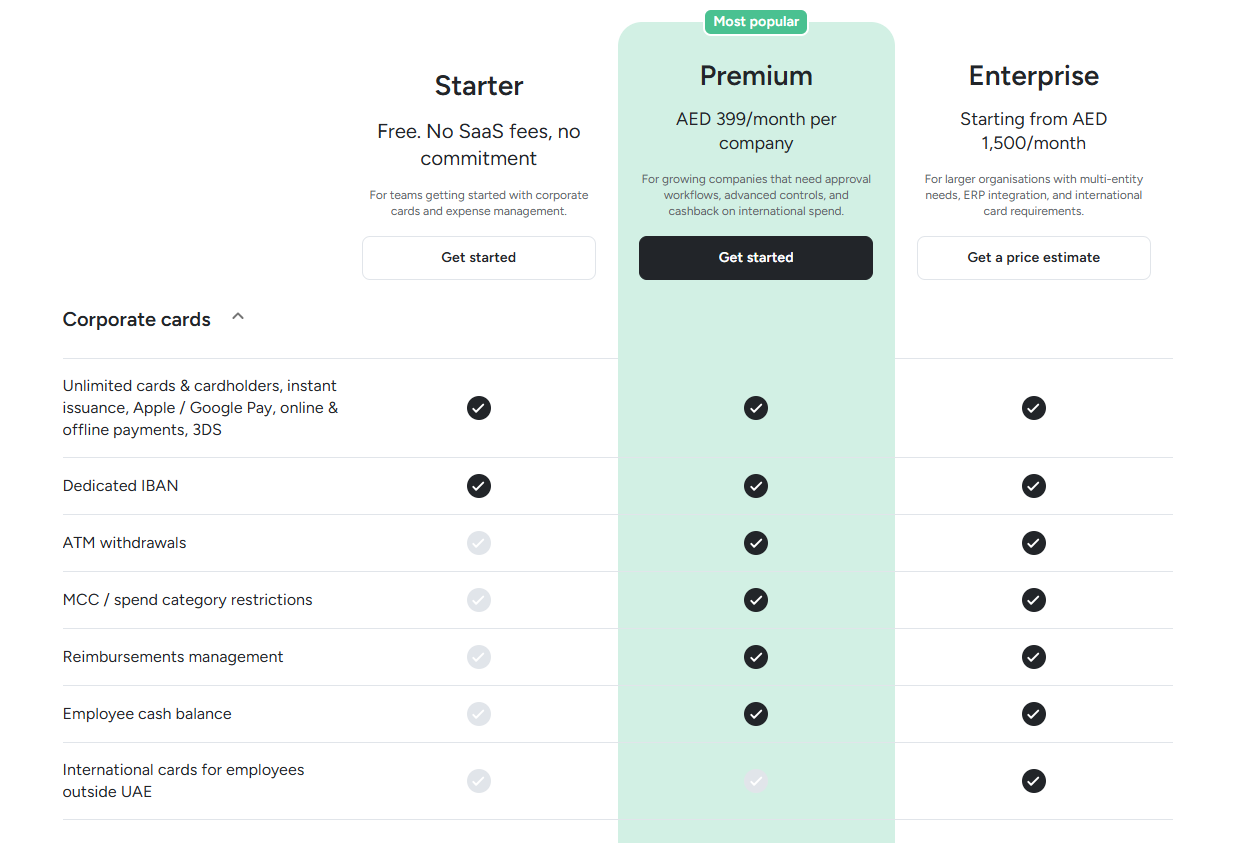
No paid plan is needed for capture or verification, as both come with Starter.
The card side is handled by NymCard Payment Services LLC, the Central Bank of the UAE-licensed issuer of Pemo cards.
To show how that plays out, here are four receipts a Dubai team might deal with in a normal week:
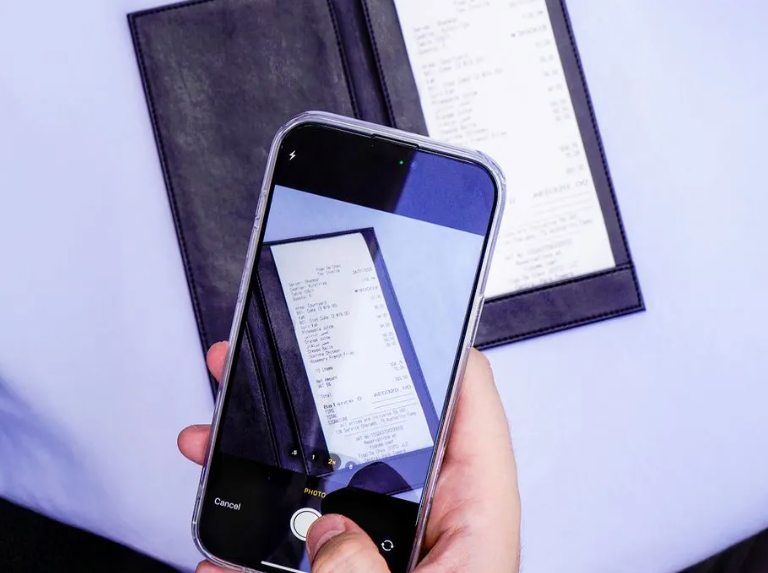
- A taxi receipt: photographed and sent to Pemo on WhatsApp before the ride ends, then paired with the card charge.
- A monthly design tool invoice: sent straight to the Pemo inbox by a tool that accepts an extra billing contact, such as Figma.
- A supplier's emailed invoice: forwarded as a PDF attachment and matched to the payment automatically.
- A pile of paper receipts after a site visit: uploaded together at the end of the week.
Let's go over what happens behind each of those: 👇
Four ways in, one Documents Inbox
I'd normally get every cardholder set up on all four channels in their first week, since people differ in what they reach for:
- Mobile app: a photo taken in the Pemo app right after paying.
- Document inbox email: a Pemo address unique to each user, where forwarded receipts are matched to expenses automatically.
- WhatsApp: receipts sent to +971 52 545 8186 and paired with the right transaction.
- Bulk upload: older receipts added to the inbox in one batch.
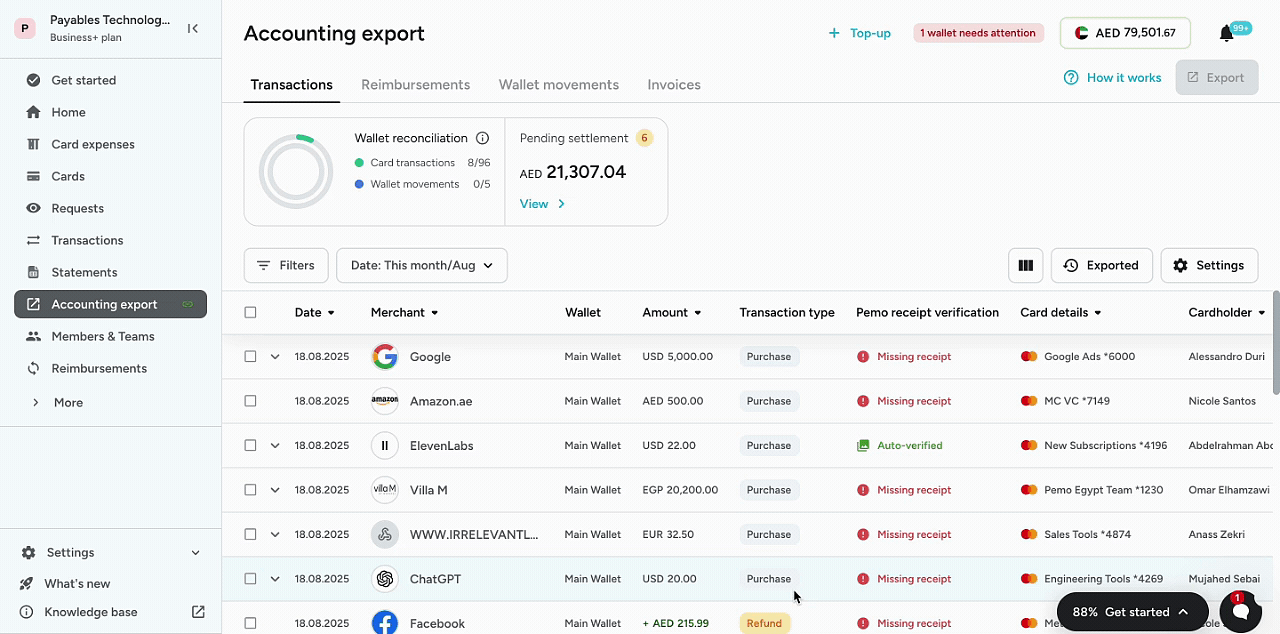
➡️ Forward receipts as attachments from the cardholder's own email address, the one linked to their Pemo account.
Many subscription tools can bill the Pemo inbox directly
SaaS and ad invoices are the receipts I see go missing most often, since they never pass through anyone's hands:
- Billing contact email: the Pemo inbox added as an invoice recipient in tools that allow one, such as Figma or Twilio.
- Gmail and Outlook filters: rules that forward invoices from tools that only bill the account email, such as ChatGPT and Claude.
- The right cardholder's inbox: each inbox belongs to whoever's card paid, which lets Pemo attach the receipt to the correct expense.
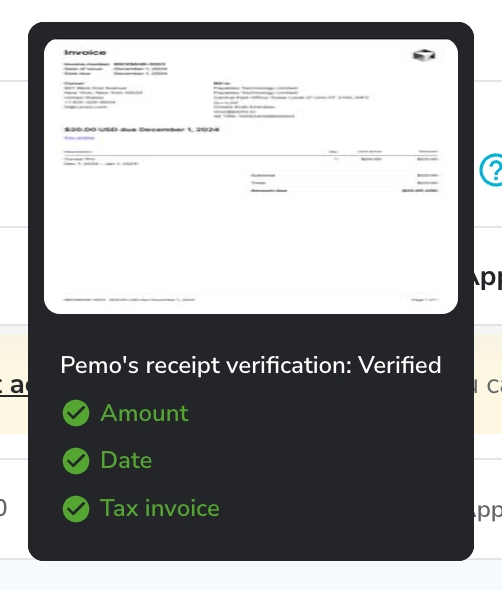
➡️ A receipt is marked Verified once its amount and currency match the expense; date and tax invoice status are reported alongside.
Three automatic checks before export
Pemo AI runs these checks on every receipt, with results shown on the export pages:
- Amount and currency: the receipt's total and currency compared with the expense.
- Date: the receipt date compared with the transaction date.
- Tax invoice status: whether the receipt qualifies as a valid tax invoice, a check Pemo calls essential for VAT deductions.
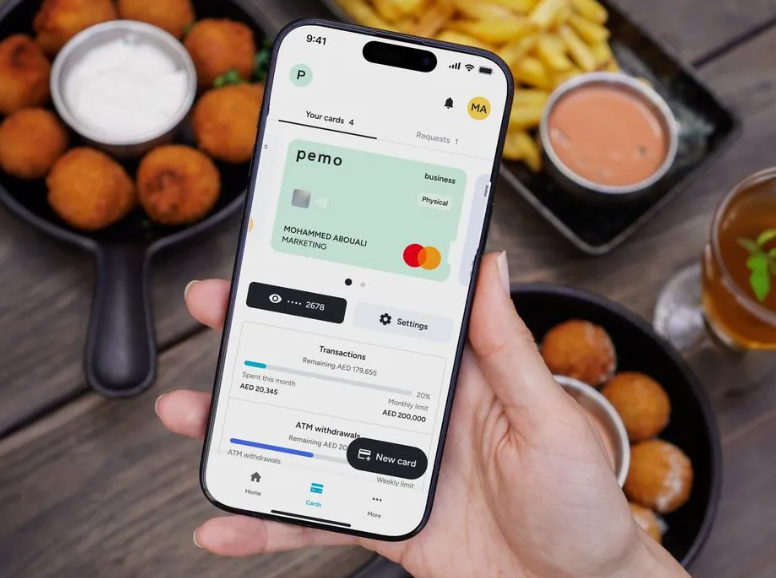
➡️ Each expense ends up Verified, Unverified or Receipt Missing, giving the reviewer a short list to chase.
Matched receipts carry their coding into the ledger
Matching is only half the job, since the expense still needs coding:
- Pemo Copilot: account and VAT rate proposed from the way your team has coded similar spend.
- Smart Vendor Creation: new suppliers set up from the merchant name, with the TRN taken off the receipt.
- Receipt reminders: automatic nudges to cardholders on Premium.
- Accounting export: the receipt travels with the expense into Xero, QuickBooks, Zoho Books and other connected ledgers.
➡️ Our receipt scanning explainer covers where extraction tends to fail on UAE receipts.
Pemo's pricing
Pemo prices each plan per company, however many cardholders send receipts:
- Starter: AED 0, with unlimited cards plus receipt capture, verification and Pemo Copilot.
- Premium: AED 399/month per company, adding receipt reminders, duplicate detection and line-item splitting.
- Enterprise: from AED 1,500/month for multi-entity groups, adding budgets and custom ERP integrations.
Pemo's pros and cons
✅ No paid plan needed for capture or verification.
✅ WhatsApp photos and emailed receipts matched without manual work.
✅ Tax invoice status shown next to each receipt on the export pages.
✅ SaaS tools with a billing contact field can send invoices straight to the Pemo inbox.
❌ Automatic matching is built around Pemo card payments.
❌ Duplicate detection needs Premium.
#2: Dext
Best for: Bookkeepers and finance teams publishing supplier bills and receipts into Xero or QuickBooks by rule.
Similar to: Hubdoc, Pemo.
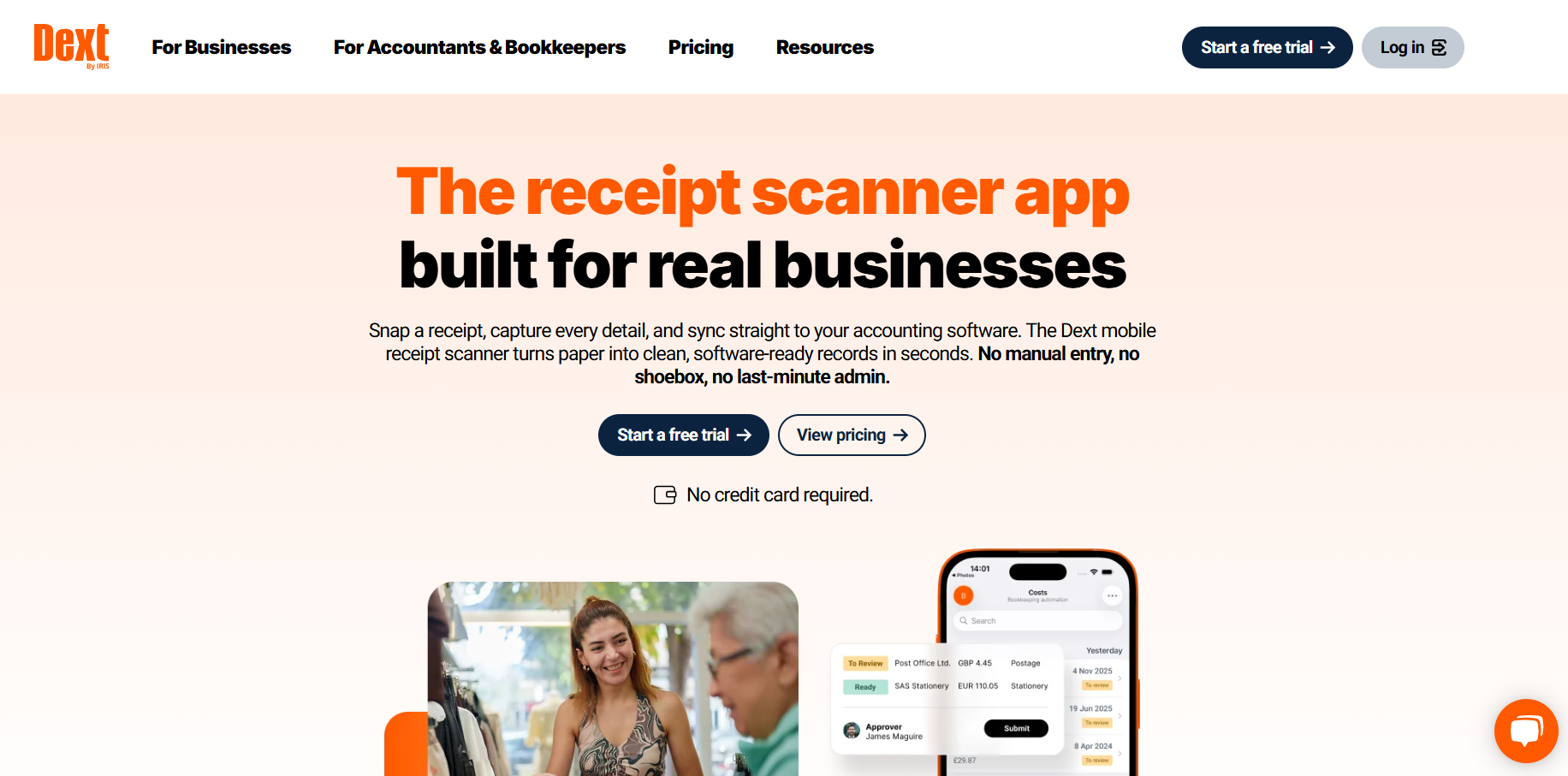
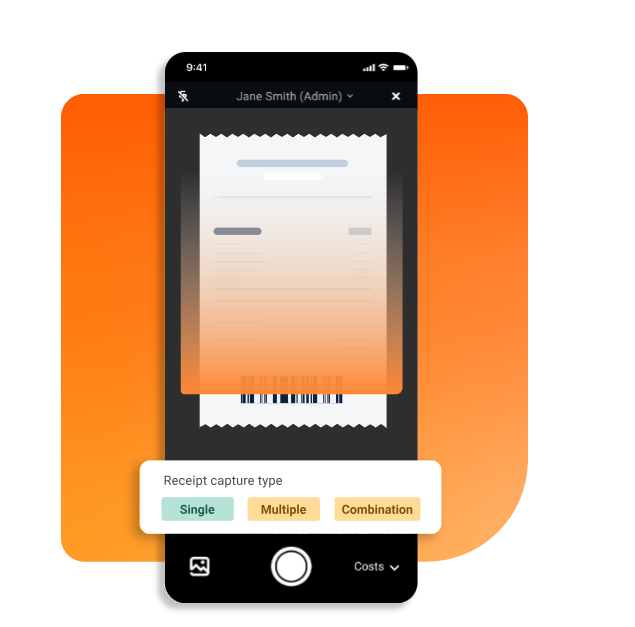
Accountants and in-house finance teams use Dext Prepare to collect documents and push the extracted data into more than 36 accounting systems.
I've found its supplier rules do most of the work once they're set up.
Features
- Line items: 5 documents a month included, then an add-on from USD 20.50/month or USD 0.50 per document.
- Approval routing: documents sent for sign-off before they publish.
- Statement checks: supplier statements reconciled against published invoices, with 5 a month included.
- Dext AI Assist: in-app help with core tasks.
Capture automation
- Capture channels: the mobile app, an Extract By Email address and desktop upload, with WhatsApp and Dropbox as extra routes.
- Invoice Fetch: invoices pulled automatically from supplier portals on a schedule.
- Supplier rules: repeat suppliers coded the same way every time.
- Auto-publish: trusted suppliers' documents sent to the ledger without review.
- Duplicate checks: a second copy of an invoice held back before it reaches the ledger.
- Request paperwork: a mobile notification asking the submitter for a missing receipt.
Pricing
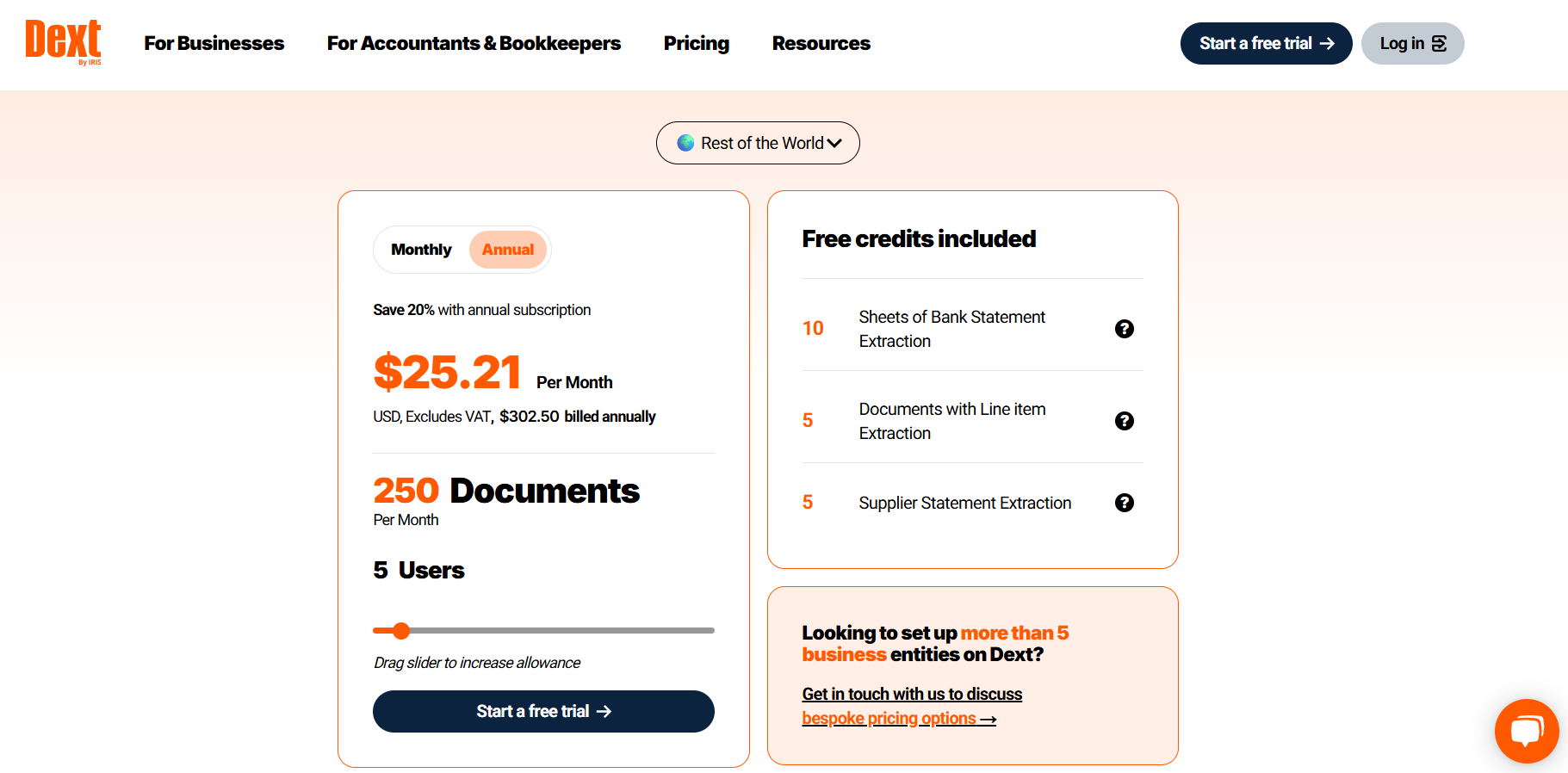
Dext charges by users and documents a month, after a 14-day trial:
- Business: USD 25.21/month on annual billing (USD 302.50 a year, excluding tax) for 5 users and 250 documents.
- Larger allowances: priced up from there, with annual billing up to 20% below monthly.
Pros and Cons
✅ Auto-publish keeps trusted suppliers' bills moving without review.
✅ More than 36 accounting systems supported.
❌ Once the monthly document limit is reached, extraction pauses until the next billing date or an upgrade.
#3: Hubdoc
Best for: Xero and QuickBooks Online users who want bills and receipts turned into transactions with the document attached.
Similar to: Dext.
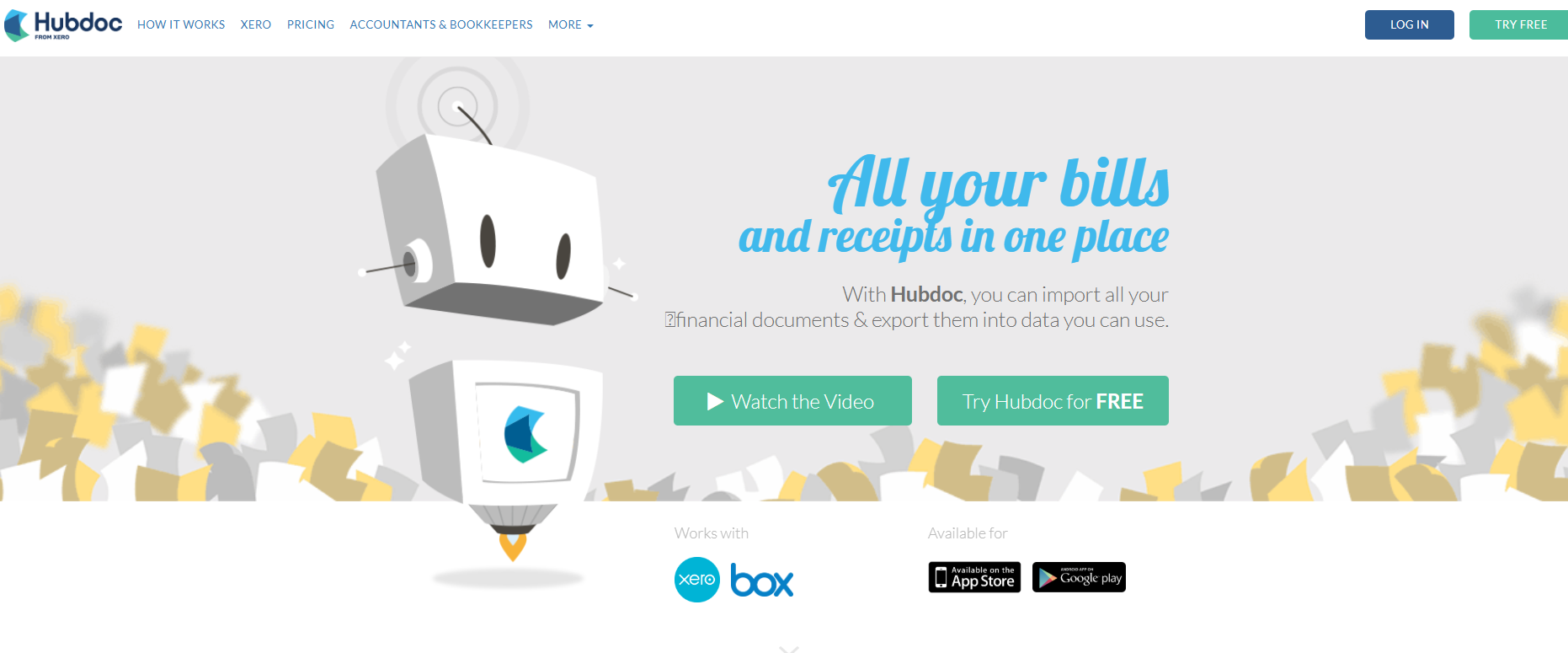
Hubdoc is Xero's own capture tool, included with Xero plans once it's connected.
It works best for Xero or QuickBooks Online teams whose receipts mostly come from suppliers, since each document becomes a draft transaction for someone to check.
Features
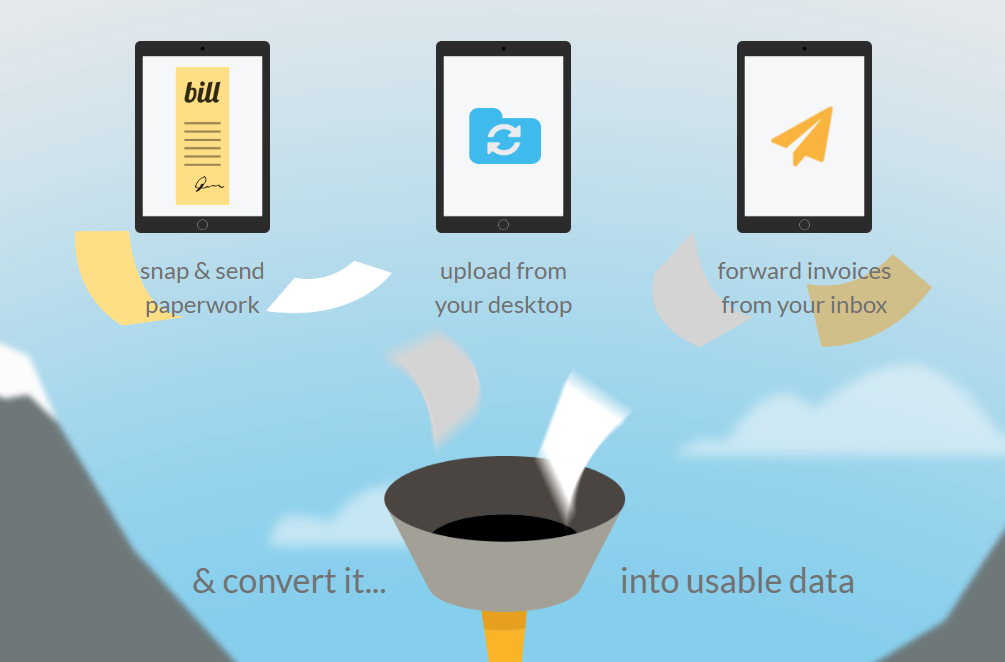
- Extraction: the supplier, amount, invoice number and due date on each document.
- Automatic filing: documents sorted into a folder per supplier, with no storage limit.
- Box sync: documents synced to Box and downloadable at any time.
- Search: any stored document found from a phone or laptop, with accountants and bookkeepers invited into the account by email.
Capture automation
- Capture channels: a personalized email address created at sign-up and the mobile app, plus desktop upload and scanners.
- Supplier rules: coding for receipts, bills and statements automated supplier by supplier.
- Document attached: the original saved against the Xero or QuickBooks Online transaction.
- Bank feed matching: drafts lined up with Xero's bank feed.
Pricing
Hubdoc is included for Xero subscribers and sold on its own for everyone else:
- With Xero: included once Hubdoc is connected to the Xero organisation.
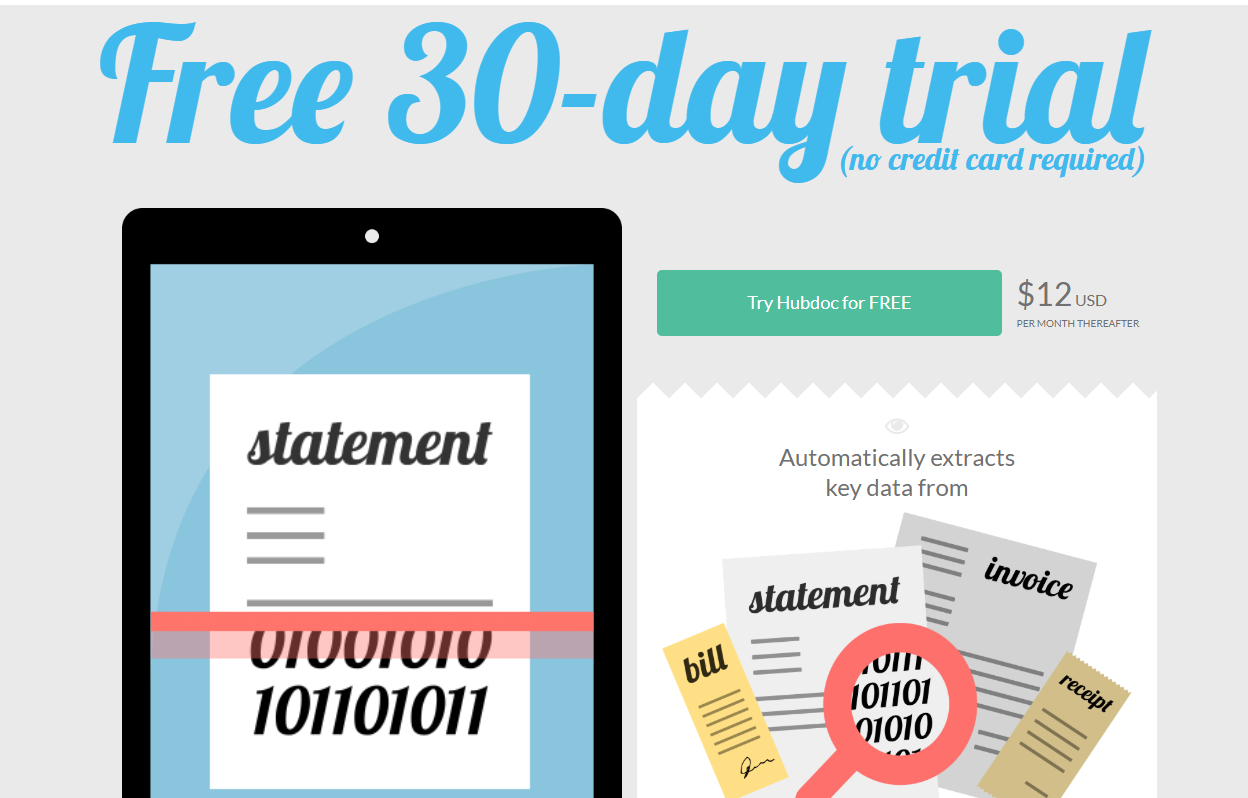
- Standalone: USD 12/month after a free 30-day trial, with unlimited usage.
Pros and Cons
✅ No extra cost for Xero users.
✅ Repeat bills post through supplier rules.
❌ No employee cards or expense reports.
❌ Publishes only to Xero, QuickBooks Online and Bill.com.
#4: Zoho Expense
Best for: Zoho users who want employee receipts read and turned into expenses automatically.
Similar to: Expensify, Rydoo.
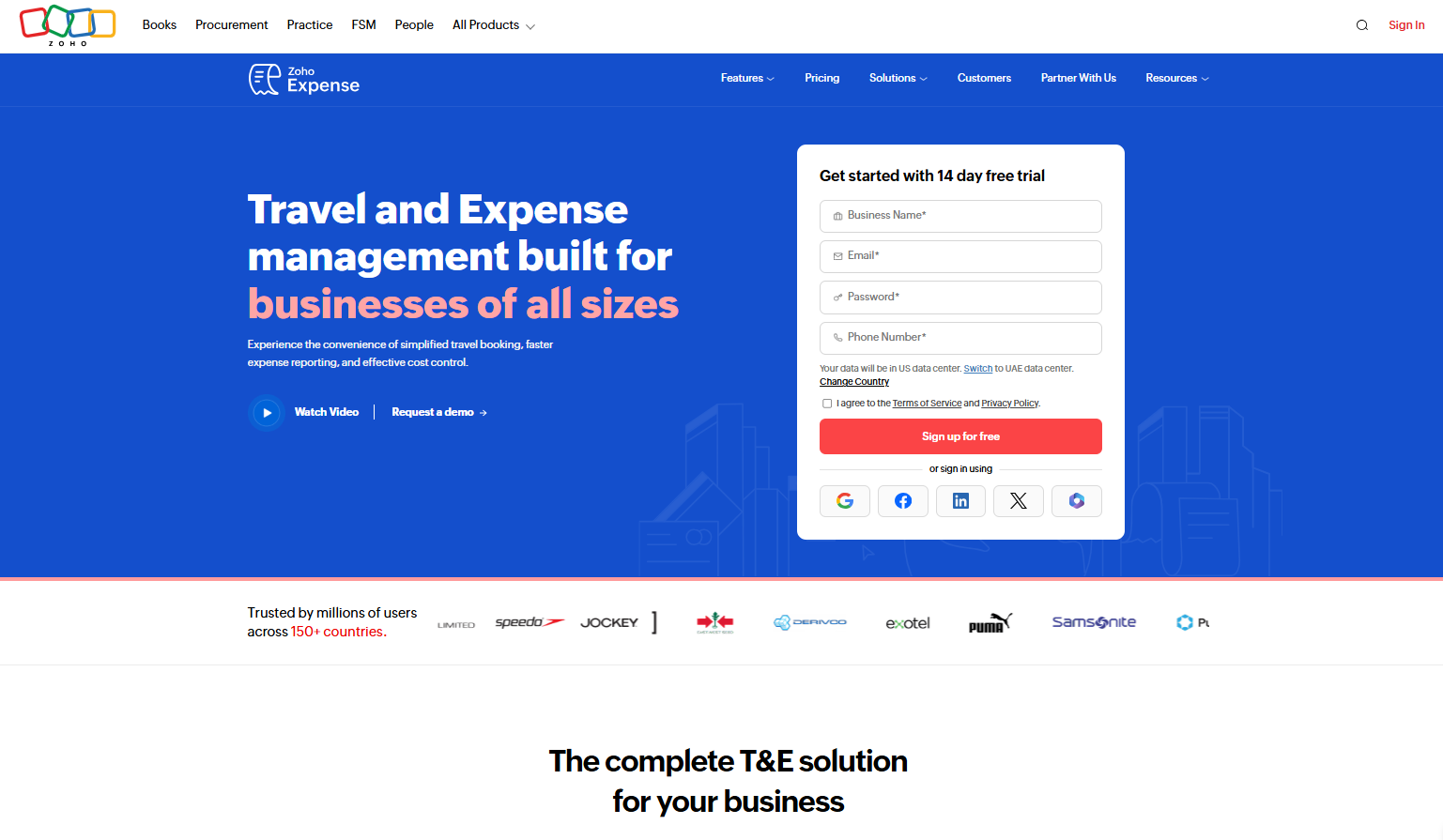
Zoho Expense, which has a UAE edition, reads receipts with its Autoscan engine and turns each one into an expense record.
It's worth checking the monthly scan allowance, which grows with the plan.
Features
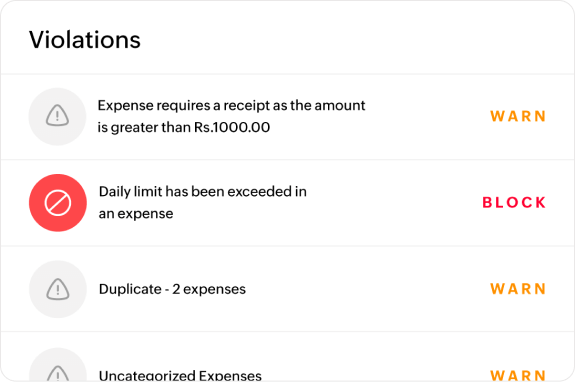
- Multi-currency expenses: exchange rates converted automatically.
- VAT tracking: VAT recorded against each expense.
- Card statements: statements uploaded or personal cards connected.
- Petty cash and per diems: handled in the same app.
Capture automation
- Autoscan: AI reads each receipt and creates the expense, with line items captured on paid plans.
- Email forwarding: a personalised address for emailed receipts.
- Cloud imports: receipts pulled from Google Drive, OneDrive, Dropbox, Box and Evernote.
- Bulk upload: dozens of receipts added together, with Autoscan creating a separate expense for each.
Pricing
Zoho Expense charges per user in the UAE, with a five-user minimum on paid plans:
- Free: up to 3 users, with 20 Autoscans per user a month.
- Standard: AED 11/user/month billed annually (AED 18 monthly), with 200 Autoscans per user a month.
- Premium: AED 22/user/month billed annually (AED 33 monthly), with 1,000 Autoscans per user a month.
- Custom: for organisations with 100 users or more.

Pros and Cons
✅ A free plan for small teams.
✅ Receipts imported straight from cloud storage.
❌ Paid plans start at five users.
#5: SAP Concur
Best for: Large teams whose card and travel data should pre-fill expense reports.
Similar to: Rydoo, Expensify.
Concur Expense reads receipts through its ExpenseIt engine on the Plus and Premium plans and pulls in charges from corporate cards and connected suppliers.
I tend to point larger organisations here when travel makes up a big share of spend.
Features
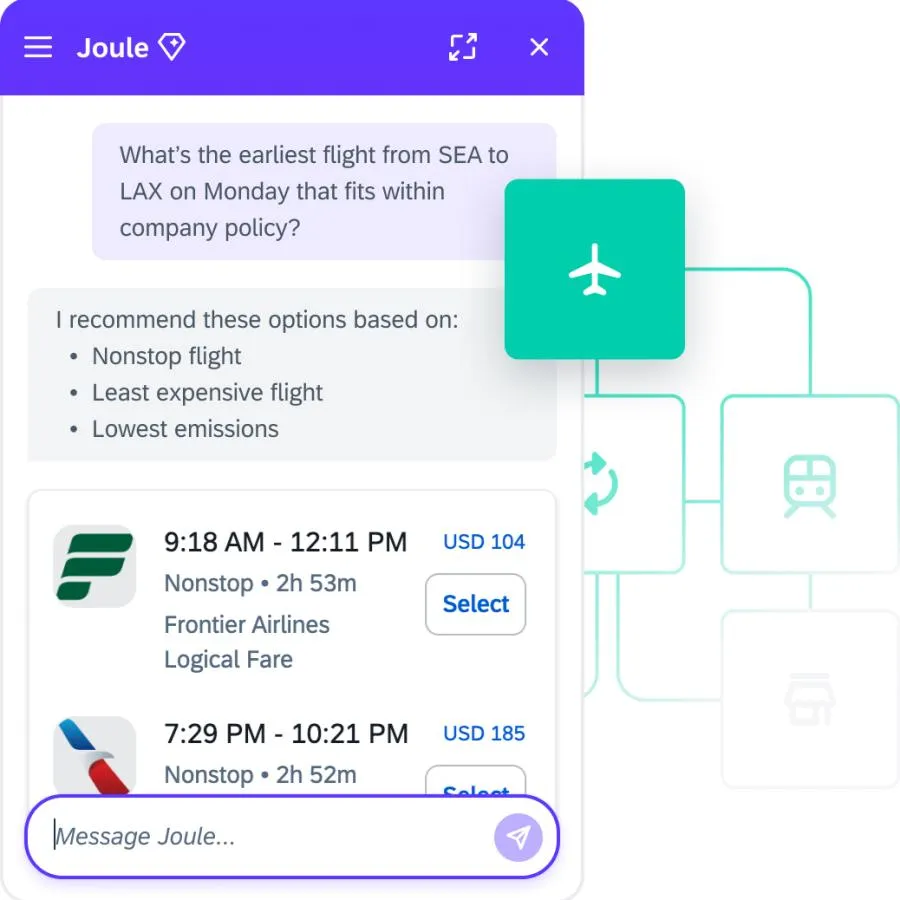
- Policy enforcement: spending policies applied to each expense.
- Joule AI: SAP's assistant for preparing and submitting expense reports.
- Connectors: more than 300 pre-built integrations, plus open APIs.
- Concur Travel: booking that feeds trips into expenses, on the Premium package.
Capture automation
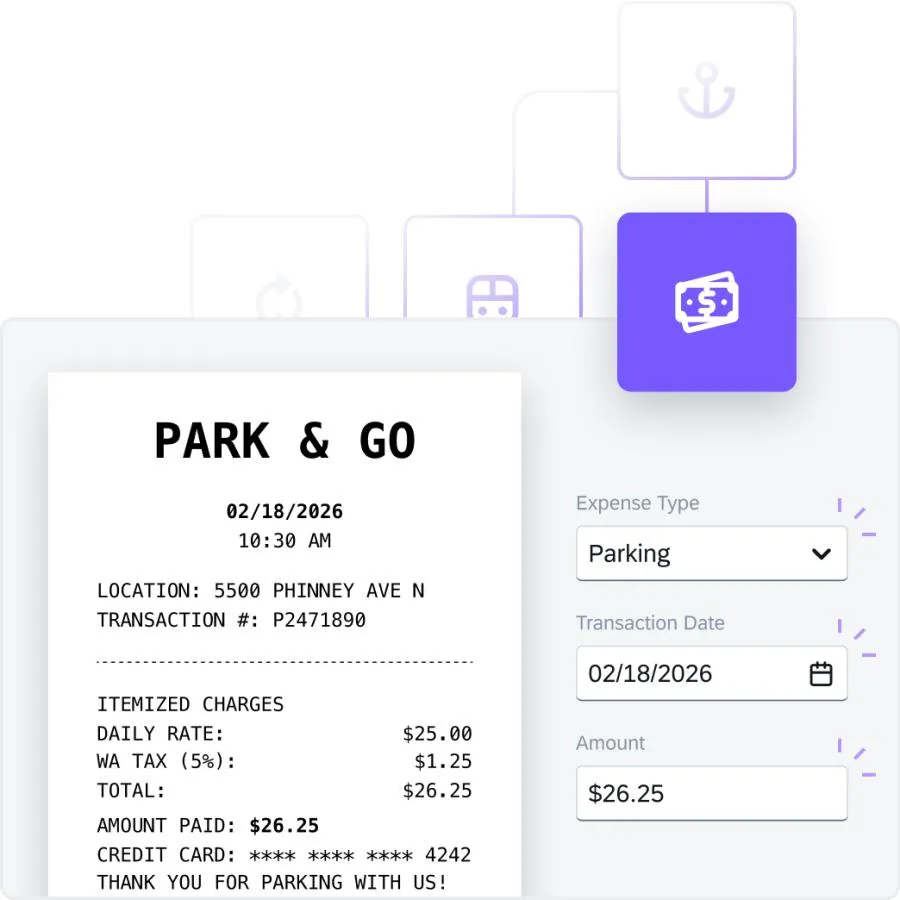
- ExpenseIt: AI that reads a receipt photo and creates the expense entry, on Plus and Premium.
- E-receipts: connected suppliers, rideshare apps among them, send their charges into Concur Expense.
- Card feeds: corporate card transactions pre-filling expense lines.
- Email capture: receipts forwarded by email.
Pricing
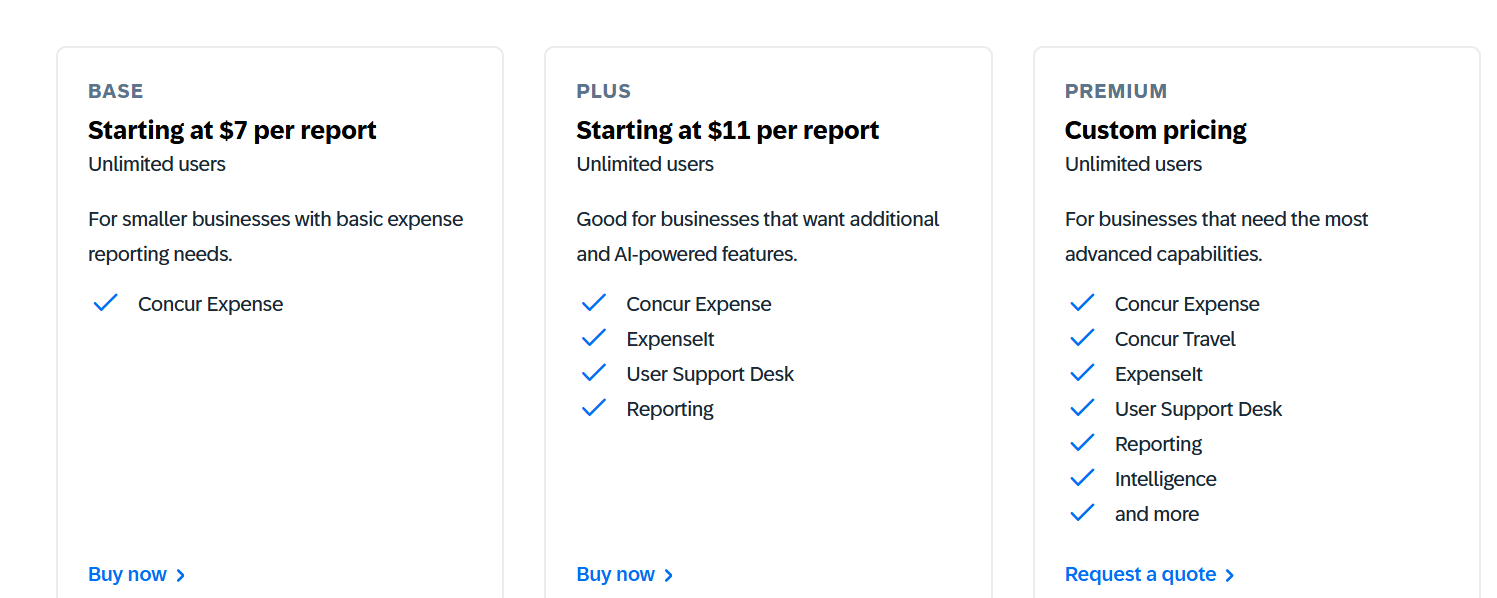
SAP Concur prices per expense report in USD, with unlimited users on every plan and lower rates for larger monthly commitments:
- Base: from about USD 7 per report, covering Concur Expense.
- Plus and Premium: about USD 11 per report on Plus, which adds ExpenseIt, the User Support Desk and reporting, with Premium quoted separately for Concur Travel and Intelligence.
Pros and Cons
✅ Card and travel data pre-fill expenses.
✅ More than 300 connectors.
❌ Users find the interface cluttered, complex, and often unintuitive, according to G2.
#6: Expensify
Best for: Small teams that want a receipt read the moment it's photographed or emailed.
Similar to: Zoho Expense, Rydoo.
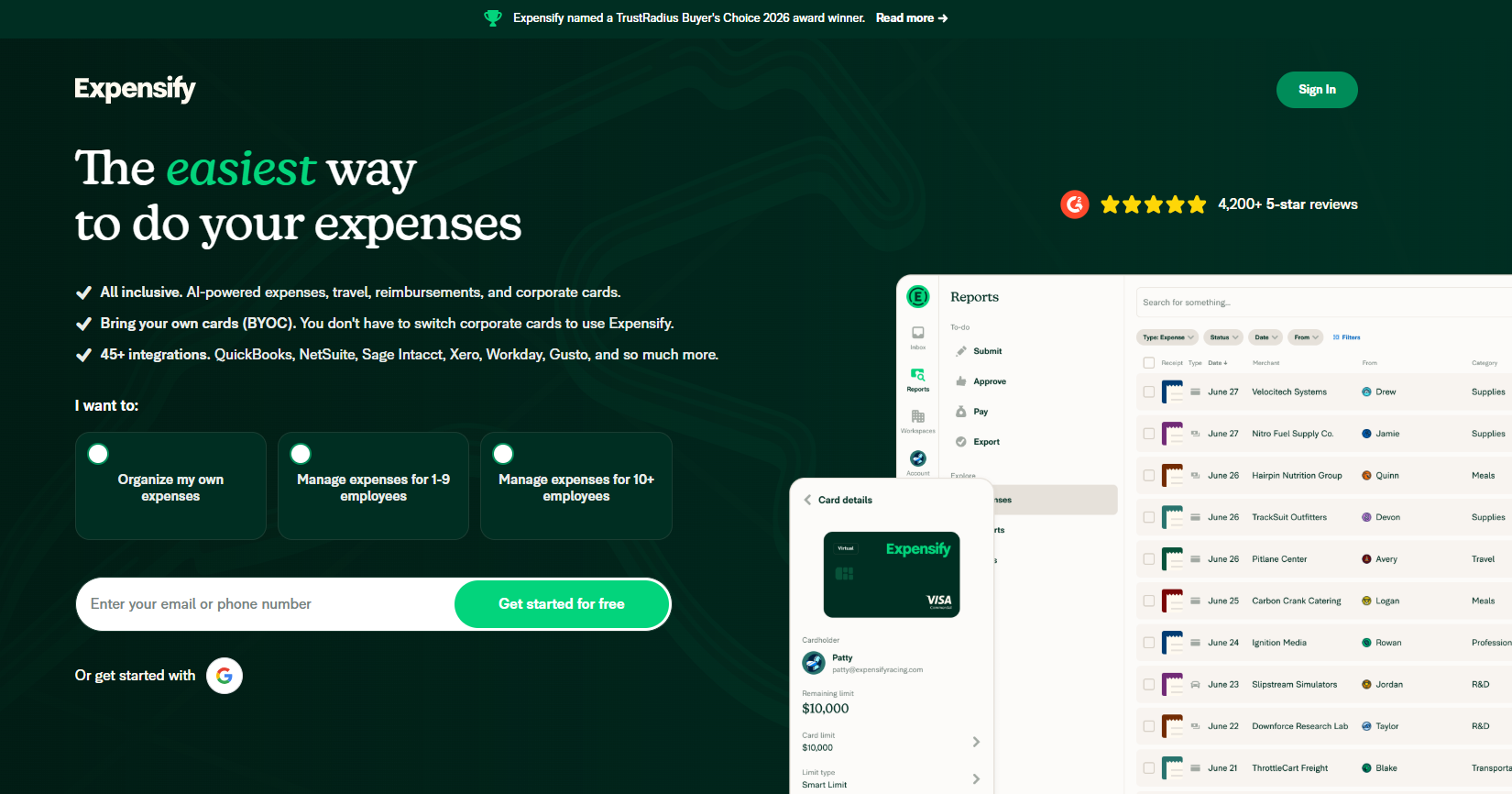
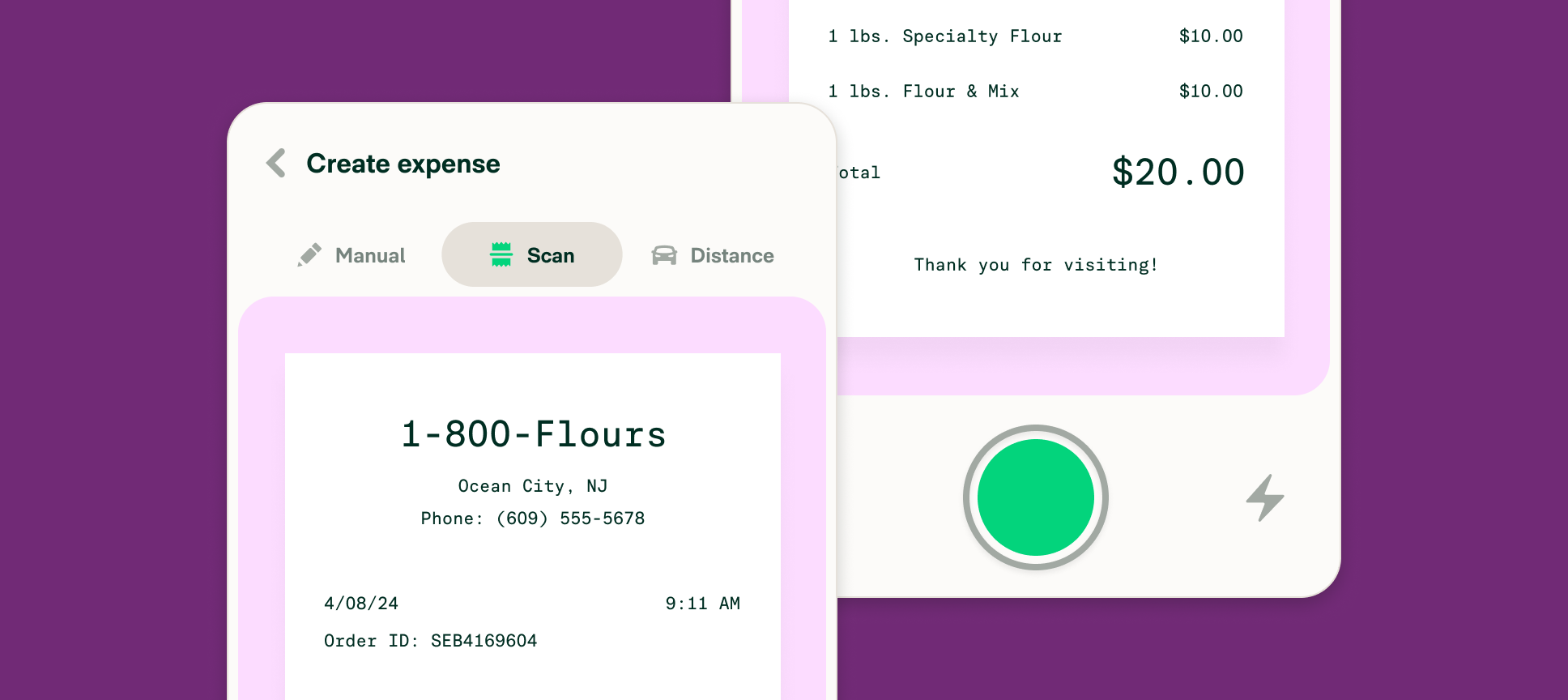
Expensify reads receipt photos with SmartScan and accepts emailed receipts at one shared address, receipts@expensify.com.
I'd say it suits small teams that mostly need claims reimbursed.
Features
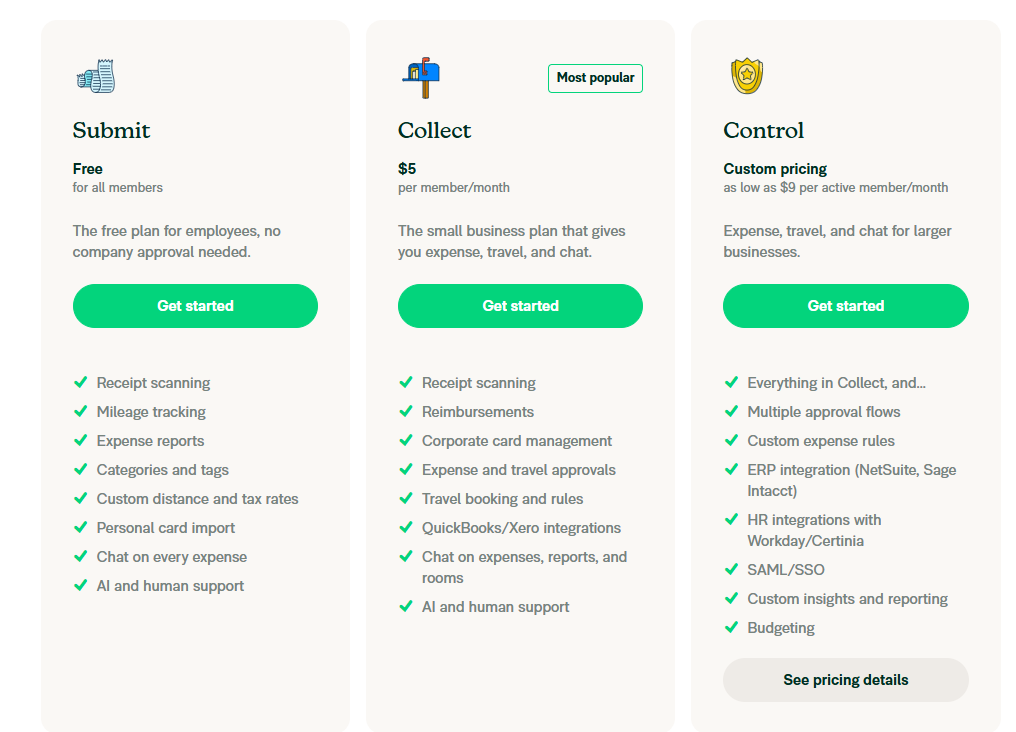
- Reimbursements: employee claims paid back after approval.
- Corporate card management: card spend tracked alongside receipts.
- Expense and travel approvals: on Collect, with multiple approval flows on Control.
- Custom expense rules: on Control.
Capture automation
- SmartScan: OCR on receipt photos.
- Email receipts: anything forwarded to receipts@expensify.com.
- E-receipts: travel and rideshare bookings that create expenses without a photo.
- Card feeds: card transactions imported as expenses waiting for receipts.
Pricing
Expensify's published US prices cover two plans:
- Collect: USD 5 per unique member a month, billed month to month.
- Control: USD 18 per member a month on an annual subscription, USD 36 per active member on pay-per-use, or as low as USD 9 with qualifying Expensify Card use.
Pros and Cons
✅ SmartScan on every paid plan.
✅ Travel bookings arrive as expenses on their own.
❌ Collect bills every member on the workspace, active or not.
❌ The USD 9 Control rate needs at least half of spend on the Expensify Card in the US.
#7: Rydoo
Best for: Multi-country teams that want receipts checked against policy as they're submitted.
Similar to: SAP Concur, Zoho Expense.
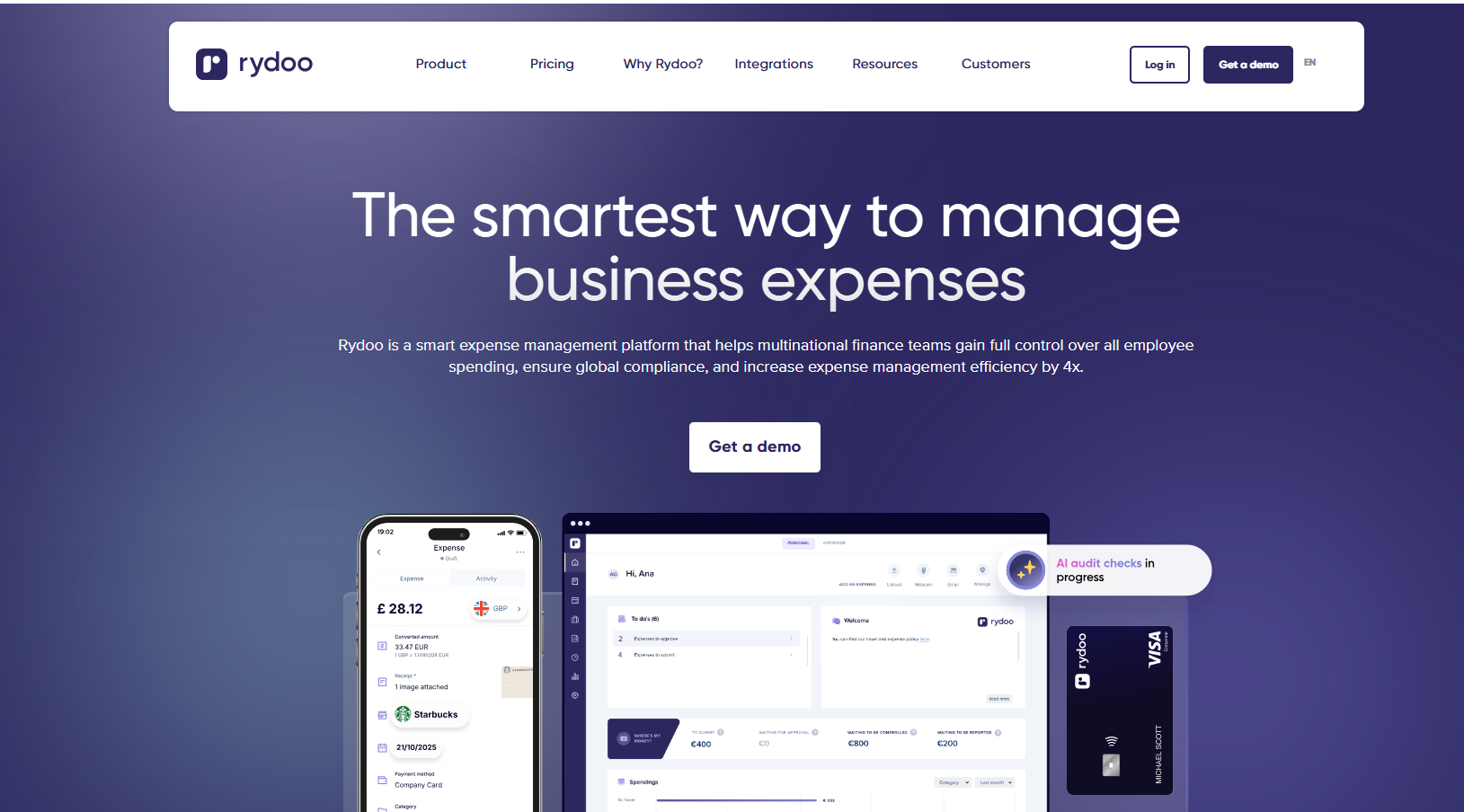
Rydoo, a Belgian expense platform, compares each submitted receipt with the company's policy rules.
Rydoo Cards come with the Business plan and are a paid add-on on Pro.
Features

- Rydoo Intelligence: AI assistants for expense queries and audits, on Enterprise.
- Mileage and per diems: distance claims on every plan, per diems from Pro.
- Multi-country compliance: local tax rules and certified paperless expensing.
- Second approval level: up to two approval levels on Pro.
Capture automation
- AI receipt scanner: built into the mobile app on every plan.
- Uber and Lyft: ride receipts imported on every plan, with Uber the one that also operates in the UAE.
- Card transaction matching: transactions from the main card networks matched to expenses, on Pro.
- Custom bank transactions feed: on Business.
Pricing
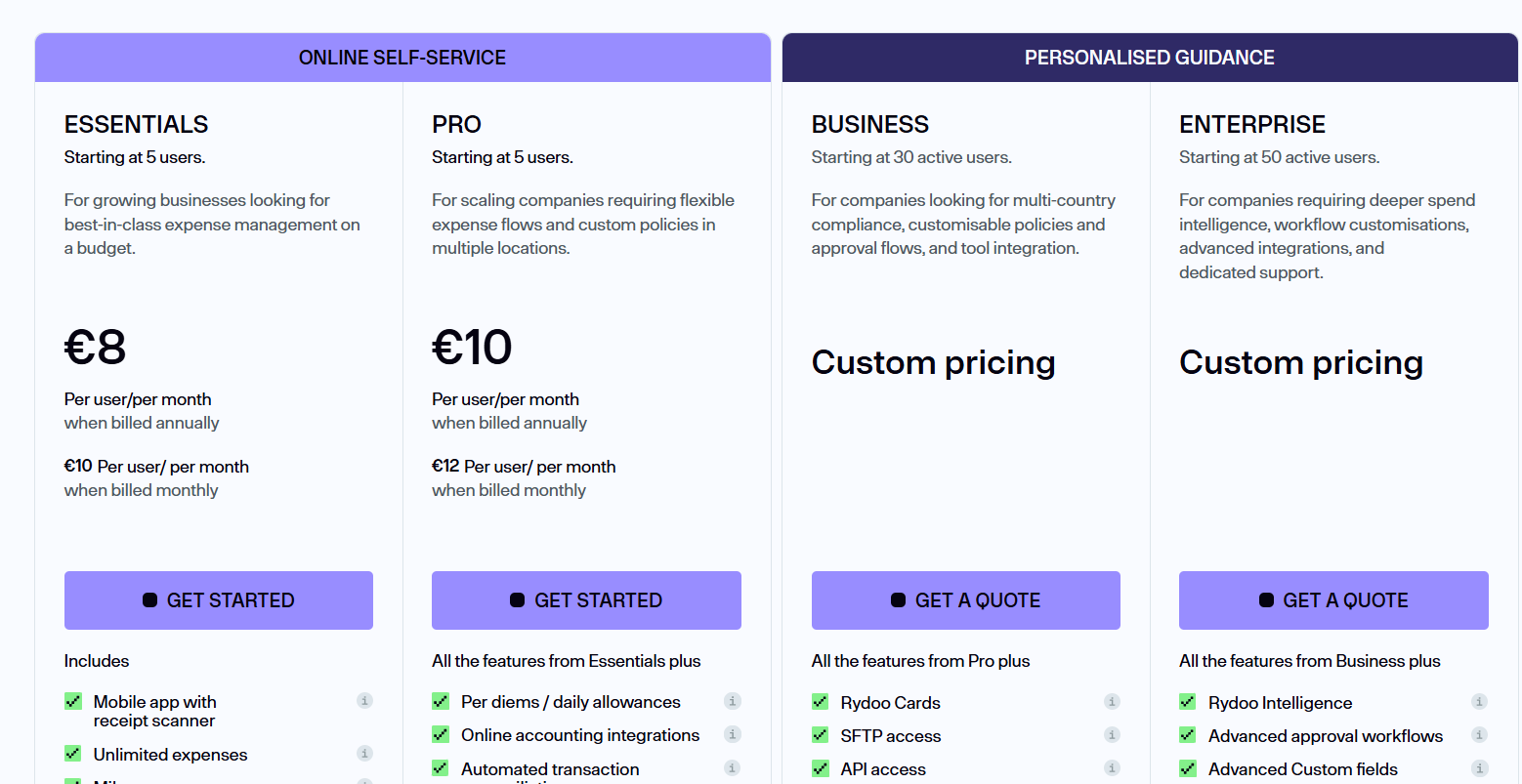
Rydoo doesn't have a free plan. Paid plans start at:
- Essentials: $9/user/month annually for the receipt scanner, unlimited expenses, and basic integrations.
- Pro: $11/user/month for per diems, customisable policies, and multi-country compliance.
- Business and Enterprise: Custom pricing for SFTP, API access, and SSO.
Pros and Cons
✅ Policy checks at the moment of submission.
✅ Multi-country compliance.
❌ A five-user minimum.
❌ Automated reconciliation needs Pro.
Next steps: automate receipt capture with Pemo
Every tool on this list cuts the typing out of receipts, though each starts the job at a different point.
Pemo starts at the card payment, leaving the expense ready before its receipt arrives.
If you want receipt capture that also gives you:
- Instant virtual cards: usable the moment they're created.
- Cashback: 0.5% back on international card spend on Starter, up to 2% on Premium, depending on the account's FX fee profile.
- Card controls: per-card limits and country rules on every plan.
- Wallet Reconciliation Graph: a view of how much card and wallet activity has already been exported.
I'd recommend starting on the free Starter plan, which already includes receipt capture and verification.
A Pemo demo shows a WhatsApp receipt matching its card payment live.
⚠️ Disclaimer: This article was last updated on 11 November 2026 and covers general product information, not tax or legal advice. Vendor features and prices change often. Please confirm current details with each provider.
Receipt capture automation FAQs
What's the difference between receipt scanning and receipt capture automation?
Receipt scanning reads the data on a receipt.
Capture automation goes further, covering how the receipt arrives and how it reaches the ledger.
Our receipt scanners guide compares the reading part on its own.
What does a receipt need for UAE VAT recovery?
Input VAT recovery generally rests on a valid tax invoice from the supplier.
Tools that check tax invoice status at capture flag weak documents before the VAT return, which is why I'd prioritise that check.
Your tax advisor should confirm what your business needs to keep.
Can receipts be captured over WhatsApp?
Yes, on some tools.
Pemo matches receipts sent to its WhatsApp number to the right card transaction automatically.
Dext also lists WhatsApp among its submission methods.
Do I still need receipt capture software if my ledger reads documents?
It depends on who spends the money.
From what I've seen, ledger-side tools such as Hubdoc work well for bills the finance team handles.
Card-linked tools such as Pemo collect the receipt from the cardholder at the point of payment.


