
Tracking expenses stops being a spreadsheet job the moment more than two people start spending company money.
This guide covers the 10 best expense tracking software and tools in 2026, with real pricing and the limits worth knowing before you commit.
TL;DR
- Pemo offers the best expense tracking software for UAE businesses, turning each card transaction into a coded expense as it clears, on plans that start free.
- Zoho Expense, Expensify, and SAP Concur are built for teams that reimburse employees, covering receipt capture, approvals, mileage, and travel booking.
- Wafeq, QuickBooks Online, Xero, and TallyPrime keep the expense record inside the accounting file where your bookkeeper already works.
- Wally and Wealthi AI track personal money for individuals, with no company accounts or approval flows behind them.
What are the best expense tracking software and tools in 2026?
Pemo is the strongest pick for a UAE business, as the card transaction becomes the expense record and nobody has to file a report afterwards.
Here are the 10 best expense tracking solutions in 2026:
#1: Pemo
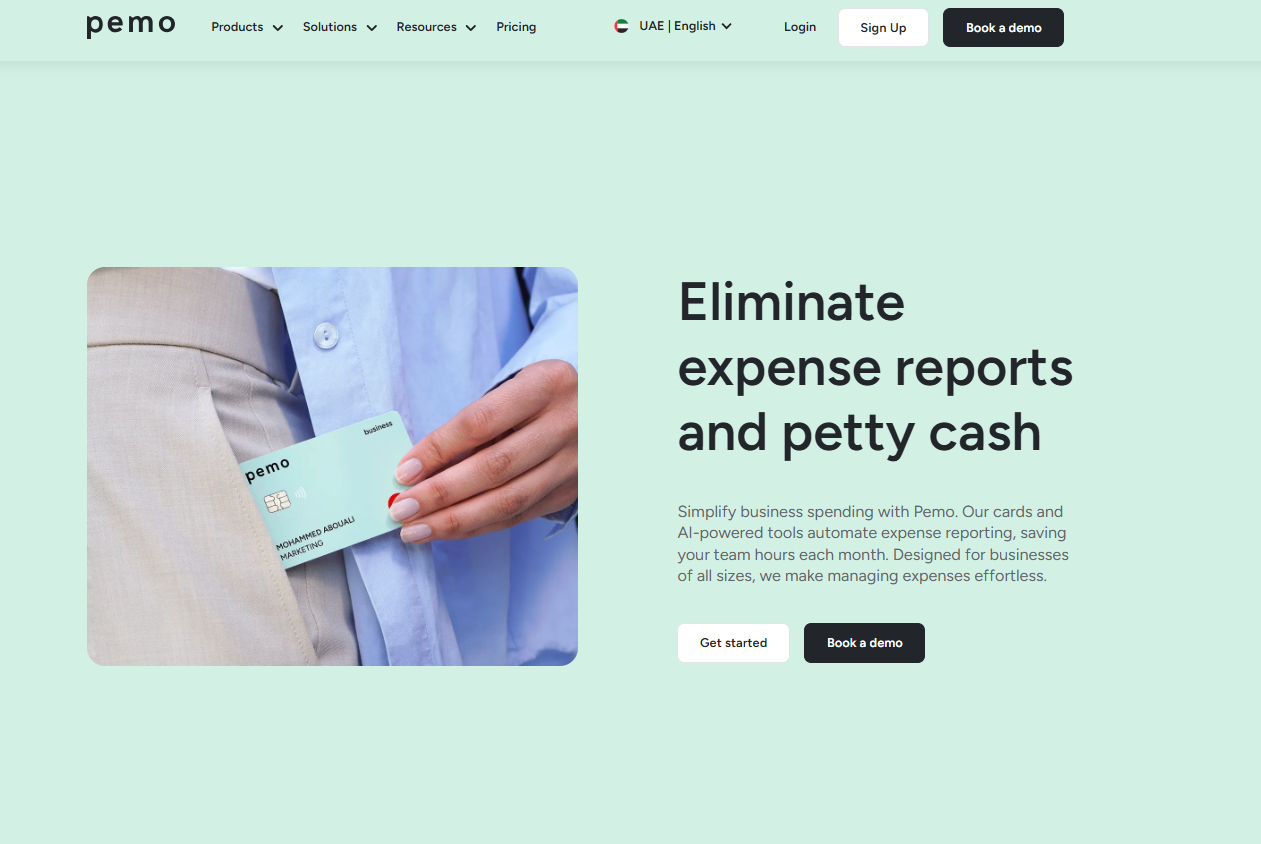
Pemo offers the best expense tracking software for UAE businesses, pairing company cards with AI that matches the receipt and codes the entry before your bookkeeper opens the file.
Full disclosure: This is our own product. Every claim below is checkable on our pricing page or in our help centre, and I have held the other nine tools to the same bar.
Most expense tracking tools exist to make the expense report less painful.
Someone spends money, keeps the receipt, fills in a form weeks later, waits for approval, then waits again to be paid back.
The recording happens long after the spending, which is why the reporting is always a month behind reality.
We took the report out of the sequence.
Here is how that works in 2026: 👇
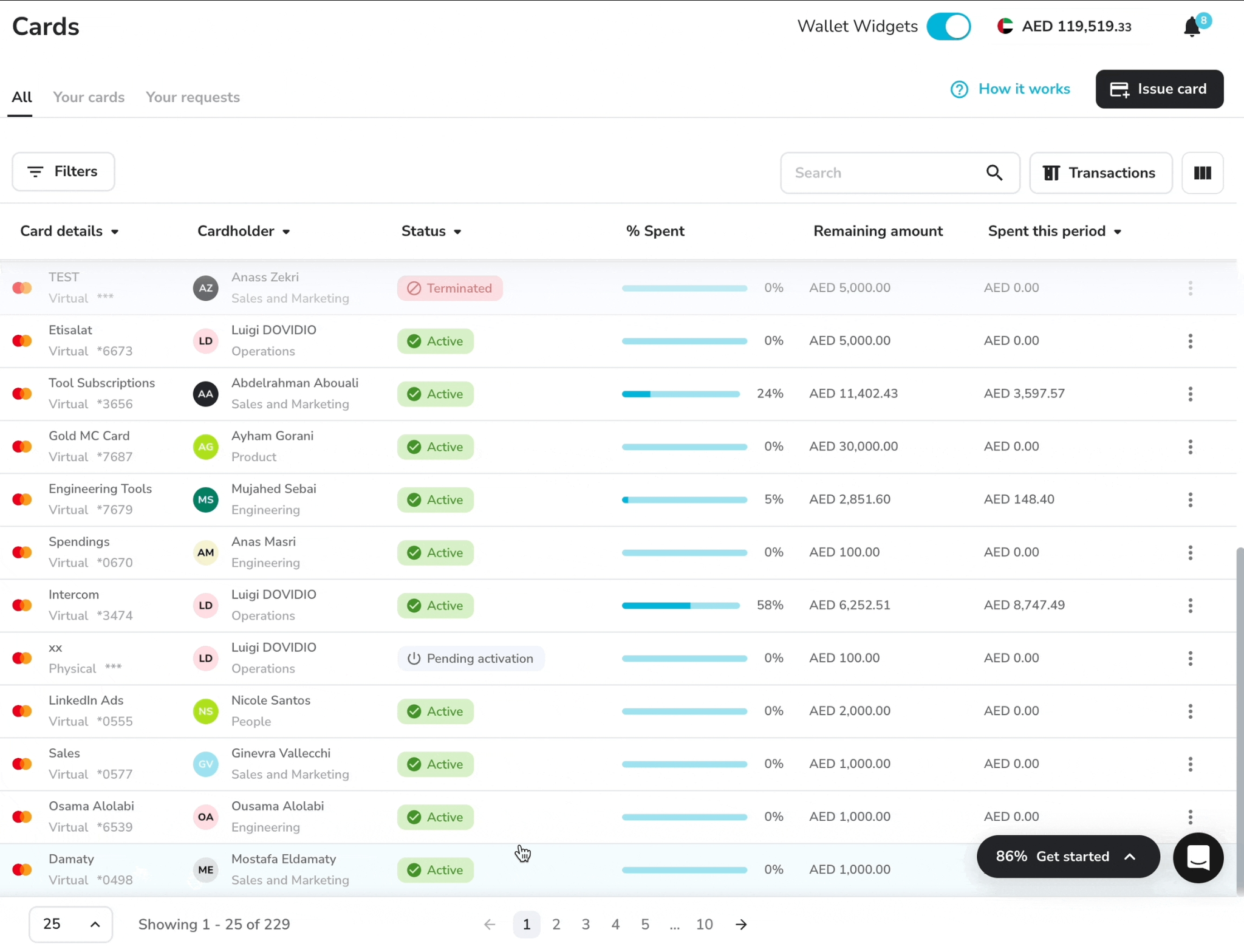
The card transaction creates the expense record
Every Pemo card draws on a wallet you fund, with the rules attached before anyone spends.
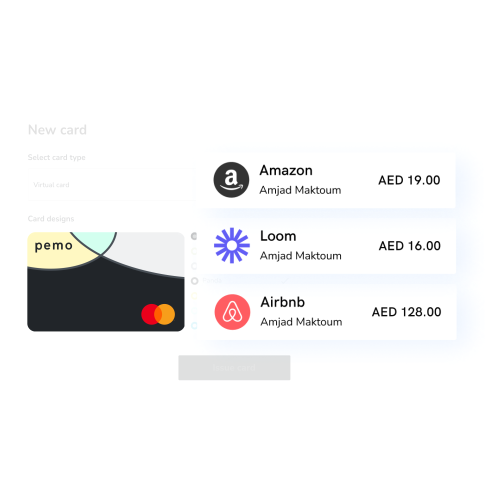
By the time a purchase clears, the expense already exists:
- Real-time expense creation on every transaction, with the record appearing as the payment clears.
- Unlimited virtual cards and unlimited cardholders on all three plans, with physical cards for anyone who needs one, usable through Apple Pay, Google Pay, and Samsung Pay.
- Spending caps on any card, set per transaction or across a daily, weekly, monthly, or annual window.
- A dedicated IBAN on the account, which keeps funding and spending in one place.
Receipts find their own transaction
Chasing paperwork is the part of expense tracking that nobody volunteers for.
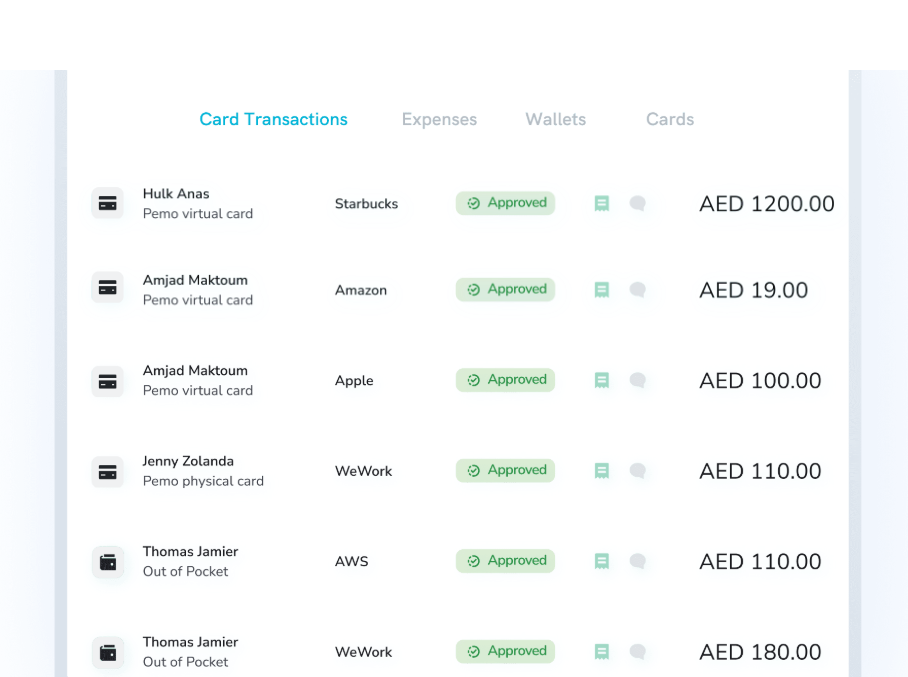
Pemo prompts the spender, then handles the matching:
- Mobile and email receipts, captured from a phone photo or forwarded in from an inbox.
- Pemo Copilot matching, which ties each receipt to its transaction with no manual search.
- Missing receipt flagging, surfacing the transactions that still have nothing attached.
- Receipt reminders and duplicate detection on Premium, chasing what nobody filed and catching the same receipt twice.
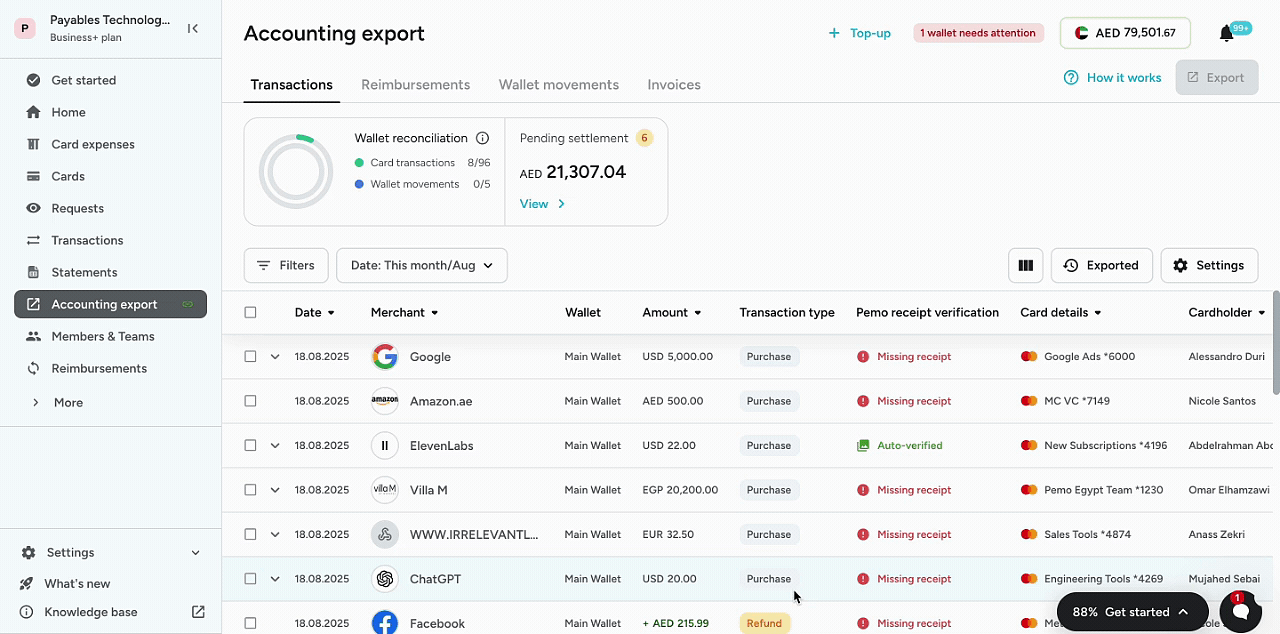
➡️ Every receipt stays attached to its transaction. A query in November about a March purchase takes seconds.
Spend controls apply before the money moves
Tracking after the fact only tells you what you should have stopped.
The controls in Pemo run at the point of purchase:
- Merchant category restrictions per card, available on Premium.
- Approval-based and pre-approval cards for purchases that need a decision first.
- Multi-layer approval workflows on Premium, routing larger commitments through more than one approver.
- Maker-checker on card actions on Premium, so whoever requests a card change is never the one who confirms it.
- Sub wallets for splitting funds by team, three on Premium and unlimited on Enterprise.
Coded entries reach your accounting software
The slowest stretch of expense tracking is the coding nobody sees, once everything else is done.
Pemo Copilot gets there before your bookkeeper does:
- Automatic coding of category, vendor, and financial dimensions, improving as your transaction history builds.
- Auto vendor creation for suppliers nobody has set up yet.
- Direct sync with QuickBooks, Xero, Zoho Books, Odoo, Wafeq, and Mazeed.
- Standard ERP integrations covering NetSuite, Odoo, and Dynamics 365 Business Central on Premium, with custom ERP work available on Enterprise.
- A wallet forecast on every plan, showing committed outflows against your balance.

💡 Cashback on international spend runs 0.5% on Starter and up to 2% on Premium.
Two things move the figure you see: your account's foreign exchange fee profile, and whether your KYB was approved from 1 July 2026, which carries a 3.68% FX fee including VAT.
Net the fee against the cashback before counting international card spend as a saving.
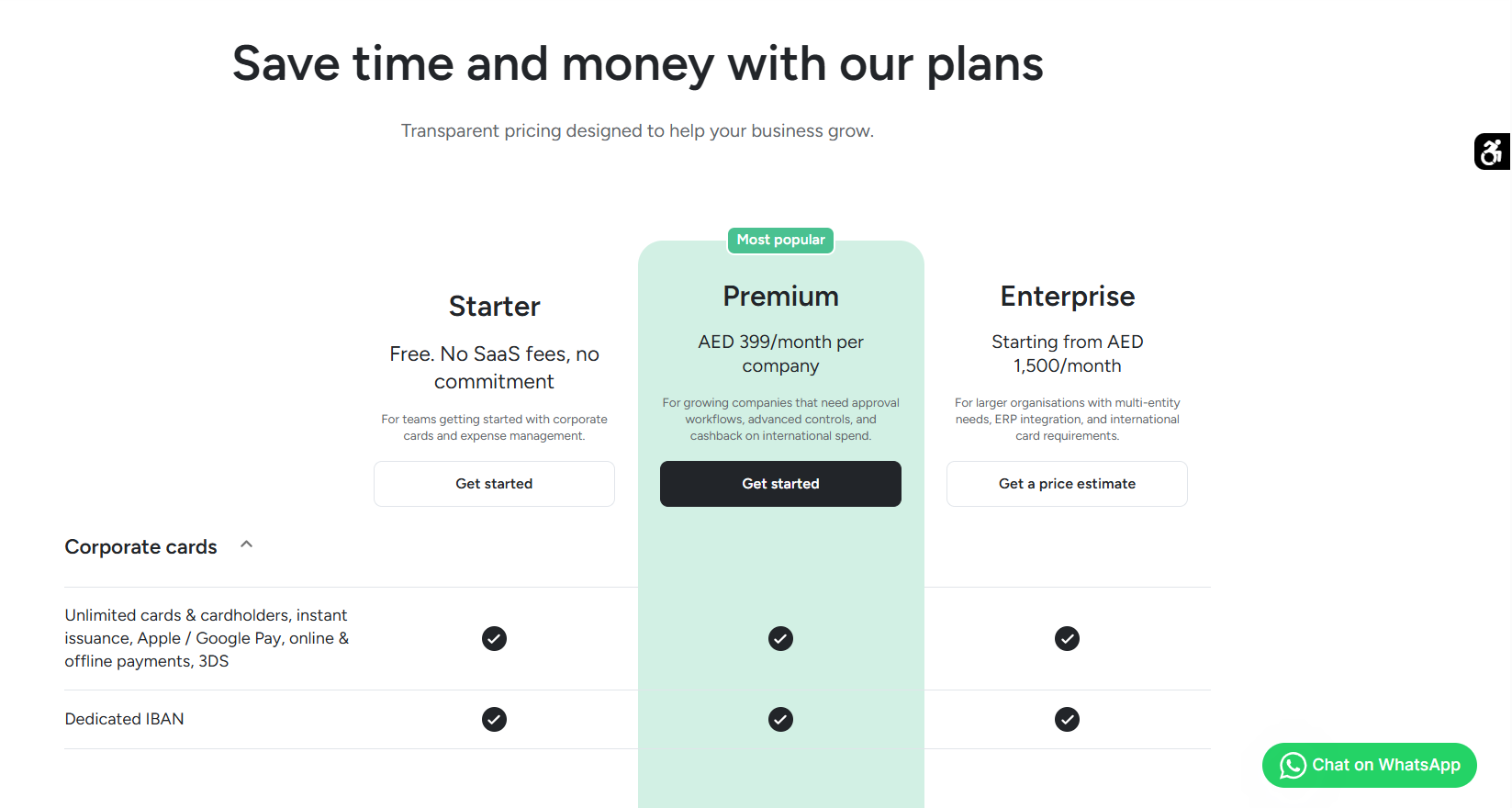
Pemo's pricing
Pricing follows the feature set, not the headcount. Users are unlimited on all three plans, as are physical and virtual cards:
- Starter: AED 0, no subscription fee and no lock-in. Cards, real-time expense creation, receipt matching, and accounting sync are all included.
- Premium: AED 399/month for the whole company. Reimbursements, non-card expenses, category restrictions, layered approvals, and the analytics dashboard switch on at this tier.
- Enterprise: from AED 1,500/month for budgets, unlimited sub wallets, custom ERP integration, developer API access, and cards for employees working outside the UAE.
You can start on the free plan, or book a demo and see it running against your own spend.
Pemo's pros and cons
✅ Unlimited users and cards on all three plans, the free one included.
✅ Expenses appear as the card clears.
✅ AI Copilot matches receipts and codes transactions.
✅ Direct sync into QuickBooks, Xero, Zoho Books, Odoo, Wafeq, and Mazeed.
✅ A dedicated IBAN on every plan.
✅ Free plan with no commitment.
❌ Cards draw on a pre-funded wallet. No credit line.
❌ Reimbursements and non-card expense tracking begin on the Premium plan.
#2: Zoho Expense
Best for: Expense reports, mileage, and per diems for teams already running Zoho.
Similar to: Expensify, SAP Concur.
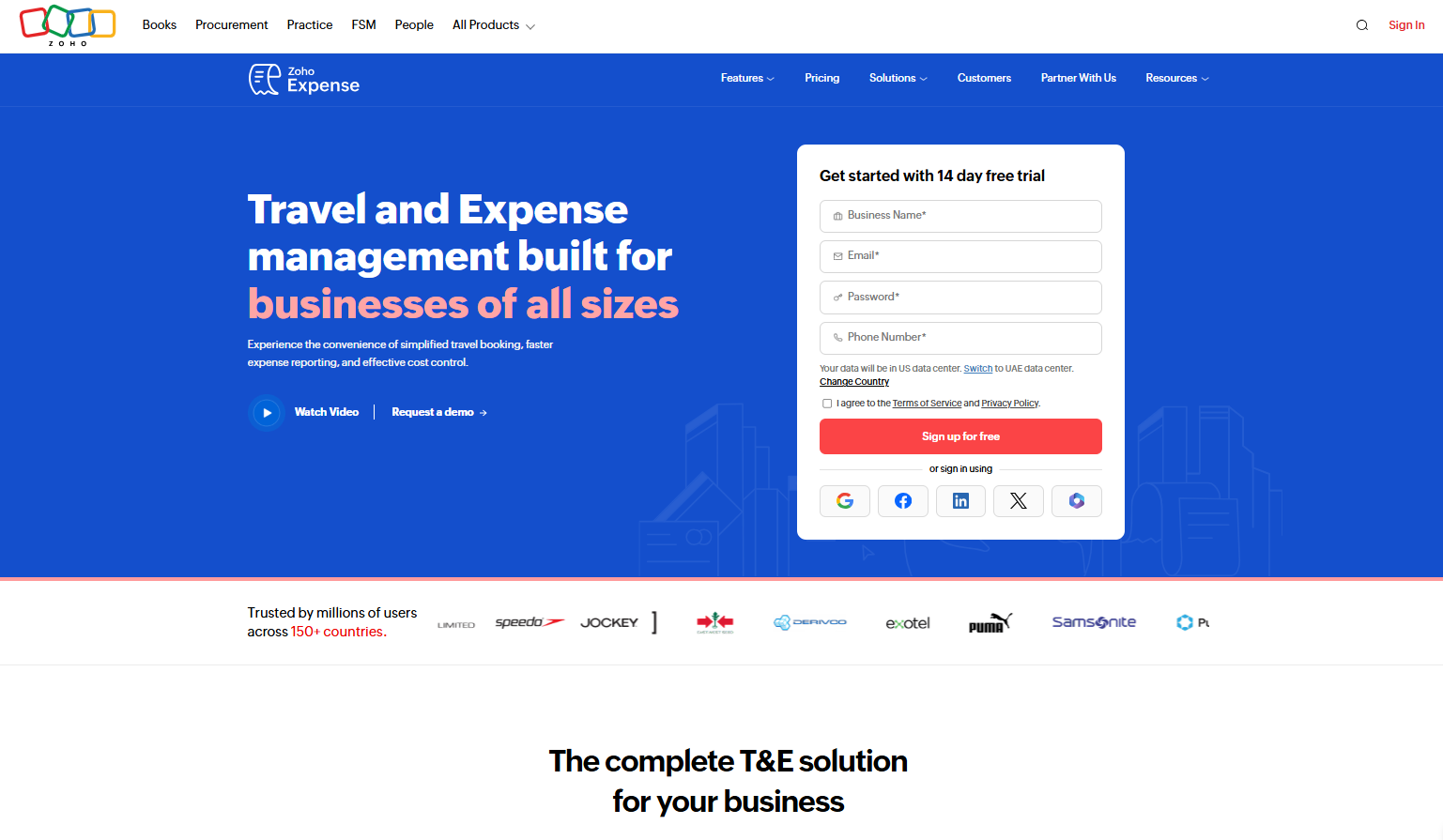
Zoho Expense gives three users a free plan, and that is where most small UAE teams handling reimbursements start with it.
Everything it captures can flow into Zoho Books, and the wider Zoho suite is the reason most buyers pick it.
Features
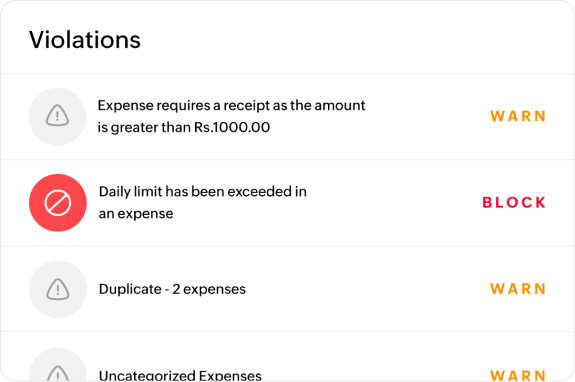
- Receipt autoscan: AI-powered OCR fills the expense from a photographed or emailed receipt, with itemised capture from Standard.
- Mileage tracking: distance logged by GPS, with automatic capture and live tracking on Premium.
- Card reconciliation: imported card transactions match against submitted expenses from the Standard plan up.
- Per diems and travel desk: automated per diem management and the in-built travel desk both arrive on Premium.
Zoho Expense's pricing
Zoho publishes UAE pricing in dirhams:
- Standard: AED 11/user/month (billed annually) with 5 minimum users, which adds corporate card management, multiple expense policies, mileage expenses via GPS, and custom user roles.
- Premium: AED 22/user/month, which adds an online travel booking tool, an in-built travel desk management tool, and automated per diem management.
- Zoho Spend: Custom pricing, which includes modules for corporate travel, expense management, cards, procurement, AP support, and payroll.

Zoho Expense's pros and cons
✅ A free tier that a two or three person team can genuinely run on.
✅ Per diem and travel request handling with years of product behind it.
❌ Some of the workflows can feel a bit rigid at times, according to one G2 reviewer.
#3: Expensify
Best for: Receipt capture and reimbursements for small and remote teams.
Similar to: Zoho Expense.
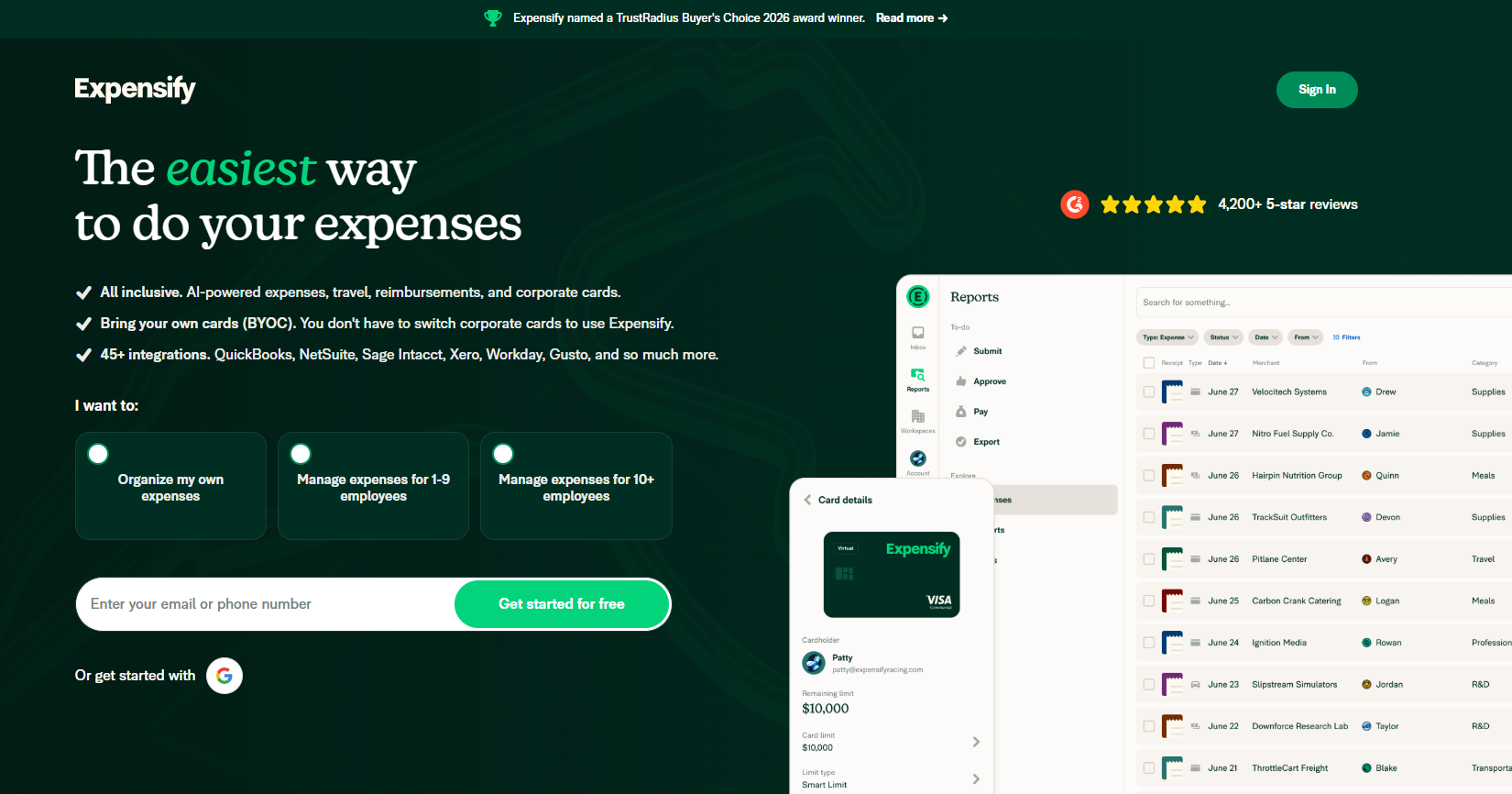
SmartScan is what made Expensify's name, and receipt capture is still the strongest thing in the product.
Features
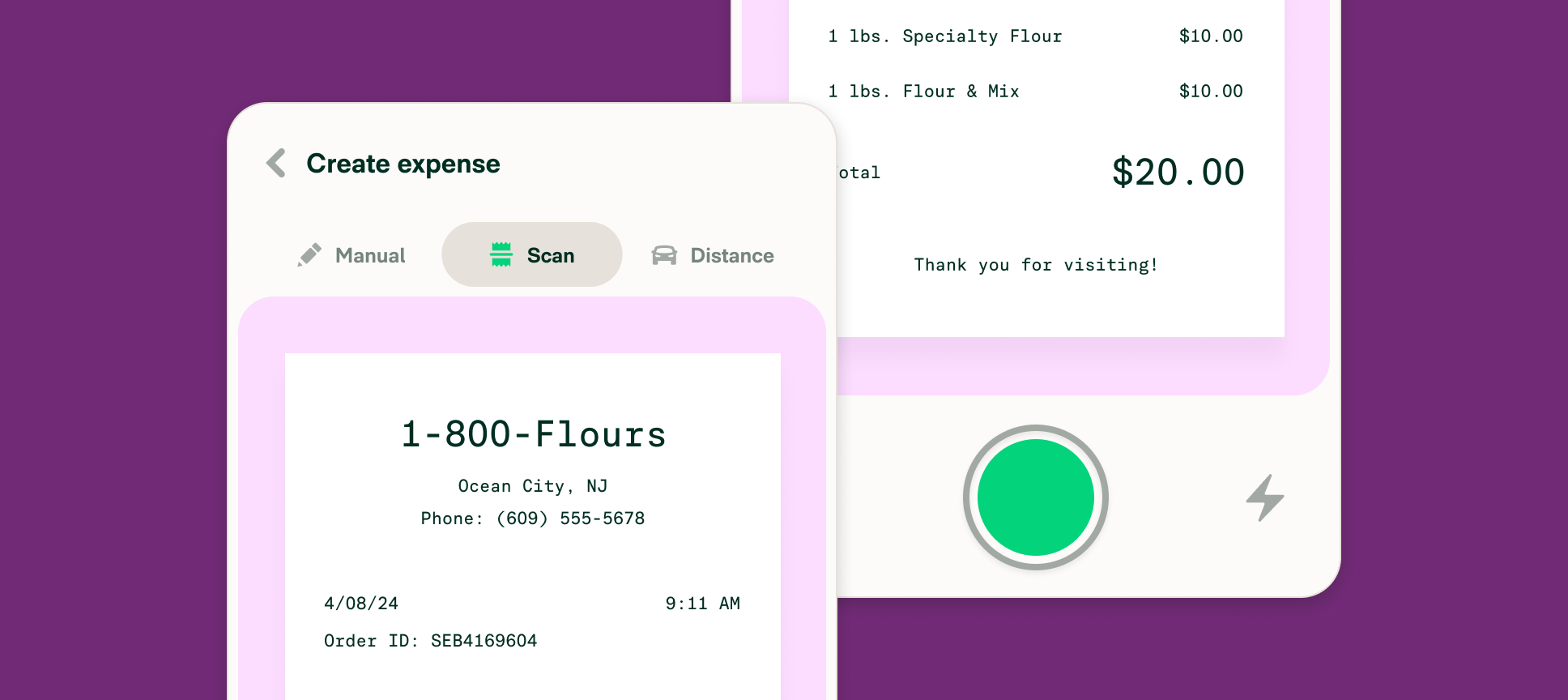
- SmartScan: photograph a receipt, and the merchant, date, amount, and currency are transcribed within seconds.
- Delegated access: a colleague can file or sign off on someone else's behalf, and auditors can be given read-only access.
- Expense splitting: one receipt divided so portions code to different categories.
- Approval depth: the Control plan carries multiple approval flows with custom expense rules, alongside NetSuite and Sage Intacct connections, while Collect covers QuickBooks and Xero.
Expensify's pricing
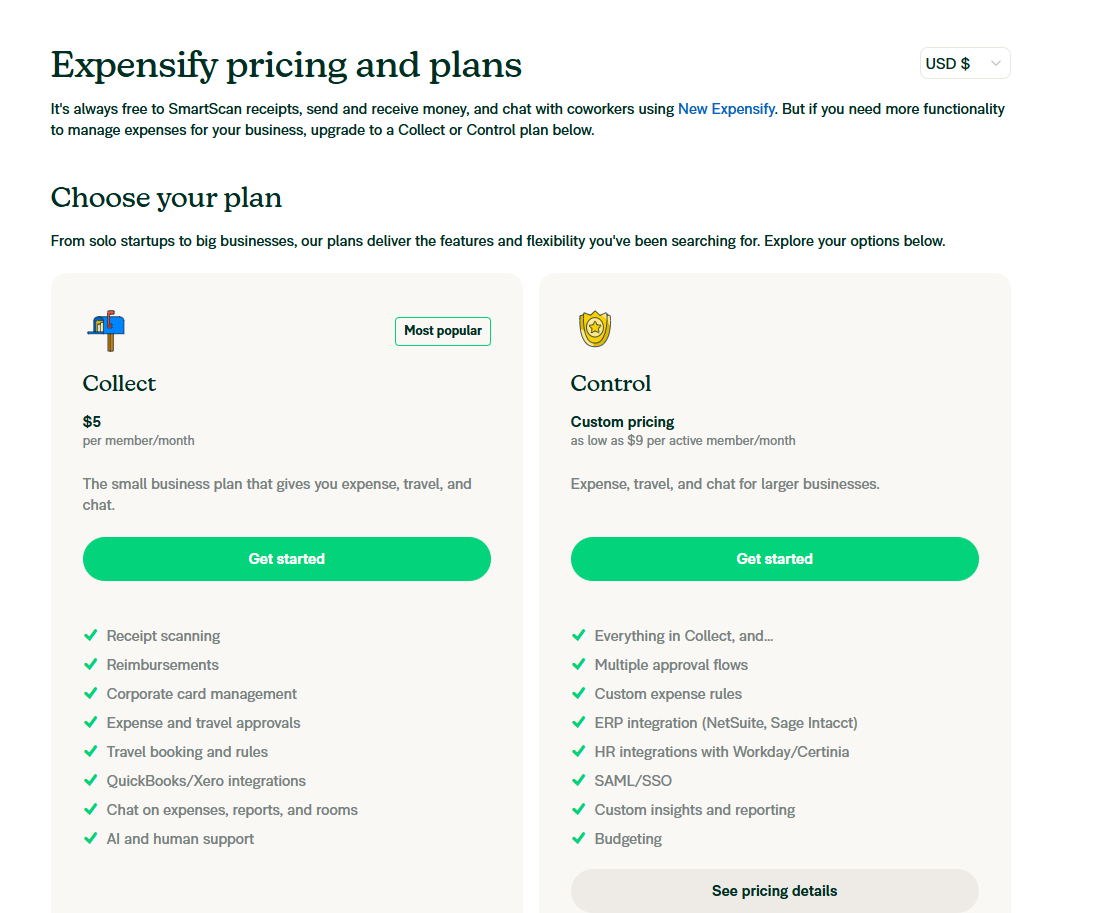
Expensify has 2 plans you can choose from:
- Collect: $5/month/user, which offers receipt scanning, reimbursements, corporate card management, expense and travel approvals, and travel booking & rules.
- Control: Custom pricing, which can be as low as $9/month/active member, and adds multiple approval flows, custom expense rules, ERP integration, and budgeting.
The platform also has a free version that lets you SmartScan receipts, send and receive money, and chat with coworkers using their New Expensify solution.
Expensify's pros and cons
✅ Receipt transcription is quick and well proven.
✅ Flat per-member pricing on Collect is easy to forecast.
✅ The free tier works for a solo operator.
❌ Expensify did a big update in January 2026 that's still difficult to get used to for interfacing as an admin, according to one G2 review.
#4: SAP Concur
Best for: Large organisations that want travel, expense, and invoice running in one system.
Similar to: Zoho Expense, Expensify.
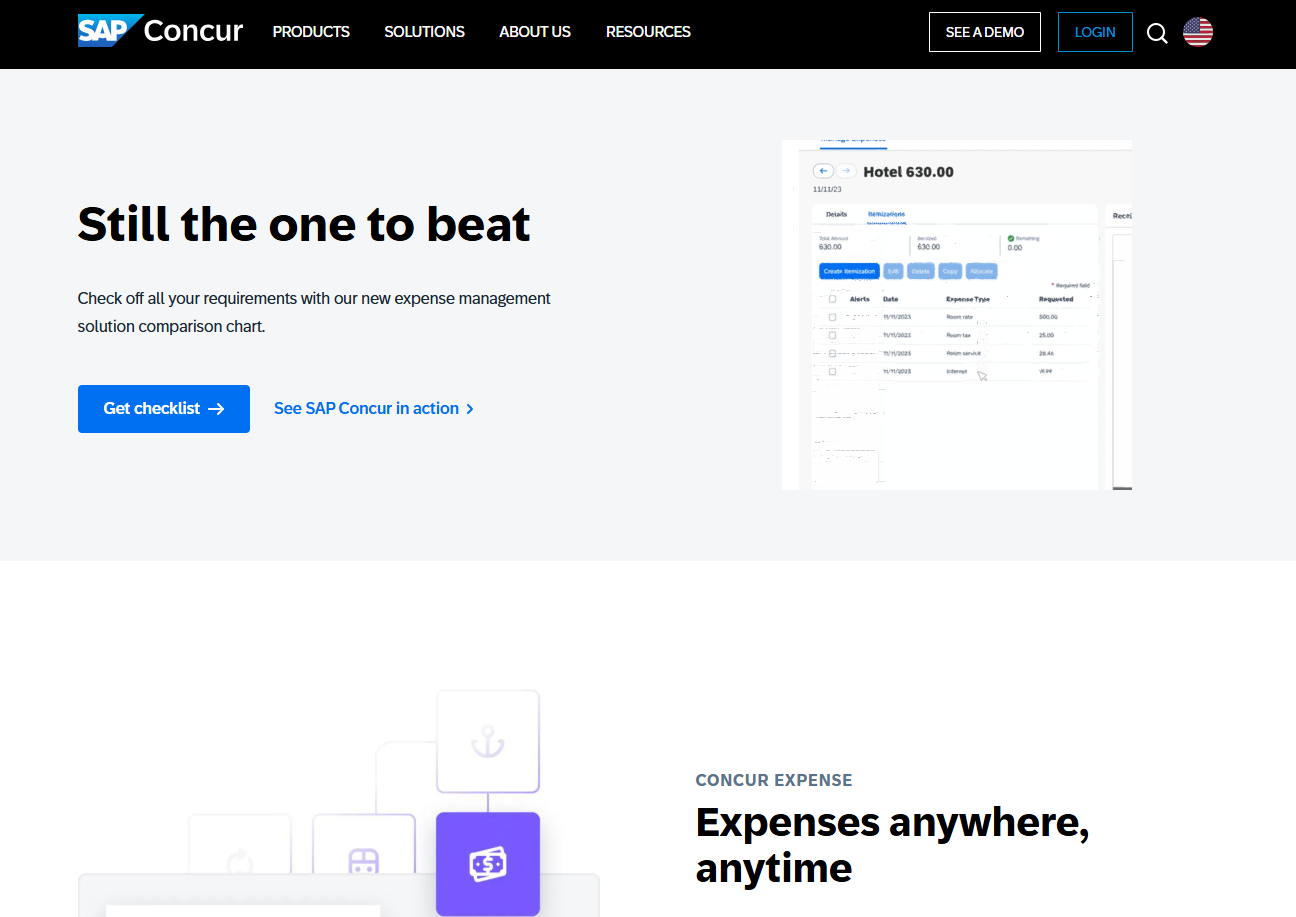
Multi-entity businesses with heavy travel programmes and an existing SAP investment are the buyers here.
Expense management is one module of three, with travel booking and accounts payable in the same platform.
Features
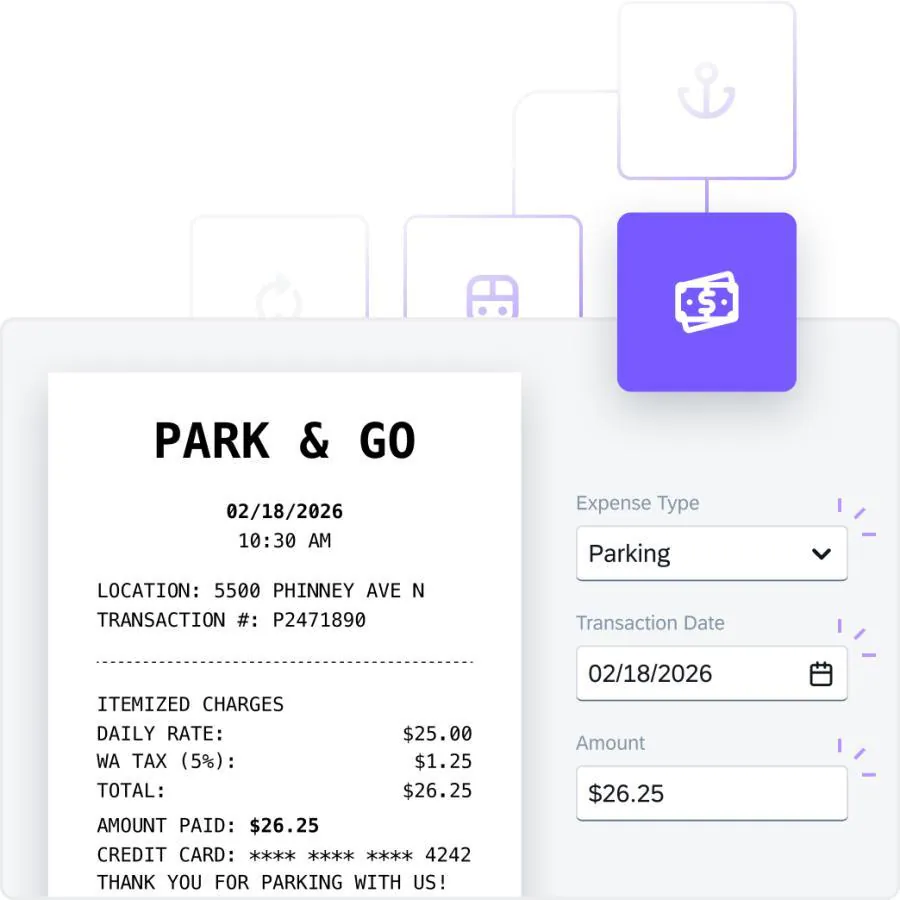
- Concur Expense: mobile receipt capture with policy checks applied while the report is built.
- Concur Travel: bookings for flights, hotels, rail, and car hire, with travel policy applied at the point of booking.
- Concur Invoice: invoice capture with purchase order matching and an AP workflow behind it.
- Expense auditing: the Verify and Intelligent Audit capabilities review every expense report, not a sample.
SAP Concur's pricing
SAP Concur does not publish pricing.
Quotes are built from your user count and the modules you take, which means a sales conversation before you can budget.
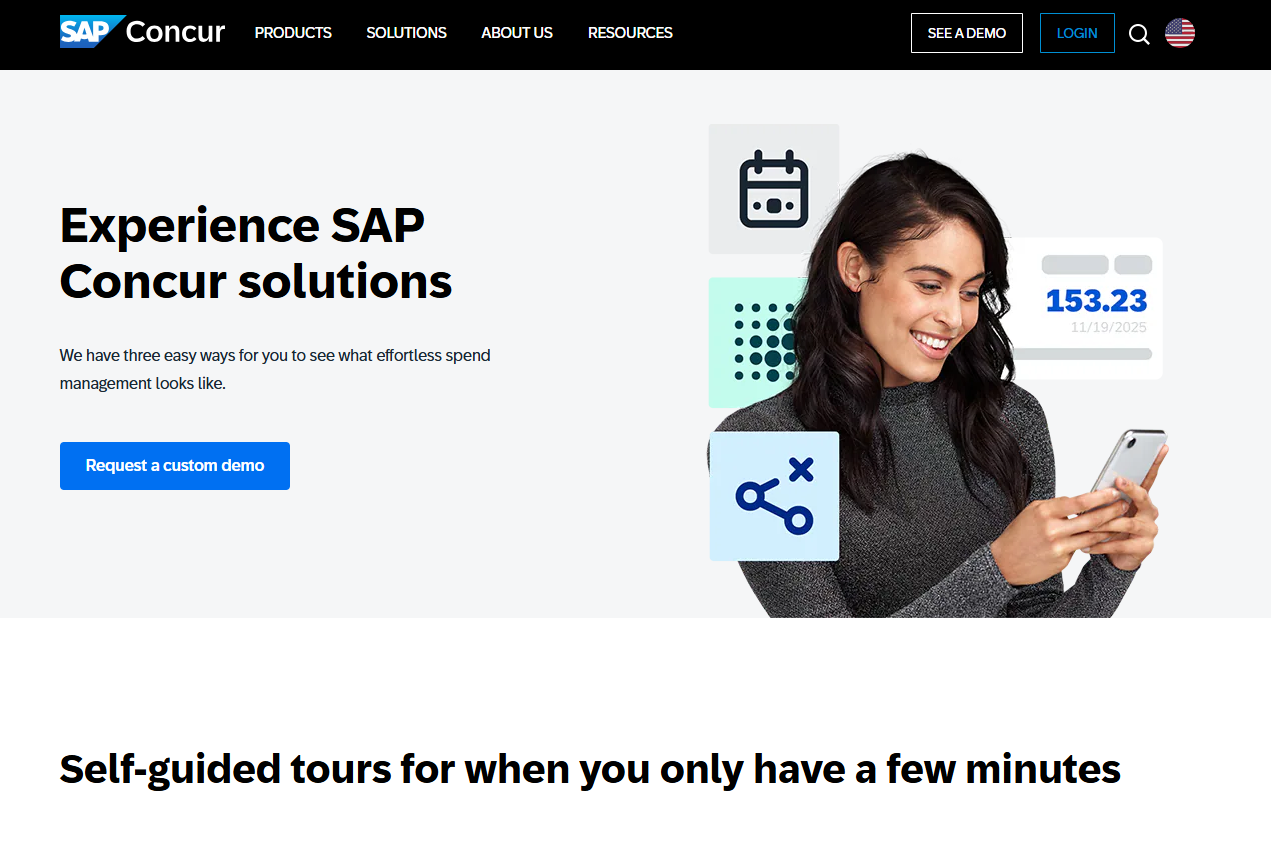
SAP Concur's pros and cons
✅ Travel inventory and expense in one place, at a scale nothing else here matches.
✅ Native integration with SAP's own ERP, plus a large partner app ecosystem.
✅ SAP reports reimbursements moving 67% faster once the process is automated.
#5: Wafeq
Best for: Recording expenses inside an accounting platform built in the UAE.
Similar to: Zoho Books, QuickBooks Online.
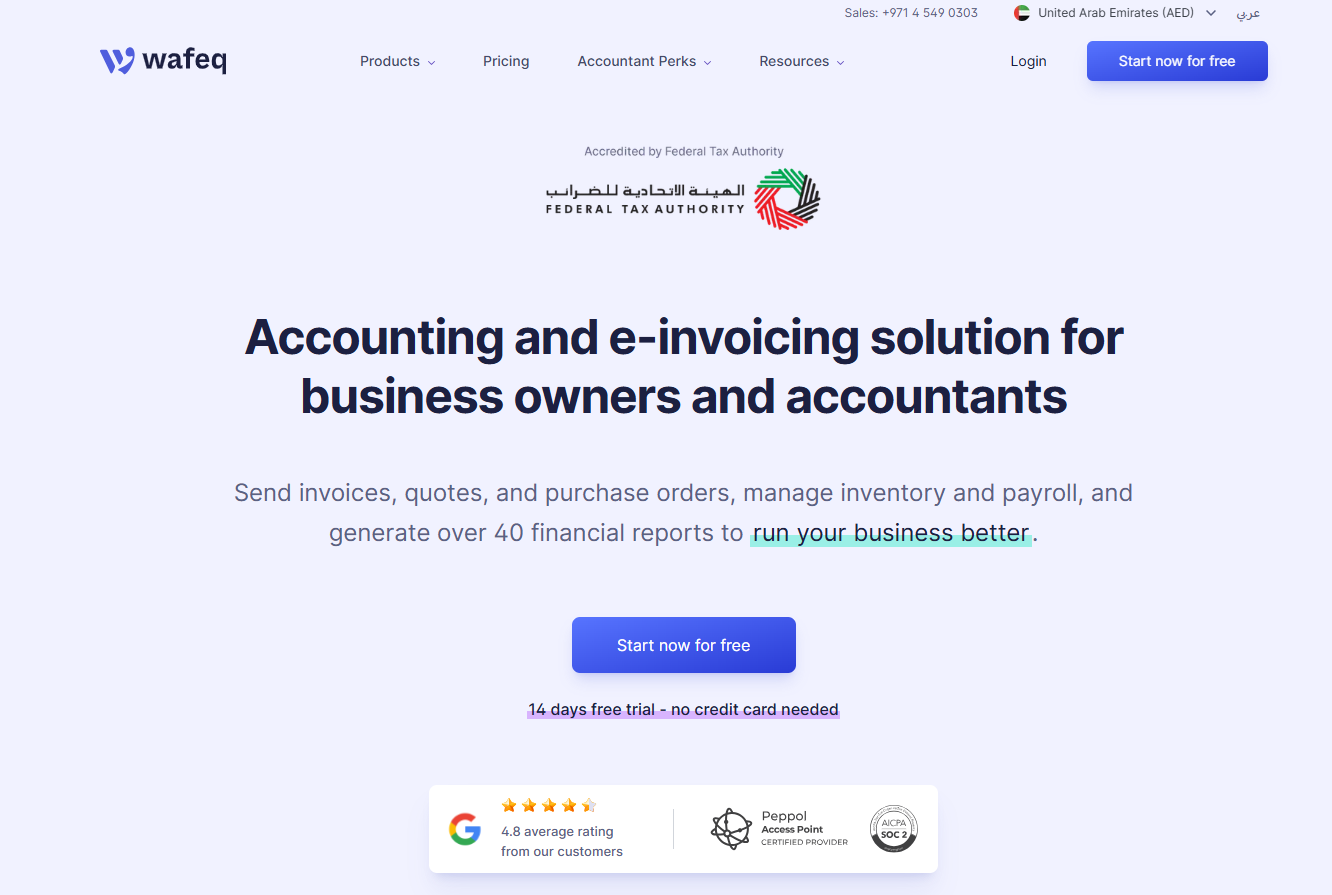
Wafeq runs separate UAE and Saudi editions of the same accounting platform, with expenses posted straight into the ledger.
Small UAE companies whose accountant wants the books and the expense records in one file tend to land here.
Features
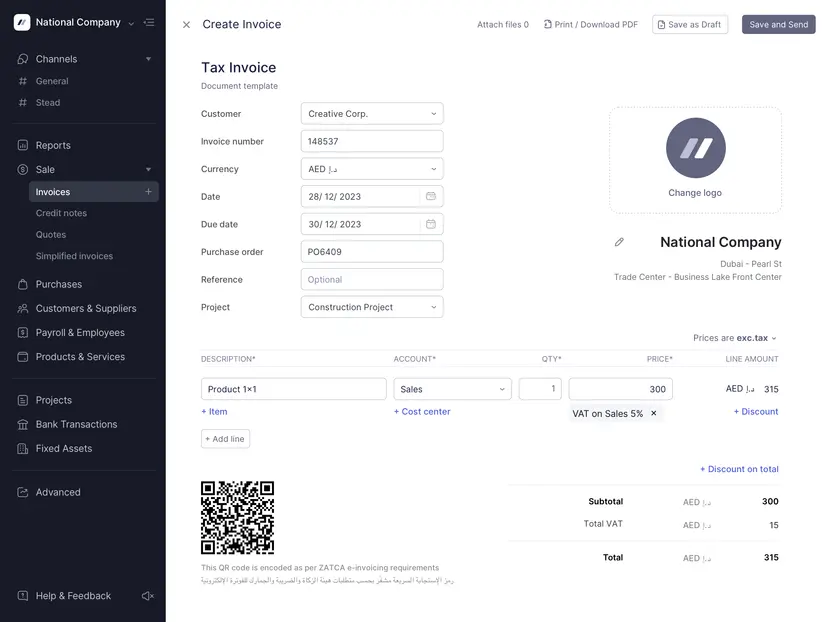
- Bank connection and reconciliation: connected accounts import transactions for matching.
- Employee claims: staff can be invited in to submit reimbursement claims.
- Purchase invoices and orders: available from the Plus plan upwards.
Wafeq's pricing
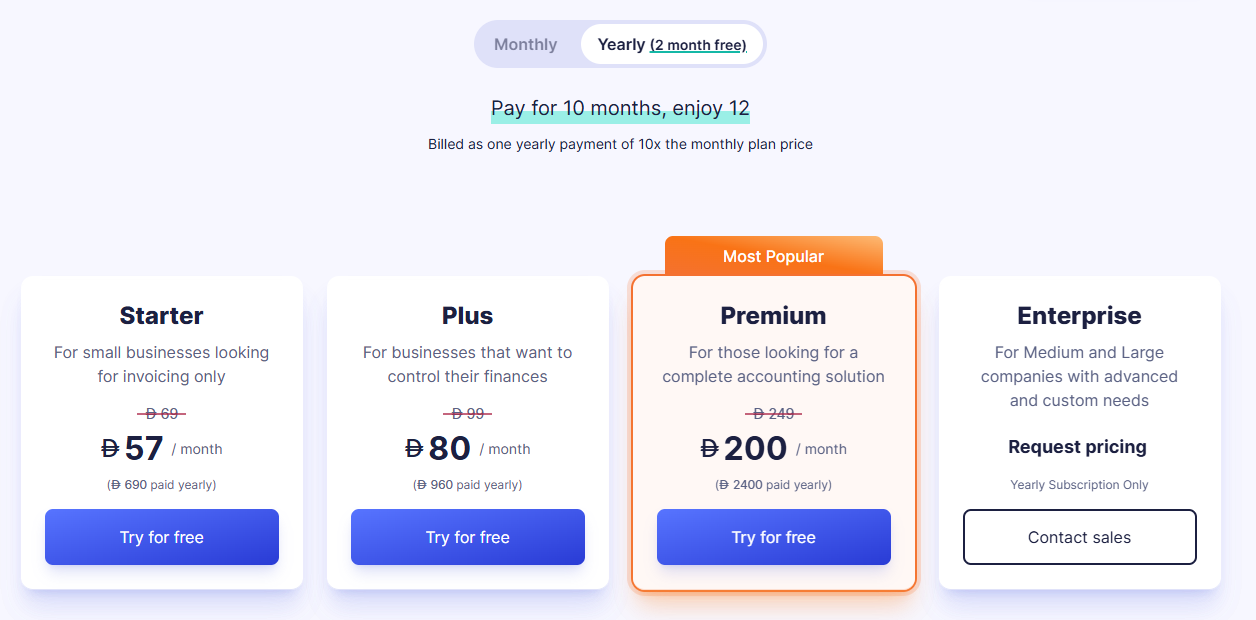
Wafeq has 4 plans:
- Starter: From AED 57/month for invoicing and core bookkeeping.
- Plus: From AED 80/month, which adds recurring invoices, bulk emailing, and branch management.
- Premium: From AED 200/month, adding payroll, employee expense claims, inventory, and consolidated reporting.
- Enterprise: Custom pricing for larger organizations.
Wafeq's pros and cons
✅ Dirham pricing, published openly.
✅ Bank connection included on the entry plan.
✅ Local support in Arabic and English.
❌ Smaller integration ecosystem than QuickBooks Online or Xero.
#6: QuickBooks Online
Best for: Expense categorisation next to invoicing, bank feeds, and core bookkeeping.
Similar to: Xero, Wafeq.
QuickBooks reports 7 million customers globally, and every plan gives your accountant their own access alongside your paid seats.
Expense tracking arrives as part of the bookkeeping rather than as a separate app.
Features
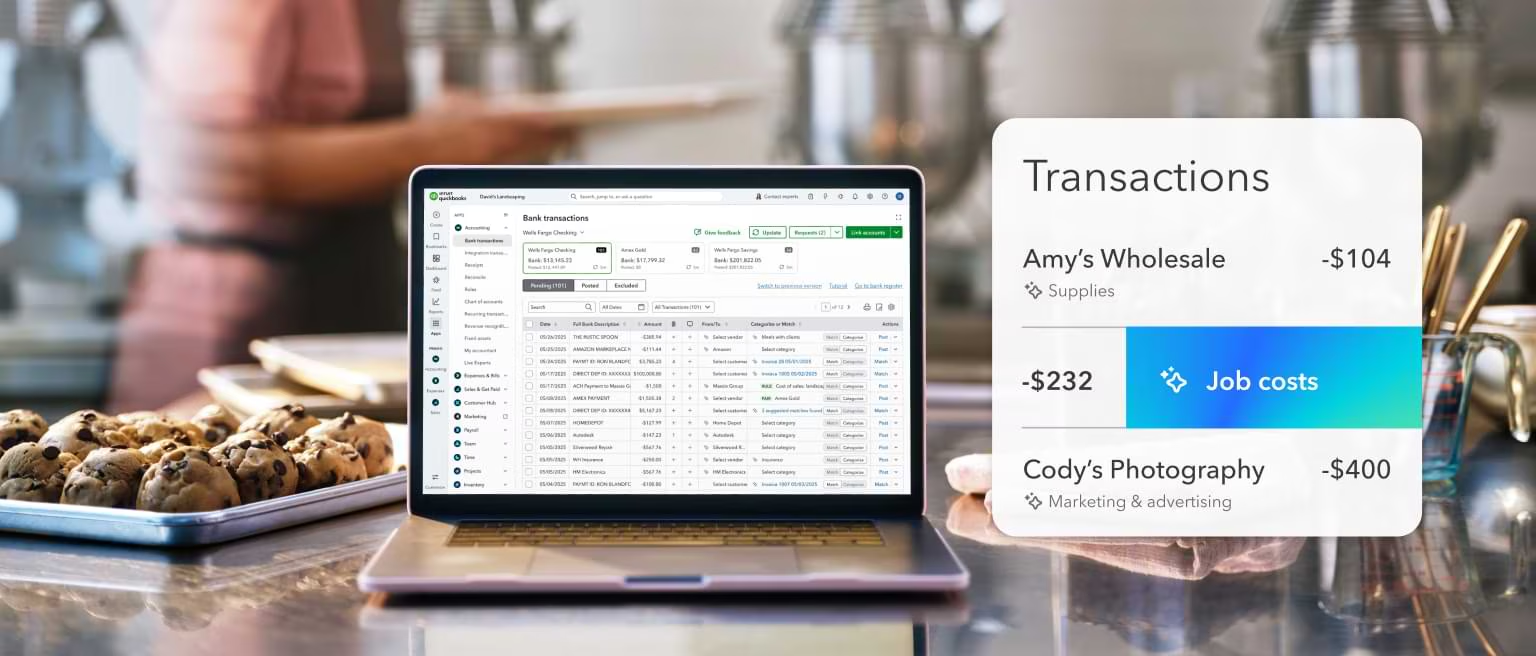
- Automated bank feeds: transactions import on their own, ready for review.
- Smart categorisation: Intuit Intelligence codes transactions and flags anomalies for approval.
- Customisable dashboard: income, expenses, and profit visible in real time.
- Bill management: supplier bills tracked from the Essentials plan.
QuickBooks Online's pricing
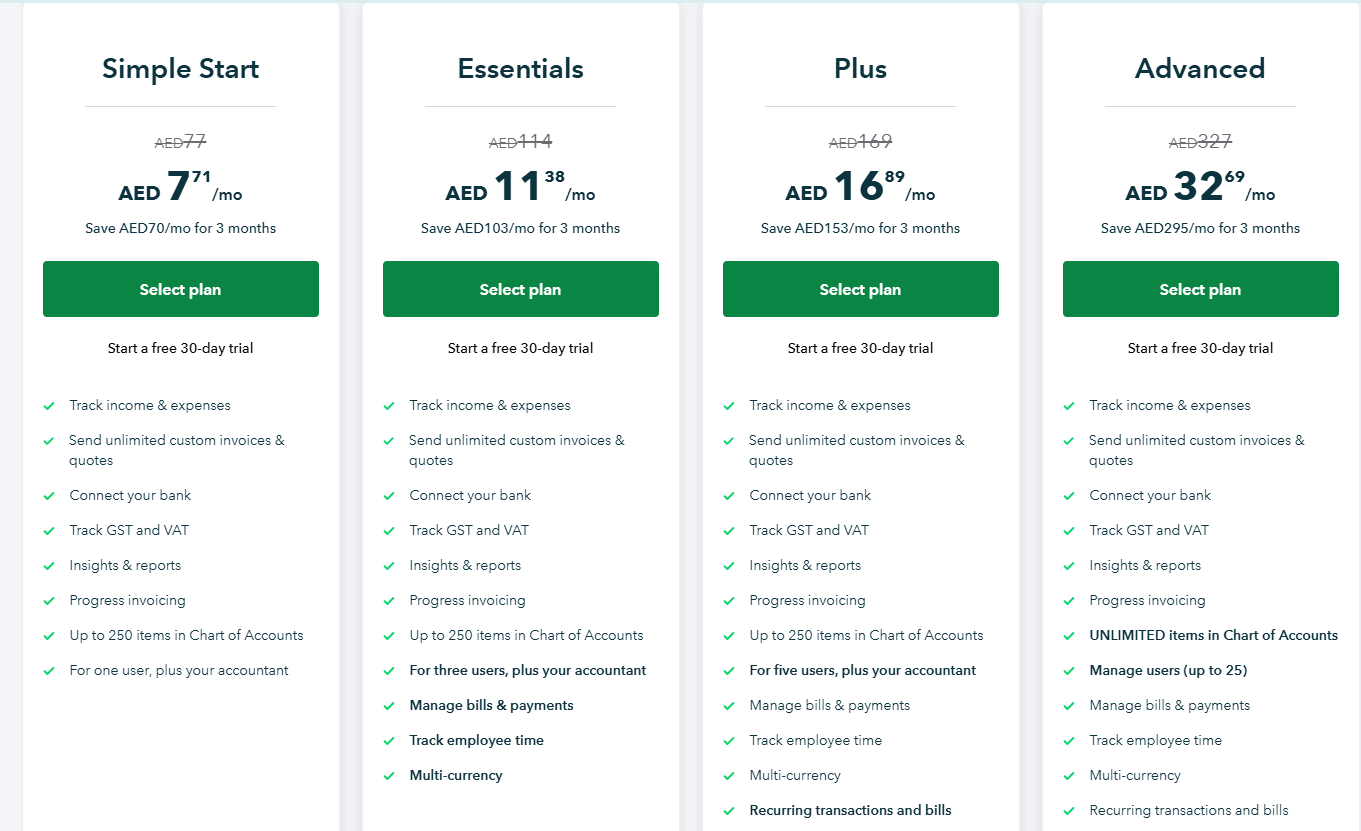
QuickBooks Online has regional pricing in the UAE, with reduced pricing in the first 3 months:
- Simple Start: AED 77/month, which lets you track income and expenses, send unlimited custom invoices & quotes, and connect your bank.
- Essentials: AED 114/month for up to 3 users, which adds the ability to track employee time, and manage bills & payments.
- Plus: AED 169/month for up to 5 users, which adds recurring transactions and bills, the ability to track your inventory, and manage budgets.
- Advanced: AED 327/month for up to 25 users, with unlimited items in Chart of Accounts, unlimited classes and locations, data sync with Excel, and the ability to automate workflows.
Note: Even though the prices are displayed in AED, billing will be processed in USD.
QuickBooks Online's pros and cons
✅ The product almost every accountant already knows.
✅ Hundreds of app integrations.
✅ Anomaly detection on categorised transactions.
❌ Prices display in dirhams while billing is processed in US dollars.
#7: Xero
Best for: Bookkeeping first, with employee expense claims bought as an add-on.
Similar to: QuickBooks Online.
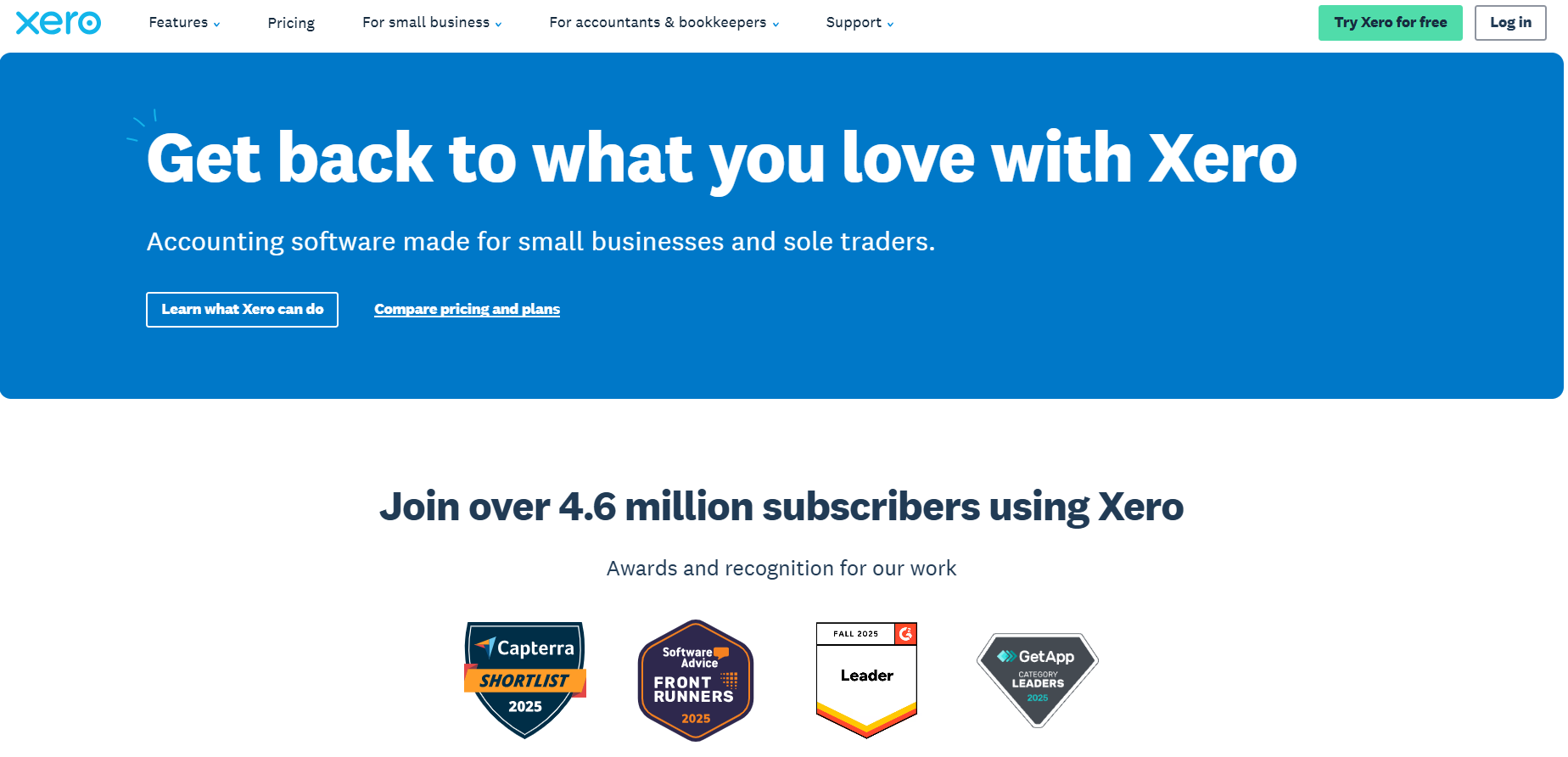
Worth knowing up front: employee expense claims are not part of the Xero plan fee, they are a module you buy on top from $4/month.
What the core product does well is multi-currency bookkeeping from a single ledger, which suits UAE businesses paying suppliers abroad.
Features
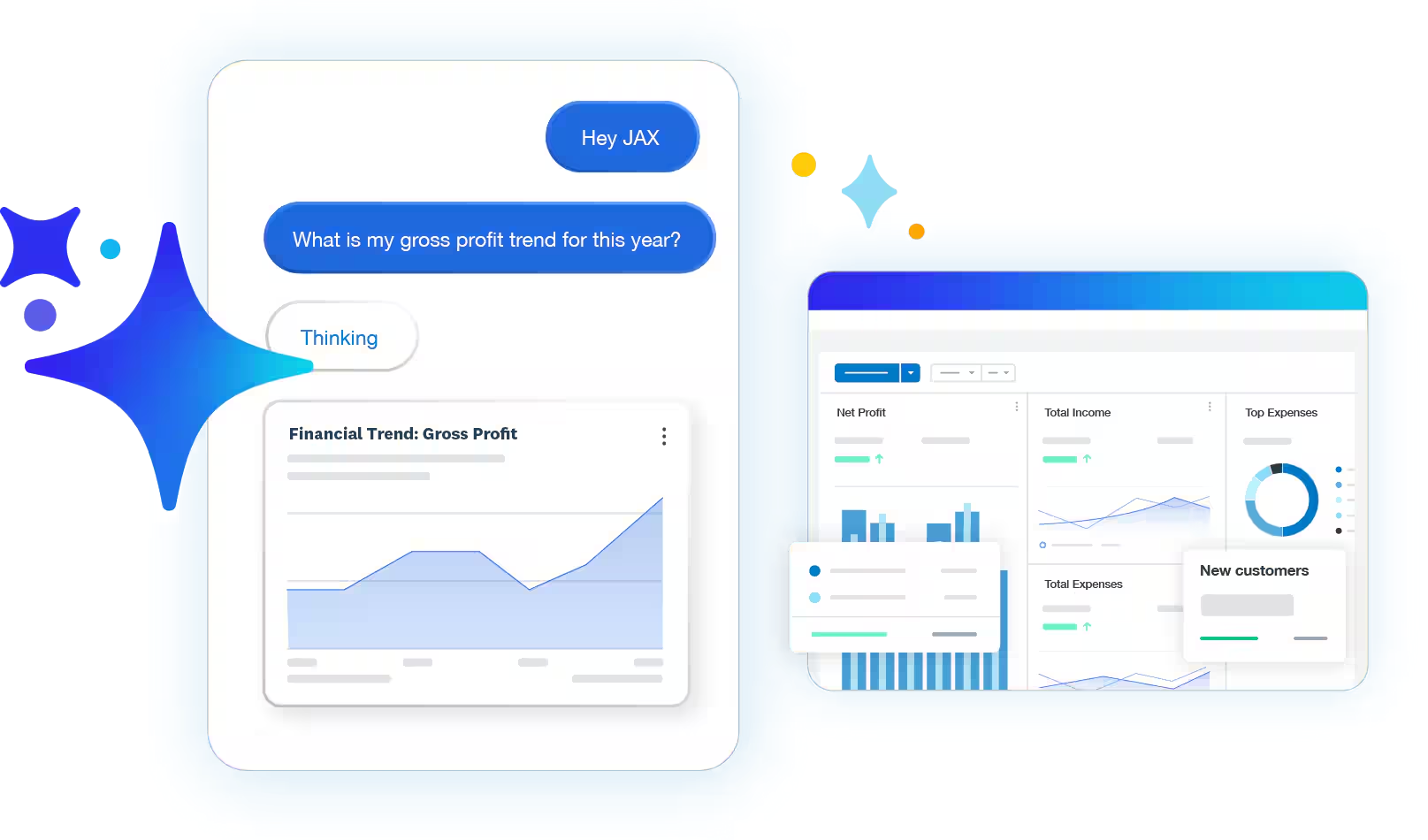
- Smart Document Capture: bills and receipts uploaded or emailed in, with the details extracted into drafts.
- Employee expense and mileage claims: the optional module that lets staff submit claims and log mileage.
- Direct UAE bank feeds: Wio Business customers get a direct feed into Xero for automatic reconciliation.
- Role-based permissions: separate control over who raises a record and who approves it.
- Multiple currencies: available on Premium.
Xero's pricing
Xero has 4 main plans, all displayed in USD:
- Lite: USD 7/month, which lets you send 5 invoices and quotes per month, accept online invoice payments, reconcile bank transactions, and capture bills and receipts with Hubdoc.
- Starter: USD 29/month, which lets you send quotes and 20 invoices, accept online invoice payments, and enter 5 bills.
- Standard: USD 50/month, which adds its auto-reconcile capability for bank transactions, personalized financial health scorecards, and the ability to customize performance dashboards.
- Premium: USD 75/month, which adds a 180-day forecast cash flow, the ability to analyze KPIs and ratios, and you can also use multiple currencies.
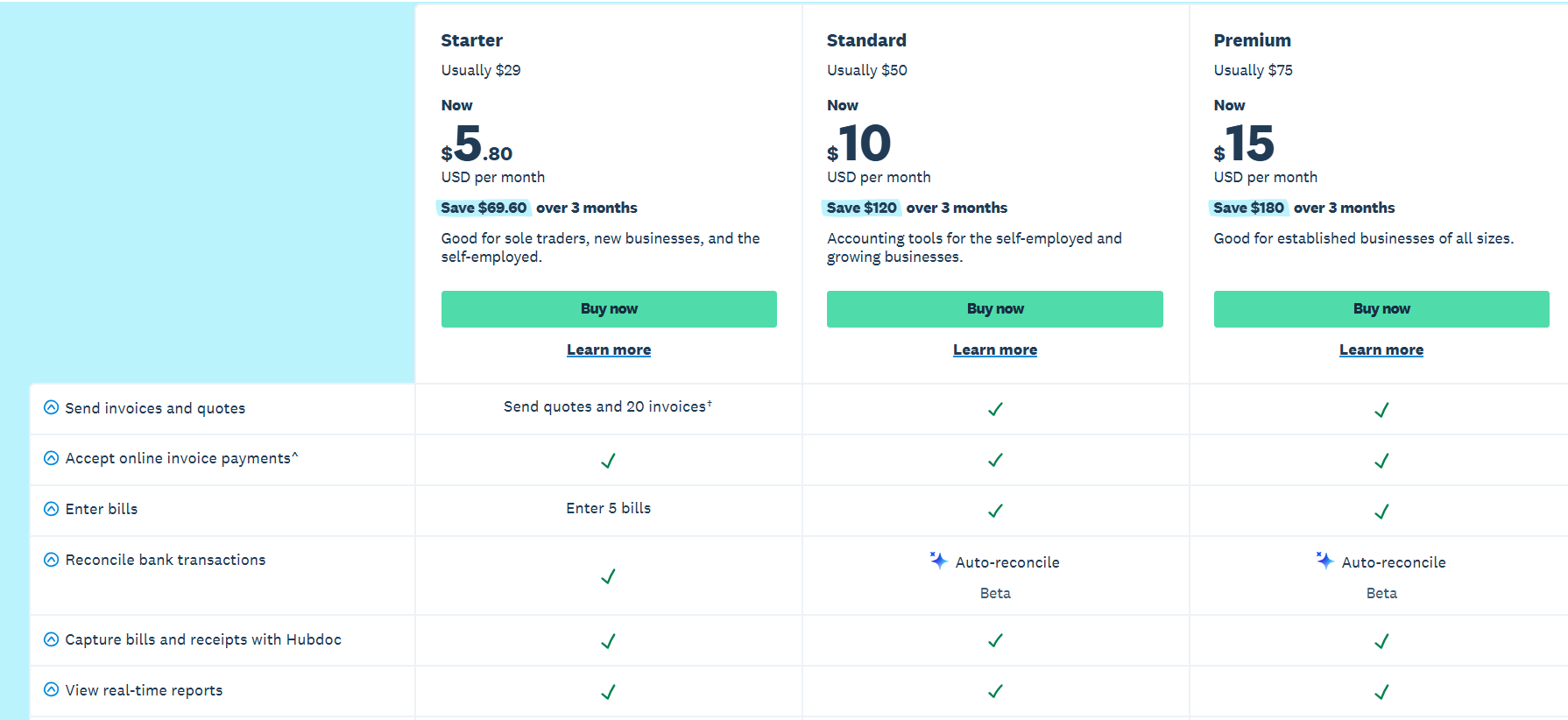
And for employee expense and mileage claims, you’ll have to pay a separate optional fee from $4/month.

Xero's pros and cons
✅ A direct UAE bank feed through Wio.
✅ Four price points, from $7/month for a micro business.
✅ Bank feeds and reconciliation draw repeated praise in Trustpilot reviews.
❌ Employee expense claims cost from $4/month on top of the plan fee.
#8: TallyPrime
Best for: Businesses that prefer accounting software installed on a PC.
Similar to: Wafeq.
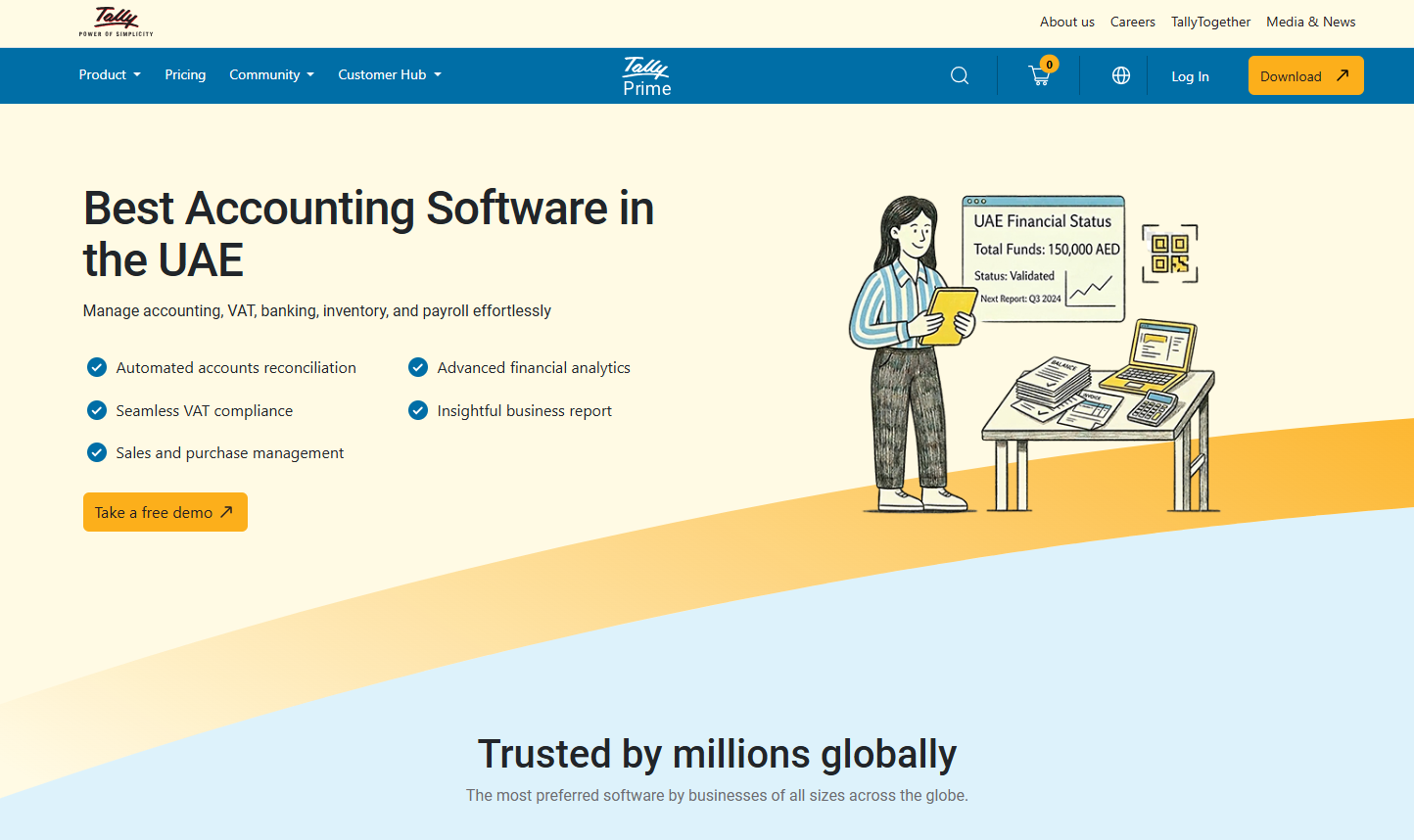
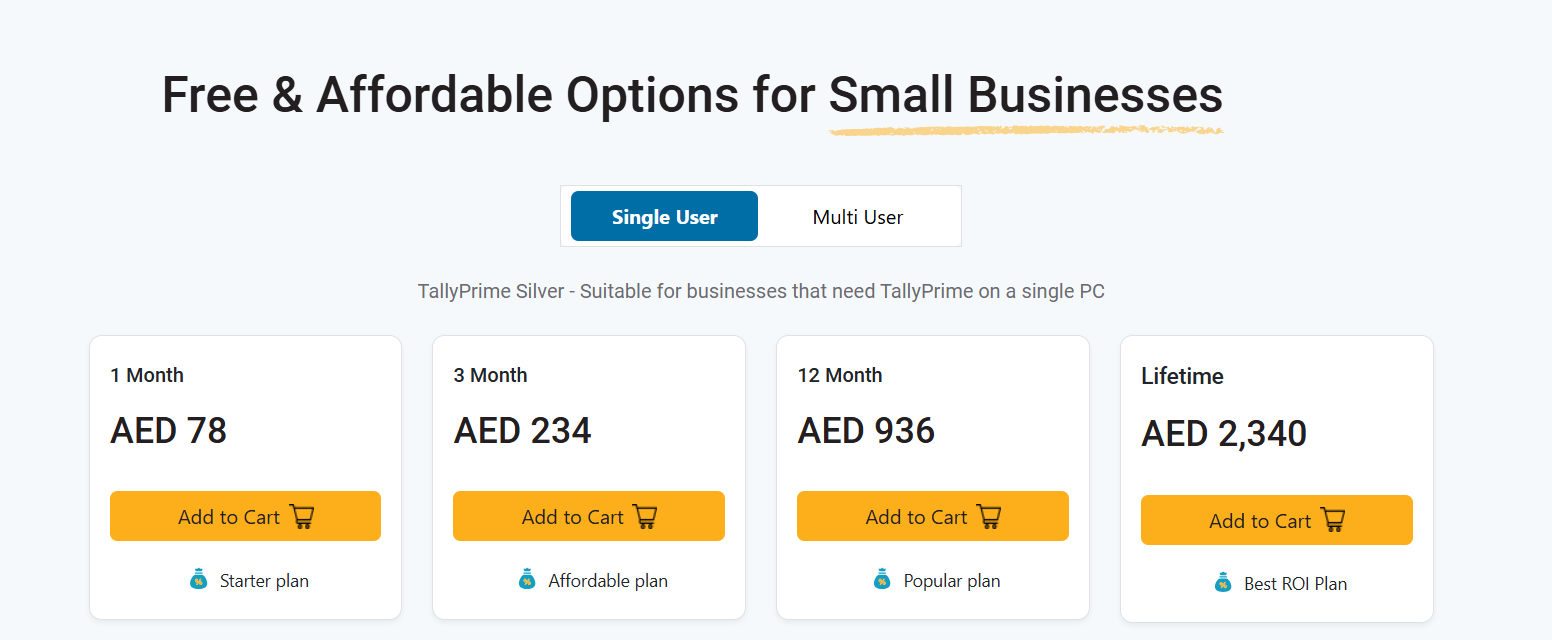
A lifetime licence at AED 2,340 is unusual in a market that has moved almost entirely to subscriptions, and that is TallyPrime's pitch.
The software installs on a machine, and expenses are entered as vouchers against ledgers, which is a different working style from anything cloud-first on this list.
Features

- Voucher-based expense entry: expenses posted to ledgers, with cost centres for allocation.
- Inventory management: stock movement tracked alongside purchases.
- Banking and cash flow: reconciliation and payment tracking, with cash flow reporting on top.
- Business reports: financial and inventory reporting available without any report building.
- TallyDrive: cloud backup for the local company data file.
TallyPrime's pricing
TallyPrime Silver covers a single PC, priced in dirhams:
- One month: AED 78.
- Three months: AED 234.
- Twelve months: AED 936.
- Lifetime licence: AED 2,340, which includes one year of Tally Software Services.
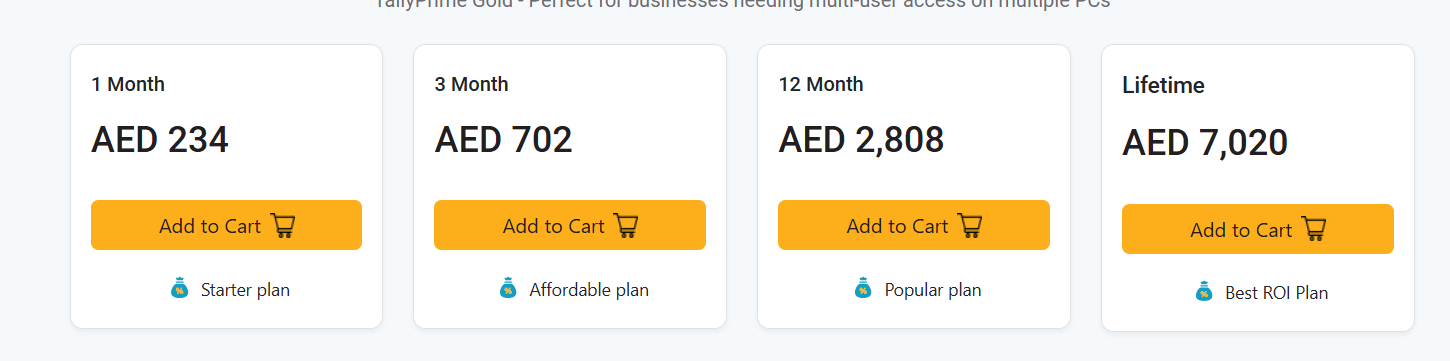
Multi-user licensing is quoted through a Tally partner.
TallyPrime's pros and cons
✅ A lifetime licence option.
✅ Deep inventory handling for trading businesses.
✅ A large UAE partner network for setup and support.
❌ The Silver licence covers one PC, with multi-user pricing quoted separately, starting at AED 234 for 1 month.
#9: Wally
Best for: Individuals budgeting personal spending by category.
Similar to: Wealthi AI.
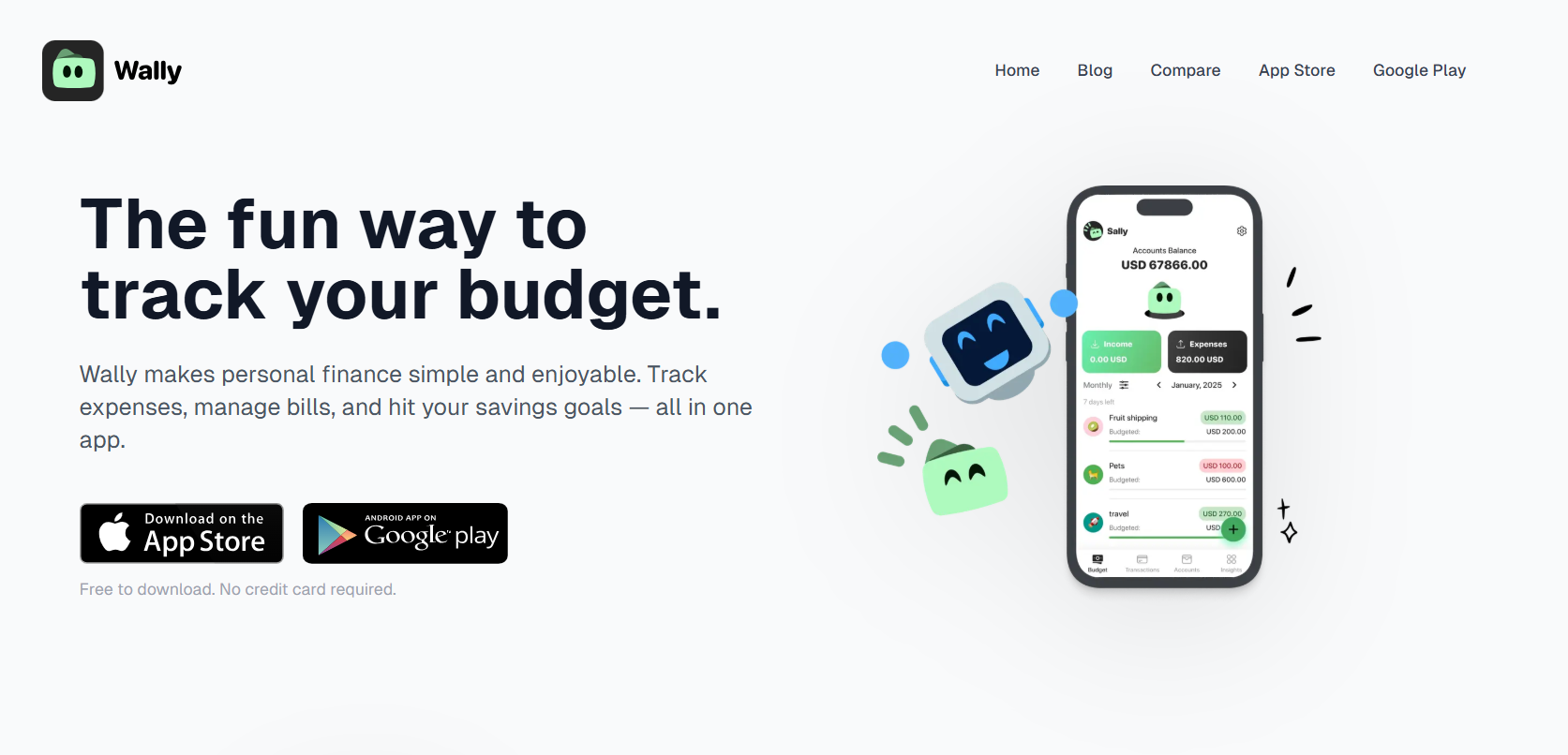
Wally is a personal budgeting app for iOS and Android, built for one person tracking their own money.
There is no company account and no approver behind it.
Features
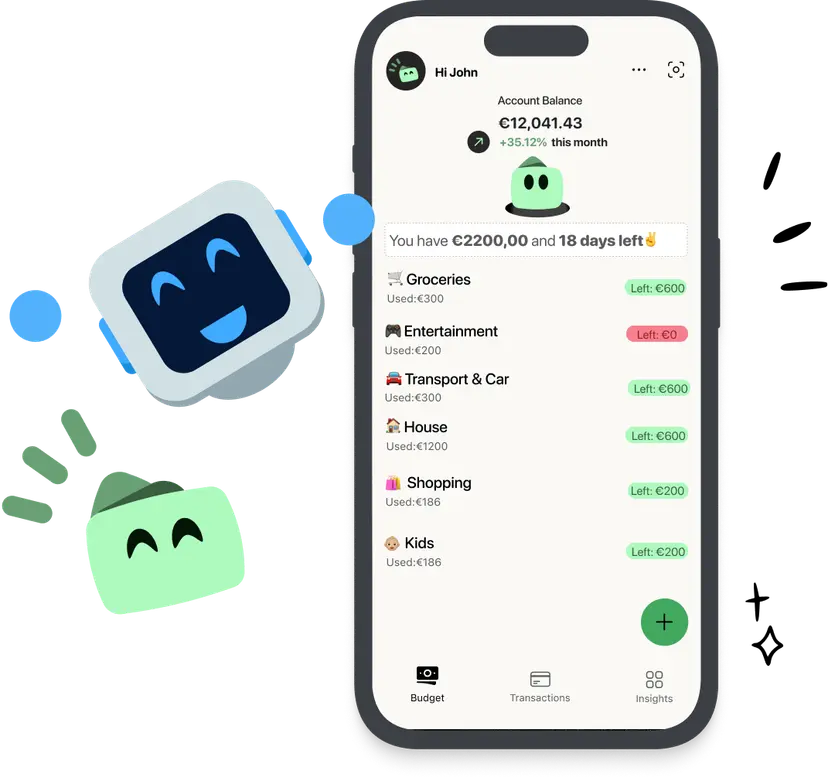
- Expense logging: spending entered in seconds and sorted by category.
- Category budgets: monthly budgets per category, with alerts before the limit.
- Bill reminders: notifications ahead of payment dates.
- Multiple accounts: cash, bank, and credit card balances in one view.
- Reports: monthly summaries with spending charts.
Wally's pricing
Wally is free to download on the App Store and Google Play, with no card required to start. I couldn’t find any other pricing information on their website.

Wally's pros and cons
✅ Free to start.
✅ Quick to learn, the main thing for a habit-based tool.
✅ Available on both iOS and Android.
❌ Built for personal budgeting, with no company accounts, approval flows, or corporate cards.
#10: Wealthi AI
Best for: Individuals tracking net worth across banks, brokerages, and wallets.
Similar to: Wally.

Over 12,000 bank connections span the UAE, US, Canada, UK, and Europe, and the UAE list includes Emirates NBD, ADCB, FAB, Mashreq, RAK Bank, and Dubai Islamic Bank.
That coverage is the reason to look at it, and again the account belongs to a person, not a company.
Features
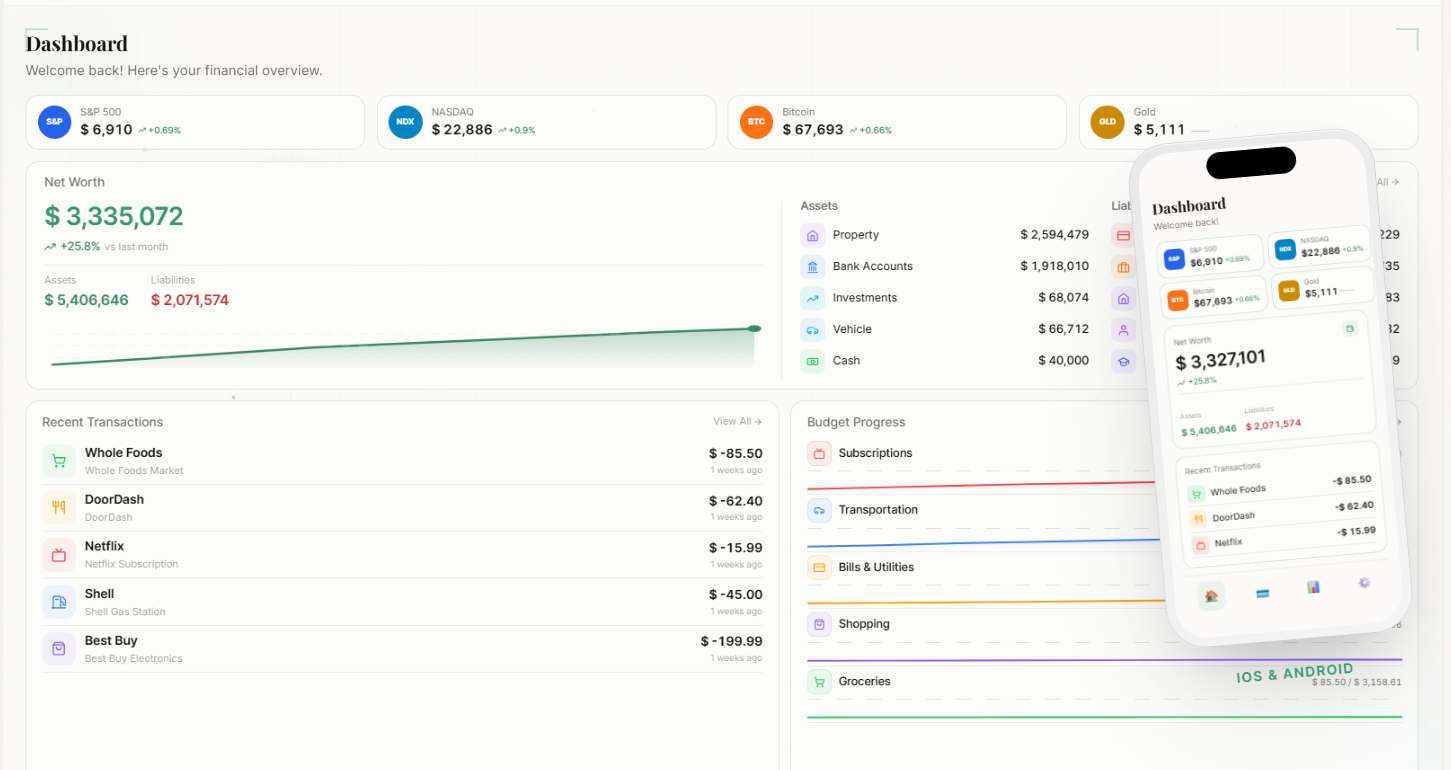
- Account connections: banks, brokerages, crypto exchanges, and wallets in one dashboard.
- AI categorization: transactions coded automatically with merchant recognition.
- Category budgets: monthly budgets with progress tracking and a 12-month history.
- Net worth tracking: assets and liabilities together, with live crypto and precious metal prices.
- Multi-currency view: balances switchable across more than 150 currencies.
Wealthi AI's pricing
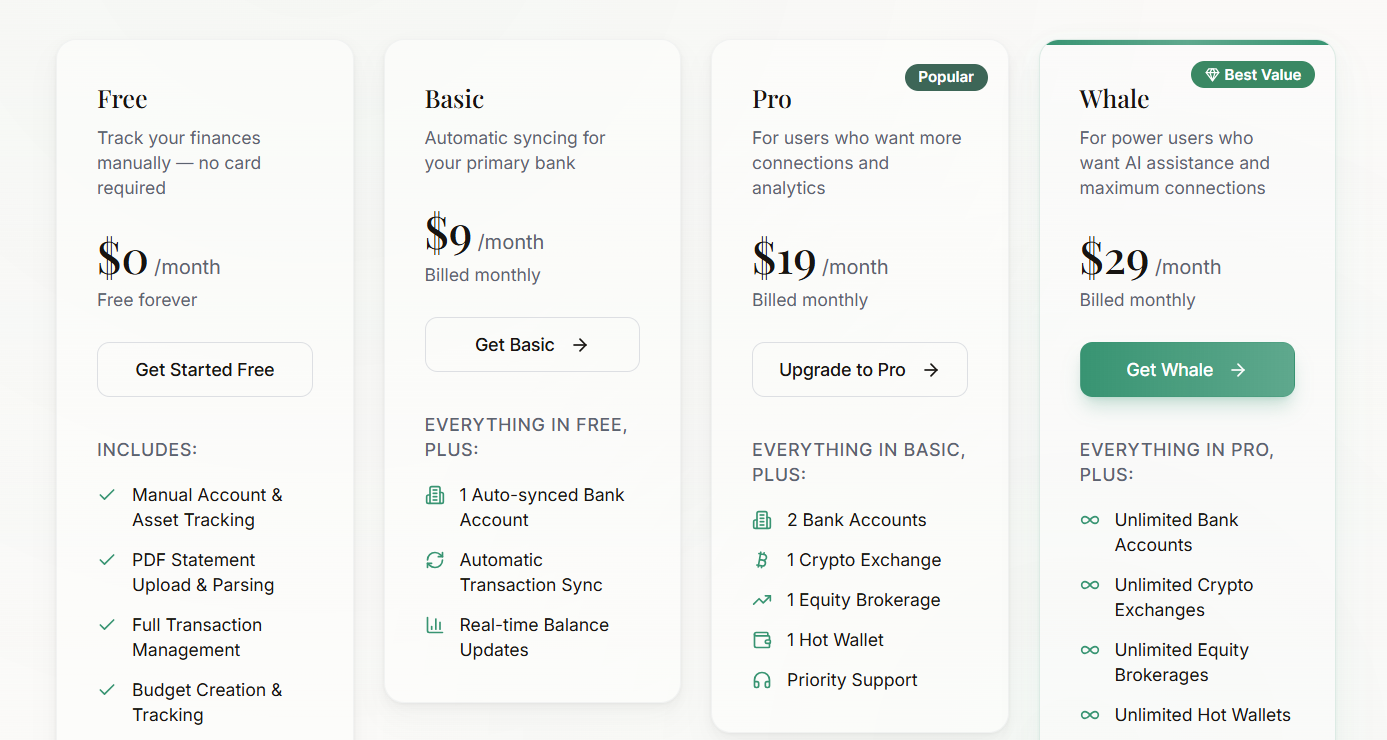
Wealthi AI has a free plan and 3 paid plans that you can choose from:
- Free: manual account tracking, PDF statement upload, transactions, budgets, and net worth tracking.
- Basic: $9/month, adding one automatically synced bank account.
- Pro: $19/month for two banks, one crypto exchange, one brokerage, and one hot wallet.
- Whale: $29/month for unlimited connections, plus AI insights and chat.
Wealthi AI's pros and cons
✅ UAE bank coverage that most global personal finance apps skip.
✅ A free tier that still includes budgets and net worth tracking.
✅ Currency switching for people earning in dirhams and thinking in dollars.
❌ Automatic bank syncing begins on the paid plans, with the free tier limited to manual entry and statement uploads.
Next steps: try Pemo for free
Some of the expense tracking tools here in this guide suit companies that reimburse employees, others suit an accountant who wants everything in the ledger.
I believe that Pemo is the right pick for mid-sized and large UAE businesses because it closes the gap every other approach leaves open, between the moment money goes out and the moment anyone can see it:
- The expense record exists as the card clears, with no form to fill in later.
- The receipt attaches itself to the transaction.
- Spend rules apply at the point of purchase, keeping tracking from doubling as enforcement.
- The coded entry reaches QuickBooks, Xero, Zoho Books, Odoo, Wafeq, or Mazeed with no manual export.
- Unlimited users and unlimited cards come with every plan, including the free one.
You can start on the free Starter plan, or book a demo and we will walk it through on your own numbers.
⚠️ Disclaimer: This article was last updated on the 19th of August, 2026. It covers general information, not tax, accounting, or legal advice, so confirm anything affecting your filings with a qualified adviser. Product features, pricing, and plan availability change, so check current details before relying on them. If you spot something that needs correcting, contact us, and we will review it.


